velvet-polls
 Dinesh
Create a complete full-stack web application project called "Online Polling System" using: Frontend: - HTML5 - CSS3 - JavaScript Backend: - Python - Django Framework Database: - MySQL The project must be professional, modern UI, responsive design, clean code, and ready to run. ================================================= PROJECT TITLE: ONLINE POLLING SYSTEM ================================================= MAIN REQUIREMENTS: There must be two separate logins: 1. Admin Login 2. User Login Both should use: - Username - Password - Create Account / Register - Login Page - Logout ================================================= AUTHENTICATION MODULE: ================================================= Create secure authentication system using Django sessions. Features: - User registration - User login - Admin login - Password hashing - Logout system - Invalid login error messages - Remember session until logout ================================================= ADMIN DASHBOARD MODULE: ================================================= Create attractive admin dashboard where admin can manage entire system. Features: 1. Poll Management - Add new polls - Edit polls - Delete polls - Add poll options - Set poll active/inactive - Set poll expiry date 2. User Management - View all users - Search users - Delete users - Block/unblock users 3. Voting Analytics - View total votes - View poll-wise votes - View most popular poll - View active users count 4. Dashboard Cards - Total Users - Total Polls - Total Votes - Active Polls 5. Charts - Bar chart for votes - Pie chart for poll results ================================================= USER DASHBOARD MODULE: ================================================= Create clean user dashboard. Features: - Welcome username - View active polls - View voted polls - Profile shortcut - Recent activity ================================================= VOTING MODULE: ================================================= Main core feature. Features: - User can vote only once per poll - Select one option using radio button - Submit vote button - Confirmation popup: "Your vote has been submitted successfully" Rules: - Prevent duplicate voting - If already voted show: "You have already voted in this poll" ================================================= RESULTS MODULE: ================================================= Create results page. Features: - Total votes - Option-wise vote count - Percentage % - Winner option highlighted - Live progress bars - Poll result chart ================================================= USER PROFILE MODULE: ================================================= Features: - View profile - Edit name - Change password - Logout - View joined date - Total polls voted ================================================= PAGES REQUIRED: ================================================= 1. Home Page 2. Register Page 3. Login Page 4. Admin Login Page 5. User Dashboard 6. Admin Dashboard 7. Poll List Page 8. Vote Page 9. Results Page 10. User Profile Page ================================================= DATABASE TABLES (MYSQL): ================================================= Create proper MySQL models/tables: 1. Users - id - username - password - role - full_name - created_at 2. Polls - id - question - created_by - created_at - is_active 3. PollOptions - id - poll_id - option_text 4. Votes - id - user_id - poll_id - option_id - voted_at ================================================= UI DESIGN: ================================================= Use modern UI with: - Bootstrap or custom CSS - Responsive mobile friendly layout - Sidebar dashboard - Cards - Tables - Buttons - Hover effects - Clean forms Color Theme: Blue + White + Dark Gray ================================================= SECURITY: ================================================= - CSRF protection - Form validation - Secure login - Password encryption - Session handling ================================================= EXTRA FEATURES: ================================================= - Search polls - Pagination - Flash messages - Poll countdown timer - Dark mode (optional) ================================================= OUTPUT REQUIRED: ================================================= Give full Django project with: - models.py - views.py - urls.py - forms.py - templates folder - static/css - static/js - SQL/MySQL setup - Step by step installation guide Also give command to run: python manage.py makemigrations python manage.py migrate python manage.py runserver ================================================= IMPORTANT: ================================================= Code must be beginner friendly, properly commented, clean folder structure, and fully working without errors.
Comments (0)
Sign in to leave a comment
System Requirements
System Requirements Document (SRD)
Project Title: velvet-polls
1. Introduction
The velvet-polls project is a full-stack web application designed as a final-year project for Dinesh in India. It aims to provide a professional-grade Online Polling System that is secure, responsive, and user-friendly. The system will allow users to create, manage, and participate in polls while offering administrators robust tools for analytics and system management. This document outlines the system requirements, ensuring the project meets academic standards and demonstrates technical proficiency.
2. System Overview
The velvet-polls system is a web-based application built using Django for the backend, React for the frontend, and MySQL for the database. It will feature two primary user roles: Admin and User, each with distinct functionalities. The system will include secure authentication, dashboards, voting modules, and analytics. The design will focus on modern UI principles, responsive layouts, and clean code to ensure usability and scalability.
Key features include:
- Secure authentication with session management.
- Admin dashboard for poll and user management.
- User dashboard for participating in polls and viewing results.
- Voting module with duplicate voting prevention.
- Analytics and charts for visualizing poll data.
- Responsive design optimized for mobile and desktop devices.
3. Functional Requirements
Authentication Module:
- As Admin, I should be able to log in securely using a username and password.
- As User, I should be able to register, log in, and log out securely.
- As User, I should receive error messages for invalid login attempts.
- As User, I should remain logged in until I explicitly log out.
Admin Dashboard:
- As Admin, I should be able to add, edit, delete, and manage polls.
- As Admin, I should be able to set poll options, activate/inactivate polls, and set expiry dates.
- As Admin, I should be able to view, search, delete, and block/unblock users.
- As Admin, I should be able to view analytics such as total votes, poll-wise votes, and active user counts.
- As Admin, I should see dashboard cards showing total users, polls, votes, and active polls.
- As Admin, I should see bar charts for votes and pie charts for poll results.
User Dashboard:
- As User, I should see a welcome message with my username.
- As User, I should be able to view active polls and my voting history.
- As User, I should have quick access to my profile and recent activity.
Voting Module:
- As User, I should be able to vote only once per poll.
- As User, I should see a confirmation popup after voting: "Your vote has been submitted successfully."
- As User, I should see a message if I’ve already voted: "You have already voted in this poll."
Results Module:
- As User, I should be able to view poll results with total votes, option-wise vote counts, percentages, and highlighted winners.
- As User, I should see live progress bars and charts for poll results.
User Profile Module:
- As User, I should be able to view and edit my profile, change my password, and see my joined date and total polls voted.
Extra Features:
- As User, I should be able to search polls and navigate through paginated results.
- As User, I should see flash messages for actions like voting or profile updates.
- As User, I should see a countdown timer for polls nearing expiry.
- As User, I should be able to toggle dark mode for the UI.
4. User Personas
Admin
- Role: System administrator responsible for managing polls, users, and analytics.
- Goals: Ensure smooth operation of the system, monitor user activity, and analyze voting trends.
User
- Role: Registered participant who votes in polls and views results.
- Goals: Engage with polls, track voting history, and manage personal profile.
5. Visuals Colors and Theme
Color Palette:
- Background: #F5F9FF (Soft Blue)
- Surface: #FFFFFF (Pure White)
- Text: #333333 (Dark Gray)
- Accent: #007BFF (Bright Blue)
- Muted Tones: #B0BEC5 (Light Gray)
Theme:
The design will feature a clean, modern aesthetic with a focus on simplicity and usability. The blue and white theme conveys trust and professionalism, while the dark gray text ensures readability.
6. Signature Design Concept
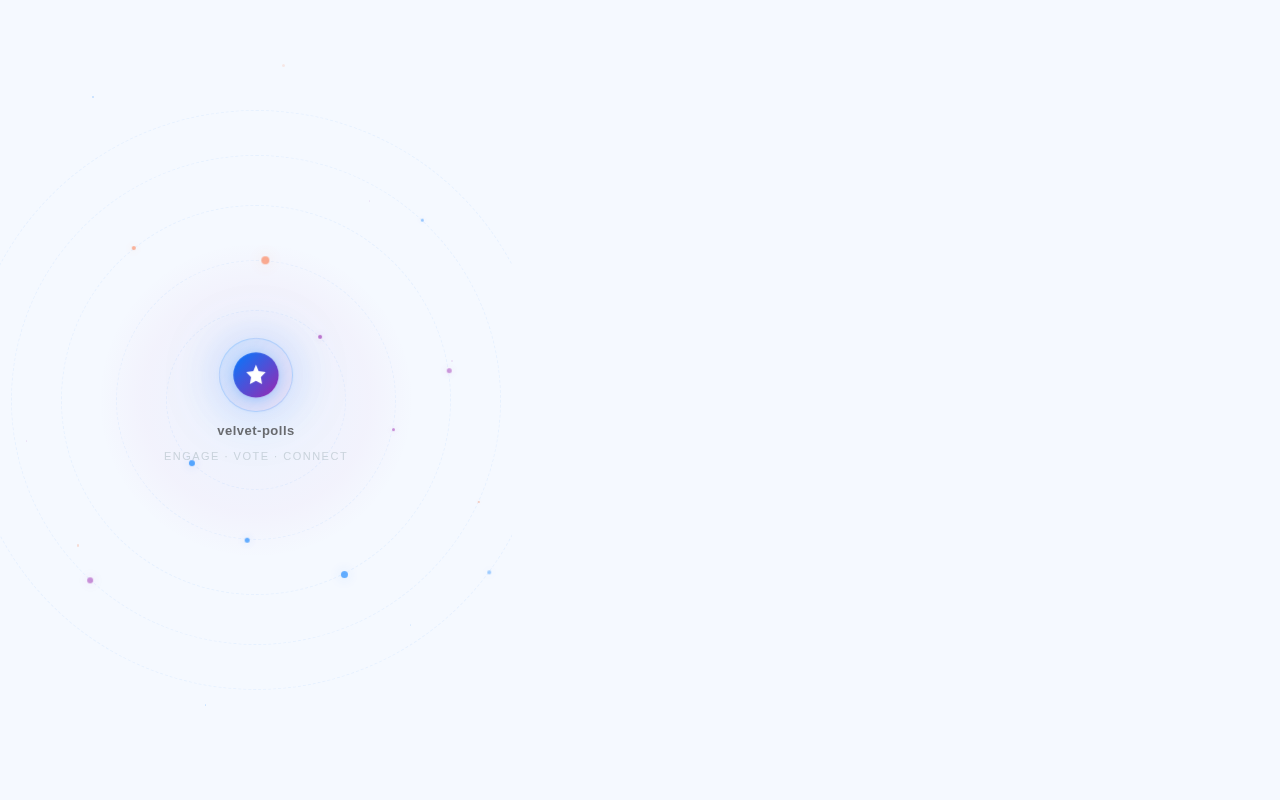
Interactive Voting Galaxy Homepage
The homepage will feature an interactive galaxy map where each star represents a poll. Users can hover over stars to see poll titles and click to navigate to the poll details. The galaxy will subtly animate, with stars twinkling and orbiting around a central "velvet-polls" logo. Micro-interactions will include:
- Smooth zoom-in transitions when clicking a star.
- Poll details appearing as a floating card with voting options.
- A dynamic background that shifts colors based on the time of day (e.g., blue for morning, purple for evening).
This bold design will make the homepage unforgettable, engaging users with a futuristic and interactive experience.
7. Non-Functional Requirements
- The system must be responsive and optimized for mobile and desktop devices.
- The backend must handle concurrent user requests efficiently.
- All forms must include validation to prevent invalid data entry.
- Passwords must be encrypted using industry-standard hashing algorithms.
- The system must support scalability for future enhancements.
8. Tech Stack
Frontend:
- React for Web
Backend:
- Python
- FastAPI
Database:
- MySQL (with Alembic for migrations)
AI Tools:
- GPT 5.4 for user-friendly responses.
Local Orchestration:
- Docker
- docker-compose
Server-Side Orchestration:
- Kubernetes
9. Assumptions and Constraints
Assumptions:
- Users will have access to stable internet connections.
- The system will primarily be used in India, with timezone set to IST (Indian Standard Time).
- Admins will manage polls and users actively.
Constraints:
- The system must comply with academic project guidelines.
- Development must be completed within the final-year project timeline.
- The database schema must remain simple and beginner-friendly.
10. Glossary
- Poll: A question with multiple options for users to vote on.
- Admin: A user role with permissions to manage polls, users, and analytics.
- User: A registered participant who votes in polls and views results.
- Dashboard: A user interface for accessing system features and analytics.
- Authentication: The process of verifying user identity.
- Responsive Design: A design approach ensuring usability across devices.
No comments yet. Be the first!