Flight bookingExample
Departs—
Arrives—
 Marketing 8080AI
Build a functional, AI-first travel management platform for web and mobile where travellers can plan, organize, and manage multi-booking trips through chat or voice. Core Features 1. Traveller Interface Secure signup, login, and session management. Dashboard for upcoming trips, bookings, alerts, and pending approvals. Conversational AI with streaming responses and voice input. Interactive trip workspace with booking cards, editable itinerary timeline, maps, and travel options. Responsive, accessible UI with light/dark themes, notifications, and deep links. 2. Trip and Booking Management Create trips and manage flights, hotels, transport, and activities. Import booking confirmations from emails, PDFs, and screenshots. Extract, validate, and store booking details, allowing users to correct errors. Maintain a central source of truth for bookings, travellers, constraints, and dependencies. Separate mandatory travel constraints from optional preferences. 3. AI Travel Agent Use tool-calling agents to retrieve trip data, suggest itinerary changes, compare options, and generate recovery plans. Ground responses in verified data; never invent bookings, prices, availability, or travel times. Maintain editable user memory, versioned prompts, debugging traces, and automated AI evaluations. Treat imported documents as untrusted data and validate extracted information. 4. Backend and Integrations Use TypeScript, typed APIs, and a structured database. Implement background jobs, retries, idempotency, verified webhooks, and streaming responses. Create modular integrations for travel search, booking retrieval/changes/cancellations, flight status, maps, speech-to-text, and text-to-speech. Support payment approval workflows through external APIs. 5. Safety and Approvals Separate read, write, and action permissions. Require explicit user authorization before booking, paying, or cancelling. Generate itemized approval requests with providers, prices, and booking details. Record actions and their actual execution results. Enforce server-side access controls and protect user data. 6. Disruption Recovery Detect flight or booking changes, identify affected itinerary items, suggest feasible alternatives, and let travellers review and approve a recovery plan. Technology and Delivery Prefer TypeScript with React Native/Expo for web and mobile, a suitable backend, and a relational database. Use AI coding agents to implement the application, review generated code, and test each feature. Start by defining the architecture, database schema, API contracts, user flows, and implementation backlog. Build incrementally, ensuring all core workflows use persistent data and work end to end. Use real integrations where credentials are available and clearly labelled mocks otherwise. Do not claim unverified functionality. Hosting, CI/CD, secrets management, and payment infrastructure are handled externally.


Sign in to leave a comment
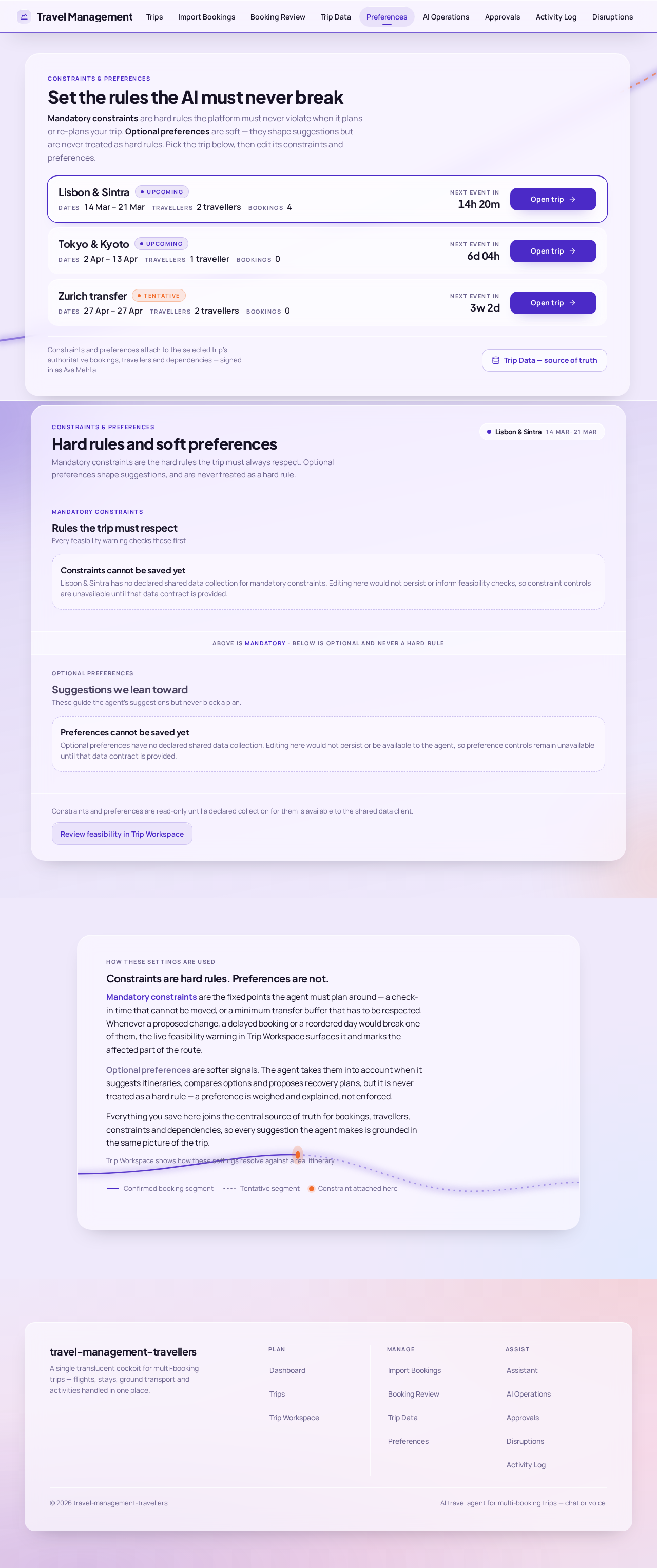
Constraints & Preferences
Mandatory constraints are hard rules the platform must never violate when it plans or re-plans your trip. Optional preferences are soft — they shape suggestions but are never treated as hard rules. Pick the trip below, then edit its constraints and preferences.
Constraints and preferences attach to the selected trip's authoritative bookings, travellers and dependencies — signed in as Ava Mehta.
Trip Data — source of truthMandatory constraints are the hard rules the trip must always respect. Optional preferences shape suggestions, and are never treated as a hard rule.
Mandatory constraints
Every feasibility warning checks these first.
Constraints cannot be saved yet
Lisbon & Sintra has no declared shared data collection for mandatory constraints. Editing here would not persist or inform feasibility checks, so constraint controls are unavailable until that data contract is provided.
Above is mandatory · below is optional and never a hard rule
Optional preferences
These guide the agent’s suggestions but never block a plan.
Preferences cannot be saved yet
Optional preferences have no declared shared data collection. Editing here would not persist or be available to the agent, so preference controls remain unavailable until that data contract is provided.
Constraints and preferences are read-only until a declared collection for them is available to the shared data client.
How these settings are used
Mandatory constraints are the fixed points the agent must plan around — a check-in time that cannot be moved, or a minimum transfer buffer that has to be respected. Whenever a proposed change, a delayed booking or a reordered day would break one of them, the live feasibility warning in Trip Workspace surfaces it and marks the affected part of the route.
Optional preferences are softer signals. The agent takes them into account when it suggests itineraries, compares options and proposes recovery plans, but it is never treated as a hard rule — a preference is weighed and explained, not enforced.
Everything you save here joins the central source of truth for bookings, travellers, constraints and dependencies, so every suggestion the agent makes is grounded in the same picture of the trip.
Trip Workspace shows how these settings resolve against a real itinerary.
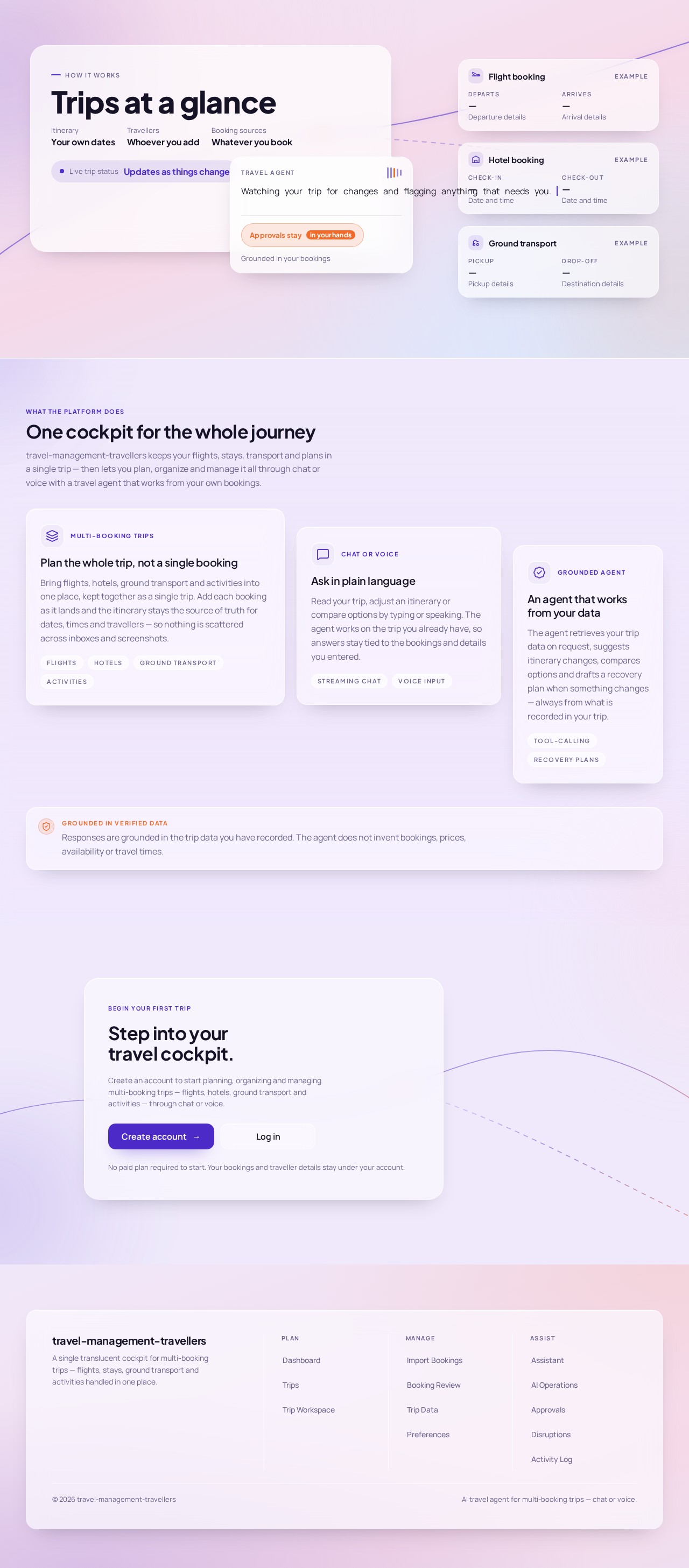
Watching your trip for changes and flagging anything that needs you.
What the platform does
travel-management-travellers keeps your flights, stays, transport and plans in a single trip — then lets you plan, organize and manage it all through chat or voice with a travel agent that works from your own bookings.
Multi-booking trips
Bring flights, hotels, ground transport and activities into one place, kept together as a single trip. Add each booking as it lands and the itinerary stays the source of truth for dates, times and travellers — so nothing is scattered across inboxes and screenshots.
Chat or voice
Read your trip, adjust an itinerary or compare options by typing or speaking. The agent works on the trip you already have, so answers stay tied to the bookings and details you entered.
Grounded agent
The agent retrieves your trip data on request, suggests itinerary changes, compares options and drafts a recovery plan when something changes — always from what is recorded in your trip.
Grounded in verified dataResponses are grounded in the trip data you have recorded. The agent does not invent bookings, prices, availability or travel times.
Create an account to start planning, organizing and managing multi-booking trips — flights, hotels, ground transport and activities — through chat or voice.
No paid plan required to start. Your bookings and traveller details stay under your account.
No comments yet. Be the first!