01Access
Login Module
Admin and teacher log in with a username and password, and each role is sent to the dashboard it is allowed to use.
 sarvesh gadage
MINI PROJECT DEVELOPMENT PROMPT Build a complete, beginner-friendly mini project called Student Attendance Management System based on the 10 weekly mini-project reports I have provided. Project Objective Create a web-based application to digitally manage student attendance, maintain student records, calculate attendance percentages, and generate attendance reports. Technology Stack - Frontend: HTML5, CSS3, Bootstrap - Backend: Python Flask - Database: MySQL - IDE: Visual Studio Code Required Modules 1. Login Module - Admin login - Teacher login - Username and password authentication - Role-based dashboard access - Logout functionality 2. Student Registration Module - Add student - Roll number - Student name - Class - Department - Semester - Edit student details - Delete student details - Validate inputs 3. Admin Dashboard - Total students - Total teachers - Total subjects - Total attendance records - Clean dashboard with statistic cards 4. Attendance Management - Select class - Select subject - Select attendance date - Display students - Mark students as Present or Absent - Save attendance in the database - Prevent duplicate attendance records for the same student, subject and date 5. Attendance Records - View attendance history - Search using roll number - Filter by date - Filter by subject - Display records in a table 6. Attendance Percentage Calculate the attendance percentage using: Attendance Percentage = (Total Present Classes / Total Conducted Classes) × 100 Display each student's attendance percentage. 7. Low Attendance Alert - Identify students having attendance below 75% - Display a warning message - Show the students in a low-attendance list 8. Attendance Reports - Student-wise attendance report - Subject-wise attendance report - Total present and absent count - Attendance percentage - Print report option 9. Teacher and Subject Management - Add teachers - Add subjects - Assign subjects to teachers - Manage basic teacher details Database Create MySQL database "attendance_db" with appropriate tables such as: - users - students - teachers - subjects - attendance Use proper primary keys, foreign keys and relationships. UI Design Create a modern, professional college project dashboard. Design requirements: - Sidebar navigation - Top navigation bar - Dashboard statistic cards - Clean tables - Search box - Responsive design - Attractive blue and white color theme - Professional login page - Easy navigation between modules Development Requirements 1. Generate a complete working project, not just sample code. 2. Create all required Python, HTML, CSS and SQL files. 3. Use Flask for backend development. 4. Connect the application to MySQL. 5. Include sample students, teachers and subjects. 6. Create a default admin account for demonstration. 7. Make all buttons and forms functional. 8. Handle errors and invalid inputs. 9. Keep the code simple enough for a second-year engineering student to understand and explain. 10. Do not use unnecessary advanced technologies. Deliverables Provide: - Complete project folder structure - All source code files - MySQL database setup script - requirements.txt - README.md - Installation instructions - How to run the project in VS Code - Sample login credentials - Test cases - Project abstract - Future scope - Conclusion IMPORTANT I have very little time to complete this mini project. Prioritize a fully functional, simple project that can run locally. Build the core modules first and avoid complicated features. Provide every file with complete code and exact setup steps. Do not leave unfinished placeholders or missing functions.


Sign in to leave a comment
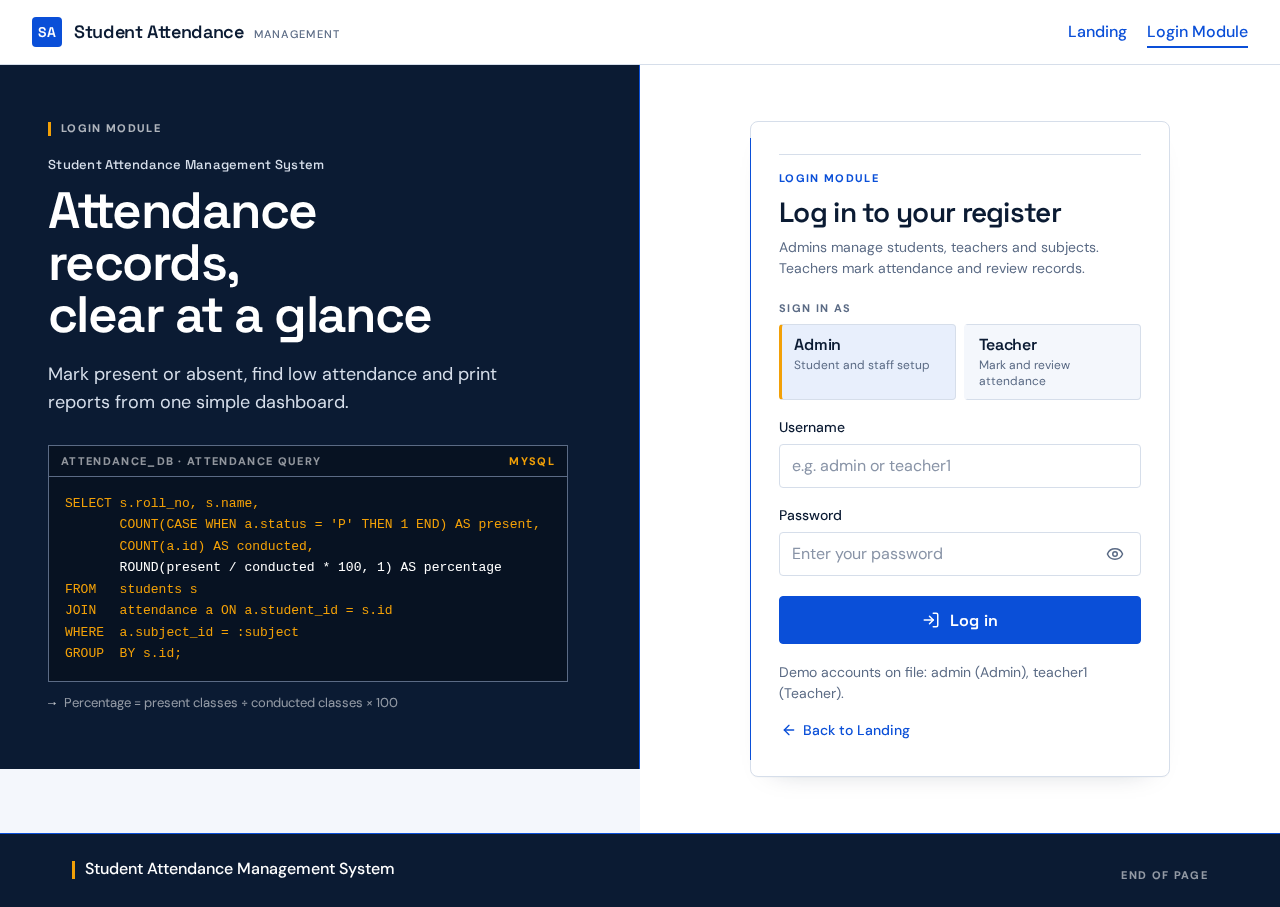
Login Module
Student Attendance Management System
Mark present or absent, find low attendance and print reports from one simple dashboard.
SELECT s.roll_no, s.name, COUNT(CASE WHEN a.status = 'P' THEN 1 END) AS present, COUNT(a.id) AS conducted, ROUND(present / conducted * 100, 1) AS percentageFROM students sJOIN attendance a ON a.student_id = s.idWHERE a.subject_id = :subjectGROUP BY s.id;Admins manage students, teachers and subjects. Teachers mark attendance and review records.
Demo accounts on file: admin (Admin), teacher1 (Teacher).
Back to Landing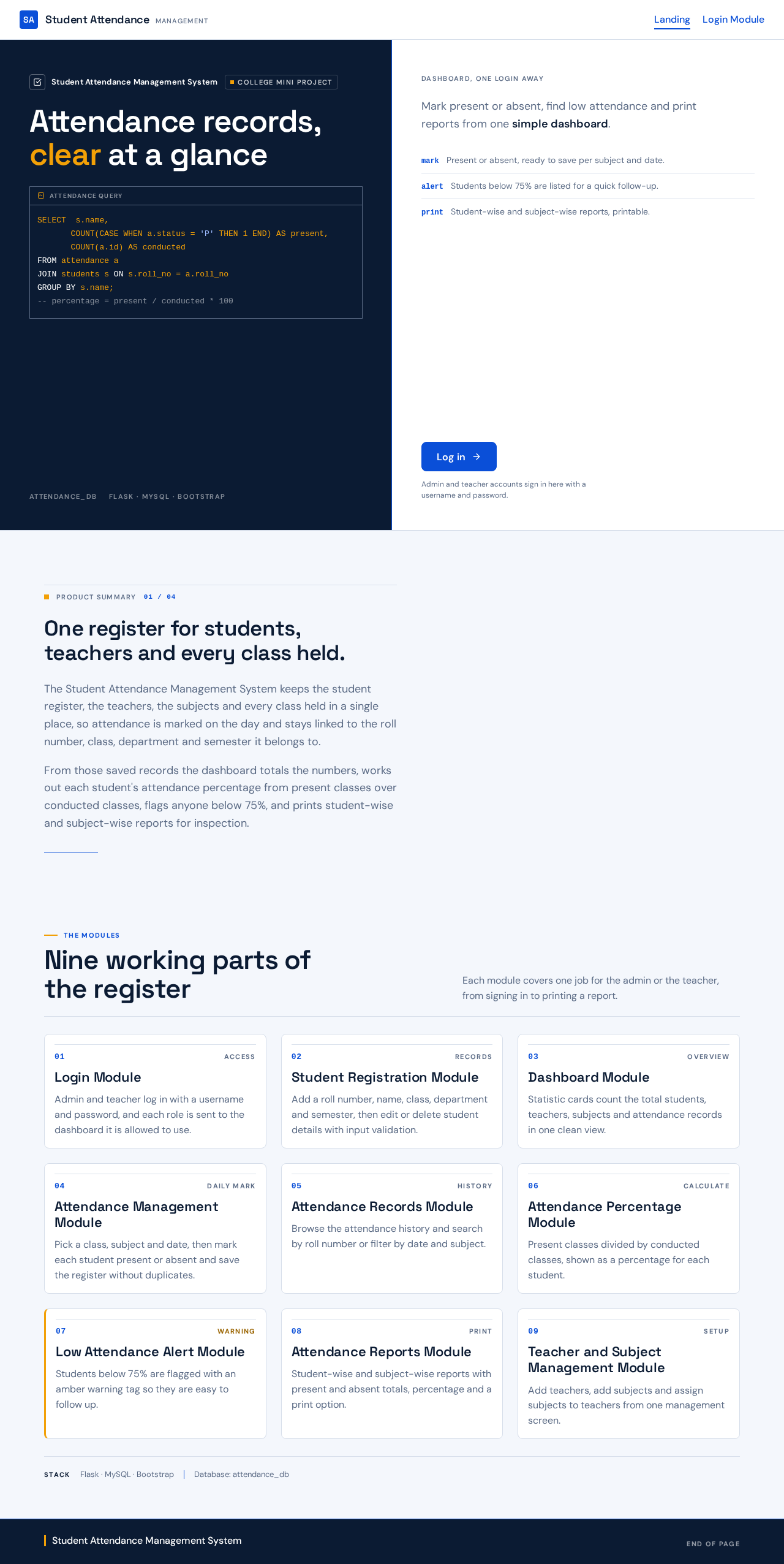
SELECT s.name, COUNT(CASE WHEN a.status = 'P' THEN 1 END) AS present, COUNT(a.id) AS conductedFROM attendance aJOIN students s ON s.roll_no = a.roll_noGROUP BY s.name;-- percentage = present / conducted * 100Mark present or absent, find low attendance and print reports from one simple dashboard.
Admin and teacher accounts sign in here with a username and password.
Product summary
The Student Attendance Management System keeps the student register, the teachers, the subjects and every class held in a single place, so attendance is marked on the day and stays linked to the roll number, class, department and semester it belongs to.
From those saved records the dashboard totals the numbers, works out each student's attendance percentage from present classes over conducted classes, flags anyone below 75%, and prints student-wise and subject-wise reports for inspection.
The modules
Each module covers one job for the admin or the teacher, from signing in to printing a report.
Admin and teacher log in with a username and password, and each role is sent to the dashboard it is allowed to use.
Add a roll number, name, class, department and semester, then edit or delete student details with input validation.
Statistic cards count the total students, teachers, subjects and attendance records in one clean view.
Pick a class, subject and date, then mark each student present or absent and save the register without duplicates.
Browse the attendance history and search by roll number or filter by date and subject.
Present classes divided by conducted classes, shown as a percentage for each student.
Students below 75% are flagged with an amber warning tag so they are easy to follow up.
Student-wise and subject-wise reports with present and absent totals, percentage and a print option.
Add teachers, add subjects and assign subjects to teachers from one management screen.
No comments yet. Be the first!