PROMPT: Create a polished six-page digital and printable daily planner
The planner should feel like a handcrafted autumn stationery collection: warm, tactile, calm, cozy, and highly functional. Use an original hand-painted watercolor and gouache art direction inspired by fall botanicals and cozy seasonal objects. The artwork must be newly created—not copied from a reference image.
VISUAL DIRECTION
- Warm cream and parchment paper backgrounds
- Burnt orange, terracotta, ochre, chestnut brown, muted olive, sage green, and subtle plum accents
- Soft paper texture, delicate borders, dashed writing rules, restrained shadows, and rounded paper panels
- Elegant editorial serif typography for headings
- Clean, highly legible sans-serif typography for labels
- Occasional handwritten-style accent text
- Refined and cozy rather than childish, cartoonish, or overly decorative
- Generous whitespace and clearly defined writing areas
- Accessible contrast and an organized visual hierarchy
- No emojis
- No prefilled personal answers, example tasks, meetings, habits, books, goals, or reflection responses
CORE FUNCTIONAL REQUIREMENT
This must be a genuinely blank write-in planner. Every section should begin empty and allow the person to write, type, or check items off. Use blank ruled fields, empty checkboxes, unselected trackers, empty tables, and subtle instructional placeholders only.
Create six separate but visually coordinated pages
Landing
Comments (0)
No comments yet. Be the first!
Sign in to leave a comment
Preview data'Changes will reset when this preview closes.'
A blank six-page daily planner — use it on screen or print it for handwriting.
The collection
Six blank planner pages, one coordinated folio
Each page opens empty — ruled fields, checkboxes, trackers and tables all begin blank so you can plan your own day on screen or on paper.
Planner pagesone sheet open at a time
Page 1 — Daily Overview
Blank · Page 1 of 6every field starts empty
Overview
Continue in the blank areas below; every field begins empty.
Checklist
Empty checkboxes — unchecked on open and in print.
Unchecked
Unchecked
Unchecked
Unchecked
Unchecked
Unchecked
Unchecked
Unchecked
Keeping the planner
Printing the six planner pages
Use your browser’s standard print pathway to send the six planner pages to paper. Each page prints as its own standalone sheet, so the collection can be used one day at a time or kept together as a set.
Blank writing areas and dashed writing rules
Empty, unchecked checkboxes
Unselected trackers
Empty tables with blank cells
Labels, borders, and the visual hierarchy of each page carry through to the printed sheet, so nothing needs to be redrawn by hand before you begin.
Continuing on screen
Writing on paper or planning digitally
Handwriting on the printed planner is the intended paper workflow — the dashed rules and open writing areas are sized for a pen. If you would rather stay on screen, the digital planner remains available in this session, and you can move between the six pages as you work.
If printing is unavailable
The digital planner stays available and nothing is lost. Close the print dialog and try printing again later from the same browser menu, or continue planning on screen.
begin with a blank page — the day is yours to write
Preview data'Changes will reset when this preview closes.'
A blank six-page daily planner — use it on screen or print it for handwriting.
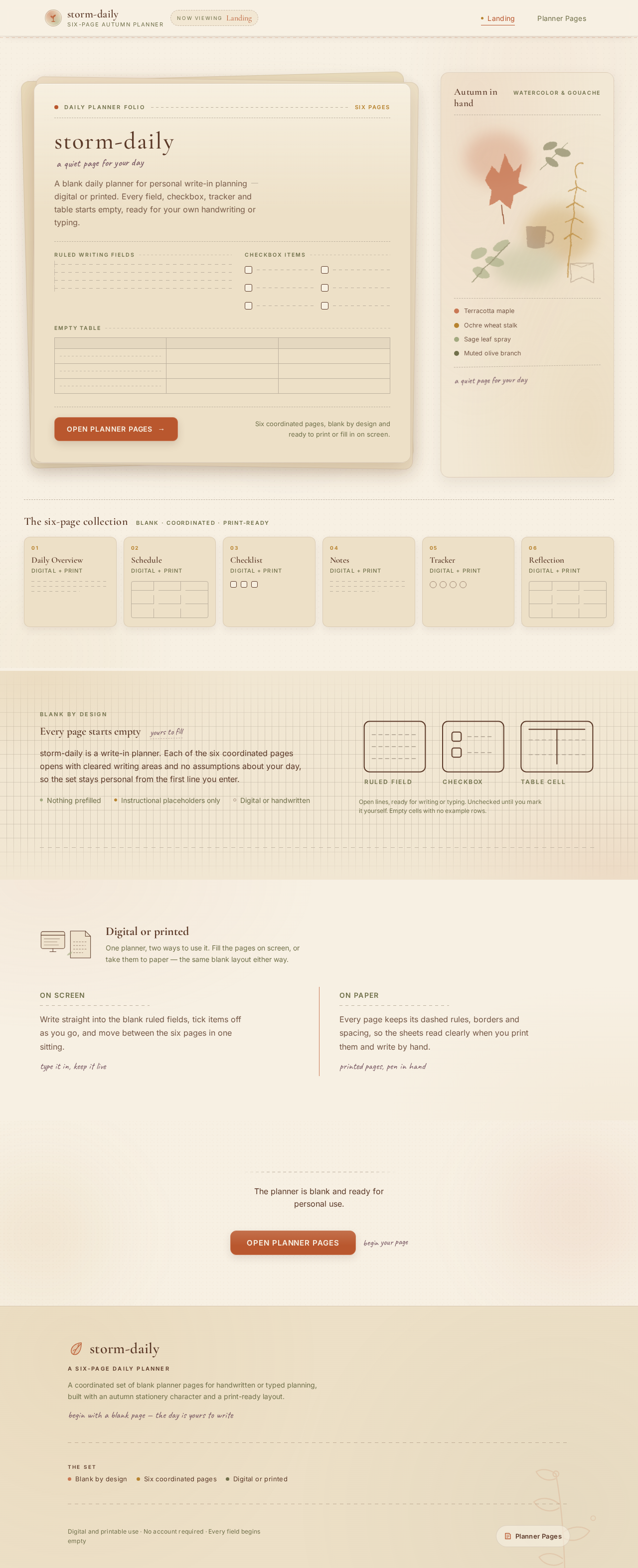
Daily Planner FolioSix pages
storm-dailya quiet page for your day
A blank daily planner for personal write-in planningdigital or printed. Every field, checkbox, tracker and table starts empty, ready for your own handwriting or typing.
Six coordinated pages, blank by design and ready to print or fill in on screen.
The six-page collection
Blank · coordinated · print-ready
01
Daily Overview
Digital + print
02
Schedule
Digital + print
03
Checklist
Digital + print
04
Notes
Digital + print
05
Tracker
Digital + print
06
Reflection
Digital + print
Blank by design
Every page starts empty
yours to fill
storm-daily is a write-in planner. Each of the six coordinated pages opens with cleared writing areas and no assumptions about your day, so the set stays personal from the first line you enter.
Nothing prefilled
Instructional placeholders only
Digital or handwritten
Open lines, ready for writing or typing. Unchecked until you mark it yourself. Empty cells with no example rows.
Digital or printed
One planner, two ways to use it. Fill the pages on screen, or take them to paper — the same blank layout either way.
On screen
Write straight into the blank ruled fields, tick items off as you go, and move between the six pages in one sitting.
type it in, keep it live
On paper
Every page keeps its dashed rules, borders and spacing, so the sheets read clearly when you print them and write by hand.



No comments yet. Be the first!