shyvik-app

byShivam Kumar

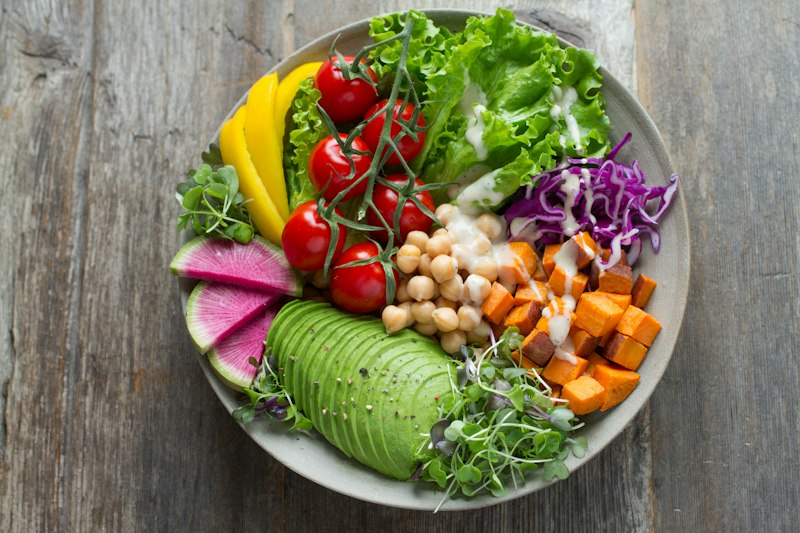
SHYVIK Mobile App Development Prompt Build a modern, production-ready mobile application named SHYVIK – A Step Towards Health. Tech Requirements Frontend: React Native (Expo preferred) Backend: Firebase Authentication: Firebase Phone OTP Authentication Database: Firestore Storage: Firebase Storage Notifications: Firebase Cloud Messaging Clean, scalable folder structure Professional UI/UX Blue color theme Responsive for all mobile devices Dark mode support Brand Information App Name: SHYVIK Tagline: A Step Towards Health Primary Color: Blue Industry: Healthy Food & Fitness Meal Delivery Authentication Flow Welcome Screen Display: SHYVIK Logo Tagline Get Started Button Registration Collect: Full Name Phone Number Verify using OTP. After successful login create a user profile in Firestore. Store: Name Phone Number Account Creation Date User ID Main Navigation Use Bottom Navigation with 4 Tabs: Home Signature Bowls Subscription Meals AI Nutrition Coach Home Screen Display: Greeting with user name Banner slider Featured meals Signature bowls preview Subscription meal preview Health tips section Order history shortcut Signature Bowl Module Create a complete food ordering system. Each bowl should have: Image Name Description Calories Protein Carbs Fat Price Features: Add to Cart Quantity Selector Search Filter Favorites Checkout Admin should be able to add new bowls without changing code. Data must come from Firestore. Subscription Meal Module Create 2 categories: High Protein Low Carb High Protein High Carb Each plan should contain: Plan Name Description Daily Calories Daily Protein Price Subscription options: Weekly Monthly Quarterly Allow: Subscribe Pause Subscription Resume Subscription Store subscription data in Firestore. AI Nutrition Coach Create an AI assistant chat interface. When user starts first chat, ask: Age Gender Height Weight Activity Level Goal Goals: Weight Loss Weight Gain Muscle Gain Fat Loss Maintain Weight Save all answers in Firestore. AI should generate: Recommended Calories Recommended Protein Recommended Carbs Recommended Fat Meal Suggestions Chat interface should look like ChatGPT. Maintain conversation history. Cart System Features: Add Item Remove Item Update Quantity Save Cart Calculate Total Apply Coupon Code Checkout System Collect: Delivery Address Landmark Phone Number Payment options: Razorpay UPI Cash on Delivery (optional) Generate Order ID. Store order details in Firestore. User Profile Display: Name Phone Number Address Active Subscription Previous Orders Allow: Edit Profile Logout Admin Panel Create separate Admin Dashboard. Admin can: Add Products Edit Products Delete Products Manage Orders Manage Subscriptions Send Notifications View User Analytics Database Structure Create Firestore collections: users products subscriptions orders cart nutrition_profiles chat_history notifications Extra Features Push Notifications Loading Animations Error Handling Empty States Offline Support Order Tracking Professional UI Fast Performance Deliverables Generate: Complete project structure All screens Navigation setup Firebase configuration Firestore schema Reusable components Authentication flow Cart system Checkout system AI Coach module Admin dashboard Deployment instructions Build the project in a scalable startup-level architecture so SHYVIK can later expand into a national healthy food delivery platform. This prompt is detailed enough that Codex should generate a much more complete SHYVIK app instead of just basic screens.     i am providing you our logo and menu. act as an experienced website developer who works with high top 4 companies or big 4 companies i want results like that and website should not look like ai generated note it.... i am not a developer so you have to help me out for making it. if you have any question you can ask to me directly... i am using vs codes

Home
Home

Comments (0)

No comments yet. Be the first!

Architecture

No Services Diagrams Yet

Architecture diagrams will be automatically generated when the Project Manager creates tasks for your project.

Home design preview
Welcome: View Intro
AdminLogin: Sign In
AdminDashboard: View Analytics
AdminDashboard: Manage Products
ProductManager: Add Product
ProductManager: Edit Product
ProductManager: Delete Product
AdminDashboard: Manage Orders
OrderManager: View Orders
OrderManager: Update Order Status
AdminDashboard: Manage Subscriptions
SubscriptionManager: View Subscriptions
SubscriptionManager: Update Subscription
AdminDashboard: Send Notifications
NotificationManager: Create Notification
AdminDashboard: View User Analytics
UserAnalytics: View Reports