sharp-crm
 Diya Trivedi
"Build a CRM"
Comments (0)
Sign in to leave a comment
System Requirements
System Requirements Document (SRD)
Project Name: sharp-crm
1. Introduction
Welcome to the System Requirements Document (SRD) for sharp-crm, a Customer Relationship Management (CRM) application tailored to meet the needs of businesses in India. This document outlines the functional and non-functional requirements, design concepts, and technical specifications necessary to build a robust CRM solution.
The sharp-crm project aims to streamline customer data management, improve interactions, and enhance business efficiency. This document serves as a blueprint for the development team, ensuring alignment with Diya Trivedi's vision for the project.
2. System Overview
sharp-crm is designed to be a comprehensive CRM platform that enables businesses to manage customer relationships effectively. The system will provide tools for tracking customer interactions, managing sales pipelines, automating workflows, and generating insightful reports.
The platform will cater to multiple user personas, including administrators, sales representatives, and support agents, ensuring that each role has access to the features they need.
Locale-specific defaults such as Indian Rupees (₹) for currency, IST (Indian Standard Time) for timezone, and compliance with Indian data protection regulations will be incorporated into the system.
3. Functional Requirements
As User:
- As a User, I should be able to view and update customer profiles.
- As a User, I should be able to track customer interactions and history.
- As a User, I should be able to create and manage tasks related to customers.
As Admin:
- As an Admin, I should be able to manage user roles and permissions.
- As an Admin, I should be able to generate detailed reports on sales and customer activity.
- As an Admin, I should be able to configure system settings, including locale preferences.
As Sales Representative:
- As a Sales Representative, I should be able to manage leads and opportunities.
- As a Sales Representative, I should be able to update the status of deals in the sales pipeline.
As Support Agent:
- As a Support Agent, I should be able to log and manage customer support tickets.
- As a Support Agent, I should be able to access customer history to provide personalized support.
4. User Personas
Administrator:
Responsible for managing the CRM system, configuring settings, and overseeing user roles and permissions.
Sales Representative:
Focuses on managing leads, opportunities, and deals within the sales pipeline.
Support Agent:
Handles customer support tickets and ensures timely resolution of issues.
General User:
Includes any employee who interacts with customer profiles, tasks, and history.
5. Visuals Colors and Theme
Color Palette:
The sharp-crm platform will feature a modern and professional color scheme that reflects efficiency and trust.
- Background: #F5F5F5 (Light Gray)
- Surface: #FFFFFF (White)
- Text: #333333 (Dark Charcoal)
- Accent: #0078D7 (Sharp Blue)
- Muted Tones: #A0A0A0 (Soft Gray)
Theme:
The design will emphasize clarity and usability, with clean lines, ample whitespace, and intuitive navigation.
6. Signature Design Concept
Interactive Dashboard with Dynamic Data Visualization
The homepage of sharp-crm will feature an interactive dashboard that provides users with real-time insights into their CRM data.
-
Visual Elements:
- A central sales pipeline widget with animated transitions as deals progress through stages.
- Customer interaction heatmaps that dynamically update based on recent activity.
- Task progress bars with micro-interactions (e.g., hover effects that reveal additional details).
-
Animations:
- Smooth transitions between dashboard widgets.
- Subtle hover effects on buttons and links.
- A loading animation that resembles a spinning gear, symbolizing productivity.
-
User Interaction:
- Drag-and-drop functionality for rearranging dashboard widgets.
- Clickable charts that drill down into detailed reports.
- A collapsible sidebar for quick navigation.
This design concept ensures that the sharp-crm homepage is not only visually appealing but also highly functional, making a lasting impression on users.
7. Non-Functional Requirements
- The system must support at least 10,000 concurrent users.
- Response times for all operations should not exceed 2 seconds under normal load.
- The application must comply with Indian data protection regulations.
- The system should be accessible on both desktop and mobile platforms.
- Regular backups must be performed to ensure data integrity.
8. Tech Stack
Frontend:
- React for Web
Backend:
- Python
- FastAPI
Database:
- MySQL (preferred for relational data)
- Alembic for migrations
AI Models:
- GPT 5.4 for user-friendly responses
AI Tools:
- Langchain
Local Orchestration:
- Docker
- docker-compose
Server-Side Orchestration:
- Kubernetes
9. Assumptions and Constraints
Assumptions:
- Users will have basic familiarity with CRM systems.
- The system will primarily be used by businesses operating in India.
- Internet connectivity will be available for all users.
Constraints:
- The application must adhere to Indian data protection laws.
- Development must be completed within the allocated budget and timeline.
10. Glossary
- CRM: Customer Relationship Management
- IST: Indian Standard Time
- RDBMS: Relational Database Management System
- AI: Artificial Intelligence
- Widget: A small application or component that performs a specific function
This document provides a comprehensive overview of the requirements for sharp-crm. Diya, your vision for a streamlined CRM system is well on its way to becoming a reality!
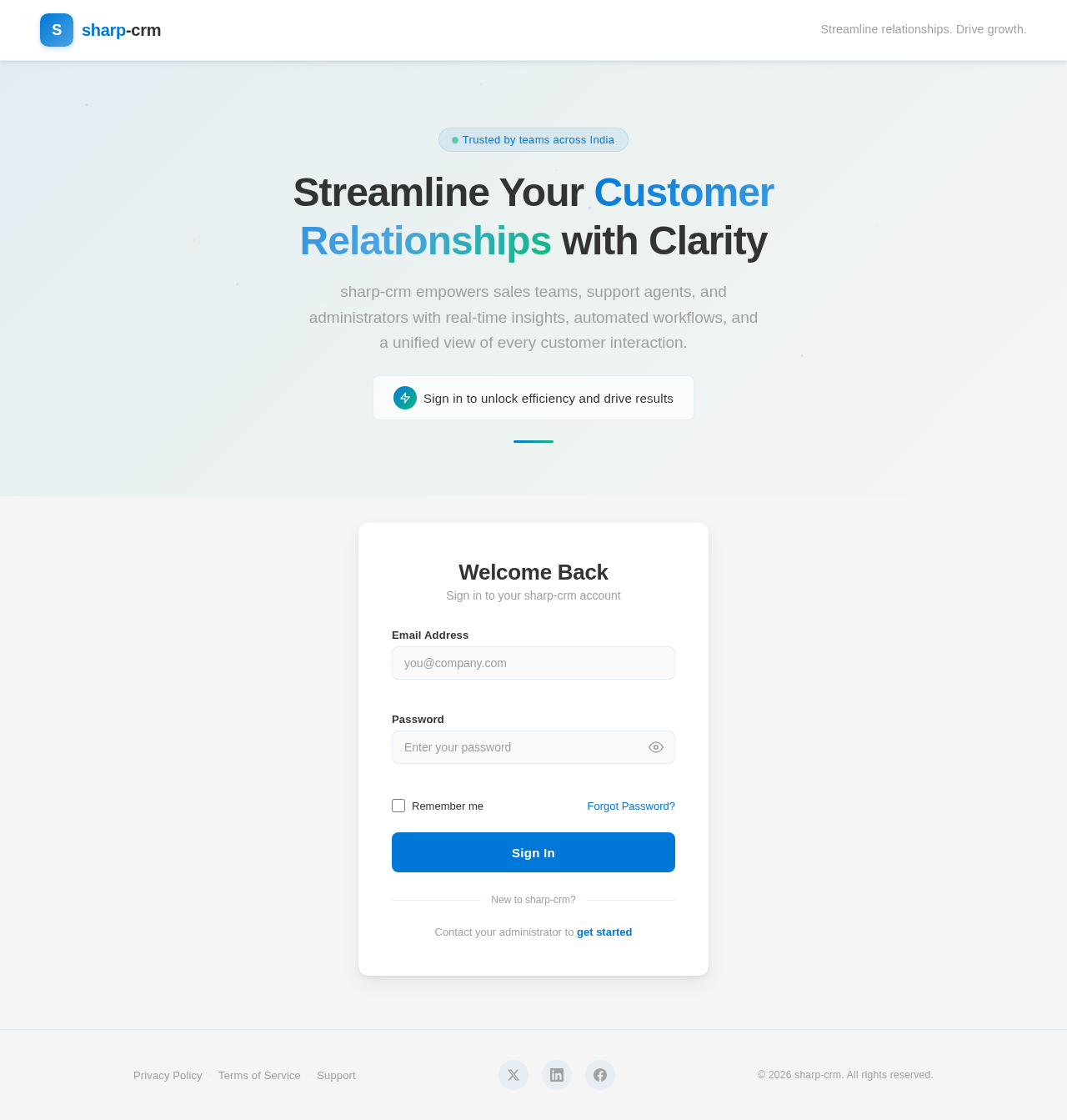
Streamline Your Customer Relationships with Clarity
sharp-crm empowers sales teams, support agents, and administrators with real-time insights, automated workflows, and a unified view of every customer interaction.
Welcome Back
Sign in to your sharp-crm account
No comments yet. Be the first!