Administrator
- School-wide records and settings
- Teacher and student account provisioning
- Institution-wide stat wall
 lucifer khan
Build a complete school management system for Dar-e-Arqam School, with separate admin, teacher and student dashboards…”


Sign in to leave a comment
Dar-e-Arqam School
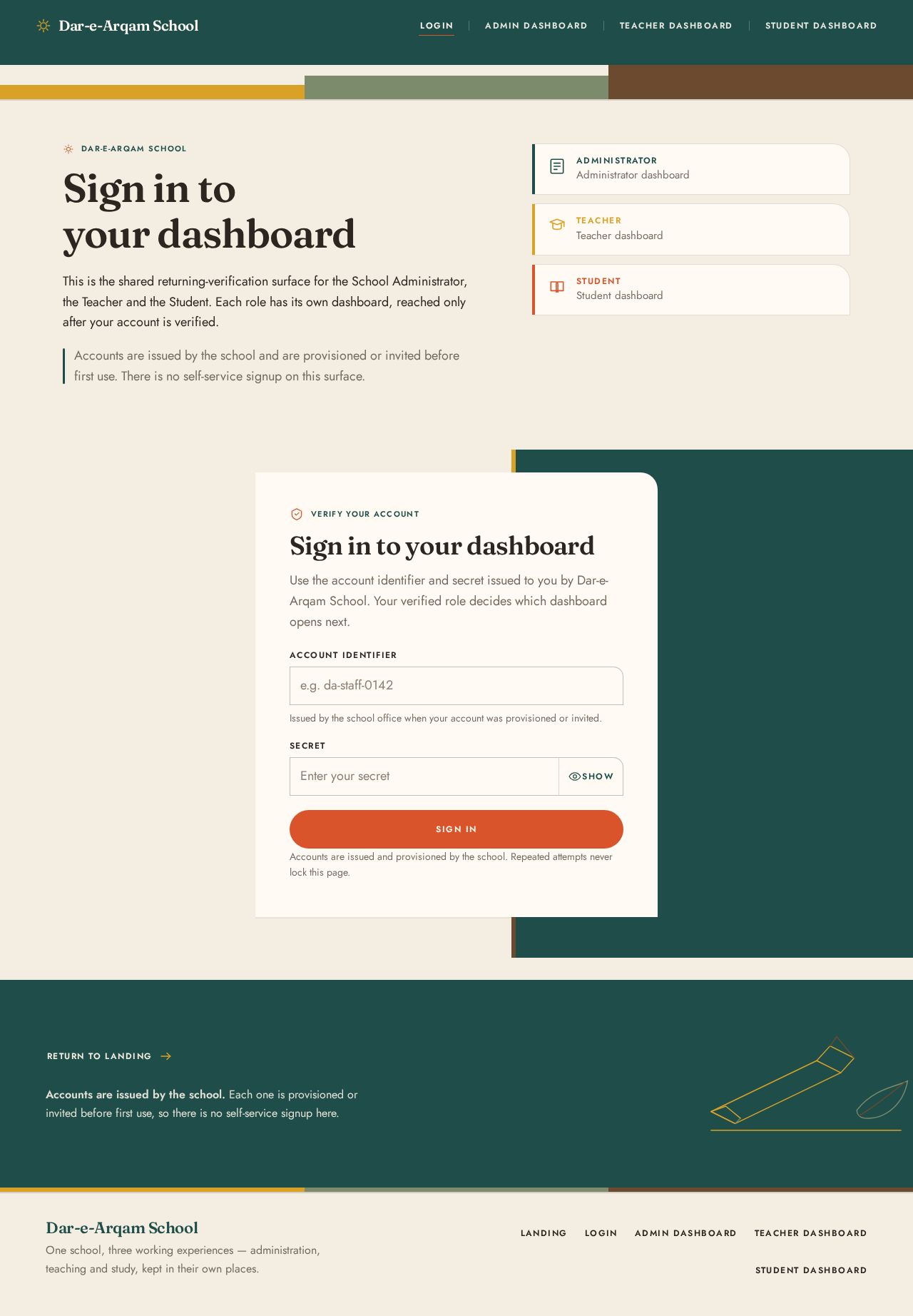
This is the shared returning-verification surface for the School Administrator, the Teacher and the Student. Each role has its own dashboard, reached only after your account is verified.
Accounts are issued by the school and are provisioned or invited before first use. There is no self-service signup on this surface.
Administrator
Administrator dashboard
Teacher
Teacher dashboard
Student
Student dashboard
Verify your account
Use the account identifier and secret issued to you by Dar-e-Arqam School. Your verified role decides which dashboard opens next.
Issued by the school office when your account was provisioned or invited.
Accounts are issued and provisioned by the school. Repeated attempts never lock this page.
Accounts are issued by the school. Each one is provisioned or invited before first use, so there is no self-service signup here.
Dar-e-Arqam School
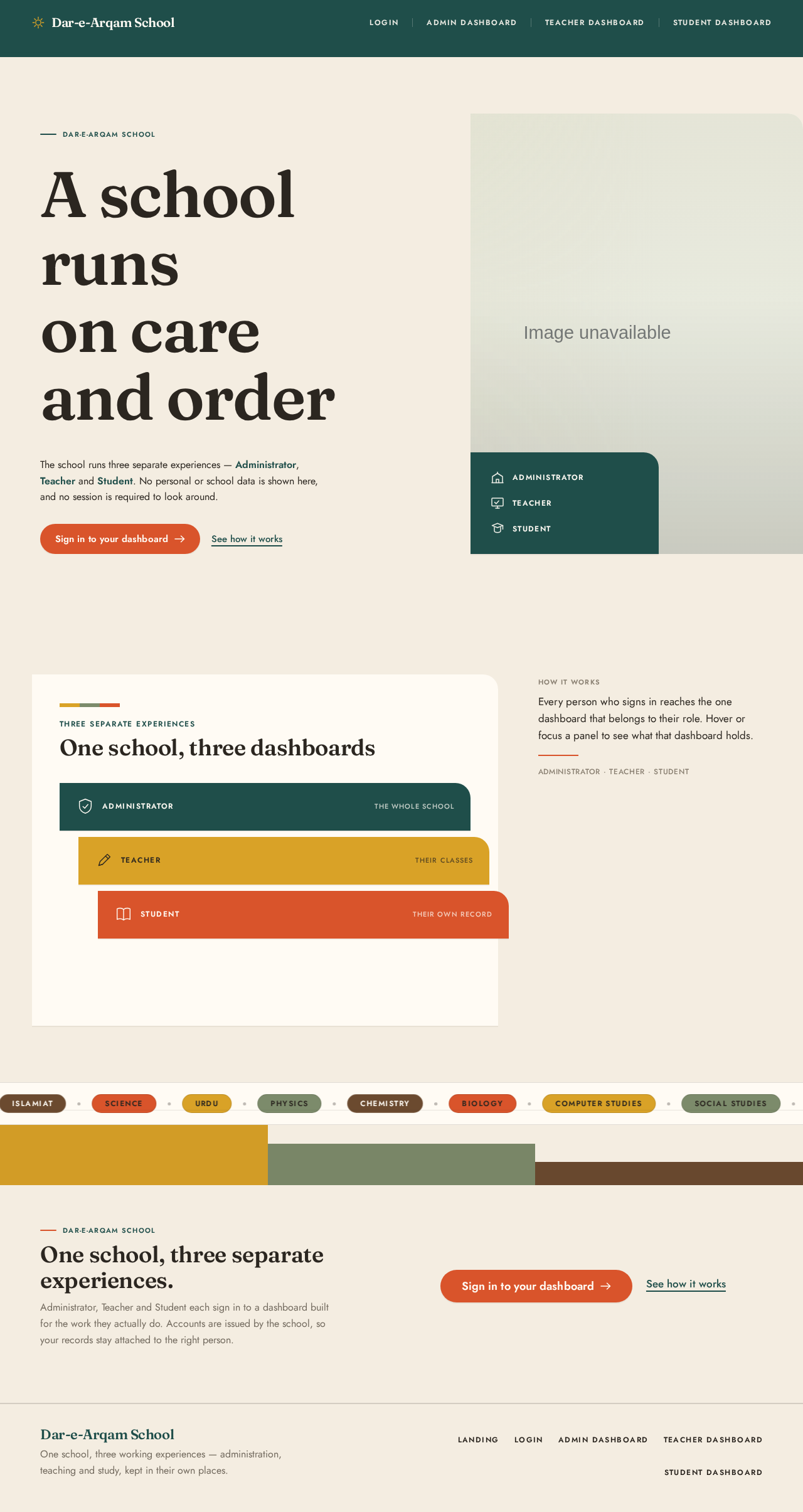
The school runs three separate experiences — Administrator, Teacher and Student. No personal or school data is shown here, and no session is required to look around.
Administrator, Teacher and Student each sign in to a dashboard built for the work they actually do. Accounts are issued by the school, so your records stay attached to the right person.
Sign-in link ready.

Three separate experiences
Administrator, Teacher and Student each sign in to a dashboard built for the work they actually do. Accounts are issued by the school, so your records stay attached to the right person.
Sign-in link ready.
No comments yet. Be the first!