school-management-platform
 Hussain Bekhushi
Create a production-ready School Management System using Python Flask for backend, ReactJS for frontend, PostgreSQL for database, and Docker to deploy. Include student list, teacher list, grade list, subject list, class list, and an admin panel.


Comments (0)
Sign in to leave a comment
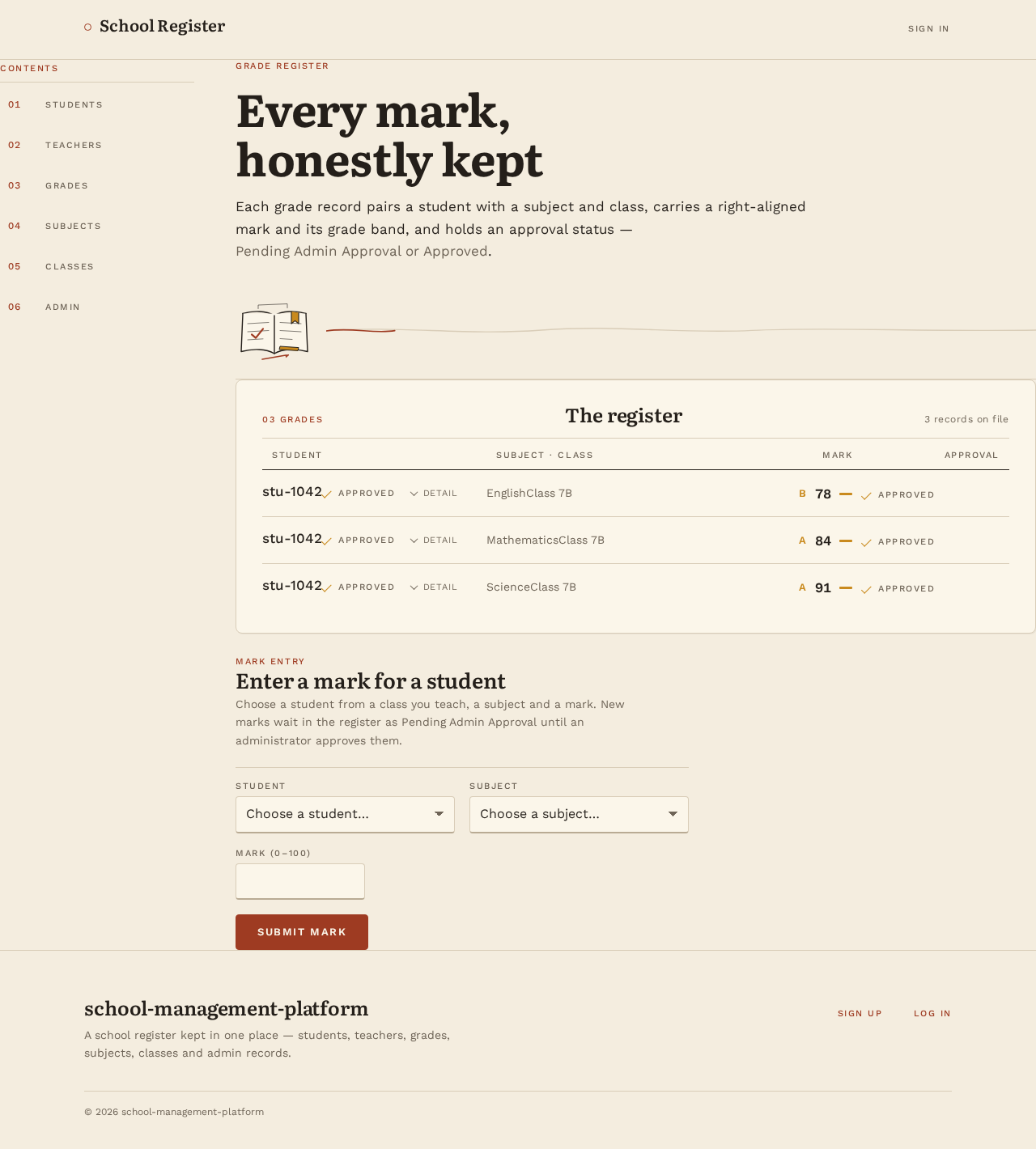
Grade register
Every mark, honestly kept
Each grade record pairs a student with a subject and class, carries a right-aligned mark and its grade band, and holds an approval status — Pending Admin Approval or Approved.
03 Grades
The register
| Student | Subject · Class | Mark | Approval |
|---|---|---|---|
| stu-1042Approval statusApproved | EnglishClass 7B | B78 | Approval statusApproved |
| stu-1042Approval statusApproved | MathematicsClass 7B | A84 | Approval statusApproved |
| stu-1042Approval statusApproved | ScienceClass 7B | A91 | Approval statusApproved |
Mark entry
Enter a mark for a student
Choose a student from a class you teach, a subject and a mark. New marks wait in the register as Pending Admin Approval until an administrator approves them.
School Management Platform
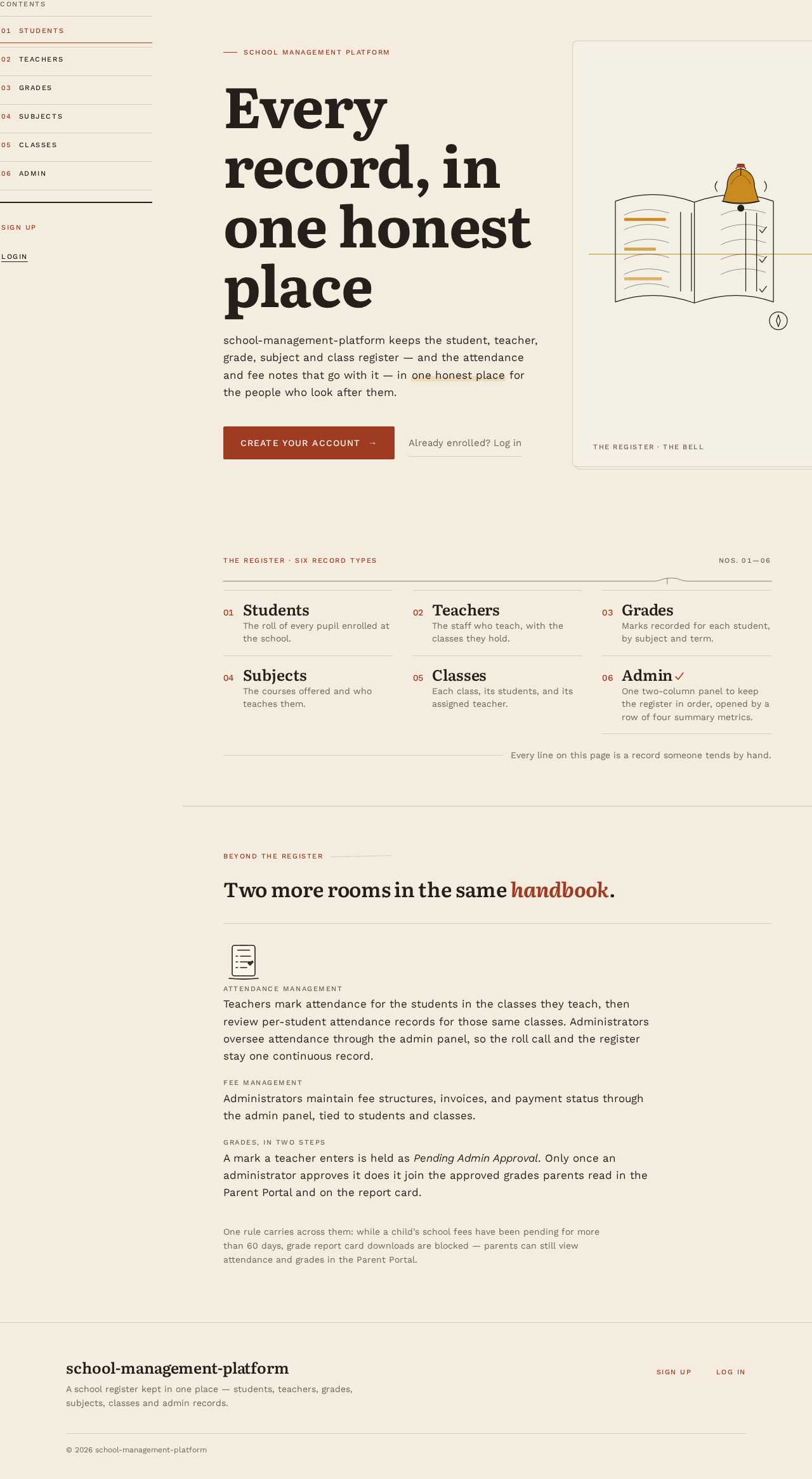
Every record, in one honest place
school-management-platform keeps the student, teacher, grade, subject and class register — and the attendance and fee notes that go with it — in one honest place for the people who look after them.
The register · six record types
- 01StudentsThe roll of every pupil enrolled at the school.
- 02TeachersThe staff who teach, with the classes they hold.
- 03GradesMarks recorded for each student, by subject and term.
- 04SubjectsThe courses offered and who teaches them.
- 05ClassesEach class, its students, and its assigned teacher.
- 06AdminOne two-column panel to keep the register in order, opened by a row of four summary metrics.
Beyond the register
Two more rooms in the same handbook.
Attendance ManagementTeachers mark attendance for the students in the classes they teach, then review per-student attendance records for those same classes. Administrators oversee attendance through the admin panel, so the roll call and the register stay one continuous record.
Fee ManagementAdministrators maintain fee structures, invoices, and payment status through the admin panel, tied to students and classes.
Grades, in two stepsA mark a teacher enters is held as Pending Admin Approval. Only once an administrator approves it does it join the approved grades parents read in the Parent Portal and on the report card.
One rule carries across them: while a child’s school fees have been pending for more than 60 days, grade report card downloads are blocked — parents can still view attendance and grades in the Parent Portal.
No comments yet. Be the first!