Total Students
2
 Hussain Bekhushi
Create a production-ready School Management System using Python Flask for backend, ReactJS for frontend, PostgreSQL for database, and Docker to deploy. Include student list, teacher list, grade list, subject list, class list, and an admin panel.


Sign in to leave a comment
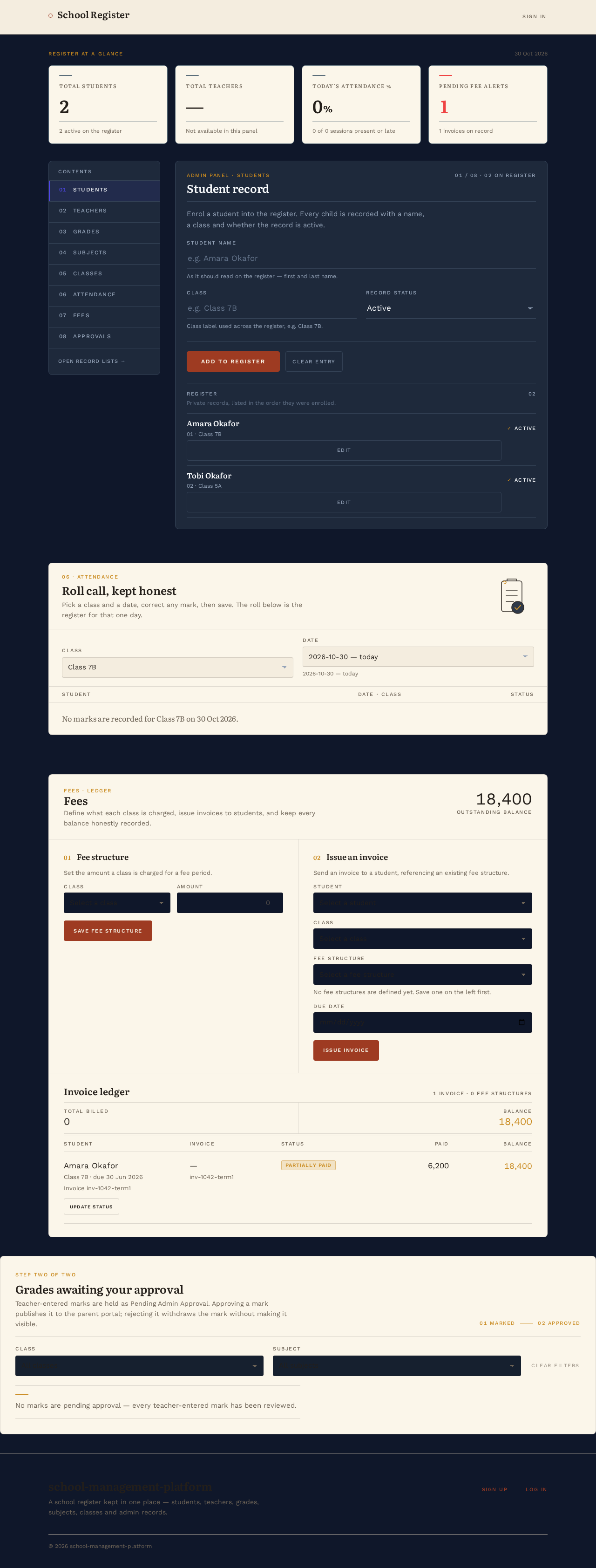
Register at a glance
30 Oct 2026
2
—
Teacher records are not available from this panel's data source.0%
1
Admin panel · Students
01 / 08 · 02 on register
Enrol a student into the register. Every child is recorded with a name, a class and whether the record is active.
As it should read on the register — first and last name.
Class label used across the register, e.g. Class 7B.
Register
Private records, listed in the order they were enrolled.
Amara Okafor
ActiveTobi Okafor
Active06 · Attendance
Pick a class and a date, correct any mark, then save. The roll below is the register for that one day.
No marks are recorded for Class 7B on 30 Oct 2026.
Fees · Ledger
Define what each class is charged, issue invoices to students, and keep every balance honestly recorded.
Set the amount a class is charged for a fee period.
Send an invoice to a student, referencing an existing fee structure.
No fee structures are defined yet. Save one on the left first.
Step two of two
Teacher-entered marks are held as Pending Admin Approval. Approving a mark publishes it to the parent portal; rejecting it withdraws the mark without making it visible.
01 Marked02 Approved
No marks are pending approval — every teacher-entered mark has been reviewed.
0 marks pending approval shown.
School Management Platform
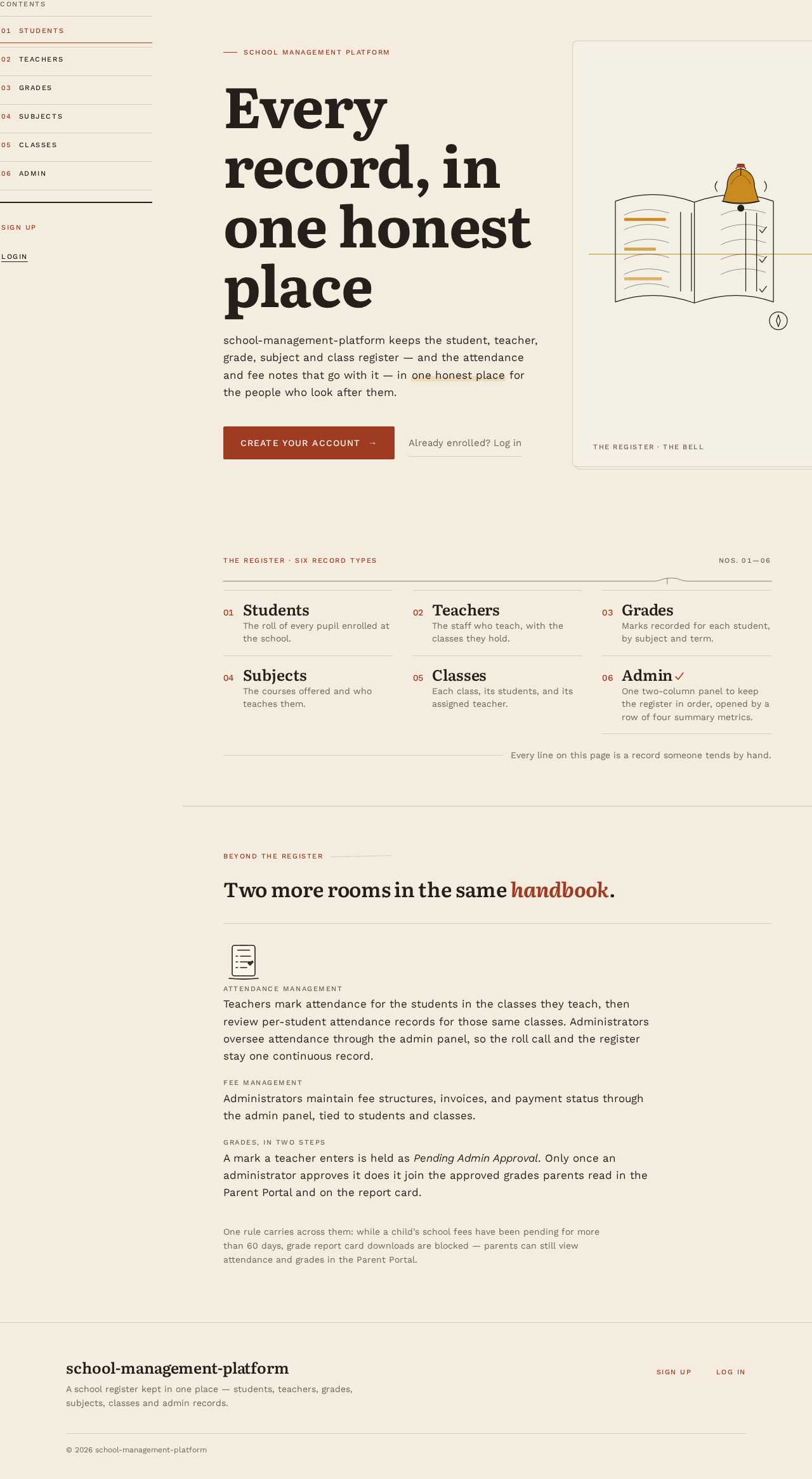
school-management-platform keeps the student, teacher, grade, subject and class register — and the attendance and fee notes that go with it — in one honest place for the people who look after them.
The register · six record types
Beyond the register
Attendance ManagementTeachers mark attendance for the students in the classes they teach, then review per-student attendance records for those same classes. Administrators oversee attendance through the admin panel, so the roll call and the register stay one continuous record.
Fee ManagementAdministrators maintain fee structures, invoices, and payment status through the admin panel, tied to students and classes.
Grades, in two stepsA mark a teacher enters is held as Pending Admin Approval. Only once an administrator approves it does it join the approved grades parents read in the Parent Portal and on the report card.
One rule carries across them: while a child’s school fees have been pending for more than 60 days, grade report card downloads are blocked — parents can still view attendance and grades in the Parent Portal.
No comments yet. Be the first!