sales-calls-outbound
 Meghna Rajawat
Build e a system that generates qualified sales calls for ClickToClose. Our agency helps businesses turn more leads into appointments through AI agents, CRM automation and follow-up systems. We want someone to connect and improve our own outbound process, from lead sourcing through email and SMS outreach to booked calls. We already use Instantly, GoHighLevel and some automation. You’ll review our current setup, keep what works and build the missing pieces. The system should find businesses that fit our offers, identify decision-makers, verify contact details and remove duplicates. It should route approved leads into relevant campaigns and keep each target market separate. You’ll connect email and SMS sequences, build AI reply agents, qualify interested prospects and integrate our calendars. Follow-ups must stop when someone replies, opts out or books. SMS must use approved contacts with verified consent. The system must prevent duplicate messages and appointments, flag failed steps and route unclear conversations to a person. We also need clear reports on lead sources, replies, qualified bookings, attended calls and costs.


Comments (0)
Sign in to leave a comment
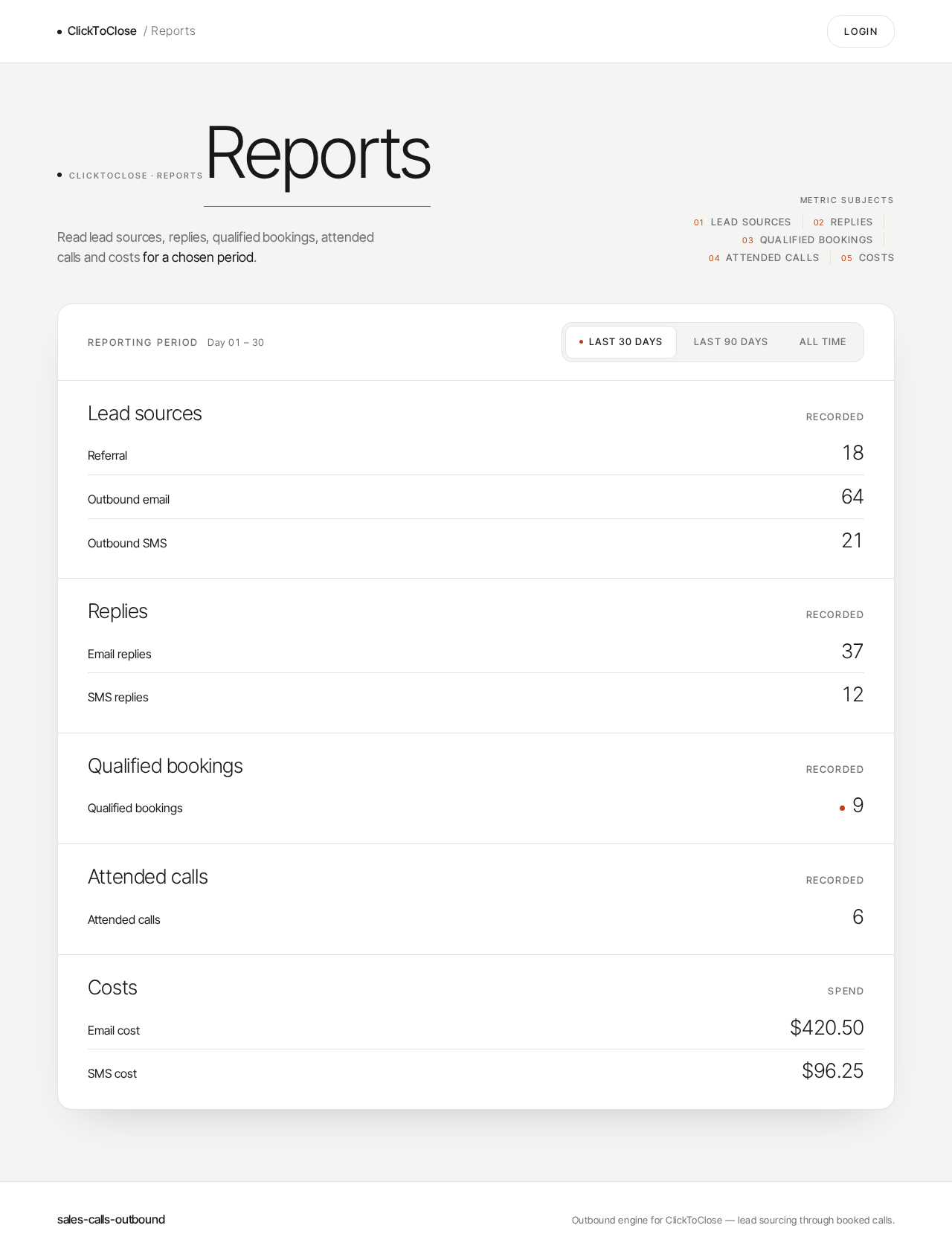
ClickToClose · Reports
Reports
Read lead sources, replies, qualified bookings, attended calls and costs for a chosen period.
Metric subjects
- Lead sources
- Replies
- Qualified bookings
- Attended calls
- Costs
Reporting period
Day 01 – 30
Lead sources
- Referral0
- Outbound email0
- Outbound SMS0
Replies
- Email replies0
- SMS replies0
Qualified bookings
- Qualified bookings0
Attended calls
- Attended calls0
Costs
- Email cost$420.50
- SMS cost$96.25
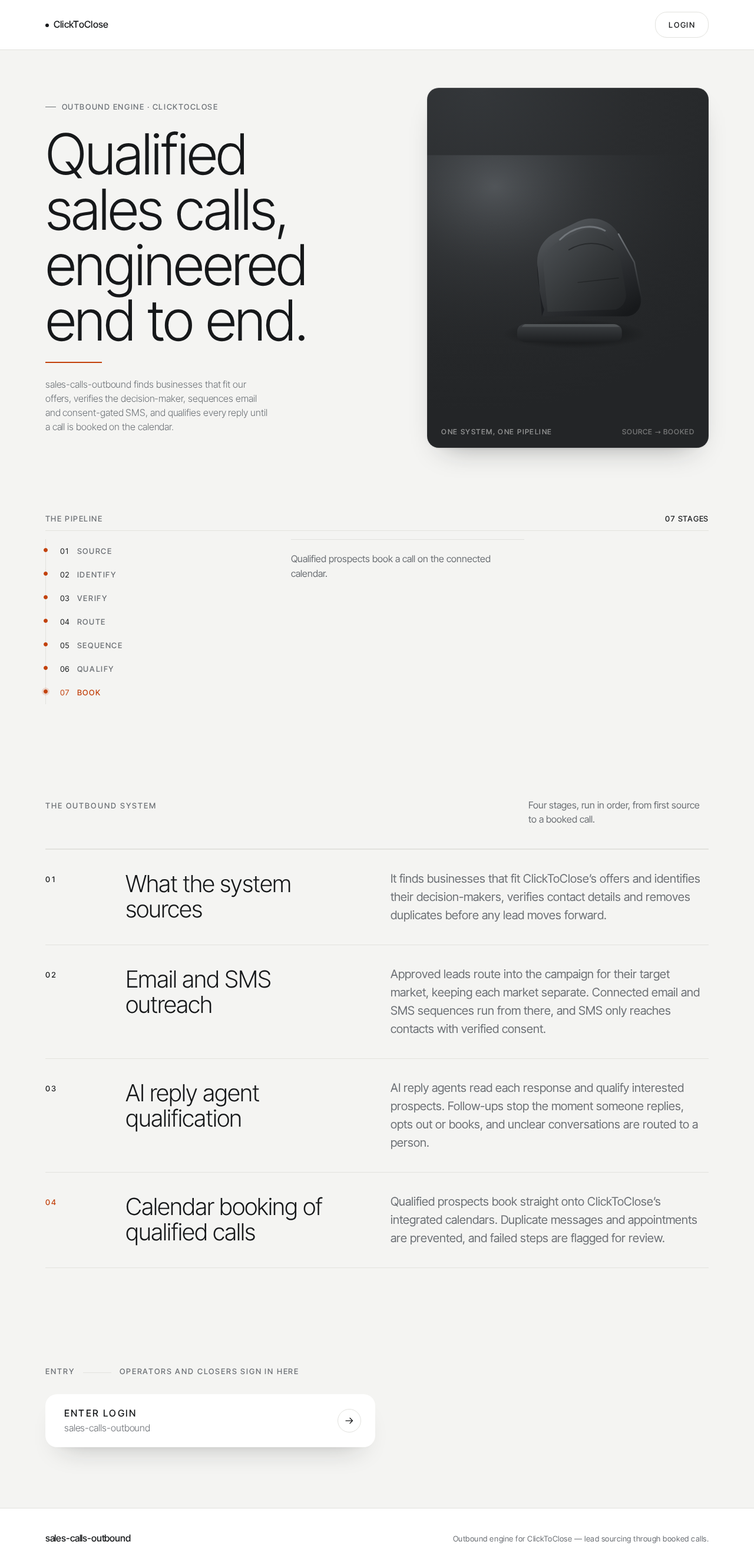
Outbound engine · ClickToClose
Qualified sales calls, engineered end to end.
sales-calls-outbound finds businesses that fit our offers, verifies the decision-maker, sequences email and consent-gated SMS, and qualifies every reply until a call is booked on the calendar.
The pipeline
- Source
- Identify
- Verify
- Route
- Sequence
- Qualify
- Book
Seven stages, one reviewable path from a sourced business to a booked call.
The outbound system
Four stages, run in order, from first source to a booked call.
- What the system sources
- It finds businesses that fit ClickToClose’s offers and identifies their decision-makers, verifies contact details and removes duplicates before any lead moves forward.
- Email and SMS outreach
- Approved leads route into the campaign for their target market, keeping each market separate. Connected email and SMS sequences run from there, and SMS only reaches contacts with verified consent.
- AI reply agent qualification
- AI reply agents read each response and qualify interested prospects. Follow-ups stop the moment someone replies, opts out or books, and unclear conversations are routed to a person.
- Calendar booking of qualified calls
- Qualified prospects book straight onto ClickToClose’s integrated calendars. Duplicate messages and appointments are prevented, and failed steps are flagged for review.
No comments yet. Be the first!