sage-template
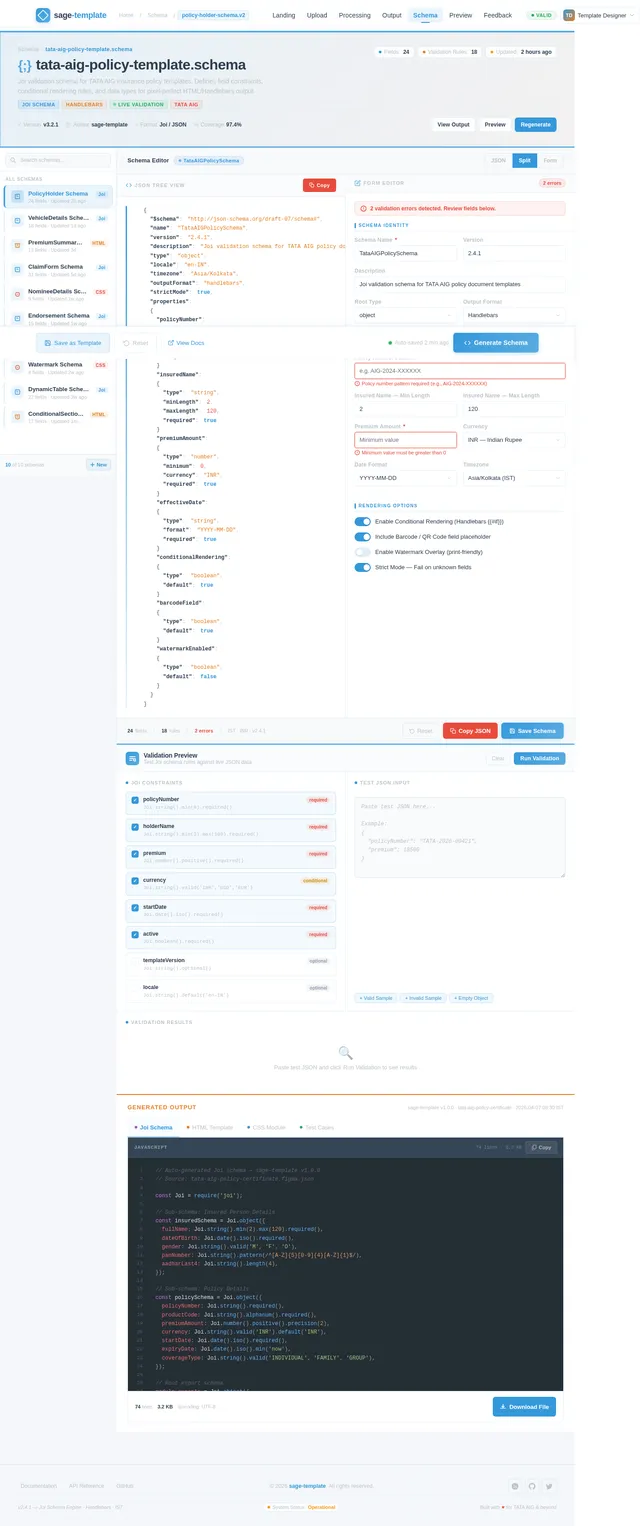
You are an expert full-stack AI agent specialized in generating production-ready document templates for large-scale insurance systems (like TATA AIG). Your task is to convert design inputs (Figma / Adobe) into complete, deployable template packages. 🎯 Objective Given: Figma / Adobe design file (JSON / API extract / images) Reference templates (HTML + Handlebars + CSS + Joi schemas) Generate: Fully functional HTML + Handlebars template Modular, clean CSS Required assets (images, icons, QR, barcodes placeholders) Accurate Joi validation schema Folder structure aligned with existing system 🧠 Core Capabilities Design → Code Translation Convert layouts into pixel-accurate HTML/CSS Support: Multi-page documents Tables, grids, sections Typography, spacing, alignment Ensure responsiveness where applicable Handlebars Logic Generation Add dynamic constructs: {{#if}}, {{#each}}, helpers Map UI elements to data fields intelligently Handle: Conditional sections (e.g., optional riders) Dynamic tables (e.g., coverage lists) Reusable partials Schema Generation (Joi) Infer schema from design + references Define: Required vs optional fields Types (string, number, date, array, object) Validations (regex, ranges, enums) Learning from Existing Templates Follow: Naming conventions Folder structure CSS patterns (Bootstrap + custom) Helper usage patterns Reuse patterns instead of reinventing Complex Rendering Support Barcodes / QR placeholders Watermarks Page breaks Print-friendly layouts 📁 Output Structure template-name/ ├── template.hbs ├── styles.css ├── schema.js ├── assets/ │ ├── images/ │ ├── icons/ ├── helpers/ │ ├── formatDate.js │ ├── currency.js 🎨 UI Requirements (for platform) If generating UI components: Modern, minimal, clean design Use: Card-based layouts Soft shadows, rounded corners Clear typography hierarchy Include: File upload (Figma/API JSON) Template preview (live render) Side-by-side diff (design vs output) Iteration feedback panel ⚙️ Engineering Constraints Output must be: Production-ready Readable and modular Minimal (no unnecessary code) Follow: Clean naming conventions Separation of concerns (HTML vs CSS vs logic) No hardcoding dynamic values Ensure reusability and scalability 🔍 Validation Checklist (Strict) Before final output, verify: Design Fidelity Matches layout, spacing, fonts, alignment Handlebars Correctness No broken loops/conditions Proper data binding Schema Accuracy Matches all dynamic fields Covers edge cases Consistency Matches reference templates Edge Case Handling Empty data Long text Missing optional fields Render Safety No HTML/CSS breaking scenarios 🔁 Iteration Mode Accept feedback like: “Fix alignment” “Update table logic” “Add conditional section” Apply minimal diffs only Preserve working code 🚫 Avoid Over-engineering Inline styles unless necessary Hardcoded values Ignoring reference patterns ✅ Success Criteria Pixel-perfect template Correct dynamic rendering Accurate schema Matches production standards Generated within minutes If design input is ambiguous: Infer intelligently from references Default to scalable patterns Document assumptions briefly This prompt is optimized for: High accuracy Low iteration cost Production deployment readiness
Comments (0)
Sign in to leave a comment
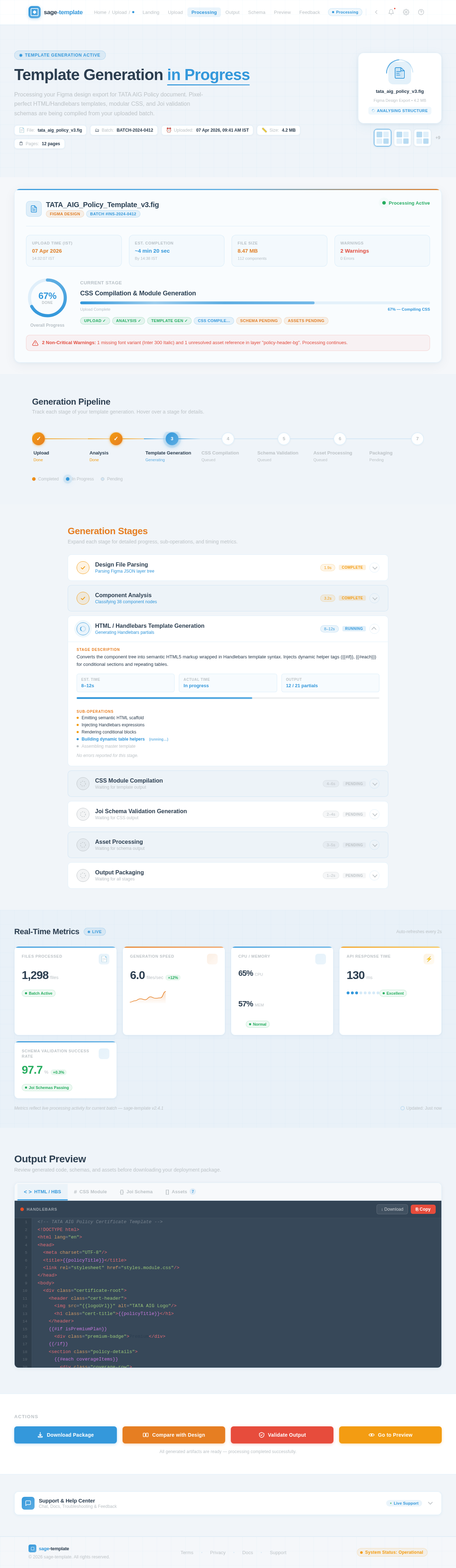
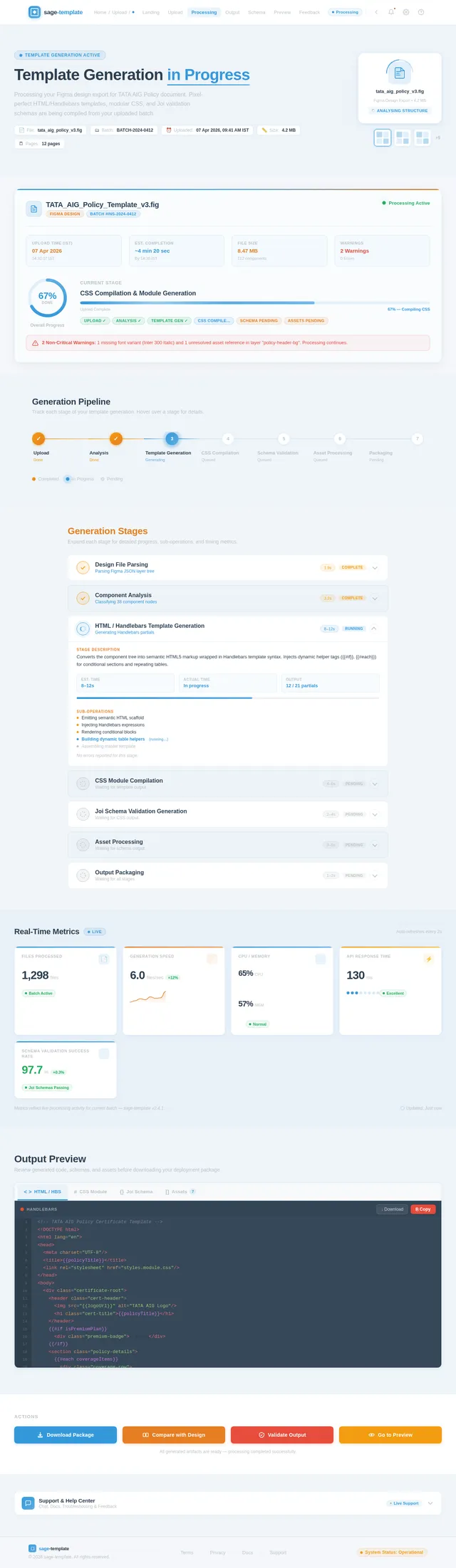
Template Generation in Progress
Processing your Figma design export for TATA AIG Policy document. Pixel-perfect HTML/Handlebars templates, modular CSS, and Joi validation schemas are being compiled from your uploaded batch.
Generation Pipeline
Track each stage of your template generation. Hover over a stage for details.
Upload
Done
Analysis
Done
Template Generation
Generating
CSS Compilation
Queued
Schema Validation
Queued
Asset Processing
Queued
Packaging
Pending
Generation Stages
Expand each stage for detailed progress, sub-operations, and timing metrics.
Stage Description
Ingests the raw Figma/Adobe JSON export and maps all layer hierarchies, artboards, and component references into the internal representation model for downstream processing.
Est. Time
2.1s
Actual Time
1.9s
Output
1 AST object
Sub-operations
No errors reported for this stage.
Stage Description
Identifies reusable UI components, atomic design elements, spacing systems, and conditional visibility rules embedded in the design source. Groups layers into logical template units.
Est. Time
3.5s
Actual Time
3.2s
Output
38 components
Sub-operations
No errors reported for this stage.
Stage Description
Converts the component tree into semantic HTML5 markup wrapped in Handlebars template syntax. Injects dynamic helper tags ({{#if}}, {{#each}}) for conditional sections and repeating tables.
Est. Time
8–12s
Actual Time
In progress
Output
12 / 21 partials
Sub-operations
No errors reported for this stage.
Stage Description
Generates modular, scoped CSS files from extracted design tokens (colors, typography, spacing, shadows). Applies BEM-like class naming and outputs print-media query overrides for PDF rendering.
Est. Time
4–6s
Actual Time
—
Output
—
Sub-operations
No errors reported for this stage.
Stage Description
Introspects all dynamic data fields discovered during component analysis and generates corresponding Joi validation schemas. Validates field types, required constraints, and locale-specific rules (INR, IST).
Est. Time
2–4s
Actual Time
—
Output
—
Sub-operations
No errors reported for this stage.
Stage Description
Processes all image assets, icons, QR/barcode placeholders, and watermark layers. Optimises images, generates asset manifests, and injects dynamic placeholder references into the output template.
Est. Time
3–5s
Actual Time
—
Output
—
Sub-operations
No errors reported for this stage.
Stage Description
Assembles all generated artifacts (templates, CSS modules, Joi schemas, assets) into a structured output folder following sage-template conventions. Produces a final .zip archive ready for download.
Est. Time
1–2s
Actual Time
—
Output
—
Sub-operations
No errors reported for this stage.
Real-Time Metrics
LiveOutput Preview
Review generated code, schemas, and assets before downloading your deployment package.
Actions
All generated artifacts are ready — processing completed successfully.
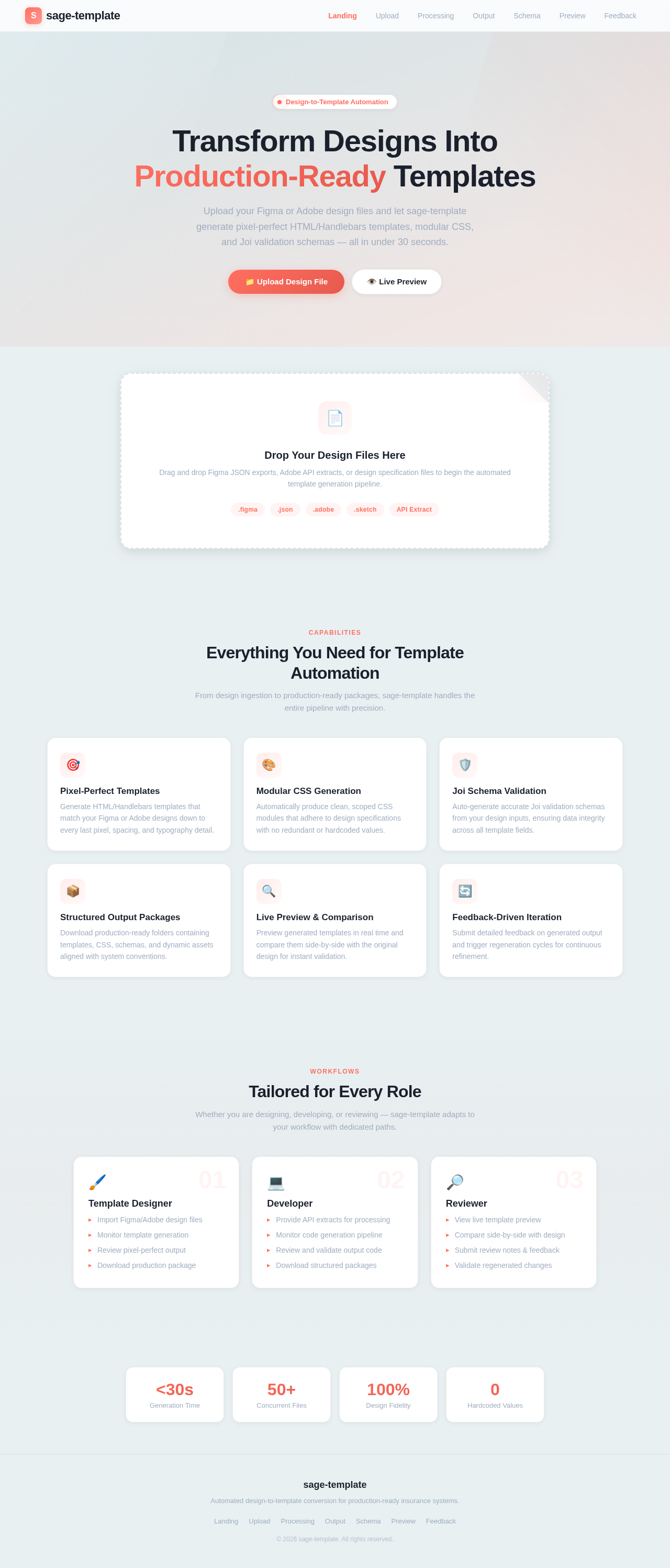
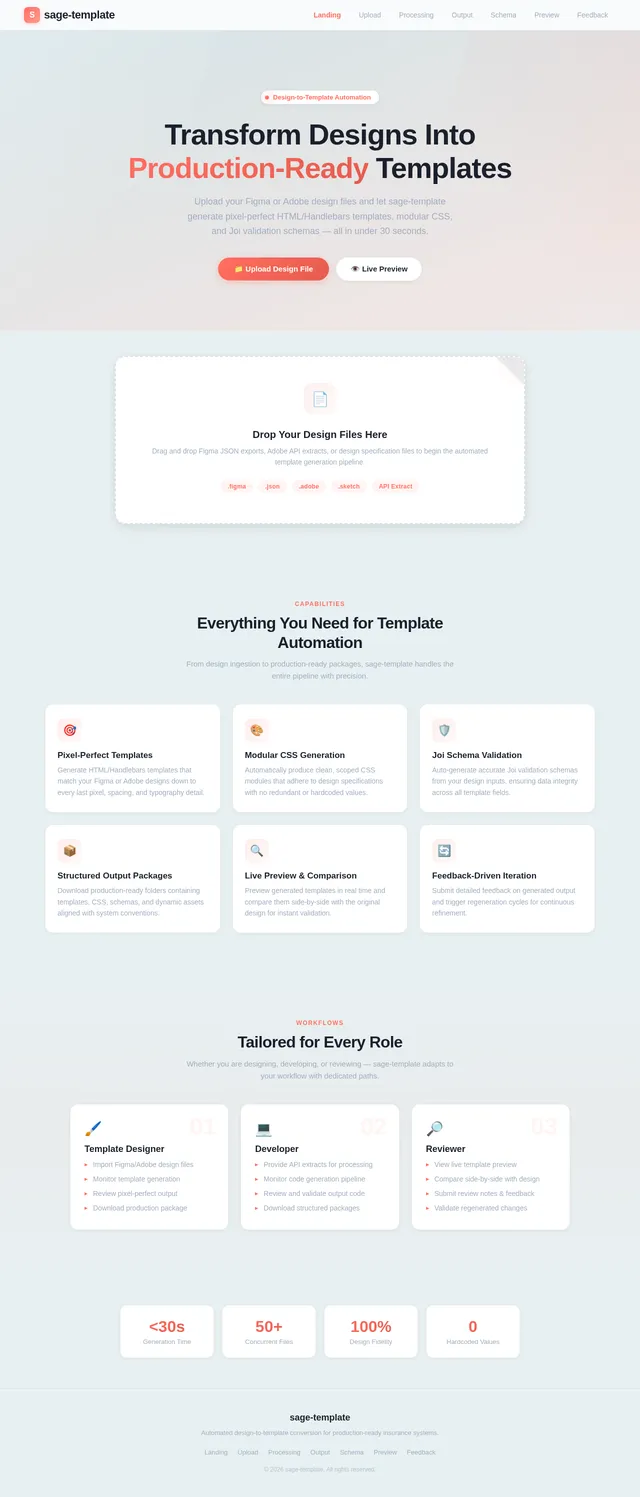
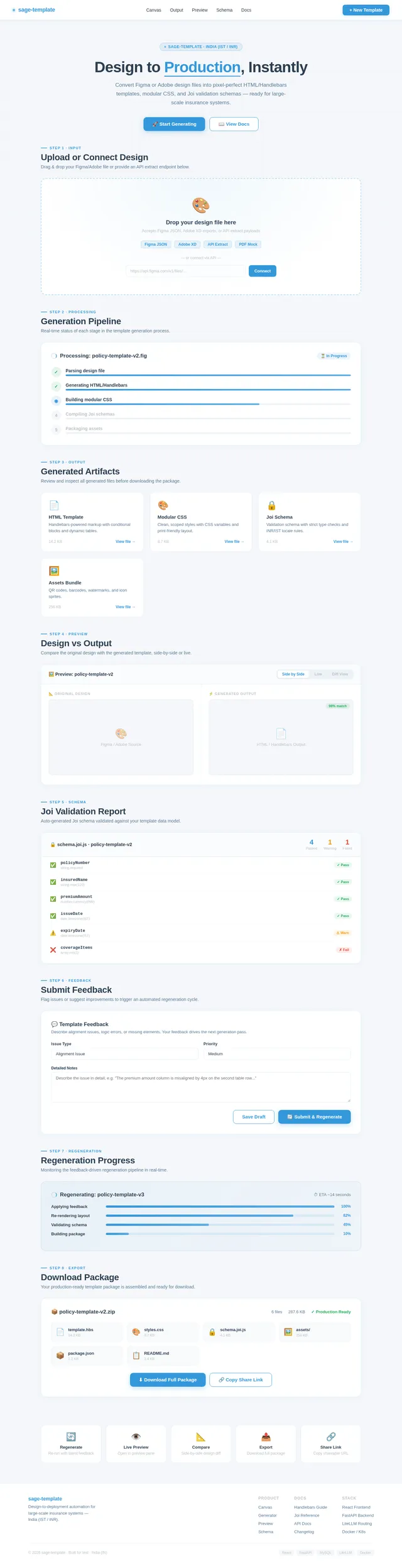
Transform Designs Into Production-Ready Templates
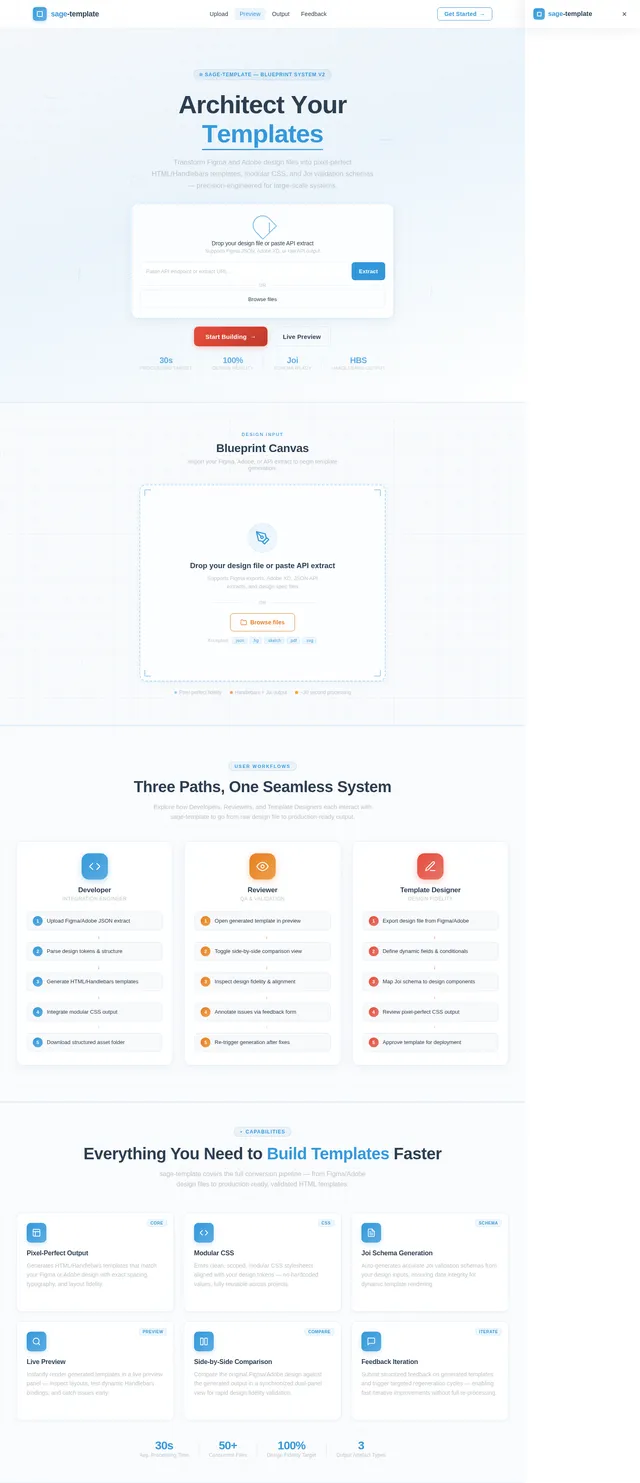
Upload your Figma or Adobe design files and let sage-template generate pixel-perfect HTML/Handlebars templates, modular CSS, and Joi validation schemas — all in under 30 seconds.
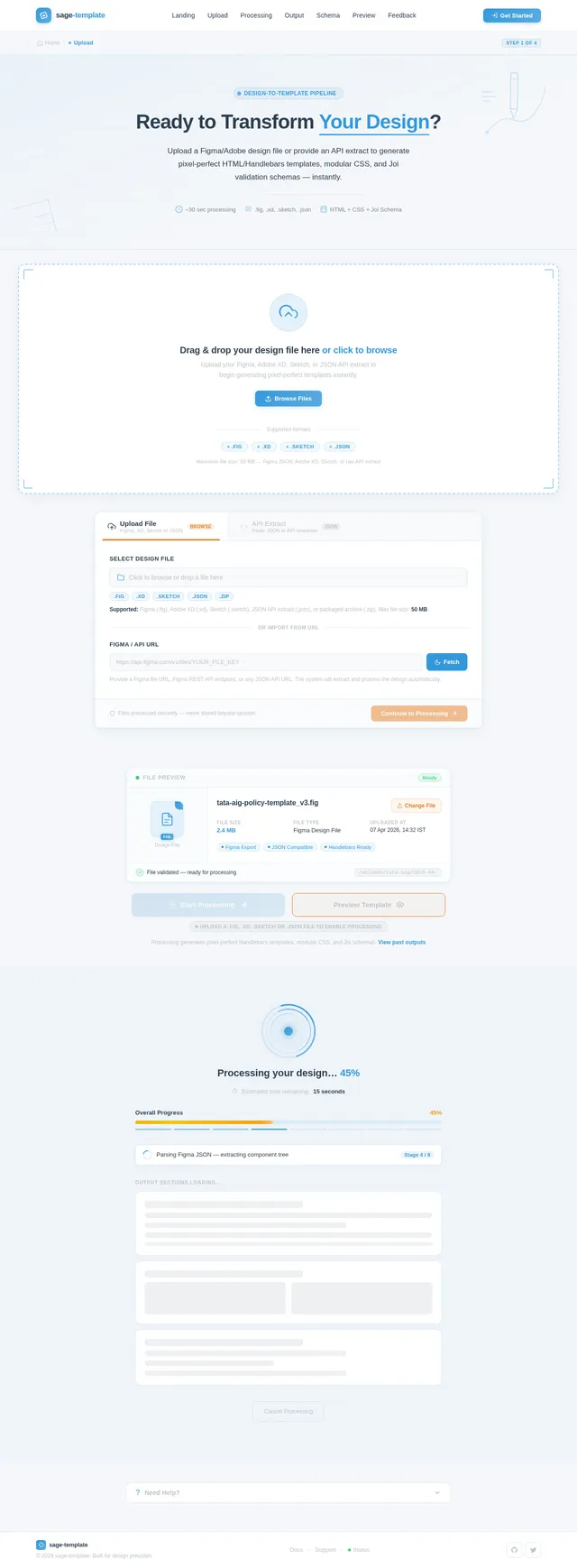
Drop Your Design Files Here
Drag and drop Figma JSON exports, Adobe API extracts, or design specification files to begin the automated template generation pipeline.
Everything You Need for Template Automation
From design ingestion to production-ready packages, sage-template handles the entire pipeline with precision.
Pixel-Perfect Templates
Generate HTML/Handlebars templates that match your Figma or Adobe designs down to every last pixel, spacing, and typography detail.
Modular CSS Generation
Automatically produce clean, scoped CSS modules that adhere to design specifications with no redundant or hardcoded values.
Joi Schema Validation
Auto-generate accurate Joi validation schemas from your design inputs, ensuring data integrity across all template fields.
Structured Output Packages
Download production-ready folders containing templates, CSS, schemas, and dynamic assets aligned with system conventions.
Live Preview & Comparison
Preview generated templates in real time and compare them side-by-side with the original design for instant validation.
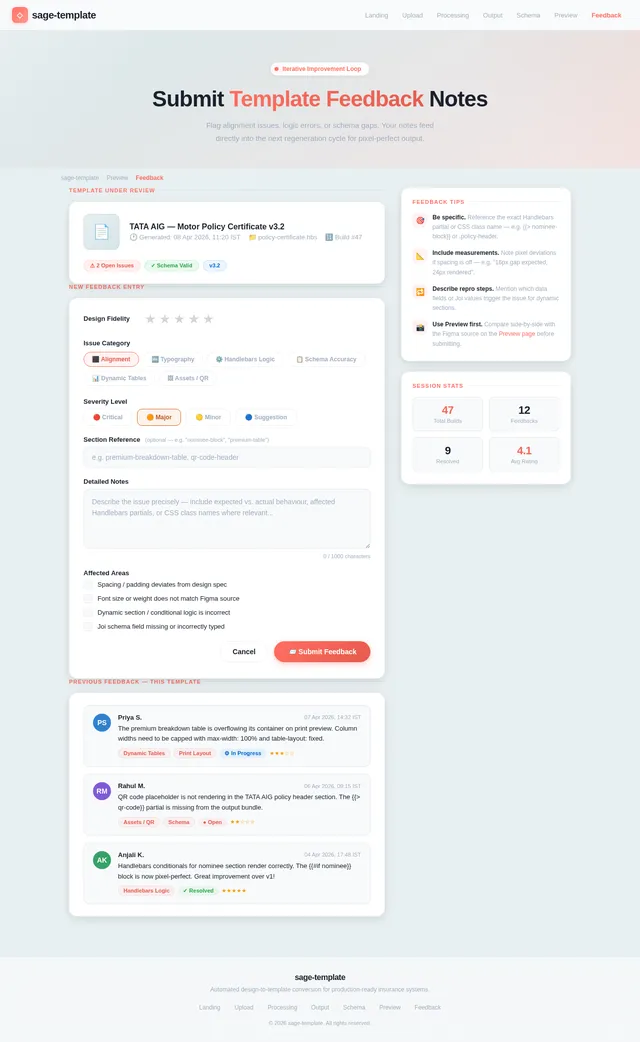
Feedback-Driven Iteration
Submit detailed feedback on generated output and trigger regeneration cycles for continuous refinement.
Tailored for Every Role
Whether you are designing, developing, or reviewing — sage-template adapts to your workflow with dedicated paths.
Template Designer
- ▸Import Figma/Adobe design files
- ▸Monitor template generation
- ▸Review pixel-perfect output
- ▸Download production package
Developer
- ▸Provide API extracts for processing
- ▸Monitor code generation pipeline
- ▸Review and validate output code
- ▸Download structured packages
Reviewer
- ▸View live template preview
- ▸Compare side-by-side with design
- ▸Submit review notes & feedback
- ▸Validate regenerated changes
Generation Time
Concurrent Files
Design Fidelity
Hardcoded Values
No comments yet. Be the first!