sage-finance
 khokhar bhai
You are a senior full-stack engineer and UI/UX designer. Build a complete production-ready web application called "FinovaAI" — an AI-powered personal finance and expense tracking system. Tech Stack Requirements: - Frontend: React (Next.js preferred) + Tailwind CSS - Backend: Node.js with Express (or Next.js API routes) - Database: MongoDB (with Mongoose) - Authentication: JWT + Google OAuth - Charts: Recharts or Chart.js - AI Integration: OpenAI API for financial insights --- Core Features: 1. Authentication System: - Signup/Login with email & password - Google login - JWT-based secure authentication - Protected routes --- 2. User Dashboard: - Show: - Total balance - Monthly income - Monthly expenses - Savings - Charts: - Pie chart (expense categories) - Line chart (monthly trend) --- 3. Transactions System: - Add / Edit / Delete transactions - Types: - Income - Expense - Fields: - Amount - Category (Food, Bills, Travel, etc.) - Date - Notes - Filtering (by date & category) --- 4. Budget Management: - Set monthly budget - Category-wise budget limits - Show progress bars (e.g., 70% used) --- 5. AI Insights Feature: - Analyze user transactions - Generate insights like: - "You spent 25% more on food this month" - "You can save 5000 PKR if you reduce dining out" - Use OpenAI API for dynamic insights --- 6. UI/UX Design: - Modern, clean, responsive design - Dark mode default - Colors: - Primary: Indigo (#4F46E5) - Secondary: Green (#22C55E) - Sidebar navigation: - Dashboard - Transactions - Budgets - AI Insights - Settings --- 7. Settings Page: - User profile - Currency selection (default PKR) - Dark/light mode toggle --- 8. Database Schema: Create proper MongoDB schemas for: - User - Transaction - Budget --- 9. Security: - Password hashing (bcrypt) - Input validation - Error handling --- 10. Extra: - Responsive mobile-friendly UI - Loading states - Toast notifications --- Output Requirements: - Full folder structure - Clean, modular code - Separate frontend and backend - API endpoints fully implemented - .env example file - Setup instructions (step-by-step) --- Goal: The app should be fully functional, scalable, and ready to deploy.

Comments (0)
Sign in to leave a comment
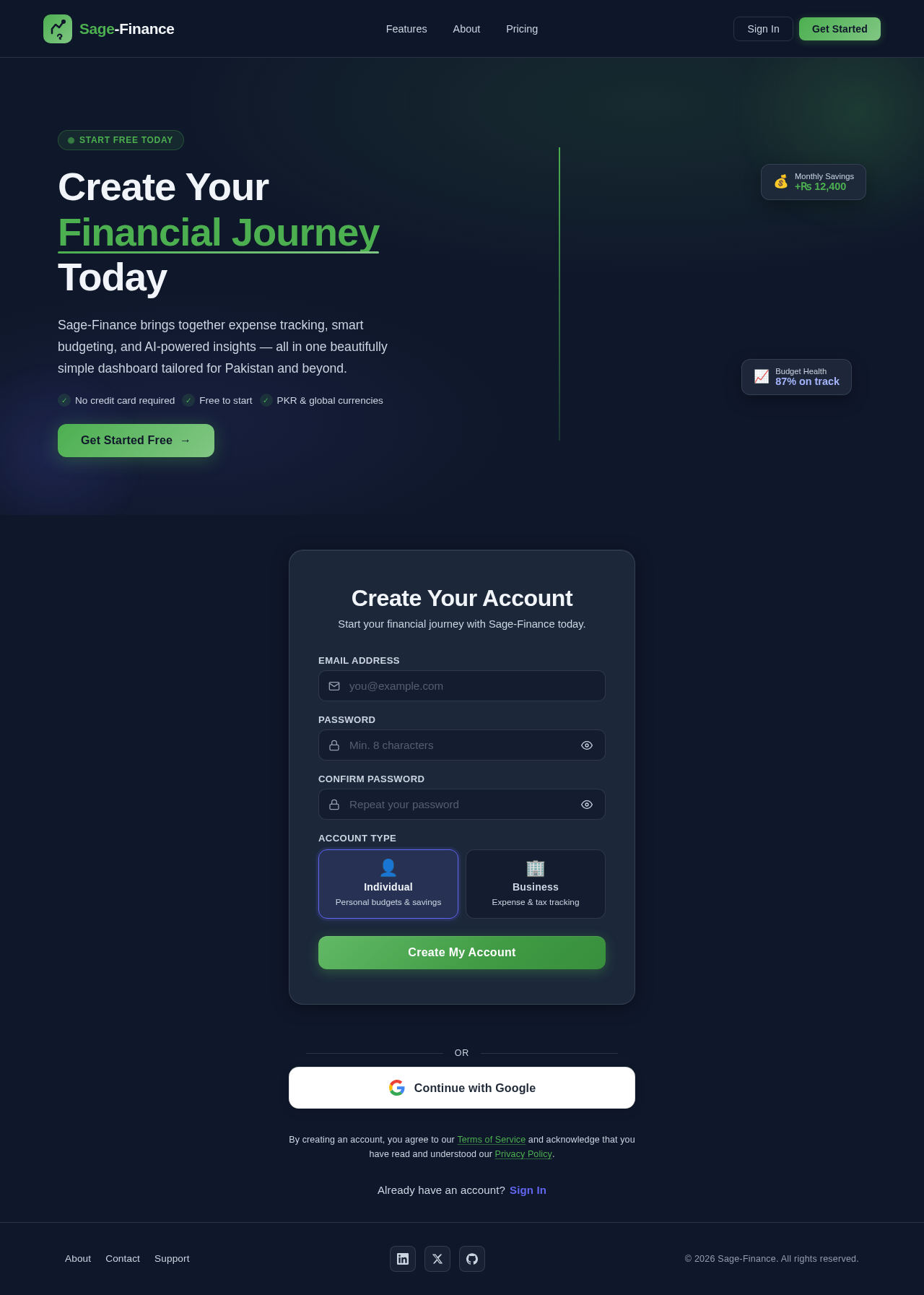
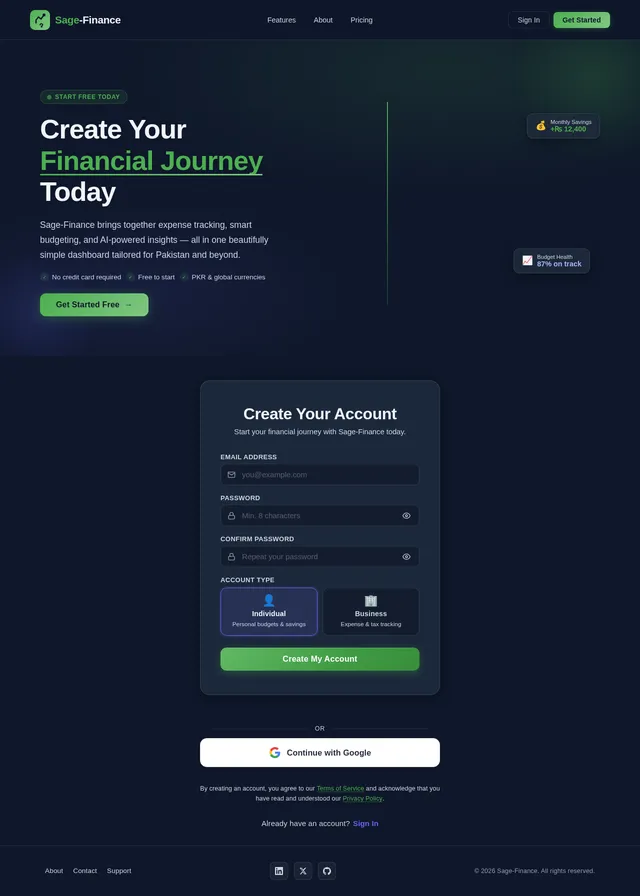
Create Your Financial Journey Today
Sage-Finance brings together expense tracking, smart budgeting, and AI-powered insights — all in one beautifully simple dashboard tailored for Pakistan and beyond.
- ✓No credit card required
- ✓Free to start
- ✓PKR & global currencies
Create Your Account
Sign up in under 60 seconds — email or Google.
You are hereAdd Your Transactions
Log income & expenses with smart categorization.
PKR & multi-currencySet Budgets & Goals
Category-wise limits with real-time progress bars.
Visual trackingGet AI Insights
Personalized tips like "Save 5,000 PKR by reducing dining out."
Powered by AICreate Your Account
Sign up in under 60 seconds — email or Google.
You are hereAdd Your Transactions
Log income & expenses with smart categorization.
PKR & multi-currencySet Budgets & Goals
Category-wise limits with real-time progress bars.
Visual trackingGet AI Insights
Personalized tips like "Save 5,000 PKR by reducing dining out."
Powered by AICreate Your Account
Start your financial journey with Sage-Finance today.
or
By creating an account, you agree to our Terms of Service and acknowledge that you have read and understood our Privacy Policy.
No comments yet. Be the first!