retro-app
 Senara Egodage
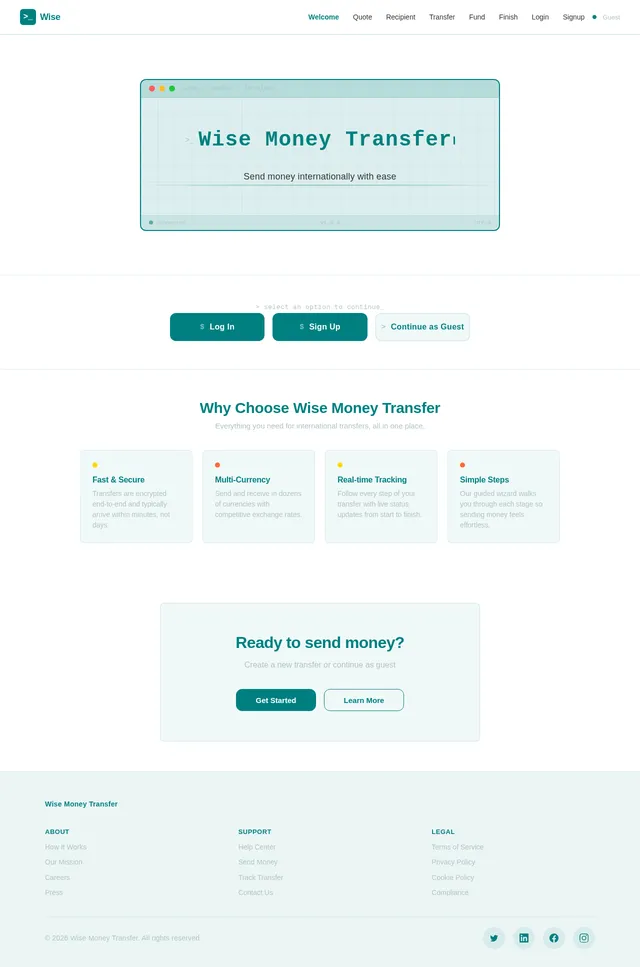
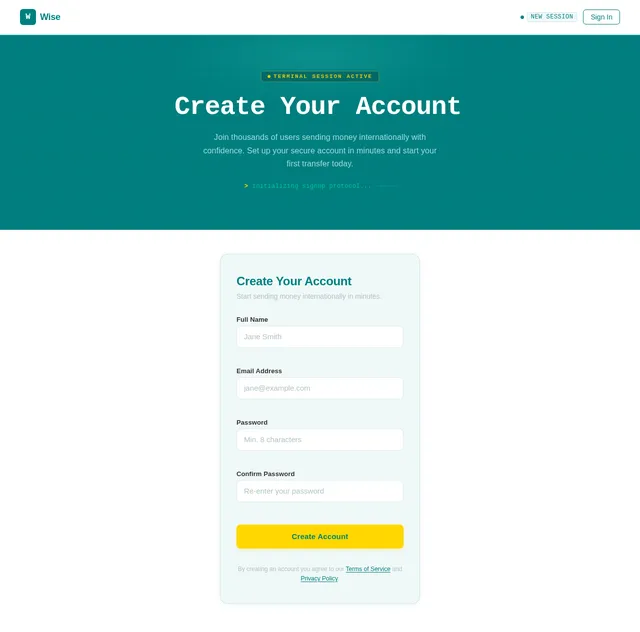
Create a mobile-first “Wise Money Transfer” app with a clean, modern UI suitable for testing. Use a teal primary color, white background, light teal accents, flat colors only (no gradients), consistent spacing, readable typography, and rounded cards. All inputs must be full-width, properly padded, with clear labels, helper text, and inline validation. Use a step-by-step wizard flow with a progress indicator (Step 0–6). Screens and navigation: Welcome Screen App title: “Wise Money Transfer” Short description: “Send money internationally in a few steps.” Buttons: “Log in”, “Sign up”, and “Continue as Guest” (guest allowed for UI testing) Footer: version text placeholder Login Screen Fields: Email/Username, Password Actions: Log in, Forgot password (dummy), Back After login -> Create Quote Screen Sign Up Screen Fields: Full name, Email, Password, Confirm password Actions: Create account, Back After signup -> Create Quote Screen Create Quote Screen Input fields (required): - sourceCurrency* (dropdown, ISO-4217 like USD, EUR, GBP) - targetCurrency* (dropdown) - sourceAmount (number) - targetAmount (number) Rules: - Allow either sourceAmount OR targetAmount (if both empty show validation). Actions: - Primary button: “Create Quote” Outputs to store globally: - quoteId (from createQuote output) - sourceCurrency - targetCurrency - sourceAmount or targetAmount used After success -> Create Recipient Screen Create Recipient Screen Input fields (required): - accountHolderName* - currency* - type* (dropdown: iban, ABA, sort_code, swift) - legalType* (dropdown: PRIVATE, BUSINESS) - addressFirstLine* - addressCity* - addressPostCode* - addressCountryCode* (2-letter code like LK, GB, US) Optional: - addressState Conditional required fields: - If type = iban → iban is required - If type = ABA → abartn, accountNumber, accountType are required - If type = sort_code → sortCode, accountNumber are required - If type = swift → swiftCode is required (and accountNumber if needed) Actions: - Primary: “Create Recipient” Outputs to store globally: - targetAccount (from createRecipient output) After success -> Update Quote Screen Update Quote Screen Fields: - sourceAmount* (auto-filled from Create Quote, editable) - sourceCurrency* (auto-filled) - targetCurrency* (auto-filled) - quoteId (READ-ONLY, auto taken from Create Quote output) - targetAccount (READ-ONLY, auto taken from Create Recipient output) Actions: - Primary: “Update Quote” After success -> Create Transfer Screen Create Transfer Screen Fields: - customerTransactionId* (auto-generate a UUID-like string if empty, but editable) - quoteId (READ-ONLY, auto from Create Quote) - targetAccount (READ-ONLY, auto from Create Recipient) - reference (optional) - transferPurpose (optional) Actions: - Primary: “Create Transfer” Outputs to store globally: - transferId (from createTransfer output) After success -> Fund Transfer Screen Fund Transfer Screen Fields: - type* (dropdown, include common values like BALANCE / BANK_TRANSFER / CARD if supported; keep as required) - transferId (READ-ONLY, auto from Create Transfer output) - partnerReference (optional) Actions: - Primary: “Fund Transfer” After success -> Finish Screen Final – Finish Screen Show a clean success summary card with the following fields: - transferId - quoteId - targetAccount - customerTransactionId - sourceCurrency - targetCurrency - sourceAmount - targetAmount (if available) - funding type - partnerReference - reference - transferPurpose - status (show as Success / Completed) - completion message: “Your transfer has been created successfully.” Actions: - “Create New Transfer” - “Back to Home” General Requirements - Keep all screens mobile-first and visually consistent. - Use rounded cards, flat colors, proper spacing, and clear section headings. - All fields should have labels, helper text, and inline validation. - Read-only fields must still be visible in a styled input or summary box. - Store outputs globally and automatically pass them to the next steps. - Do not ask the user to re-enter values already created in earlier steps. - Add loading, success, and error states for each step. - Use dummy/mock backend behavior if real API integration is not available, but preserve the full end-to-end flow and stored outputs.
Comments (0)
Sign in to leave a comment
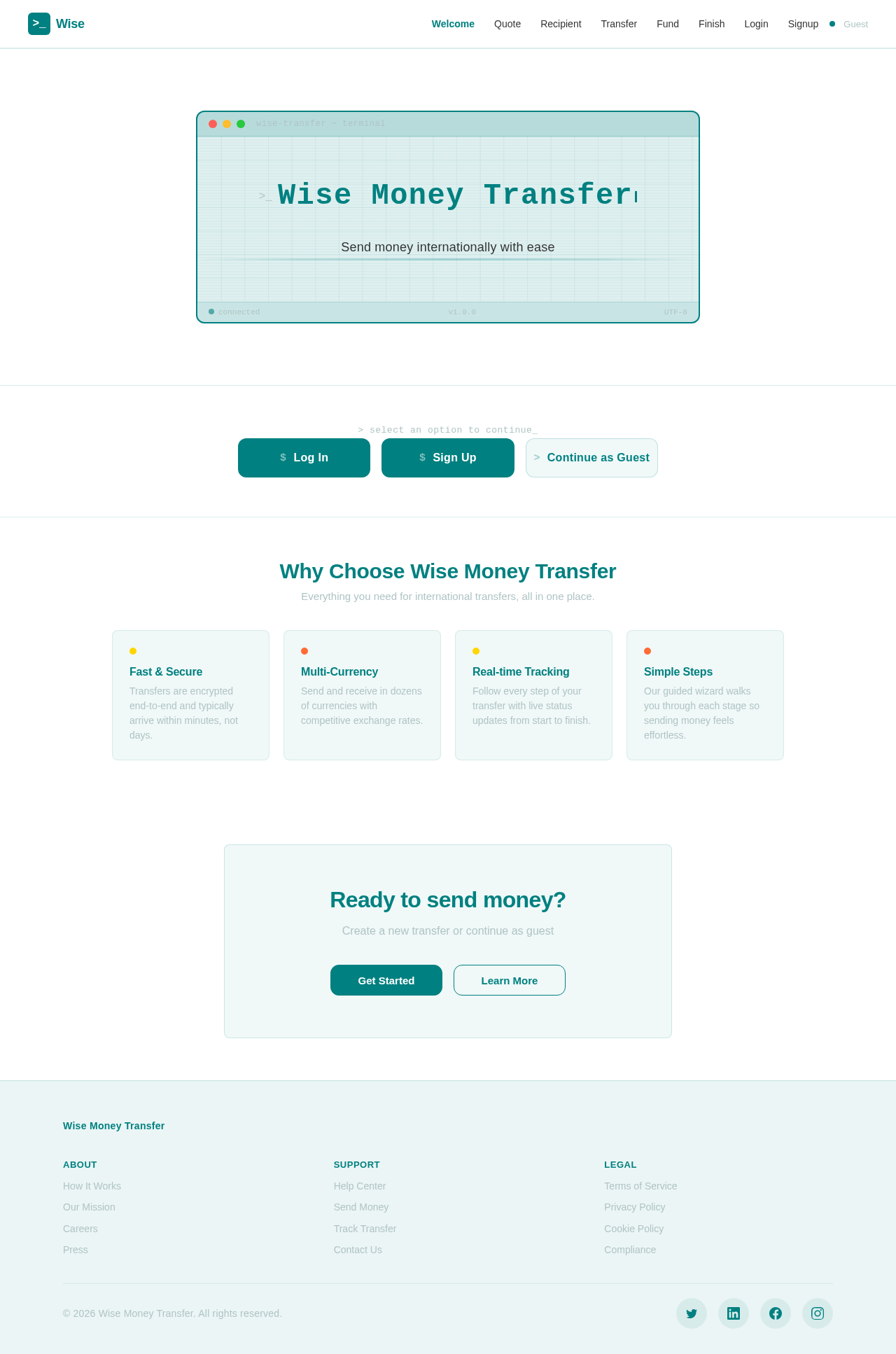
Send money internationally with ease
> select an option to continue_
Why Choose Wise Money Transfer
Everything you need for international transfers, all in one place.
Fast & Secure
Transfers are encrypted end-to-end and typically arrive within minutes, not days.
Multi-Currency
Send and receive in dozens of currencies with competitive exchange rates.
Real-time Tracking
Follow every step of your transfer with live status updates from start to finish.
Simple Steps
Our guided wizard walks you through each stage so sending money feels effortless.
Ready to send money?
Create a new transfer or continue as guest
No comments yet. Be the first!