NIGHTSHIFT
BUILT FOR THE HOURS NOBODY WATCHES
SHOP THE DROP Lipsa Mishra
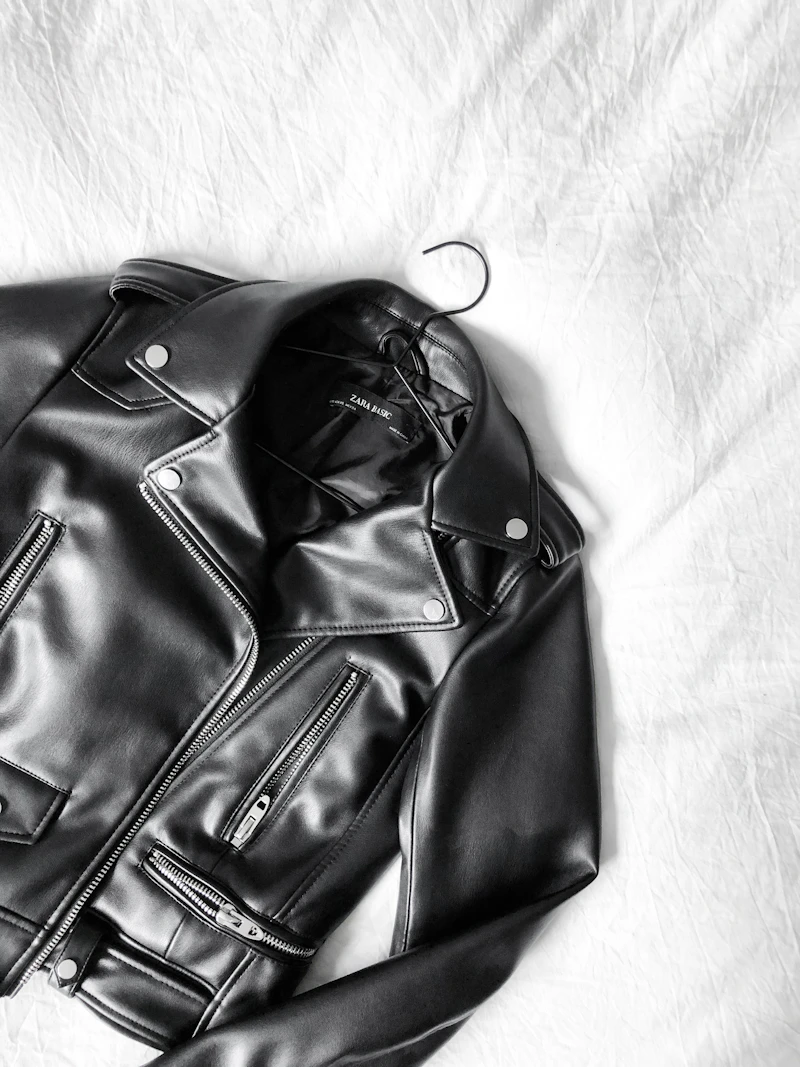
Build this entire microsaasRebrand this entire storefront into a premium streetwear brand called [give it a good name] BRAND & VISUAL DIRECTION Dark mode only. Background #0A0A0A. Surfaces #141414. Accent: electric lime #CCFF00. Use it for CTAs, price tags, hover states, active nav. Typography: bold condensed uppercase headings (Anton or Archivo Black), clean sans body (Inter). Big type. Heavy contrast. Tight letter-spacing. Aesthetic: dark, high-contrast, editorial. Think Nike SNKRS meets a techno flyer. Sharp corners, thin 1px borders, subtle grain. No purple gradients. No soft shadows. REPLACE ALL PRODUCT DATA Remove all Acme placeholder products. Create 8 mock streetwear products: Blackout Cargo Pants — $145 Nightshift Hoodie (Oversized) — $180 Static Tee — $65 Grid Bomber Jacket — $290 Terminal Cap — $45 Void Crewneck — $120 Signal Windbreaker — $210 Circuit Socks (2-Pack) — $30 Each product: 2-3 size variants (S/M/L/XL), a short punchy description, and a category (Outerwear / Tops / Bottoms / Accessories). Use dark, moody Unsplash streetwear placeholder images. HOMEPAGE Full-bleed hero: massive [name]wordmark, tagline "BUILT FOR THE HOURS NOBODY WATCHES", lime CTA button "SHOP THE DROP". Below hero: 3-column featured product grid with hover-zoom. A "NEW DROP — LIVE NOW" ticker strip that scrolls horizontally. Sticky top nav: NIGHTSHIFT logo left, links (SHOP / OUTERWEAR / ABOUT), cart icon with live item count right. KEEP INTACT Keep all existing cart logic (addToCart, removeFromCart, updateCart, getCart), routing, search, and the standalone demo mode. Do not break the build. make sure to make all the options optional and keep 30 plus new different options for products

Sign in to leave a comment
No tasks generated yet.
Tasks will appear here as requirements are defined.

BUILT FOR THE HOURS NOBODY WATCHES
SHOP THE DROPBUILT FOR THE HOURS NOBODY WATCHES
SHOP THE DROP




No comments yet. Be the first!