raven-bluetooth
 Savas
Savasbluetooth based communication mobile app
Comments (0)
Sign in to leave a comment
System Requirements
System Requirements Document (SRD)
Project Name: raven-bluetooth
1. Introduction
The raven-bluetooth project is a Bluetooth-based communication mobile application designed to facilitate secure and efficient collaboration among business teams. By leveraging Bluetooth technology, the app enables offline communication and file sharing, making it ideal for environments without internet access or where privacy is paramount.
This document outlines the system requirements for raven-bluetooth, ensuring clarity and alignment with the project's goals. The focus is on delivering a seamless user experience for business team collaboration, with features tailored to enhance productivity and coordination.
2. System Overview
The raven-bluetooth app is designed to operate on mobile devices, utilizing Bluetooth technology for communication and file sharing. The system will support messaging, file transfer, and device pairing functionalities, ensuring secure and fast interactions within a closed network.
Key features include:
- Offline communication and file sharing via Bluetooth.
- Secure device pairing for team coordination.
- Business-oriented tools for collaboration.
The app will cater to business teams in the UK (GB), with locale-specific defaults such as British English, GBP currency for any transactions, and GMT timezone assumptions.
3. Functional Requirements
As story points:
- As a User, I should be able to retrieve the last user record as a pre-resolved action by the API supervisor.
- As a User, I should be able to send and receive messages via Bluetooth.
- As a User, I should be able to transfer files securely to nearby devices.
- As a User, I should be able to pair my device with other team members' devices for collaboration.
- As an Admin, I should be able to monitor and manage device pairing within the team.
- As an Admin, I should be able to configure security settings for Bluetooth communication.
4. User Personas
1. User (Team Member)
- Primary user of the app.
- Uses the app for messaging, file sharing, and device pairing during team collaboration.
- Values privacy, speed, and ease of use.
2. Admin (Team Supervisor)
- Responsible for managing team configurations and security settings.
- Monitors device pairing and ensures compliance with organizational policies.
- Requires advanced control features for team management.
5. Visuals Colors and Theme
Unique Color Palette:
The raven-bluetooth app will feature a sleek and professional color palette to reflect its business-oriented focus:
- Background: #1E1E2F (Deep Midnight Blue)
- Surface: #2A2A3E (Slate Gray)
- Text: #F5F5FA (Soft White)
- Accent: #4A90E2 (Vibrant Sky Blue)
- Muted Tones: #8C8C99 (Muted Gray)
This palette ensures a modern, professional look while maintaining readability and user comfort during extended use.
6. Signature Design Concept
Interactive Bluetooth Network Visualization
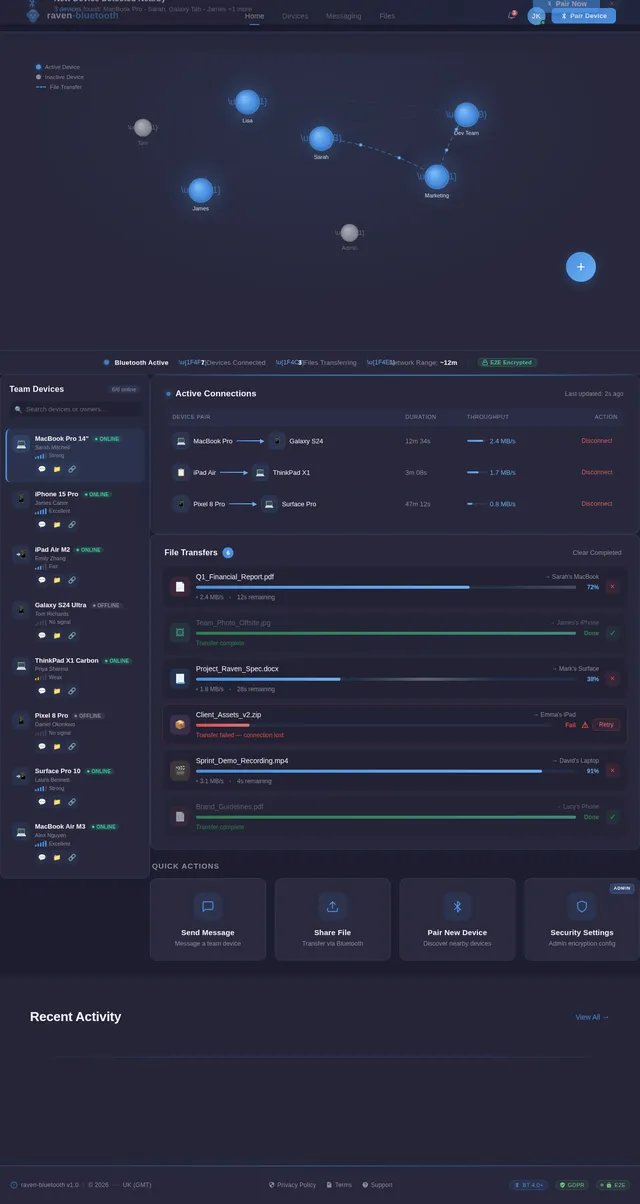
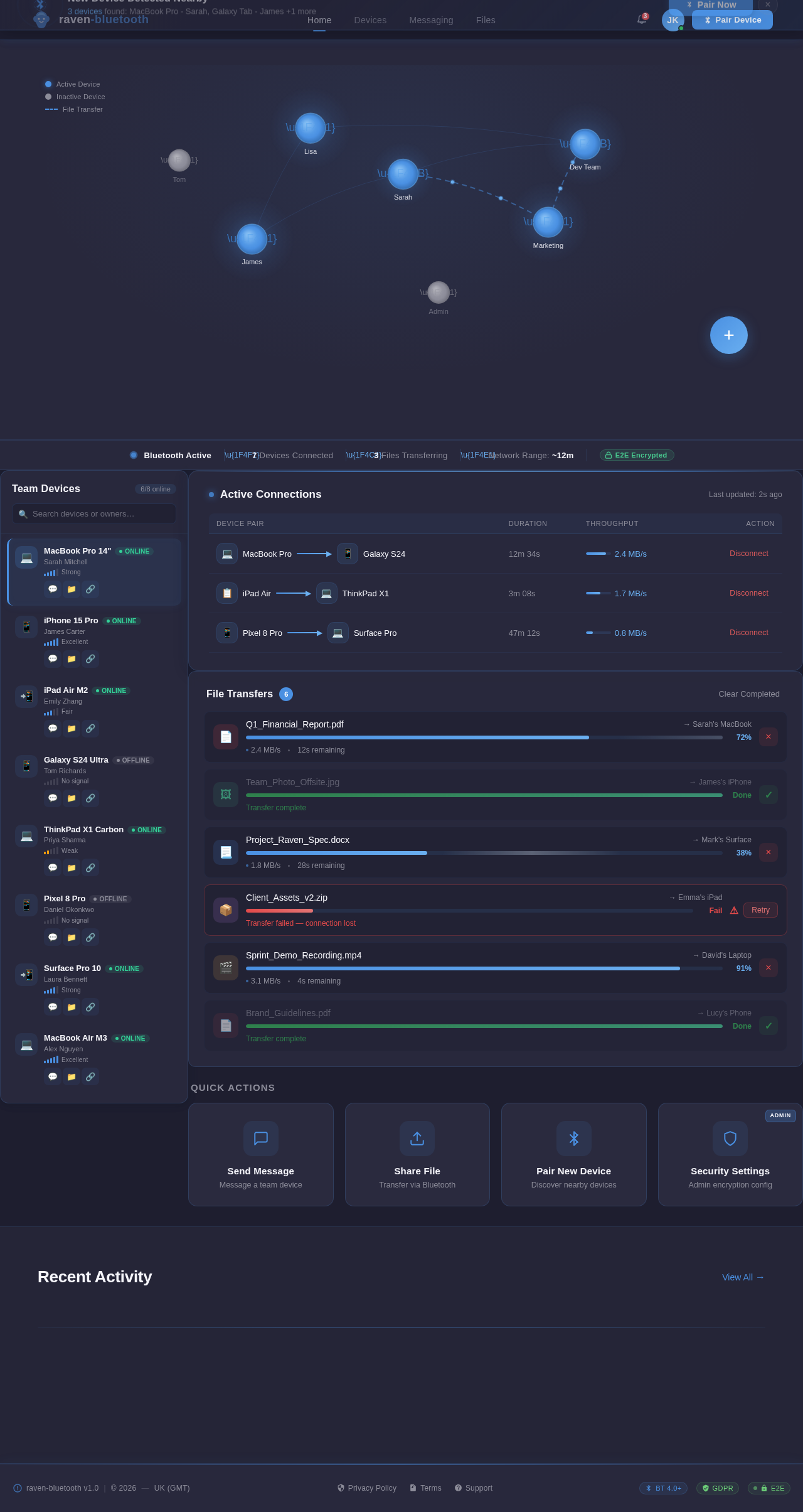
The raven-bluetooth homepage will feature a dynamic, interactive visualization of connected devices within the Bluetooth network.
-
Design Details:
- A 3D network map where each device is represented as a glowing node.
- Nodes pulse gently to indicate active connections, while inactive devices fade into muted tones.
- Hovering over a node displays device details (e.g., name, status, last activity).
- Users can drag and drop nodes to initiate pairing or file sharing, with smooth animations and transitions.
-
Animations:
- When a new device joins the network, it "zooms" into the map with a glowing effect.
- File transfers are represented as animated lines connecting nodes, with progress indicators.
-
Interaction Patterns:
- Clicking on a node opens a contextual menu for messaging, file sharing, or pairing.
- The map adapts dynamically to show real-time changes in the network.
This concept creates an engaging first impression while emphasizing the app's core functionality—Bluetooth-based collaboration.
7. Non-Functional Requirements
-
Performance:
- The app must establish Bluetooth connections within 3 seconds.
- File transfers should achieve a minimum speed of 2 MB/s.
-
Scalability:
- Support up to 50 devices in a single network.
-
Security:
- Implement end-to-end encryption for all communications and file transfers.
- Ensure compliance with GDPR for data handling.
-
Usability:
- The app must be intuitive and require no more than 3 steps for any primary action.
8. Tech Stack
Frontend:
- React Native for mobile app development.
Backend:
- Python with FastAPI for API development.
Database:
- MySQL for relational data storage, using Alembic for migrations.
AI Models (if applicable):
- GPT 5.2 for user-friendly responses.
AI Tools:
- Langchain for advanced AI integrations.
Local Orchestration:
- Docker and docker-compose for containerization.
Server-Side Orchestration:
- Kubernetes for managing distributed systems.
9. Assumptions and Constraints
Assumptions:
- Users will have devices with Bluetooth 4.0 or higher.
- The app will primarily target business teams in the UK.
Constraints:
- The app must function offline without reliance on internet connectivity.
- Device pairing is limited to a maximum range of 10 meters.
10. Glossary
- Bluetooth: A wireless technology standard for exchanging data over short distances.
- Device Pairing: The process of establishing a secure connection between two Bluetooth-enabled devices.
- API Supervisor: A backend system responsible for managing API interactions and pre-resolved actions.
- GDPR: General Data Protection Regulation, a legal framework for data protection and privacy in the EU and UK.
This document provides a comprehensive overview of the raven-bluetooth project, ensuring alignment with Savas's vision and user needs.
| Device Pair | Duration | Throughput | Action |
|---|---|---|---|
MacBook Pro ▶ Galaxy S24 | 12m 34s | 2.4 MB/s | |
iPad Air ▶ ThinkPad X1 | 3m 08s | 1.7 MB/s | |
Pixel 8 Pro ▶ Surface Pro | 47m 12s | 0.8 MB/s |
Recent Activity
View All→New Device Detected Nearby
3 devices found: MacBook Pro - Sarah, Galaxy Tab - James +1 more
No comments yet. Be the first!