01
6:30 — 9:00
Morning Coffee
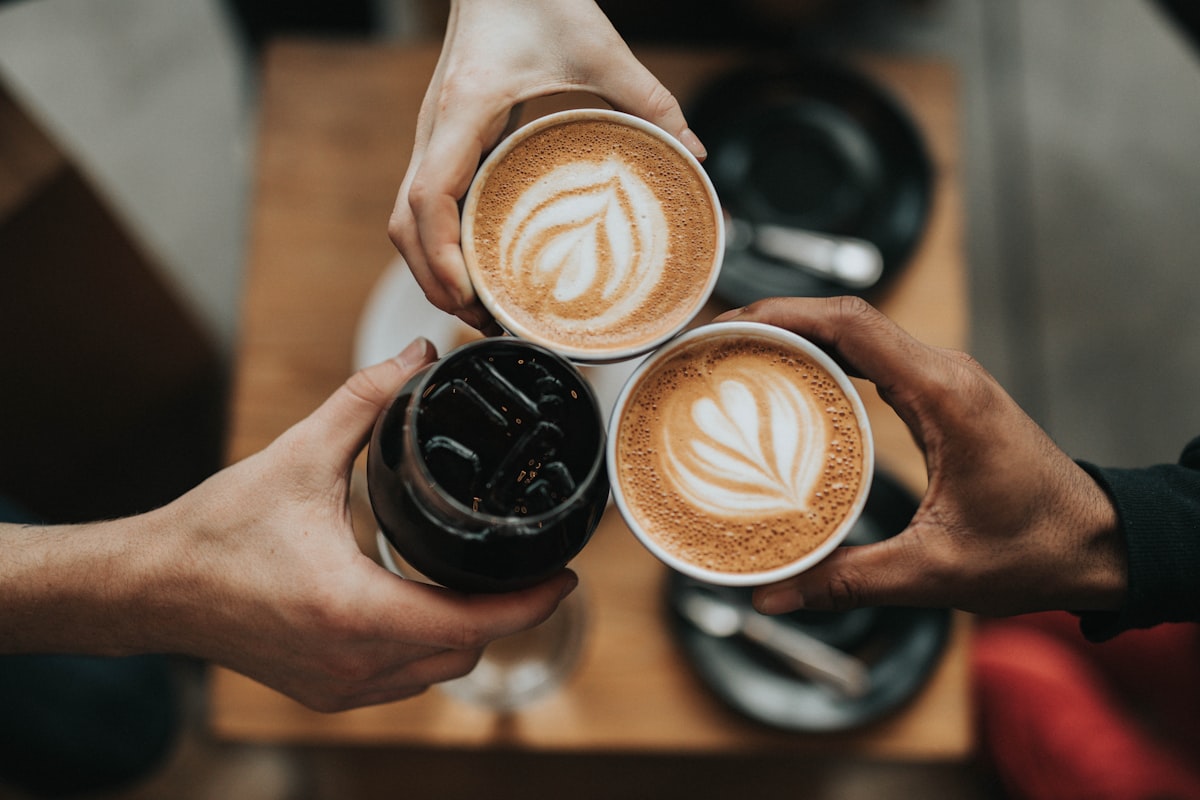
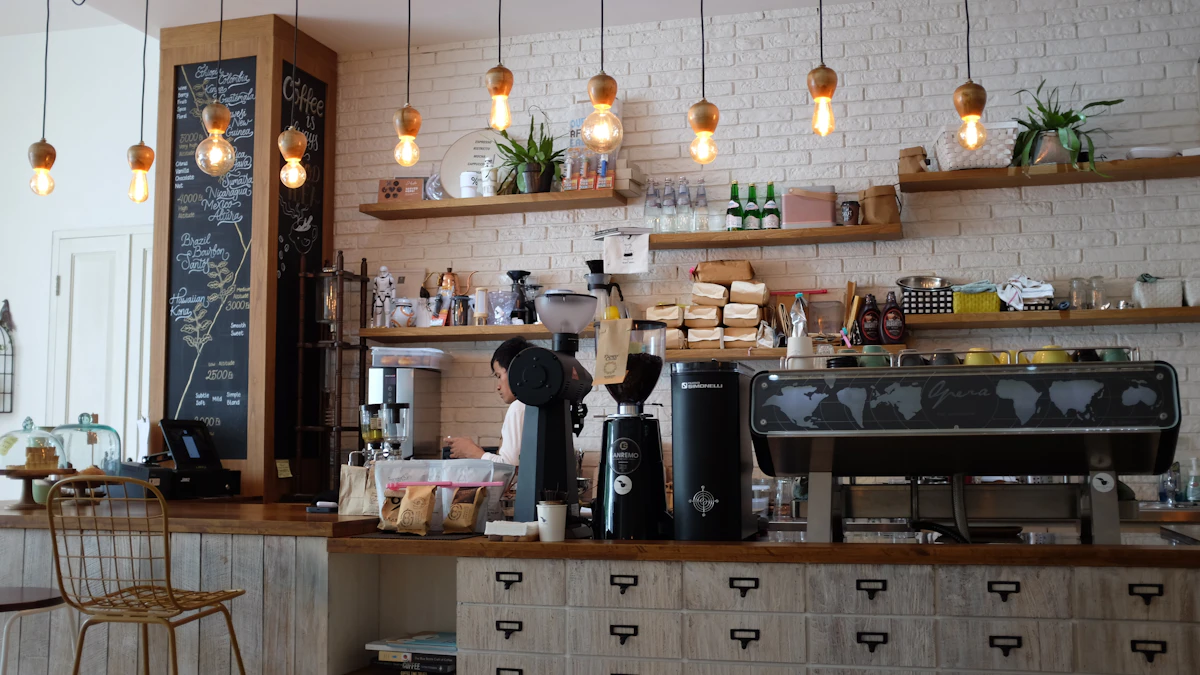
First light through the front windows, the grinder waking up, and the day’s first espresso pulled slow.
 KUNAL PATTANAIK
Act as a senior creative director, premium UI/UX designer, brand designer, motion designer and expert frontend developer. Build a stunning, highly professional, modern cafe landing page that feels custom-designed by a top digital agency. The result must be unique, memorable and significantly better than a typical cafe/restaurant website. MAIN GOAL Create a website that makes visitors immediately understand the cafe's personality, atmosphere and quality, while naturally encouraging them to: - Explore the menu - Reserve a table - Order - Visit the cafe - Get directions Do not create a generic restaurant template. --- DESIGN DIRECTION First create a strong visual concept and brand identity, then build the website around it. Use: - Premium editorial design - Strong typography - Large headlines - Cinematic photography - Asymmetric layouts - Sophisticated whitespace - Layered compositions - Elegant micro-interactions - Subtle textures - Carefully controlled animations - Warm, premium cafe-inspired colors Use a restrained palette such as cream, espresso brown, charcoal and one tasteful accent color. Use a beautiful display serif + modern sans-serif typography combination. Avoid excessive: - cards - rounded corners - gradients - glassmorphism - shadows - icons - repetitive grids - generic UI components Every section should have its own visual purpose. --- PAGE STRUCTURE Create these sections: 1. NAVBAR Minimal premium navigation with: Logo | Menu | Story | Experience | Visit | Reserve Make it sticky and transform subtly when scrolling. Mobile navigation should become a polished fullscreen menu. 2. HERO Make this the strongest part of the website. Do NOT use a standard centered hero. Create an immersive editorial composition using: - oversized headline - cinematic cafe/food image - asymmetric positioning - small location/opening information - primary CTA - scroll indicator Make typography and imagery interact visually. Add elegant entrance animations. 3. BRAND STATEMENT Create a large editorial statement communicating the cafe philosophy. Do not simply create an “About Us” section. Use large typography, whitespace and one supporting visual. 4. MENU Create an elegant interactive menu. Categories: Coffee / Breakfast / Brunch / Drinks / Desserts Do not use ordinary product cards. Use an editorial list. When hovering over an item, show/change its corresponding image and create a subtle interaction. Make the mobile version touch-friendly. 5. SIGNATURE ITEM Create one dramatic full-width showcase for the cafe's signature food or drink. Use large photography, typography and subtle scroll movement. Do not put it inside a conventional card. 6. EXPERIENCE Show the cafe lifestyle and atmosphere: Morning coffee / Brunch / Work / Conversations / Evening Use editorial storytelling with multiple images and unconventional composition. 7. GALLERY Create an asymmetric premium image gallery. Mix portrait, landscape, food, coffee, interior and lifestyle photography. Avoid a standard Instagram grid. Use subtle hover effects. 8. STORY Create a concise visual story/timeline about the cafe. Use placeholder content only where real information is unavailable. Never invent real claims, awards or facts. 9. TESTIMONIALS Use one or a few large editorial testimonials instead of repetitive cards. 10. LOCATION Create a visually attractive visit section containing: Address / Opening Hours / Phone / Directions / Reservation Make the CTA highly visible. 11. FINAL CTA End with a memorable full-screen visual section containing a strong statement and: View Menu / Reserve a Table 12. FOOTER Minimal premium footer with logo, contact, location, hours, social links and essential links. --- MOTION & INTERACTION Add subtle, premium motion, not flashy animation. Implement: - smooth page entrance - text reveal - image reveal - scroll animations - subtle parallax - image hover effects - menu hover interaction - refined button animations - sticky navbar transformation Add 2–3 memorable custom interactions that fit the brand. All animations must be fast, smooth and purposeful. Support "prefers-reduced-motion". --- RESPONSIVE DESIGN Design desktop, tablet and mobile intentionally. Do not simply shrink the desktop version. Mobile must have: - clean typography - proper spacing - optimized images - touch-friendly controls - simplified animations - no horizontal overflow The mobile experience should feel equally premium. --- QUALITY & DEVELOPMENT Build production-quality frontend code using: Next.js + React + TypeScript + Tailwind CSS + Framer Motion Use reusable components and clean architecture. Ensure: - semantic HTML - accessibility - keyboard navigation - proper focus states - responsive images - lazy loading - good performance - SEO metadata - Open Graph metadata - local business schema where appropriate All navigation and CTA buttons should work correctly. --- IMAGE DIRECTION Use premium, cinematic imagery with: - natural lighting - warm tones - food details - espresso preparation - cafe interiors - human moments - architectural details Avoid generic corporate stock-photo aesthetics. If actual images are unavailable, use appropriate high-quality placeholders that can easily be replaced later. --- CRITICAL DESIGN RULE Before finishing, critically review the entire website. If any part looks like a: generic cafe template, AI-generated website, Bootstrap layout, Webflow template or standard restaurant website redesign that part. The final result must have at least 3 recognizable visual signatures, such as: - editorial typography - asymmetric composition - interactive menu - cinematic transitions - unconventional gallery - typography overlapping imagery - horizontal storytelling - custom micro-interactions Do not add effects just for the sake of being different. The design should feel intentional, premium, original and commercially usable. Finally, polish every detail: typography, spacing, image crops, alignment, animations, hover states, responsive behavior and CTA hierarchy. Do not just describe the design. Build the complete working landing page.

Sign in to leave a comment
The raven-act project aims to create a stunning, highly professional, modern cafe landing page that feels custom-designed by a top digital agency. The website should immediately convey the cafe's personality, atmosphere, and quality, while encouraging visitors to explore the menu, reserve a table, order, visit the cafe, and get directions. The design must be unique, memorable, and significantly better than a typical cafe/restaurant website.
The raven-act project delivers a single cohesive landing page for a cafe, focusing on premium editorial design with strong typography, cinematic imagery, and asymmetric compositions. The page includes interactive elements and cinematic transitions to convey the cafe's personality and quality. The design is guided by the creative direction of Tobias van Schneider, emphasizing editorial minimalism with swagger.
The landing page is a public entry surface designed to serve cafe visitors. It includes sections such as the hero, editorial brand statement, interactive menu, signature item showcase, experience, gallery, story, testimonials, location, final CTA, and footer. The page is built using Next.js, React, TypeScript, Tailwind CSS, and Framer Motion, ensuring a production-quality frontend with semantic HTML, accessibility, and responsive design. The design avoids generic templates and excessive UI decorations, focusing instead on a unique and premium presentation.
Not applicable as no content source directive was provided.
Navbar
Hero
Brand Statement
Menu
Signature Item
Experience
Gallery
Story
Testimonials
Location
Final CTA
Footer
Exploring the Menu
Reserving a Table
Understanding the Cafe's Atmosphere
Getting Directions
Final Engagement
The landing page opens with a full-bleed café scene featuring oversized typography intersecting a cinematic image. The hero section uses cream text over espresso-toned photography, with an asymmetric composition and subtle scroll indicator. The design includes editorial photography layered asymmetrically with text over espresso brown surfaces, cinematic transitions with subtle parallax scrolling, and an immersive interactive menu.


Small-batch roasts, food made from scratch, and a room built for lingering — raven-act is where the neighborhood starts its day.
raven-act began with a simple conviction: that a cup of coffee, made with patience and attention, can slow a morning down to something worth noticing. Every detail here — the beans we choose, the light through the windows, the quiet between conversations — is considered on purpose, not left to chance.
A short, considered list built around single-origin coffee, house-baked pastry and produce-led plates. Browse by category and hover an item to see it up close.


Double ristretto, house-steamed oat milk and a whisper of cinnamon, finished tableside in our copper pour vessel. The espresso we built the menu around.
The same room changes shape from sunrise to close — a place for the first espresso, a slow brunch, an afternoon of work, unhurried conversation, and the quiet hour before the lights go down.
First light through the front windows, the grinder waking up, and the day’s first espresso pulled slow.

Tables fill with plates of avocado toast and warm pastries, unhurried and shared.

A quiet corner, a laptop, a second cup — the cafe as an unofficial office for the afternoon.

The room shifts register — friends lean in over shared plates and the last of the daylight.

Low light, warm wood, and the last orders of the night settle the room into something slower.
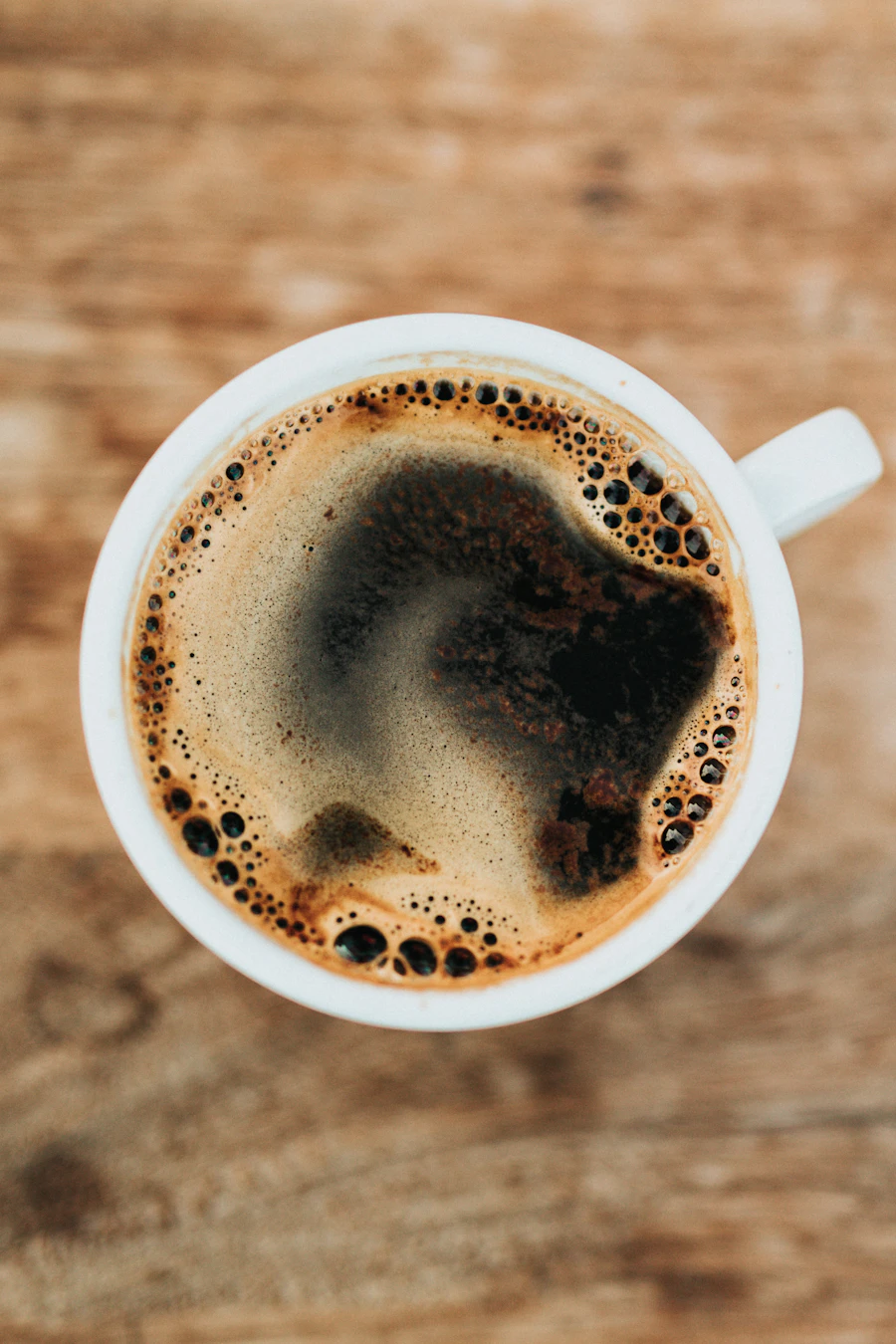
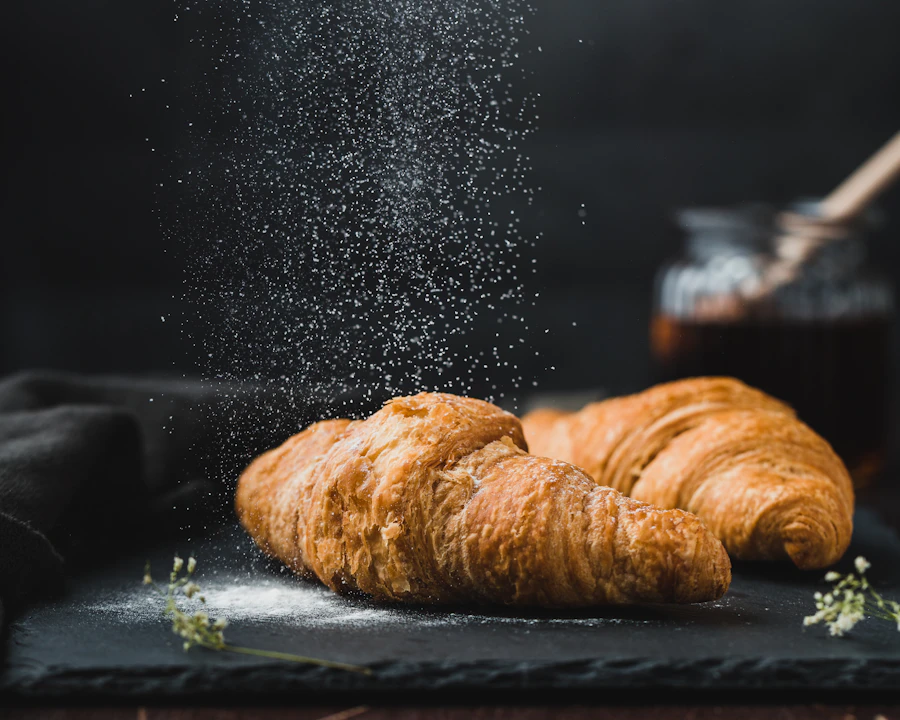
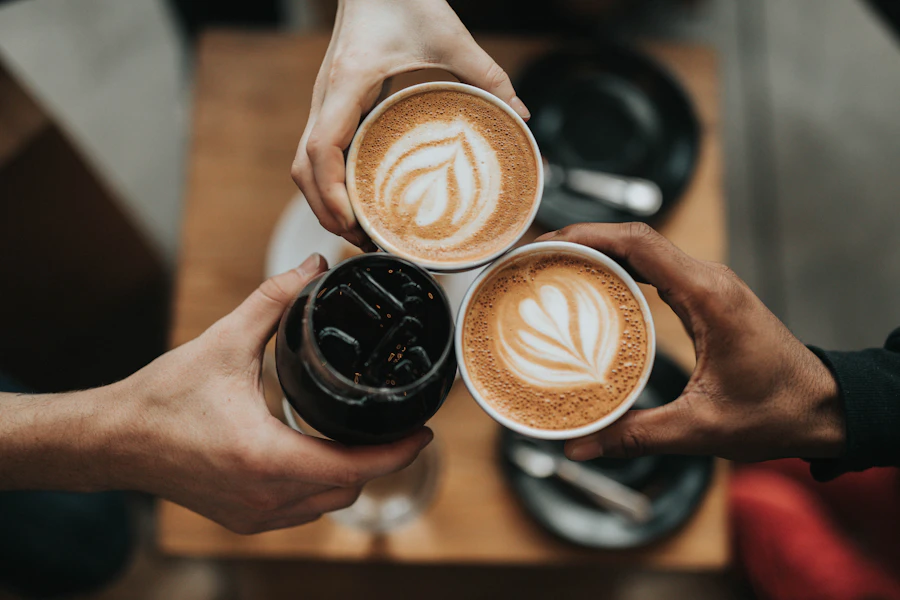
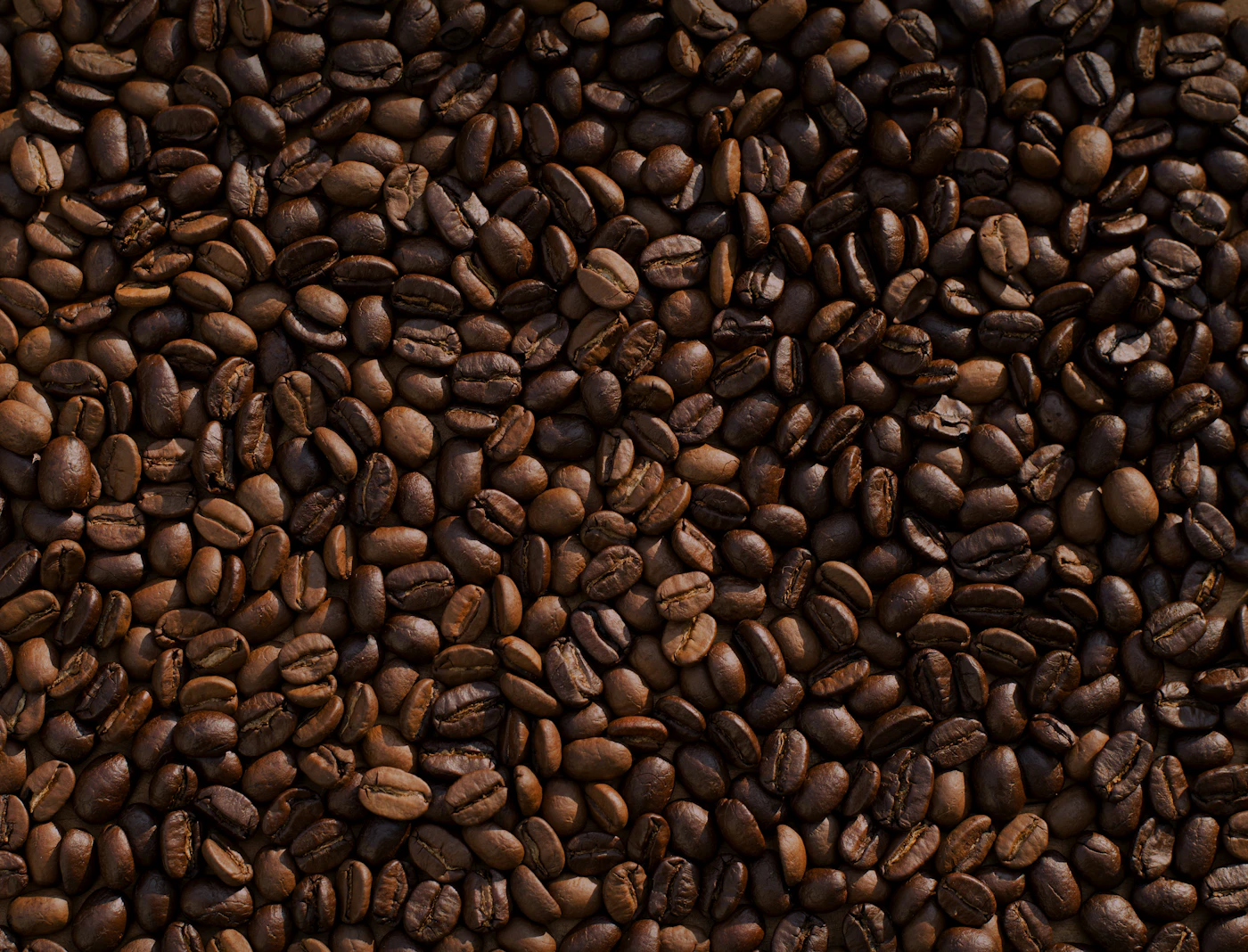
Coffee, crumbs, corners of the room — a loose record of what a day at raven‑act actually looks like.
 Coffee
 Interior
 Food
Food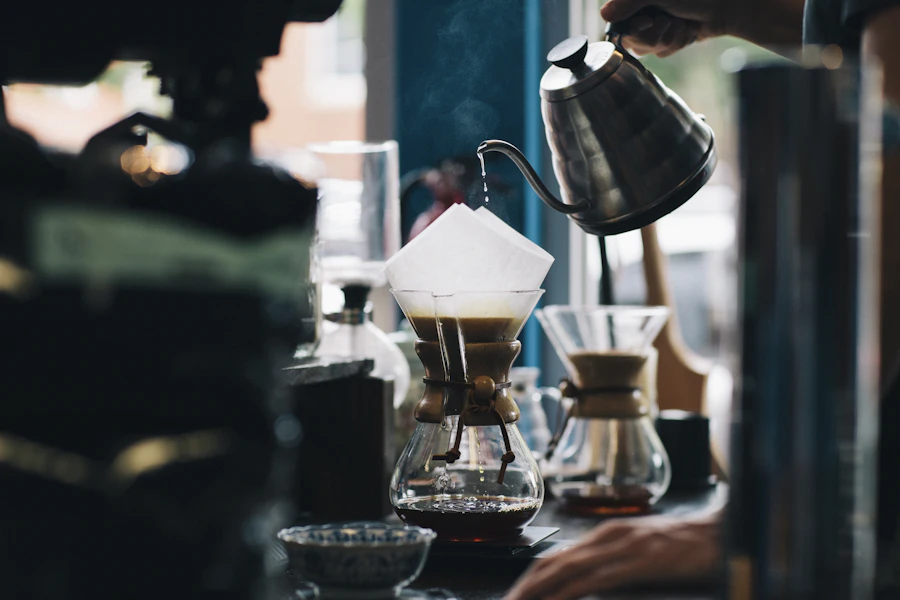 Lifestyle
 Interior
 Coffee
 Lifestyle
 Interior
 Food
FoodA concise look at the journey so far — presented as narrative context rather than a documented history.
raven-act began as a modest counter and a shared belief that a well-pulled shot deserves undivided attention. Placeholder milestone — exact founding details to be confirmed.

Sourcing and roasting became part of the daily rhythm, shaping the flavor language the cafe still leans on. Placeholder milestone — figures shown are illustrative, not verified.

Tables were added, the light was studied, and the space slowly became a place people return to. Placeholder milestone — no specific dates are claimed.

The menu has widened and the mornings are busier, but the same care from the first counter still holds. Placeholder milestone — presented as narrative context, not fact.

Milestones shown are illustrative placeholders reflecting a typical cafe journey, not documented history, dates, or claims about raven-act.
In Their Words
The espresso here is the only reason my mornings have any order to them at all.

Visit Us
raven-act
Good coffee, honest food and a room worth lingering in — pick a table, or see what's brewing before you arrive.
Small-batch roasts, food made from scratch, and a room built for lingering — raven-act is where the neighborhood starts its day.
raven-act began with a simple conviction: that a cup of coffee, made with patience and attention, can slow a morning down to something worth noticing. Every detail here — the beans we choose, the light through the windows, the quiet between conversations — is considered on purpose, not left to chance.
A short, considered list built around single-origin coffee, house-baked pastry and produce-led plates. Browse by category and hover an item to see it up close.
Double ristretto, house-steamed oat milk and a whisper of cinnamon, finished tableside in our copper pour vessel. The espresso we built the menu around.
The same room changes shape from sunrise to close — a place for the first espresso, a slow brunch, an afternoon of work, unhurried conversation, and the quiet hour before the lights go down.
First light through the front windows, the grinder waking up, and the day’s first espresso pulled slow.
Tables fill with plates of avocado toast and warm pastries, unhurried and shared.
A quiet corner, a laptop, a second cup — the cafe as an unofficial office for the afternoon.
The room shifts register — friends lean in over shared plates and the last of the daylight.
Low light, warm wood, and the last orders of the night settle the room into something slower.
Coffee, crumbs, corners of the room — a loose record of what a day at raven‑act actually looks like.
CoffeeInteriorFoodLifestyleInteriorCoffeeLifestyleInteriorFoodA concise look at the journey so far — presented as narrative context rather than a documented history.
raven-act began as a modest counter and a shared belief that a well-pulled shot deserves undivided attention. Placeholder milestone — exact founding details to be confirmed.
Sourcing and roasting became part of the daily rhythm, shaping the flavor language the cafe still leans on. Placeholder milestone — figures shown are illustrative, not verified.
Tables were added, the light was studied, and the space slowly became a place people return to. Placeholder milestone — no specific dates are claimed.
The menu has widened and the mornings are busier, but the same care from the first counter still holds. Placeholder milestone — presented as narrative context, not fact.
Milestones shown are illustrative placeholders reflecting a typical cafe journey, not documented history, dates, or claims about raven-act.
In Their Words
The espresso here is the only reason my mornings have any order to them at all.
Visit Us
raven-act
Good coffee, honest food and a room worth lingering in — pick a table, or see what's brewing before you arrive.
No comments yet. Be the first!