step one
enter your location
Tell us your neighborhood or drop a pin on the map so we know where to start looking for support nearby.
 Maheshwor Joshi
Hyperlocal app proximity search


Sign in to leave a comment
The rapid-hyperlocal project aims to provide a hyperlocal proximity search application specifically designed for parents and guardians. The app facilitates finding nearby resources and support within a local community, leveraging a warm modernism aesthetic to create a trustworthy and engaging user experience.
The rapid-hyperlocal application is designed to deliver a hyperlocal proximity search experience for parents and guardians. The system allows users to find nearby results based on their location or a defined proximity context. The application is structured around four main pages: Landing, Location, Search, and Results, each serving a specific role in the user journey. The primary audience is parents and guardians, and the application is designed to meet their specific needs.
The application is delivered as a custom UI with a focus on hyperlocal proximity search capabilities. The primary audience is parents and guardians, and the application is designed to operate without requiring user accounts or identity continuity. The system relies on a proximity-capable location and results service to function effectively. The current scope includes the core search functionality and user interface, with future expansions possible based on user feedback and needs.
Not applicable as no explicit content source directive is provided.
Landing Page Interaction:
Location Setup:
Executing a Search:
Reviewing Results:
The Landing page features a full-width hero image of a local community scene, overlaid with warm tones and contextual messaging. The design uses a gallery-like layout with modular panels to showcase different local features, incorporating playful, hand-drawn elements for a personal touch.
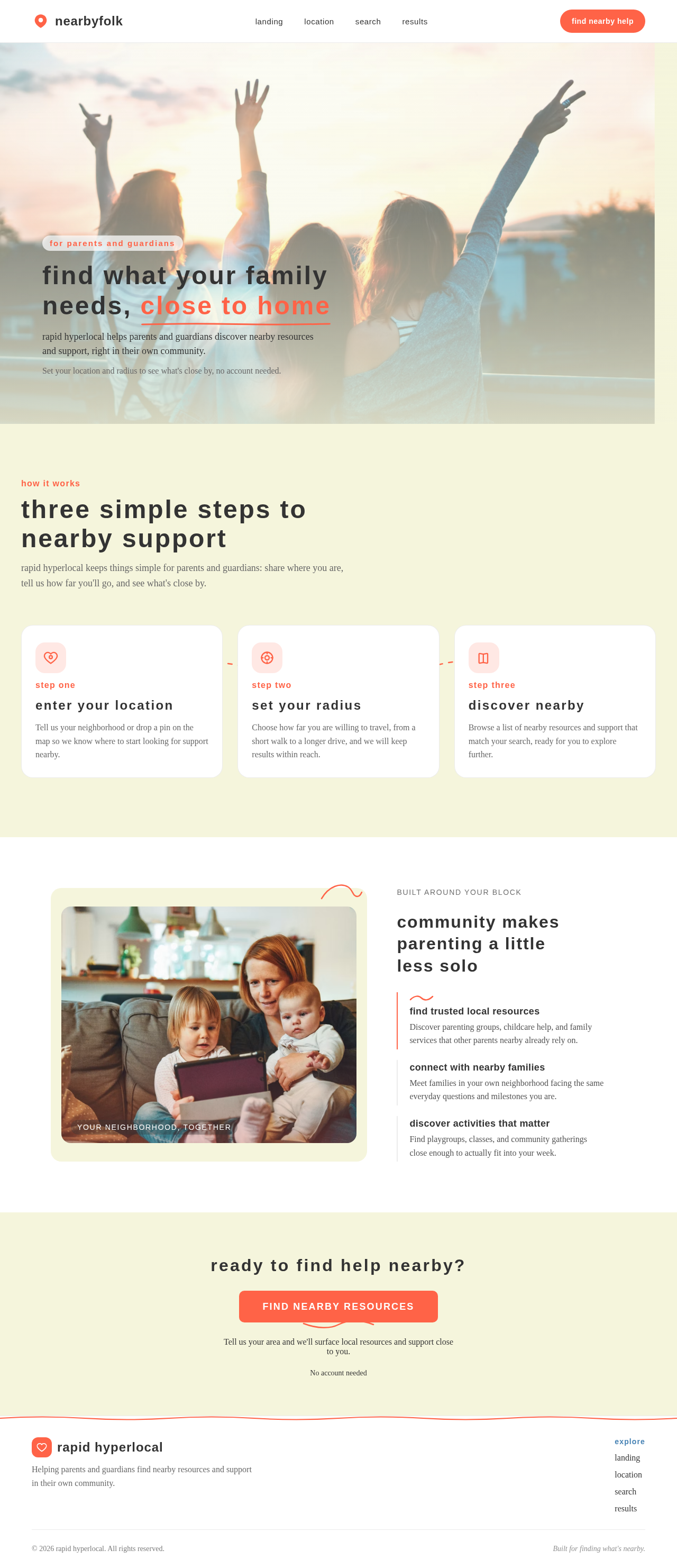

rapid hyperlocal helps parents and guardians discover nearby resources and support, right in their own community.
Set your location and radius to see what's close by, no account needed.
how it works
rapid hyperlocal keeps things simple for parents and guardians: share where you are, tell us how far you'll go, and see what's close by.
step one
Tell us your neighborhood or drop a pin on the map so we know where to start looking for support nearby.
step two
Choose how far you are willing to travel, from a short walk to a longer drive, and we will keep results within reach.
step three
Browse a list of nearby resources and support that match your search, ready for you to explore further.
 your neighborhood, together
built around your block
find trusted local resources
Discover parenting groups, childcare help, and family services that other parents nearby already rely on.
connect with nearby families
Meet families in your own neighborhood facing the same everyday questions and milestones you are.
discover activities that matter
Find playgroups, classes, and community gatherings close enough to actually fit into your week.
Tell us your area and we'll surface local resources and support close to you.
No account needed
rapid hyperlocal helps parents and guardians discover nearby resources and support, right in their own community.
Set your location and radius to see what's close by, no account needed.
how it works
rapid hyperlocal keeps things simple for parents and guardians: share where you are, tell us how far you'll go, and see what's close by.
step one
Tell us your neighborhood or drop a pin on the map so we know where to start looking for support nearby.
step two
Choose how far you are willing to travel, from a short walk to a longer drive, and we will keep results within reach.
step three
Browse a list of nearby resources and support that match your search, ready for you to explore further.
your neighborhood, togetherbuilt around your block
find trusted local resources
Discover parenting groups, childcare help, and family services that other parents nearby already rely on.
connect with nearby families
Meet families in your own neighborhood facing the same everyday questions and milestones you are.
discover activities that matter
Find playgroups, classes, and community gatherings close enough to actually fit into your week.
Tell us your area and we'll surface local resources and support close to you.
No account needed
No comments yet. Be the first!