quotation-generator
 Abhijeet Talegaonkar
Role: You are a Senior Full-Stack Developer. Task: Build a "Quotation Generator Web App" for an IT agency. Tech Stack: React.js (Frontend), Tailwind CSS (Styling), Node.js/Express (Backend), and MongoDB (Database). For PDF generation, use jspdf and html2canvas. Requirements: 1. Frontend (React): Header: Agency Logo placeholder, App Title ("QuoteGen"). Client Info Section: Inputs for Client Name, Company, Date, and Validity. Module Builder: 4 main sections (Website, Android App, iOS App, Custom Software). Dynamic Line Items: Within each module, allow the user to click "Add Task". Each task has: Task Name, Estimated Hours, and Hourly Rate (or Flat Cost). Allow removing tasks. Financial Summary (Sticky Sidebar or Bottom): Auto-calculate Subtotal, apply an optional "Discount %", calculate GST (18%), and show the Grand Total. Action Buttons: "Save Quote" (to Database) and "Export PDF" (generates a clean, professional PDF). 2. Backend (Node/Express): Create API endpoints: POST /api/quotes (save quote), GET /api/quotes (get all quotes), GET /api/quotes/:id (get specific quote). 3. Database (MongoDB): Design a schema that stores the client info, the array of selected modules, the specific tasks within those modules, the calculated totals, and the date created. 4. PDF Generation: The PDF must look professional. It should have a header with the Agency Logo, Client Info, a Table of Modules/Tasks, and a clear Financial Summary at the bottom. Please provide: The folder structure. The React component code for the main form and the dynamic line items. The Node.js API code. The MongoDB schema. The exact code for the PDF generation function.


Comments (0)
Sign in to leave a comment
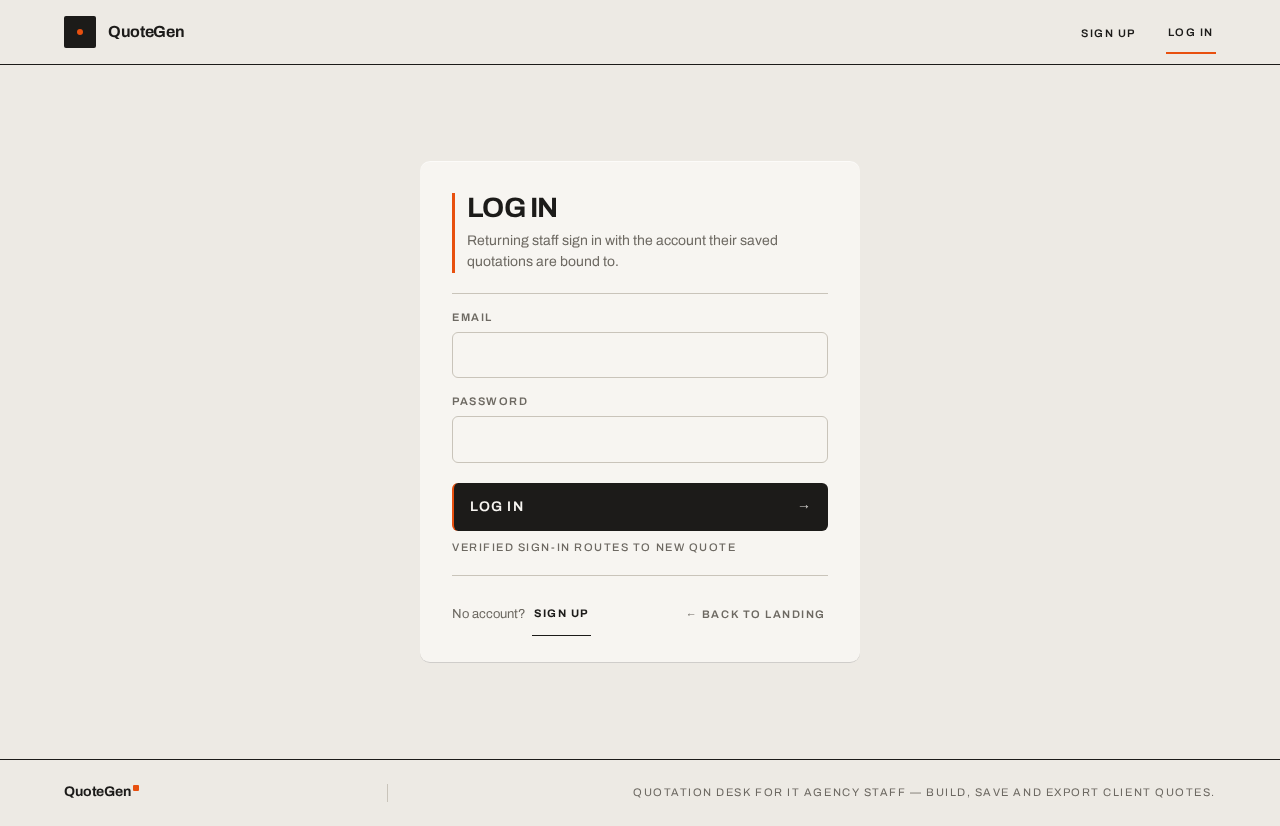
LOG IN
Returning staff sign in with the account their saved quotations are bound to.
Verified sign-in routes to New Quote
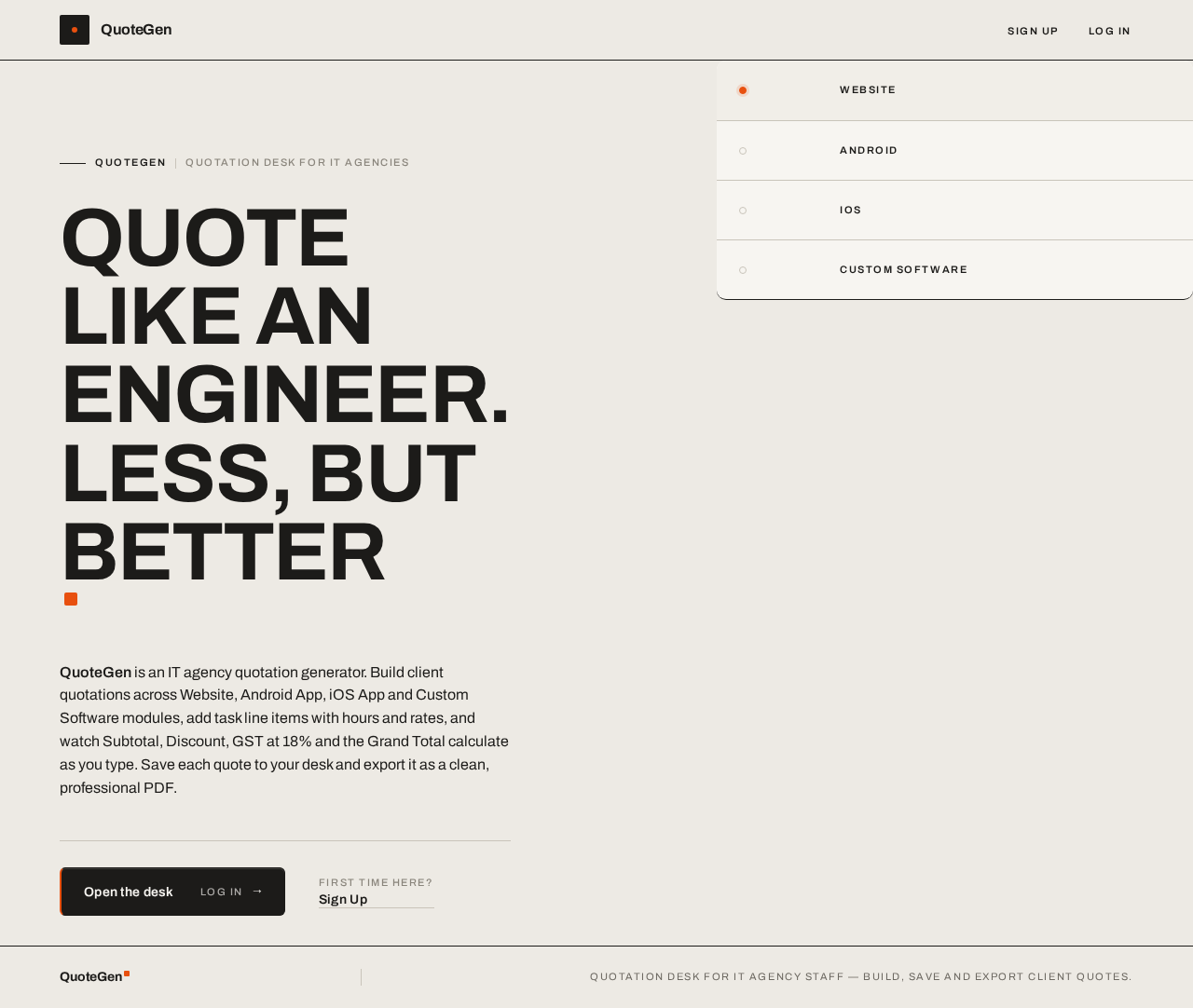
QUOTE LIKE AN ENGINEER.LESS, BUT BETTER
QuoteGen is an IT agency quotation generator. Build client quotations across Website, Android App, iOS App and Custom Software modules, add task line items with hours and rates, and watch Subtotal, Discount, GST at 18% and the Grand Total calculate as you type. Save each quote to your desk and export it as a clean, professional PDF.
- Website
- Android
- iOS
- Custom Software
No comments yet. Be the first!