proposal-solar
 Terra Greens
MICRO SAAS FOR SOLAR PROPOSAL ONLY IN YOUR CREDIT LIMIT FOR FREE BUILD WITHOUT WASTING MUCH CREDIT SIMPLE AND EASY PROPOSAL ONLY FOR SOLAR COMPANY INDIA

Comments (0)
Sign in to leave a comment
System Requirements
System Requirements Document for proposal-solar
1. Introduction
The proposal-solar project is a micro SaaS application designed to facilitate the creation of simple and efficient solar proposals for solar companies in India. The application aims to provide a streamlined proposal workflow that stays within a free-build credit limit, ensuring cost-effectiveness and simplicity.
2. System Overview
The system is a web-based application that allows solar companies in India to create, manage, and preview solar proposals. It is designed to be simple and efficient, focusing solely on the proposal aspect to avoid unnecessary complexity and credit usage. The application requires users to self-enroll and verify their identity to access and manage their proposals.
2a. Product Interpretation and Delivery Boundary
The application is delivered as a micro SaaS, focusing exclusively on solar proposals for Indian companies. It includes a custom UI and backend integration to persist proposal data and documents. The system is designed to operate within a free-build credit limit, avoiding unnecessary credit usage. Access to the application is controlled through user self-enrollment and identity verification for returning users.
2b. Source Content Inventory
Not applicable as no content source directive was provided.
2c. Page Content and Component Coverage
Landing
- Purpose: Introduce the solar proposal product, its target audience, and workflow.
- Components:
- Introduction to the product and its benefits.
- Explanation of the simple proposal workflow.
- Call-to-action for user enrollment.
Login
- Purpose: Allow returning users to verify their identity and access their proposals.
- Components:
- User login form.
- Identity verification process.
Proposals
- Purpose: Provide a dashboard for users to browse and manage their solar proposals.
- Components:
- List of existing proposals.
- Options to view, edit, or delete proposals.
- Navigation to the Proposal Builder.
Proposal Builder
- Purpose: Workspace for creating a new solar proposal.
- Components:
- Input fields for proposal details.
- Save and continue options.
- Navigation to Proposal Preview.
Proposal Preview
- Purpose: Allow users to review and finalize their solar proposals.
- Components:
- Display of proposal details.
- Option to generate and download the proposal document.
- Confirmation and submission actions.
3. Functional Requirements
- As a Solar Company Proposal User, I should be able to self-enroll to create solar proposals. (Provenance: required_inference)
- As a Solar Company Proposal User, I should be able to log in to revisit and continue my proposals. (Provenance: required_inference)
- As a Solar Company Proposal User, I should be able to create a new solar proposal using the Proposal Builder. (Provenance: explicit)
- As a Solar Company Proposal User, I should be able to preview and finalize my solar proposal. (Provenance: explicit)
- As a Solar Company Proposal User, I should be able to download the generated proposal document. (Provenance: required_inference)
4. User Personas
- Solar Company Proposal User: A user from a solar company in India who creates simple solar proposals within a free-build credit limit.
5. Core User Flows
-
User Enrollment and Login
- User visits the Landing page.
- User enrolls by providing necessary details.
- User logs in to access the Proposals page.
-
Creating a Proposal
- User navigates to the Proposal Builder from the Proposals page.
- User inputs proposal details and saves progress.
- User continues to the Proposal Preview.
-
Finalizing a Proposal
- User reviews the proposal in the Proposal Preview.
- User finalizes and downloads the proposal document.
6. Visuals Colors and Theme
- Muse: Dieter Rams
- Palette:
- Background: #F5F5F5
- Surface: #FFFFFF
- Text: #333333
- Primary: #FF9700
- Accent: #4CAF50
- Muted: #BDBDBD
- Typography:
- Headings: Work Sans, Medium weight, uppercase
- Body: Source Sans Pro
- Scale: 1.25 modular
- Shape Language: Rounded rectangles
- Layout: Modular grid
- Motion: Instant feedback, restrained tempo
7. Signature Design Concept
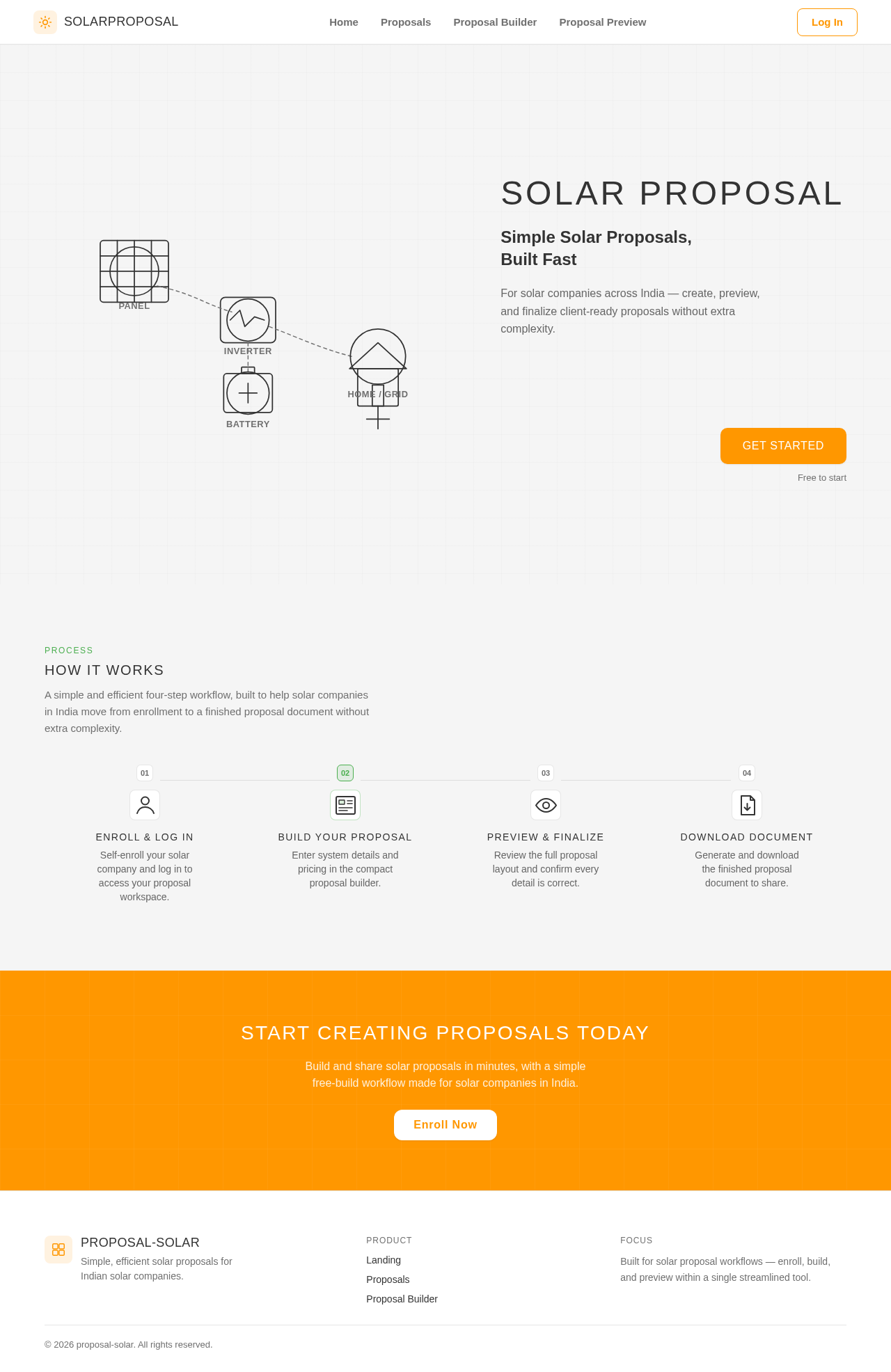
The Landing page features a clean hero section with a large solar panel diagram on the left and an orange call-to-action button on the right. The background grid implies structure, aligning with the theme of simplicity and efficiency.
8. Interaction Model & Motion Direction
- Interaction Model: Static
- Motion Tempo: Restrained
- Hero Dimensionality: Flat
- Landing Hero Motion Brief: A static hero with a solar panel diagram and call-to-action button, emphasizing clarity and simplicity.
9. Non-Functional Requirements
- The application must operate within a free-build credit limit. (Provenance: explicit)
- The system should provide instant feedback on user interactions. (Provenance: explicit)
10. Tech Stack
- Frontend: React
- Backend: Python/FastAPI
- Storage: Appropriate backend storage for proposal data
- Deployment: Docker/docker-compose
11. Assumptions and Constraints
- The application is targeted exclusively at solar companies in India.
- The scope is limited to solar proposals only, avoiding any additional features.
12. Glossary
- Solar Proposal: A document outlining the details and benefits of a solar installation project.
- Micro SaaS: A small-scale software-as-a-service application focused on a specific niche.
Solar Proposal
Simple Solar Proposals, Built Fast
For solar companies across India — create, preview, and finalize client-ready proposals without extra complexity.
Free to start
How It Works
A simple and efficient four-step workflow, built to help solar companies in India move from enrollment to a finished proposal document without extra complexity.
Enroll & Log In
Self-enroll your solar company and log in to access your proposal workspace.
Build Your Proposal
Enter system details and pricing in the compact proposal builder.
Preview & Finalize
Review the full proposal layout and confirm every detail is correct.
Download Document
Generate and download the finished proposal document to share.
Start Creating Proposals Today
Build and share solar proposals in minutes, with a simple free-build workflow made for solar companies in India.
Enroll NowSolar Proposal
Simple Solar Proposals, Built Fast
For solar companies across India — create, preview, and finalize client-ready proposals without extra complexity.
Free to start
How It Works
A simple and efficient four-step workflow, built to help solar companies in India move from enrollment to a finished proposal document without extra complexity.
Enroll & Log In
Self-enroll your solar company and log in to access your proposal workspace.
Build Your Proposal
Enter system details and pricing in the compact proposal builder.
Preview & Finalize
Review the full proposal layout and confirm every detail is correct.
Download Document
Generate and download the finished proposal document to share.
Start Creating Proposals Today
Build and share solar proposals in minutes, with a simple free-build workflow made for solar companies in India.
Enroll Now
No comments yet. Be the first!