Page 1 of 12
proofpage System Requirements Document
Introduction
ProofPage is a lightweight SaaS web application designed to help independent consultants, freelancers, coaches, web designers, and small agencies collect strong client testimonials through a branded link and display approved testimonials on a public Wall of Proof.
Version 1 will focus on the smallest complete workflow required to validate customer demand. A Business Owner will create one collection page, share a public link, receive a testimonial submission, review it, and publish the approved testimonial.
ProofPage will not include advanced administration, billing management, analytics, widgets, team accounts, or multiple workspaces in Version 1.
Page 2 of 12
System Overview
ProofPage provides a simple experience for collecting and publishing client testimonials.
The core workflow is:
- A Business Owner creates an account.
- The Business Owner creates one testimonial collection page.
- ProofPage generates a public shareable URL.
- A client opens the URL without signing in.
- The client answers three testimonial questions.
- ProofPage creates an optional AI-assisted draft.
- The client reviews, edits, and approves the final wording.
- The Business Owner reviews the submission.
- The Business Owner approves or rejects the testimonial.
- Approved testimonials appear on a public Wall of Proof.
The application will use original branding, layouts, written content, and code. It will not replicate competitors' visual designs, proprietary assets, source code, or written content.
Page 3 of 12
Functional Requirements
- As a Business Owner, I want to create an account so that I can manage my testimonials.
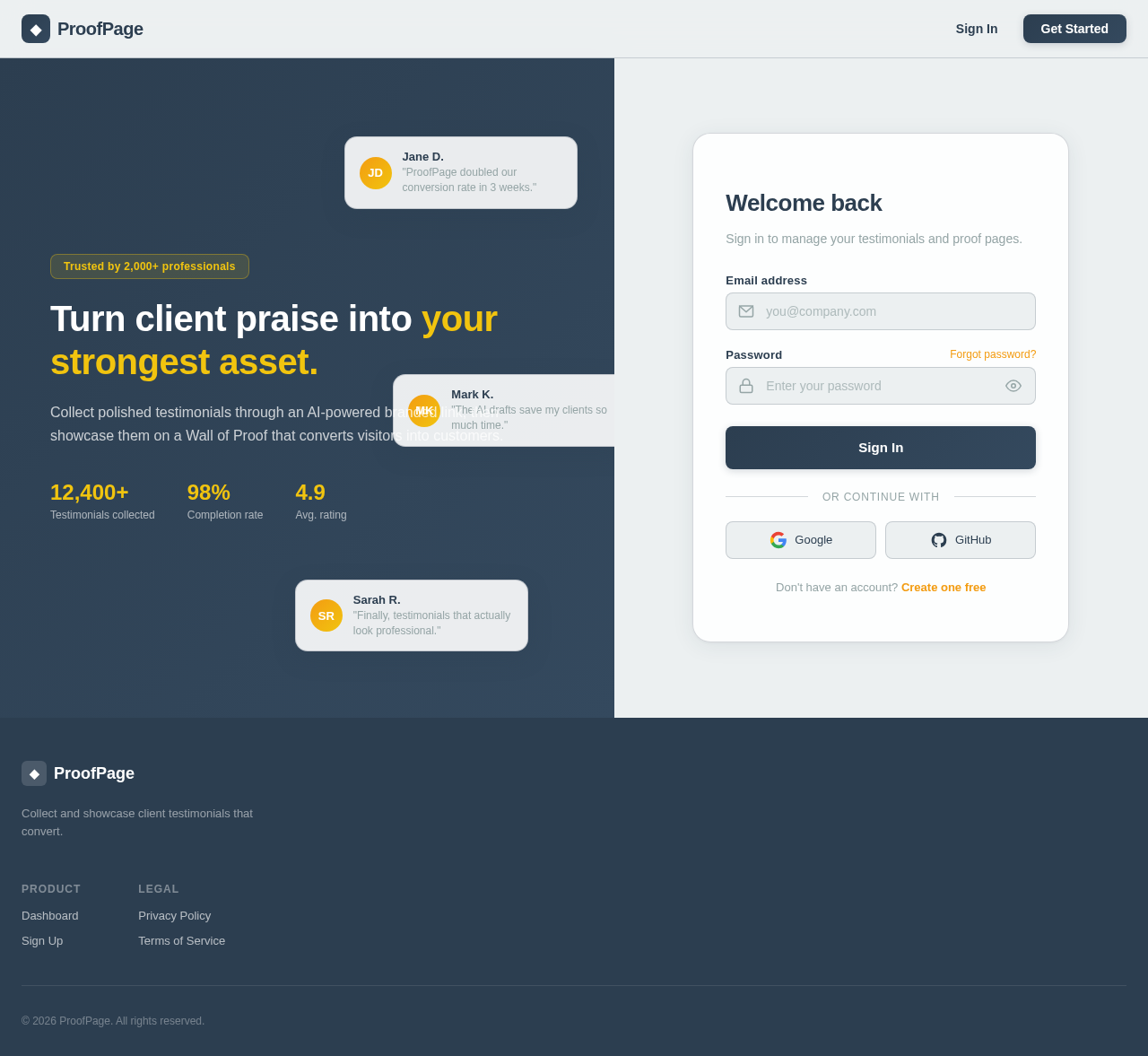
- As a Business Owner, I want to sign in, sign out, and reset my password.
- As a Business Owner, I want to create one business profile.
- As a Business Owner, I want to create one branded testimonial collection page.
- As a Business Owner, I want to add a headline and welcome message to my collection page.
- As a Business Owner, I want to preview my collection page.
- As a Business Owner, I want to receive a public shareable URL for my collection page.
- As a Business Owner, I want to activate or deactivate my collection page.
- As a Testimonial Submitter, I want to open the collection URL without signing in.
- As a Testimonial Submitter, I want to enter my name, email, job title, company, and professional URL.
- As a Testimonial Submitter, I want to answer three guided testimonial questions.
- As a Testimonial Submitter, I want the AI to create an optional draft testimonial from my answers.
- As a Testimonial Submitter, I want to review and edit the AI-generated draft.
- As a Testimonial Submitter, I want to submit my original answers without using AI.
- As a Testimonial Submitter, I want to explicitly approve the final testimonial before publication.
- As a Business Owner, I want to receive an email notification when a testimonial is submitted.
- As a Business Owner, I want to view pending testimonial submissions.
- As a Business Owner, I want to view the submitter's original answers and approved testimonial.
- As a Business Owner, I want to approve or reject a testimonial.
- As a Business Owner, I want to publish an approved testimonial.
- As a Business Owner, I want to unpublish a testimonial.
- As a Business Owner, I want approved testimonials to appear on one public Wall of Proof.
- As a Business Owner, I want to copy and share the public Wall of Proof URL.
- As a Business Owner, I want to see the number of testimonials received, pending, and published.
- As a Business Owner, I want an Upgrade button that links to an external payment page.
The following features are not required in Version 1:
- Embeddable testimonial widgets
- Widget editor
- Billing dashboard
- Subscription management
- Admin Health tab
- AI usage dashboard
- Advanced analytics
- Multiple workspaces
- Multiple collection pages
- Team accounts
- Video testimonials
- Audio testimonials
- Custom domains
- CRM integrations
- Testimonial importing
- Tags and advanced filters
Page 4 of 12
User Personas
- Business Owner: Creates one testimonial collection page, shares the public link, reviews submissions, and publishes approved testimonials.
- Testimonial Submitter: Provides a testimonial without creating an account, reviews the final wording, and provides publication consent.
- Platform Operator: Handles support, moderation, and maintenance through existing infrastructure tools. A separate administrator interface is not required in Version 1.
Core User Flows
-
Business Owner:
- Create account -> Create business profile -> Create collection page -> Receive shareable URL -> Share URL -> Review testimonials -> Approve or reject testimonials -> Publish approved testimonials
-
Testimonial Submitter:
- Open public URL -> Enter personal details -> Answer three questions -> Review optional AI draft -> Edit or approve final wording -> Provide publication consent -> Submit testimonial
-
Returning Business Owner:
- Sign in -> View dashboard -> Review pending testimonial -> Approve or reject testimonial -> View updated Wall of Proof
Page 5 of 12
Visuals Colors and Theme
- primary: #2C3E50 (dark slate blue)
- primary_light: #34495E (light slate blue)
- secondary: #E67E22 (warm orange)
- accent: #F39C12 (vibrant orange)
- highlight: #F4B942 (warm gold)
- bg: #F7F8FA (light neutral gray)
- surface: #FFFFFF (white)
- text: #1F2933 (dark charcoal)
- text_muted: #667085 (muted gray)
- border: #D9DEE5 (light gray)
- success: #237A57 (green)
- error: #B42318 (red)
Color must not be the only method used to communicate status.
Page 6 of 12
Signature Design Concept
ProofPage will use a simple, professional, card-based layout focused on trust, clarity, and ease of use.
The authenticated dashboard will prioritize four actions:
- Copy the testimonial collection link
- View testimonials awaiting review
- View published testimonial count
- Open the public Wall of Proof
Testimonial cards will display:
- Client name
- Job title or company, if provided
- Testimonial text
- Submission status
- Publication status
- Review actions
The public testimonial collection page will feel welcoming and should take fewer than three minutes to complete.
The Wall of Proof will display approved testimonials using a clean and responsive card layout.
The design will avoid unnecessary visual complexity, decorative effects, and excessive dashboard elements.
Page 7 of 12
Interaction Model & Motion Direction
The landing page and authenticated application will use a primarily static interaction model to prioritize clarity, accessibility, and reading speed.
Permitted motion includes:
- Simple loading indicators
- Short fade transitions
- Standard hover states
- Clear success confirmations
- Basic form progress indicators
The application will not require:
- Parallax scrolling
- Flipping testimonial cards
- Spring-based animations
- Decorative scrolling effects
- Complex page transitions
- Autoplay animations
All motion must respect the user's reduced-motion preferences.
Page 8 of 12
Non-Functional Requirements
- Ensure the application follows WCAG 2.2 AA accessibility practices.
- Implement full keyboard navigation and semantic HTML.
- Provide visible form labels and clear focus indicators.
- Maintain sufficient color contrast.
- Connect error messages to the relevant form fields.
- Announce important status changes to screen-reader users.
- Ensure the public testimonial form can be completed without a mouse.
- Ensure the application works on mobile, tablet, and desktop.
- Prevent duplicate submissions caused by repeated clicks.
- Preserve form answers when recoverable errors occur.
- Provide a manual submission path if the AI service is unavailable.
- Ensure email delivery failures do not prevent testimonials from being stored.
- Validate all inputs on the server.
- Sanitize all publicly displayed content.
- Protect account data using server-side authorization.
- Rate-limit public testimonial forms.
- Include basic spam protection.
- Never display the submitter's email address publicly.
- Store publication consent and the approved testimonial version.
- Use encrypted connections.
- Protect API keys and application secrets.
- Avoid using submitted testimonial content to train AI models without permission.
Page 9 of 12
Tech Stack
- Frontend: Next.js App Router, React, TypeScript, Tailwind CSS
- Backend: Next.js server actions, route handlers, or FastAPI
- Database: PostgreSQL with a secure ORM
- Authentication: Secure email and password authentication with password reset
- Services: Resend for transactional email, OpenAI API for optional testimonial polishing, external Stripe Payment Link for payment validation
S3-compatible file storage is not required unless profile image uploads are retained in Version 1.
Page 10 of 12
Assumptions and Constraints
- Version 1 supports one Business Owner per account.
- Version 1 supports one business profile per account.
- Version 1 supports one testimonial collection page per account.
- Version 1 supports one Wall of Proof per account.
- Version 1 supports text testimonials only.
- Testimonial Submitters do not need accounts.
- AI assistance is optional.
- A Testimonial Submitter must approve the final wording before publication.
- Publication consent must not be preselected.
- The Business Owner may approve, reject, publish, or unpublish testimonials.
- The Business Owner must not materially rewrite an approved testimonial without requesting new approval.
- The submitter's email address must never appear publicly.
- Payments may initially be handled through an external Stripe Payment Link.
- Subscription management will not be built into Version 1.
- A dedicated administrator dashboard is not required.
- Manual support and moderation are acceptable during validation.
- The design must be mobile-first, accessible, simple, and focused on trust.
- The dashboard must prioritize collection, review, and publication.
- The application must use original branding, layouts, written content, and code.
- Feature quantity is less important than a reliable end-to-end workflow.
Page 11 of 12
MVP Acceptance Criteria
- A new user can create an account.
- A user can sign in, sign out, and reset a password.
- A user can create one business profile.
- A user can create and activate one testimonial collection page.
- The system generates a working public collection URL.
- A client can submit a testimonial without creating an account.
- A client can answer three testimonial questions.
- A client can review an optional AI-generated draft.
- A client can edit or reject the AI-generated draft.
- A client can submit a testimonial without using AI.
- A client can explicitly approve the final testimonial wording.
- Publication consent and the approved wording are stored.
- The Business Owner can review pending submissions.
- The Business Owner can approve or reject a testimonial.
- An approved testimonial can be published.
- A published testimonial appears on the correct Wall of Proof.
- The Business Owner can unpublish a testimonial.
- The submitter's email address never appears publicly.
- The complete workflow works on mobile and desktop.
- The complete workflow is keyboard accessible.
- An AI service failure does not prevent testimonial submission.
- Users cannot view or modify another account's data.
- Unnecessary Version 1 features are hidden or removed from navigation.
Page 12 of 12
Glossary
- AI-Assisted Draft: An optional testimonial draft created from the submitter's answers. It remains a draft until reviewed and approved by the submitter.
- Collection Page: A public page shared by a Business Owner to request testimonials from clients.
- Publication Consent: The submitter's explicit agreement that the approved testimonial may be publicly displayed.
- Wall of Proof: A public page displaying approved and published testimonials.
- Business Owner: The ProofPage account holder who creates collection pages, reviews submissions, and publishes testimonials.
- Testimonial Submitter: A client or customer who submits a testimonial through a public collection page without creating an account.
- Platform Operator: The person responsible for product support, moderation, and maintenance during the validation stage.



No comments yet. Be the first!