project-f24ee2ce
 Diya Trivedi
start project to build a simple single page design of calculator

Comments (0)
Sign in to leave a comment
Project Tasks
4Implement Footer for Calculator
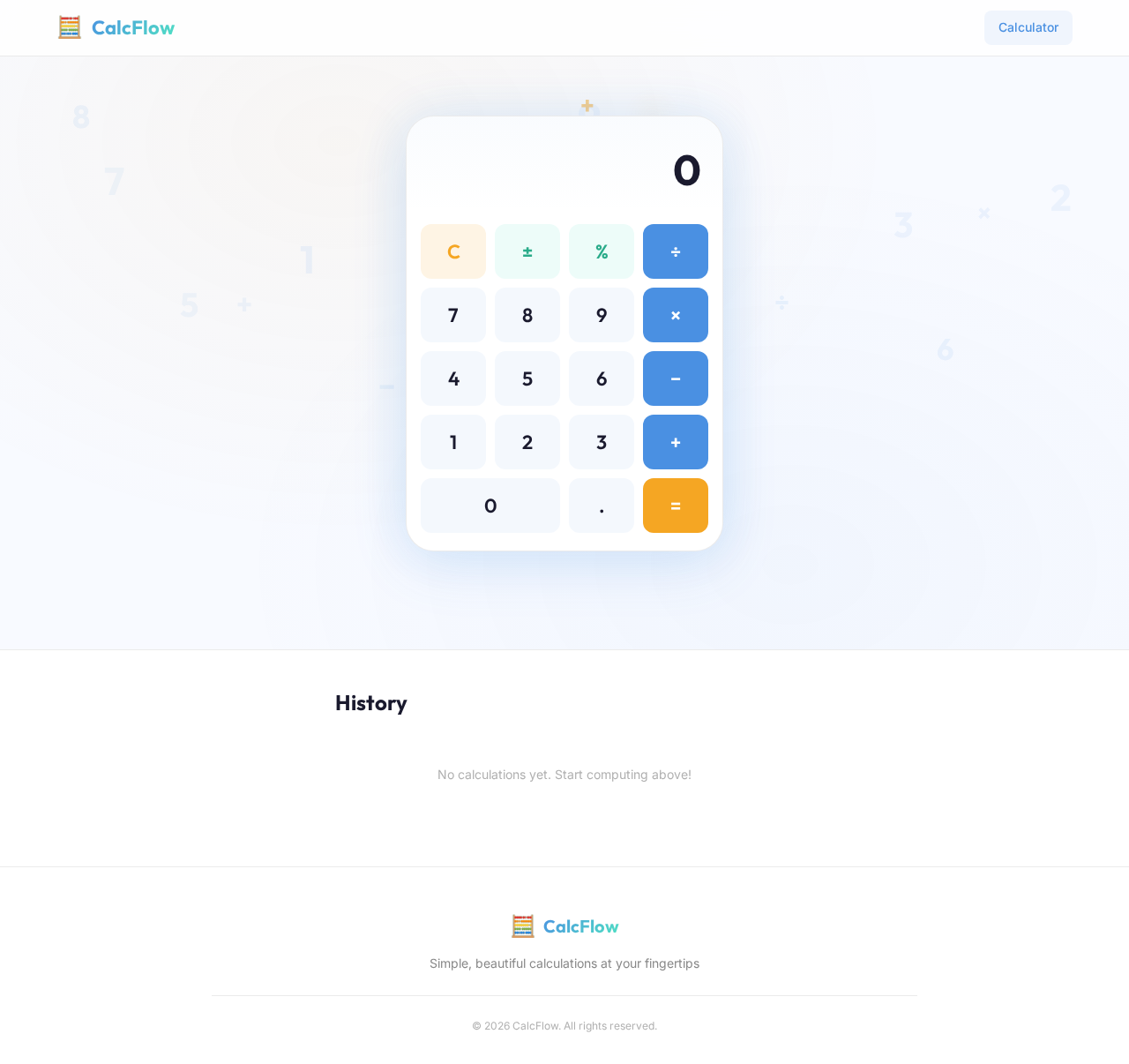
As a frontend developer, implement the Footer section for the Calculator page. This section includes a brand icon and name, a tagline, and a copyright notice. Ensure the current year is dynamically displayed using JavaScript. The footer should be styled according to the provided CSS, ensuring it matches the overall theme of the application. Page access: shared by all personas (General User).
Implement HeroSection for Calculator
As a frontend developer, implement the HeroSection for the Calculator page. This section includes interactive calculator buttons with ripple animations using motion/react. Implement state management for button clicks using useState and useCallback hooks. Ensure animations are smooth and responsive, and adhere to accessibility standards. This section is accessible to General Users. Page access: shared by all personas (General User).
Implement HistorySection for Calculator
As a frontend developer, implement the HistorySection for the Calculator page. This section displays a list of past calculations using motion/react for animations. Implement the ability to clear the history with a button click. Ensure the section is styled according to the provided CSS and is accessible to General Users. Page access: shared by all personas (General User).
Implement Navbar for Calculator
As a frontend developer, implement the Navbar for the Calculator page. This section includes a brand icon and title, and navigation links. Ensure the active link is styled correctly and the navbar is responsive. This component may already exist from previous pages and should be accessible to General Users. Page access: shared by all personas (General User).
History
No calculations yet. Start computing above!
History
No calculations yet. Start computing above!
No comments yet. Be the first!