Page 1 of 4
project-cd19c87d System Requirements Document
Introduction
This document outlines the system requirements for project-cd19c87d. The project aims to deliver a robust solution tailored to meet the specific needs of its users. This document will detail the system's functional and non-functional requirements, user personas, core user flows, and design concepts.
System Overview
Project-cd19c87d is designed to provide an efficient and user-friendly interface for managing tasks and processes. The system will integrate various functionalities to ensure seamless operations and enhance user experience.
Functional Requirements as Story Points
- As a User, I should be able to access the system to perform my tasks efficiently.
- As an Admin, I should be able to manage user roles and permissions.
- As a Supervisor, I should be able to trigger a manual agent action to resolve specific issues as pre-resolved by the API supervisor.
User Personas
- User: Regular users who interact with the system to perform their daily tasks.
- Admin: Users with administrative privileges to manage system settings and user permissions.
- Supervisor: Users responsible for overseeing operations and resolving issues through manual interventions.
Page 2 of 4
Core User Flows
- User logs in -> accesses dashboard -> performs tasks -> logs out.
- Admin logs in -> manages user roles -> updates system settings -> logs out.
- Supervisor logs in -> reviews system alerts -> triggers manual agent action -> logs out.
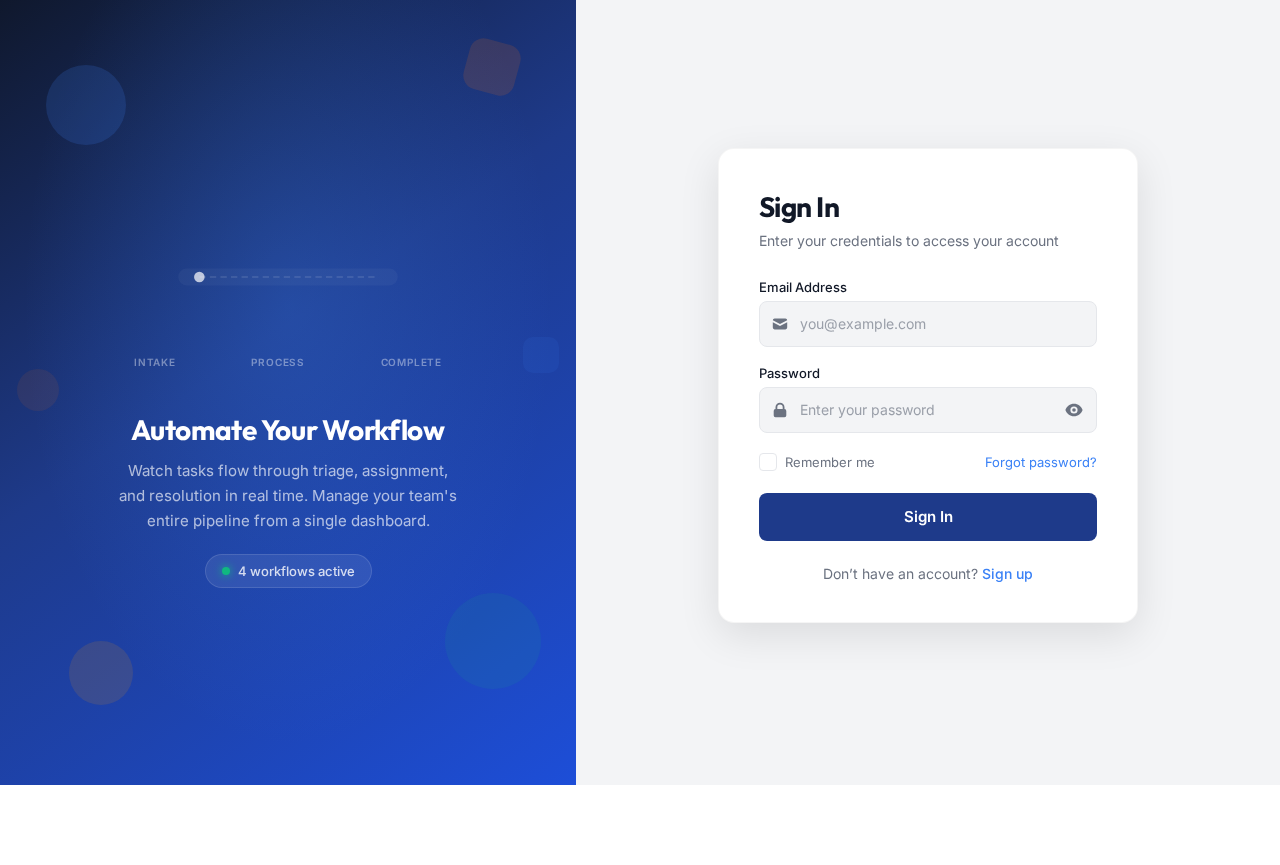
Visuals Colors and Theme
- primary: #1E3A8A (Deep Blue)
- primary_light: #3B82F6 (Light Blue)
- secondary: #F97316 (Orange)
- accent: #10B981 (Green)
- highlight: #F59E0B (Amber)
- bg: #F3F4F6 (Light Gray)
- surface: rgba(255, 255, 255, 0.8)
- text: #111827 (Dark Gray)
- text_muted: #6B7280 (Muted Gray)
- border: rgba(209, 213, 219, 0.2)
Signature Design Concept
Interactive Workflow Animation
The homepage will feature an interactive workflow animation where users can see a visual representation of tasks moving through various stages. This will be achieved using motion/react for smooth transitions and interactions. Users can hover over each stage to see detailed information about the process, creating an engaging and informative experience.
Page 3 of 4
Landing Hero Motion Brief
The landing hero will depict a series of tasks represented as icons moving through a pipeline. As tasks progress, they transform in color and size, indicating their status. The animation will loop every 10 seconds, with users able to click on any task to pause the animation and view more details. This interactive element will be responsive and maintain clarity even when motion is reduced.
Interaction Model & Motion Direction
- Intended Interaction Model: Animated
- The landing page will feature moderate scroll-triggered reveals and hover transitions to enhance user engagement. Interactive elements will employ spring physics for a dynamic feel.
Non-Functional Requirements
- The system must ensure data security and user privacy.
- The system should be scalable to accommodate future growth.
- The system must maintain high availability and reliability.
Page 4 of 4
Tech Stack
- Frontend: React for Web
- Backend: Python, FastAPI
- Database: MySQL or MariaDB
- AI Models: Not specified
- AI Tools: Not specified
- Local Orchestration: Docker, docker-compose
- Server-side Orchestration: Kubernetes
Assumptions and Constraints
- The system will be used primarily in the IN timezone.
- Currency and locale settings will default to Indian standards.
- The system must comply with local data protection regulations.
Glossary
- API: Application Programming Interface
- UI: User Interface
- UX: User Experience
- RDBMS: Relational Database Management System
- AI: Artificial Intelligence
This document provides a comprehensive overview of the requirements for project-cd19c87d, ensuring all stakeholders have a clear understanding of the system's capabilities and design direction.



No comments yet. Be the first!