project-8f76630a
 Niru Singh
You are acting as a senior Python backend engineer building a portfolio-grade Retrieval-Augmented-Generation (RAG) API called LegalMind. Project Summary LegalMind lets authenticated users upload legal documents (contracts, court filings, agreements) and ask natural language questions about them. Every answer must include source citations pointing to the exact page/clause the information came from. This is API only — no frontend/UI . Tech Stack - FastAPI (async, Pydantic v2 models) - ChromaDB (vector store, one physical collection per user) - OpenAI API (embeddings + chat completion for answer synthesis) - SQLAlchemy (async) for relational metadata (users, documents, query logs) - Document parsing: PyMuPDF for PDFs, python-docx for Word files - Text chunking: LangChain text splitters or tiktoken-based custom chunker, chunk size ~500-800 tokens with overlap, must preserve page/clause metadata Multi-Tenancy & Security Requirements - Every request is authenticated via JWT; extract `user_id` from the token. - Each user gets their own physical ChromaDB collection (e.g. `collection_{user_id}`) — never a shared collection with a metadata filter. This is a hard isolation boundary, not a soft one. - All document metadata rows in the relational DB are scoped by `user_id` with row-level checks on every query — never trust a client-supplied user_id in the payload; always derive it from the verified JWT. - Write at least one test that proves user A cannot retrieve user B's data even with a crafted request. Core API Endpoints to Design 1. `POST /auth/token` — issue JWT (stub or real auth, your choice, but must embed `user_id` and `role` claims) 2. `POST /documents/upload` — accept PDF/DOCX, extract text with page numbers, chunk it, embed it, upsert into the user's Chroma collection, store document metadata (filename, upload date, page count) in the relational DB 3. `GET /documents` — list the current user's uploaded documents 4. `DELETE /documents/{document_id}` — remove a document and its vectors 5. `POST /query` — accept a natural-language question + optional `document_id` filter, retrieve top-k relevant chunks from the user's collection, call the LLM to synthesize an answer, and return the answer with a `citations` array (document name, page number, and the source text snippet for each cited chunk) RAG Pipeline Details - On upload: extract text page-by-page (never lose the page boundary), chunk with metadata `{document_id, page_number, chunk_index}`, embed with OpenAI `text-embedding-3-small` (or similar), upsert to Chroma with that metadata attached to every vector. - On query: embed the question, run similarity search (top_k configurable, default 5) against the user's collection only, pass retrieved chunks + question into a structured prompt that forces the LLM to cite which chunk each claim came from, and parse the response into `{answer: str, citations: [{document, page, snippet}]}`. - Include a basic guard against hallucinated citations: validate that every cited page/document actually exists in the retrieved chunk set before returning the response. Deliverables - Clean FastAPI project structure (routers/services/schemas/db separated) - `.env.example` with all required config keys - Dockerfile + docker-compose (API + Chroma persistent volume) - README with setup, architecture diagram description, and example curl requests for each endpoint - Basic pytest suite covering auth, upload, query, and the tenant-isolation test above Constraints - Keep this POC-scoped: no Kubernetes, no complex orchestration frameworks (no LangGraph/Autogen needed here — this is intentionally simpler than a multi-agent system). - Favor clarity and correctness over cleverness; this is a portfolio piece meant to demonstrate solid RAG + multi-tenant API design to interviewers. Start by proposing the folder structure and the SQLAlchemy models, then wait for confirmation before writing endpoint code.


Comments (0)
Sign in to leave a comment
Architecture
No Services Diagrams Yet
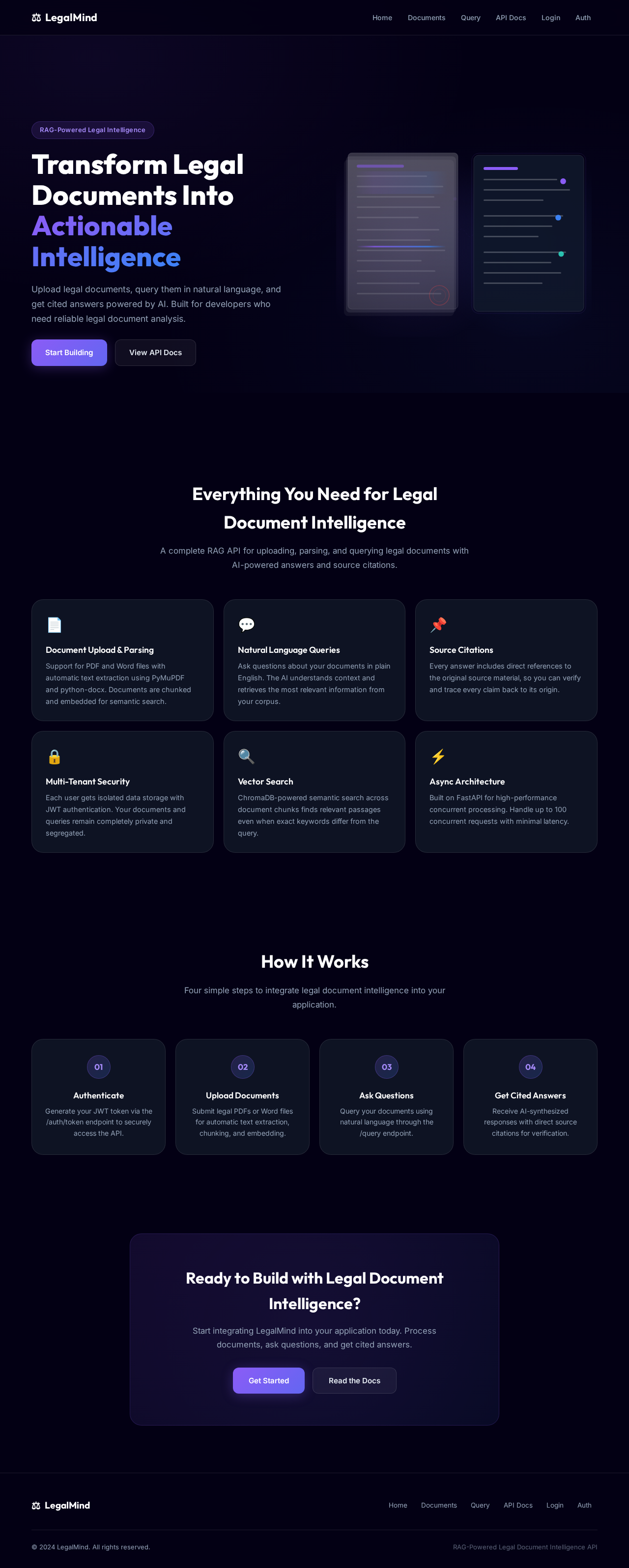
Transform Legal Documents Into Actionable Intelligence
Upload legal documents, query them in natural language, and get cited answers powered by AI. Built for developers who need reliable legal document analysis.
Everything You Need for Legal Document Intelligence
A complete RAG API for uploading, parsing, and querying legal documents with AI-powered answers and source citations.
Document Upload & Parsing
Support for PDF and Word files with automatic text extraction using PyMuPDF and python-docx. Documents are chunked and embedded for semantic search.
Natural Language Queries
Ask questions about your documents in plain English. The AI understands context and retrieves the most relevant information from your corpus.
Source Citations
Every answer includes direct references to the original source material, so you can verify and trace every claim back to its origin.
Multi-Tenant Security
Each user gets isolated data storage with JWT authentication. Your documents and queries remain completely private and segregated.
Vector Search
ChromaDB-powered semantic search across document chunks finds relevant passages even when exact keywords differ from the query.
Async Architecture
Built on FastAPI for high-performance concurrent processing. Handle up to 100 concurrent requests with minimal latency.
How It Works
Four simple steps to integrate legal document intelligence into your application.
Authenticate
Generate your JWT token via the /auth/token endpoint to securely access the API.
Upload Documents
Submit legal PDFs or Word files for automatic text extraction, chunking, and embedding.
Ask Questions
Query your documents using natural language through the /query endpoint.
Get Cited Answers
Receive AI-synthesized responses with direct source citations for verification.
Ready to Build with Legal Document Intelligence?
Start integrating LegalMind into your application today. Process documents, ask questions, and get cited answers.
Transform Legal Documents Into Actionable Intelligence
Upload legal documents, query them in natural language, and get cited answers powered by AI. Built for developers who need reliable legal document analysis.
Everything You Need for Legal Document Intelligence
A complete RAG API for uploading, parsing, and querying legal documents with AI-powered answers and source citations.
Document Upload & Parsing
Support for PDF and Word files with automatic text extraction using PyMuPDF and python-docx. Documents are chunked and embedded for semantic search.
Natural Language Queries
Ask questions about your documents in plain English. The AI understands context and retrieves the most relevant information from your corpus.
Source Citations
Every answer includes direct references to the original source material, so you can verify and trace every claim back to its origin.
Multi-Tenant Security
Each user gets isolated data storage with JWT authentication. Your documents and queries remain completely private and segregated.
Vector Search
ChromaDB-powered semantic search across document chunks finds relevant passages even when exact keywords differ from the query.
Async Architecture
Built on FastAPI for high-performance concurrent processing. Handle up to 100 concurrent requests with minimal latency.
How It Works
Four simple steps to integrate legal document intelligence into your application.
Authenticate
Generate your JWT token via the /auth/token endpoint to securely access the API.
Upload Documents
Submit legal PDFs or Word files for automatic text extraction, chunking, and embedding.
Ask Questions
Query your documents using natural language through the /query endpoint.
Get Cited Answers
Receive AI-synthesized responses with direct source citations for verification.
Ready to Build with Legal Document Intelligence?
Start integrating LegalMind into your application today. Process documents, ask questions, and get cited answers.
No comments yet. Be the first!