prism-space
 Hamdan
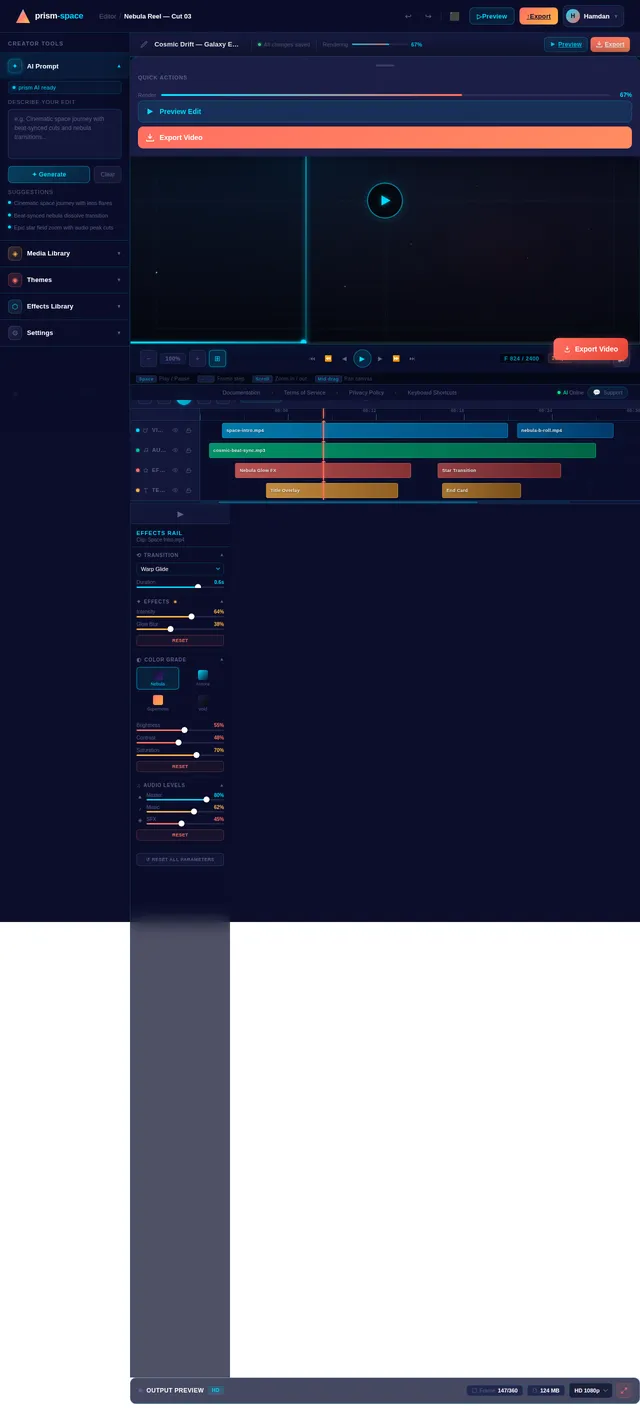
Can u make me a cool and beautiful space edit and add the song “escaping gravity” made by TheFatRat and these are the instructions. Alright—here’s a clean step-by-step plan to make a 🔥 10/10 space edit using Escaping Gravity: ⸻ 🌌 1. Intro (0:00 – ~0:20) – Slow & Mysterious • Start with Earth from space or a dark star field • Add slow zoom-in/out • Keep transitions very smooth (fade, blur) • Maybe add a text like: “We were never meant to stay…” 👉 Goal: Build curiosity ⸻ 🚀 2. Build-Up (0:20 – ~0:50) – Rising Energy • Show: • Rockets preparing / launching • Astronauts • Planets slowly moving • Start adding slight beat sync • Increase brightness and motion slowly 👉 Goal: Feels like something big is coming ⸻ 💥 3. DROP (Best Part 🔥) – ~0:50 • When the beat drops: • CUT HARD to something epic: • Galaxy zoom • Warp speed effect • Explosion / supernova • Use: • Flash transition • Shake effect (light, not too crazy) • Speed ramp 👉 This moment decides if your edit is 10/10 ⸻ 🌠 4. Main Action (After Drop) – Fast & Powerful • Rapid clips: • Flying through stars • Black holes • Nebulae • Sync every beat with: • Cuts • Zooms • Transitions 👉 Keep it smooth but energetic ⸻ 🌌 5. Emotional Part (Mid-late song) • Slow it down a bit: • Lonely astronaut • View of Earth far away • Add glow, soft effects 👉 Gives the edit meaning, not just effects ⸻ ✨ 6. Final Drop / Ending • Go BIG: • Massive galaxy shot • Fade into white or black • End with: • “Beyond gravity…” or similar text ⸻ ⚠️ Pro Tips (THIS is what makes it 10/10) • Don’t spam effects ❌ • Always sync with the beat ✅ • Use HD clips only • Keep colors consistent (space = dark + neon glow) ⸻ If you follow this, your edit won’t just be “good”—it’ll actually feel like a mini movie 🎬


Comments (0)
Sign in to leave a comment
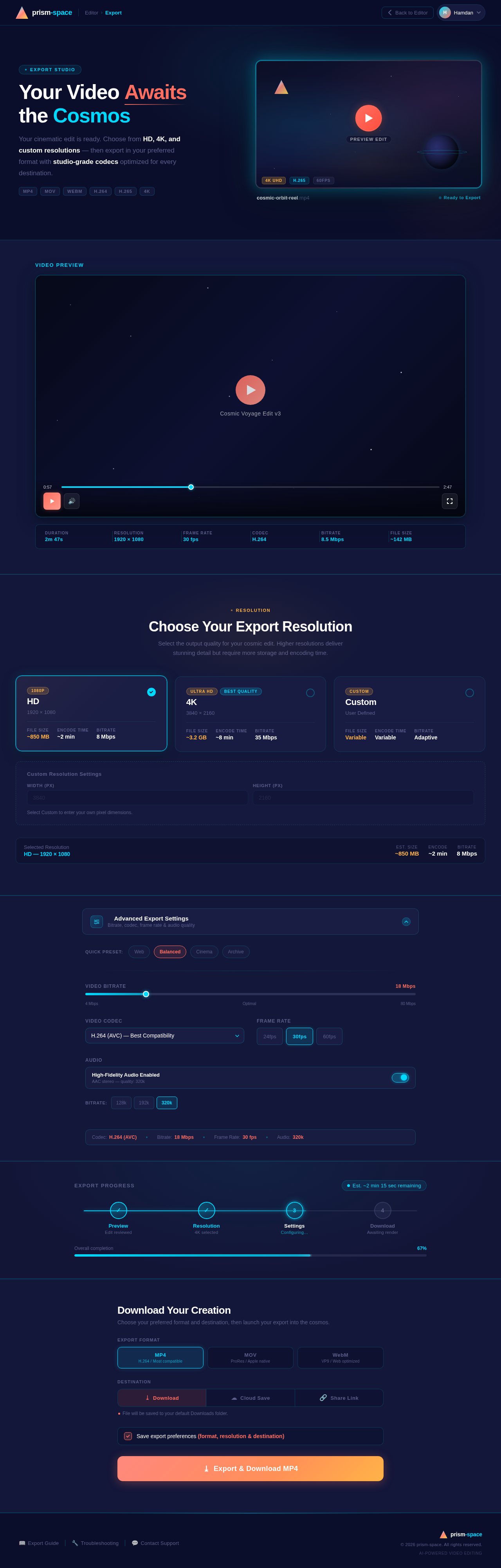
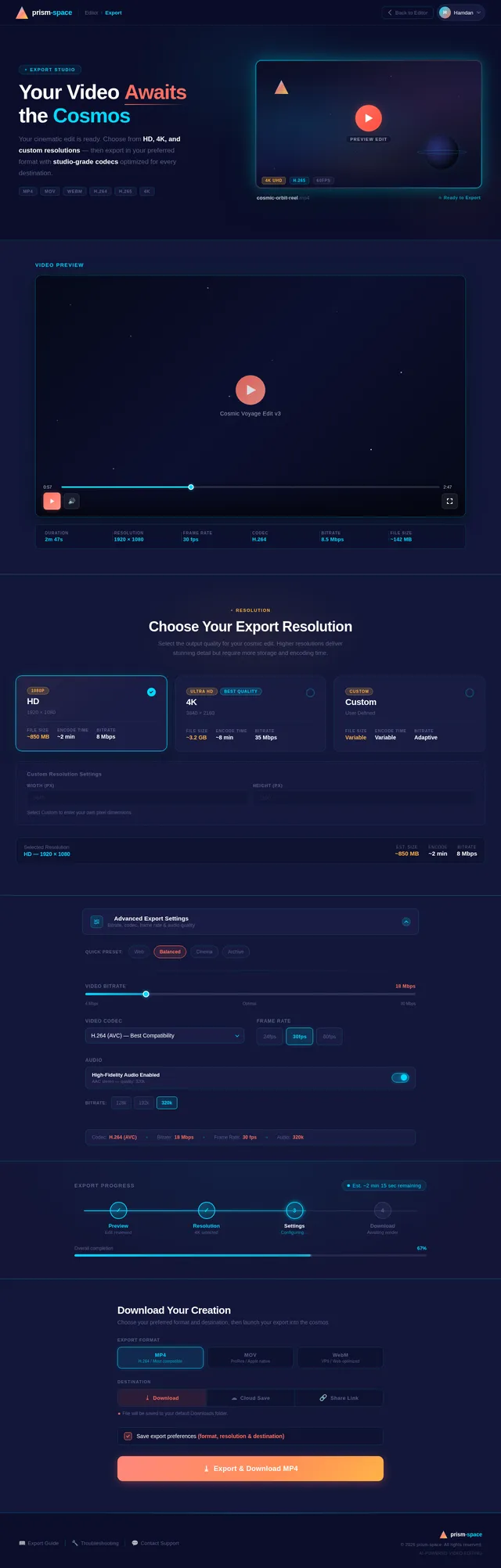
Your Video Awaits the Cosmos
Your cinematic edit is ready. Choose from HD, 4K, and custom resolutions — then export in your preferred format with studio-grade codecs optimized for every destination.
Video Preview
Choose Your Export Resolution
Select the output quality for your cosmic edit. Higher resolutions deliver stunning detail but require more storage and encoding time.
HD
1920 × 1080
4K
3840 × 2160
Custom
User Defined
Custom Resolution Settings
Select Custom to enter your own pixel dimensions.
Export Progress
Download Your Creation
Choose your preferred format and destination, then launch your export into the cosmos.
Export Format
Destination
No comments yet. Be the first!