prism-ecomerece
 Vaibhav Patel
create an ecomerece app for ClothBuy merchandice store . The store sells tshirts ,hoodies and mugs . Create seperate section for tshirts ,hoodies and mugs Create a good mobile freindly design add more functionality like user authentication , admin dashboards (only for admin) .The admin dashboard should have all the admin functionalities . The admin username is "admin" and password "admin@123"


Comments (0)
Sign in to leave a comment
System Requirements
System Requirements Document for prism-ecomerece
1. Introduction
The prism-ecomerece project is an e-commerce application designed for the ClothBuy merchandise store. The store specializes in selling t-shirts, hoodies, and mugs. The application aims to provide a mobile-friendly shopping experience with distinct sections for each product category. It includes user authentication and an admin dashboard for managing store operations.
2. System Overview
The prism-ecomerece application is designed to deliver a vibrant and engaging shopping experience for ClothBuy merchandise. It features separate sections for t-shirts, hoodies, and mugs, ensuring easy navigation and a focused shopping experience. The application supports user authentication for shoppers and provides an admin dashboard for store management, accessible only by the administrator using predefined credentials.
2a. Product Interpretation and Delivery Boundary
The application is designed with a playful maximalism theme, inspired by Jessica Walsh, to attract young shoppers. It includes a mobile-friendly design with vibrant colors and dynamic interactions. The admin dashboard is restricted to the administrator, ensuring secure management of store operations. User authentication is required for shoppers to maintain shopping continuity.
2b. Source Content Inventory
Not applicable as no content_source directive was provided.
2c. Page Content and Component Coverage
Landing
- Information/State: Introduction to ClothBuy, overview of available products (t-shirts, hoodies, mugs).
- Primary Actions: Navigate to product sections, initiate login or sign-up.
- Components: Hero image, product highlights, call-to-action buttons.
- States: Loading, success, error.
Shopper Login and Sign Up
- Information/State: User credentials input, sign-up form.
- Primary Actions: Log in, sign up, password recovery.
- Components: Input fields, submit buttons, error messages.
- States: Loading, success, error.
T-Shirts
- Information/State: List of available t-shirts, product details.
- Primary Actions: View product details, add to cart.
- Components: Product grid, filter options, add to cart buttons.
- States: Loading, empty, success, error.
Hoodies
- Information/State: List of available hoodies, product details.
- Primary Actions: View product details, add to cart.
- Components: Product grid, filter options, add to cart buttons.
- States: Loading, empty, success, error.
Mugs
- Information/State: List of available mugs, product details.
- Primary Actions: View product details, add to cart.
- Components: Product grid, filter options, add to cart buttons.
- States: Loading, empty, success, error.
Product Details
- Information/State: Detailed view of a selected product.
- Primary Actions: Add to cart, return to product list.
- Components: Product images, descriptions, add to cart button.
- States: Loading, success, error.
Cart
- Information/State: List of selected products, total price.
- Primary Actions: Update quantities, proceed to checkout.
- Components: Product list, quantity controls, checkout button.
- States: Loading, empty, success, error.
Checkout
- Information/State: Order summary, payment details.
- Primary Actions: Submit order, apply discount codes.
- Components: Order summary, payment form, submit button.
- States: Loading, success, error.
Admin Login
- Information/State: Admin credentials input.
- Primary Actions: Log in.
- Components: Input fields, submit button.
- States: Loading, success, error.
Admin Dashboard
- Information/State: Overview of store operations.
- Primary Actions: Navigate to products, orders management.
- Components: Navigation links, summary widgets.
- States: Loading, success, error.
Products
- Information/State: List of all products, management options.
- Primary Actions: Add, edit, delete products.
- Components: Product list, management controls.
- States: Loading, empty, success, error.
Orders
- Information/State: List of all orders, order details.
- Primary Actions: View, update order status.
- Components: Order list, status controls.
- States: Loading, empty, success, error.
3. Functional Requirements
- As a Shopper, I should be able to browse t-shirts, hoodies, and mugs in separate sections to easily find products of interest. (explicit)
- As a Shopper, I should be able to authenticate myself to maintain shopping continuity and access my cart and checkout. (explicit)
- As a Shopper, I should be able to add products to my cart and proceed to checkout to complete a purchase. (explicit)
- As an Administrator, I should be able to log in using the provided credentials to access the admin dashboard. (explicit)
- As an Administrator, I should be able to manage products and orders through the admin dashboard. (explicit)
4. User Personas
Shopper
- Context: Browses and purchases merchandise from the ClothBuy store.
- Primary Goal: To find and purchase desired products easily.
- Responsibilities: Browsing product sections, adding items to cart, completing purchases.
- Interactions: Navigates product sections, authenticates for shopping continuity, uses cart and checkout.
- Success: Successful purchase of desired items.
Administrator
- Context: Manages the ClothBuy store operations.
- Primary Goal: To efficiently manage products and orders.
- Responsibilities: Accessing the admin dashboard, managing product listings, processing orders.
- Interactions: Uses admin login, navigates dashboard, updates product and order information.
- Success: Effective management of store operations.
5. Core User Flows
Shopper Browsing and Purchase
- Start: Shopper lands on the Landing page.
- Action: Shopper navigates to the T-Shirts section.
- Result: Shopper views available t-shirts.
- Action: Shopper selects a t-shirt to view details.
- Result: Product Details page displays selected t-shirt.
- Action: Shopper adds t-shirt to cart.
- Result: Cart page updates with selected t-shirt.
- Action: Shopper proceeds to Checkout.
- Result: Checkout page displays order summary.
- Action: Shopper submits order.
- Result: Order confirmation is displayed.
Administrator Management
- Start: Administrator accesses Admin Login page.
- Action: Administrator enters credentials and logs in.
- Result: Admin Dashboard is displayed.
- Action: Administrator navigates to Products section.
- Result: List of products is displayed.
- Action: Administrator adds a new product.
- Result: Product is added to the catalog.
- Action: Administrator navigates to Orders section.
- Result: List of orders is displayed.
- Action: Administrator updates order status.
- Result: Order status is updated successfully.
6. Visuals Colors and Theme
- Muse: Jessica Walsh
- Palette:
- Background: #FCE4EC
- Surface: #FFFFFF
- Text: #212121
- Primary: #FF4081
- Accent: #FFEB3B
- Muted: #BDBDBD
- Typography:
- Headings: Archivo Black, Bold, uppercase
- Body: Nunito
- Scale: 64/42/28/18/16
- Shape Language: Bold color fields, overlapping shapes, sticker-like elements
- Layout: Asymmetric grid with overlapping sections
- Motion: Bouncy scale-ins, marquee text, color flips on hover
7. Signature Design Concept
The Landing page features a full-bleed vibrant image of ClothBuy merchandise with dynamic typography overlay. The hot pink background with bold yellow accents creates an engaging entry point for users. Oversized hero images and playful typography enhance the shopping experience, while interactive hover effects bring products to life.
8. Interaction Model & Motion Direction
- Interaction Model: Animated
- Motion Tempo: Expressive
- Hero Dimensionality: Layered_2d
- Landing Hero Motion Brief:
- Focal Subject: Featured merchandise with dynamic typography
- Transformation: Bouncy scale-ins and color flips on hover
- Outcome: Engaging and vibrant user experience
- Reduced-Motion State: Static imagery with bold color highlights
9. Non-Functional Requirements
- The application must be mobile-friendly, ensuring accessibility across devices. (explicit)
- The admin dashboard must be secure, accessible only by the administrator using the provided credentials. (explicit)
10. Tech Stack
- Frontend: React
- Backend: Python/FastAPI
- Authentication: Custom implementation with secure password handling
- Storage: Appropriate database for storing user and product data
- Deployment: Docker/docker-compose
11. Assumptions and Constraints
- The admin dashboard is exclusively for the administrator, with no access for shoppers. (explicit)
- The administrator credentials are fixed as "admin" and "admin@123". (explicit)
12. Glossary
- Shopper: A user who browses and purchases products from the ClothBuy store.
- Administrator: A user responsible for managing the store's operations, including product and order management.
- Cart: A feature allowing shoppers to collect items for purchase.
- Checkout: The process of finalizing a purchase and submitting an order.
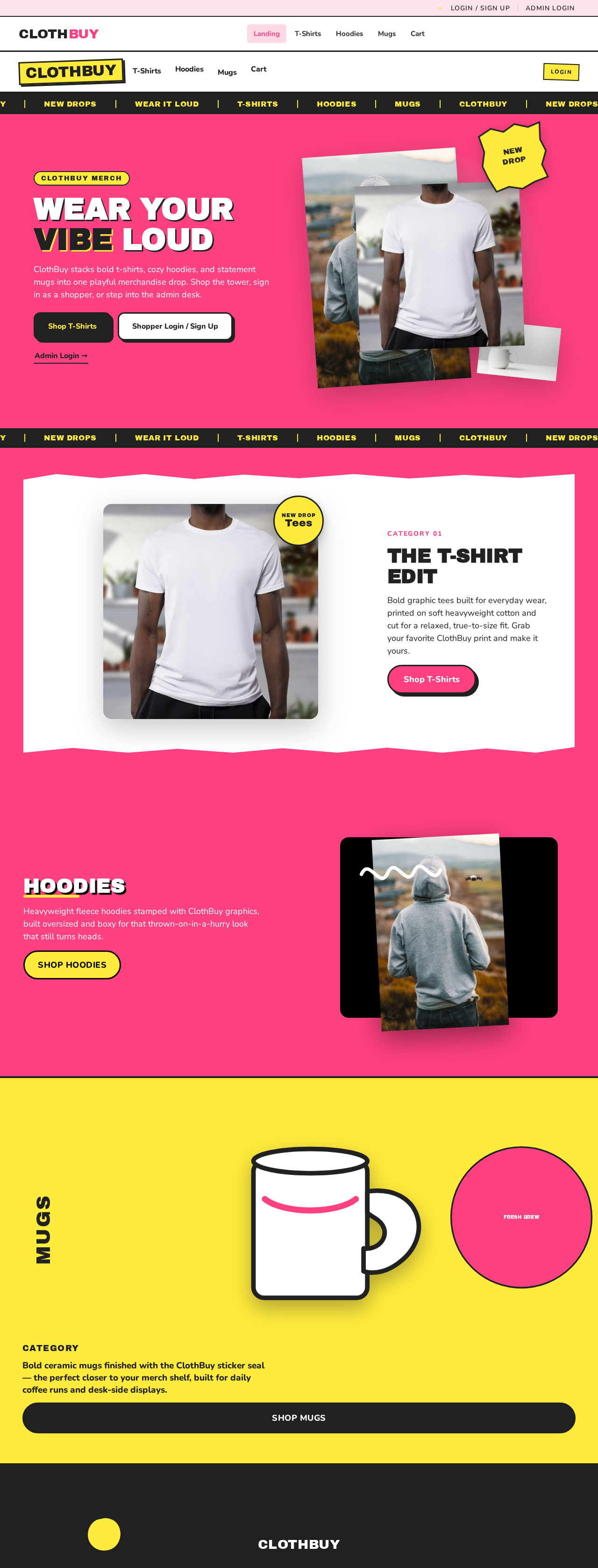
WEAR YOUR
VIBE LOUD
ClothBuy stacks bold t-shirts, cozy hoodies, and statement mugs into one playful merchandise drop. Shop the tower, sign in as a shopper, or step into the admin desk.
Admin Login →

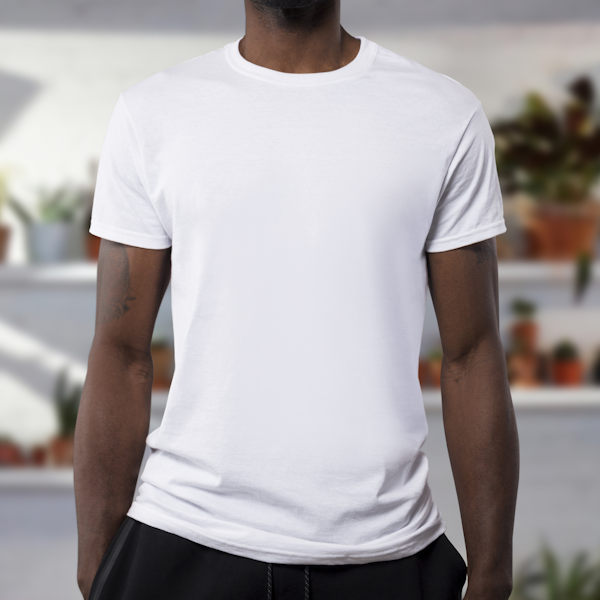

THE T-SHIRT
EDIT
Bold graphic tees built for everyday wear, printed on soft heavyweight cotton and cut for a relaxed, true-to-size fit. Grab your favorite ClothBuy print and make it yours.
Shop T-Shirts
Hoodies
Heavyweight fleece hoodies stamped with ClothBuy graphics, built oversized and boxy for that thrown-on-in-a-hurry look that still turns heads.
Category
Mugs
Bold ceramic mugs finished with the ClothBuy sticker seal — the perfect closer to your merch shelf, built for daily coffee runs and desk-side displays.
Shop MugsWEAR YOUR
VIBE LOUD
ClothBuy stacks bold t-shirts, cozy hoodies, and statement mugs into one playful merchandise drop. Shop the tower, sign in as a shopper, or step into the admin desk.
Admin Login →THE T-SHIRT
EDIT
Bold graphic tees built for everyday wear, printed on soft heavyweight cotton and cut for a relaxed, true-to-size fit. Grab your favorite ClothBuy print and make it yours.
Shop T-ShirtsHoodies
Heavyweight fleece hoodies stamped with ClothBuy graphics, built oversized and boxy for that thrown-on-in-a-hurry look that still turns heads.
Category
Mugs
Bold ceramic mugs finished with the ClothBuy sticker seal — the perfect closer to your merch shelf, built for daily coffee runs and desk-side displays.
Shop Mugs
No comments yet. Be the first!