prime-inventory
 Opikhara Alfred
BUILD AN INVENTORY SYSTEM FOR A GADGET STORE FULLY FUNCTIONAL


Comments (0)
Sign in to leave a comment
System Requirements
System Requirements Document for prime-inventory
1. Introduction
The prime-inventory project aims to develop a fully functional inventory system for a gadget store. The system is designed to facilitate efficient and precise inventory management for inventory managers, ensuring accurate tracking and updating of gadget stock levels.
2. System Overview
The prime-inventory system is a custom-built application that provides inventory management capabilities for a gadget store. It is designed for use by Inventory Managers who are responsible for maintaining and updating the store's inventory records. The system includes features for viewing, searching, filtering, and updating gadget inventory records and stock quantities. Access to the system is secured through a login mechanism, ensuring that only authorized personnel can manage the inventory.
2a. Product Interpretation and Delivery Boundary
The system is delivered as a custom application with app-owned identity management, requiring Inventory Managers to log in to access and manage inventory data. The system is designed to be fully functional, focusing on inventory management tasks without additional capabilities beyond the specified requirements. The application includes a public landing page, a login page for identity verification, and protected pages for inventory management tasks.
2b. Source Content Inventory
Not applicable as no content source directive was provided.
2c. Page Content and Component Coverage
Landing
- Purpose: Introduce the gadget-store inventory system and its purpose.
- Components:
- Overview of the system's capabilities and benefits.
- Introduction to the Inventory Manager role.
- Call-to-action to log in or learn more about the system.
Login
- Purpose: Authenticate Inventory Managers for access to the system.
- Components:
- Username and password fields.
- Login button.
- Password recovery option.
Inventory
- Purpose: Provide an overview of current gadget stock and facilitate inventory management.
- Components:
- List of gadgets with current stock levels.
- Search and filter options for inventory records.
- Navigation to Inventory Details and Stock Updates pages.
Inventory Details
- Purpose: Manage individual gadget inventory records.
- Components:
- Detailed view of a gadget's inventory record.
- Edit and save options for updating gadget details.
- Navigation back to the Inventory page.
Stock Updates
- Purpose: Record changes in stock quantities.
- Components:
- Form for entering stock adjustments.
- Submit button to save changes.
- Confirmation of successful updates.
3. Functional Requirements
- As an Inventory Manager, I should be able to log in to the system to access inventory management features. (required_inference)
- As an Inventory Manager, I should be able to view a list of all gadgets and their current stock levels. (explicit)
- As an Inventory Manager, I should be able to search and filter gadget inventory records to find specific items. (explicit)
- As an Inventory Manager, I should be able to view and edit the details of individual gadget inventory records. (explicit)
- As an Inventory Manager, I should be able to record changes in stock quantities to keep inventory data up-to-date. (explicit)
4. User Personas
- Inventory Manager: Responsible for managing the gadget store's inventory, including viewing, updating, and maintaining accurate records of gadget stock levels.
5. Core User Flows
-
Login Flow:
- Inventory Manager navigates to the Login page.
- Enters username and password.
- Clicks the Login button.
- Upon successful authentication, accesses the Inventory page.
-
Inventory Overview Flow:
- Inventory Manager logs in and accesses the Inventory page.
- Views the list of gadgets and their stock levels.
- Uses search and filter options to find specific gadgets.
-
Inventory Details Flow:
- From the Inventory page, Inventory Manager selects a gadget to view details.
- Views and edits gadget details as needed.
- Saves changes and returns to the Inventory page.
-
Stock Update Flow:
- Inventory Manager navigates to the Stock Updates page from the Inventory page.
- Enters stock quantity changes in the provided form.
- Submits the form to update stock levels.
- Receives confirmation of successful update.
6. Visuals Colors and Theme
- Muse: Jony Ive
- Palette:
- Background: #F9F9F9
- Surface: #FFFFFF
- Text: #333333
- Primary: #999999
- Accent: #FF9500
- Muted: #CCCCCC
- Typography:
- Headings: Inter Tight — Light weights, large scale contrast, tight tracking
- Body: Matter
- Scale: 1.414 modular, 60/42/28/20/14
- Shape Language: Soft continuous curves, wide margins, single-column focus
- Layout: Generous whitespace, modular grid with single-column focus, product-first hero
- Imagery: Studio-lit renders of gadgets, macro details on plain grounds
7. Signature Design Concept
A full-screen hero on the Landing page featuring a single, perfectly lit gadget image centered over a light neutral background. The design emphasizes generous whitespace and margin balance, with a soft continuous-curve radius for buttons and inputs. A restrained use of the accent color highlights call-to-action elements.
8. Interaction Model & Motion Direction
- Interaction Model: Static
- Motion Tempo: Restrained
- Hero Dimensionality: Layered_2d
- Landing Hero Motion Brief: A single gadget image is revealed on scroll, maintaining focus on the product with slow, physical easing. The motion is subtle, enhancing the product's presence without distraction.
9. Non-Functional Requirements
- The system must ensure data integrity and consistency for all inventory records. (required_inference)
- The system should provide a responsive user interface for optimal performance across devices. (basic_default)
10. Tech Stack
- Frontend: React
- Backend: Python/FastAPI
- Storage: PostgreSQL
- Containerization: Docker
- Deployment: Kubernetes (if required for scaling)
11. Assumptions and Constraints
- The system is designed exclusively for managing gadget inventory and does not include sales or customer management features.
- The Inventory Manager is the only user role with access to the system's inventory management features.
12. Glossary
- Inventory Manager: A user responsible for managing the gadget store's inventory.
- Gadget: Any electronic device or accessory sold by the store.
- Stock Level: The quantity of a particular gadget available in the store's inventory.
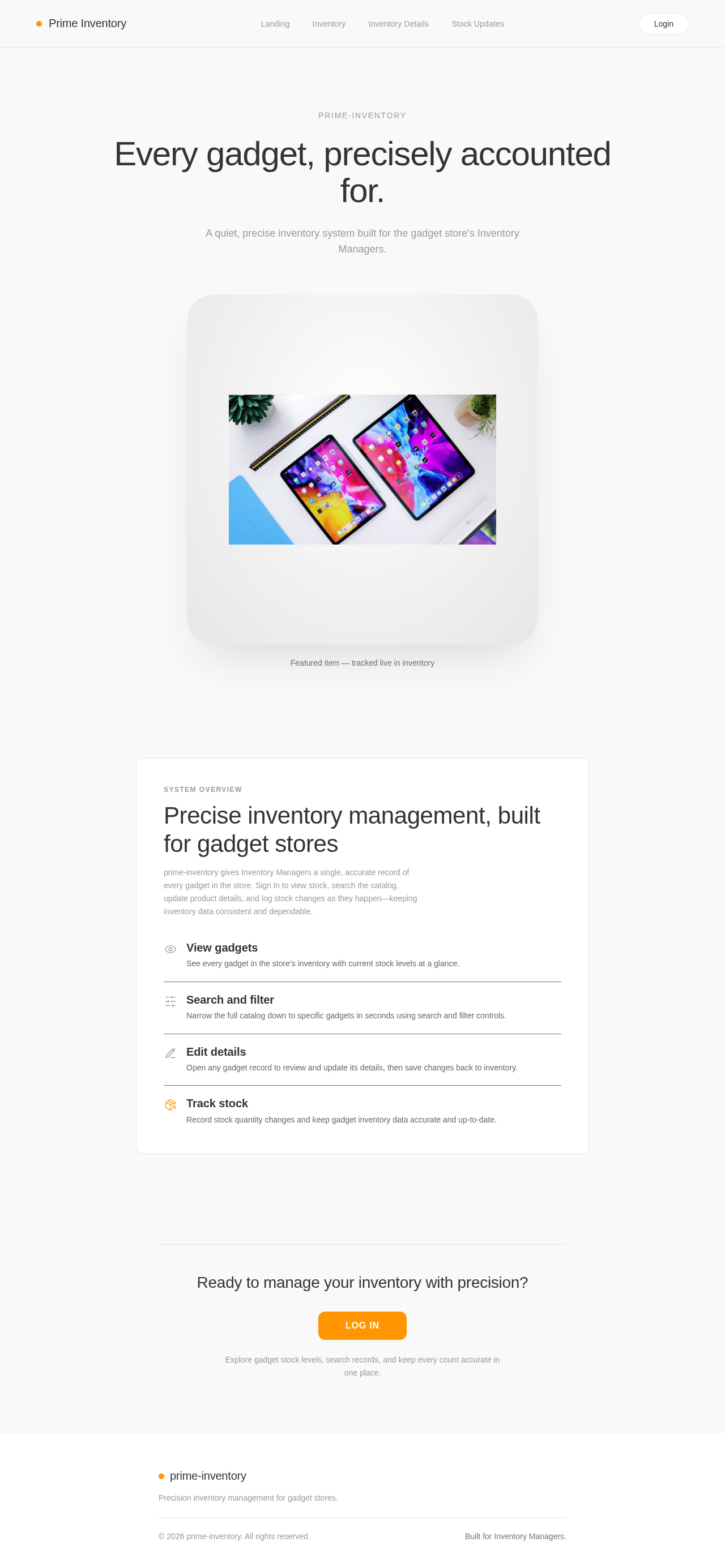
prime-inventory
Every gadget, precisely accounted for.
A quiet, precise inventory system built for the gadget store's Inventory Managers.

Featured item — tracked live in inventory
Precise inventory management, built for gadget stores
prime-inventory gives Inventory Managers a single, accurate record of every gadget in the store. Sign in to view stock, search the catalog, update product details, and log stock changes as they happen—keeping inventory data consistent and dependable.
Ready to manage your inventory with precision?
Log InExplore gadget stock levels, search records, and keep every count accurate in one place.
prime-inventory
Every gadget, precisely accounted for.
A quiet, precise inventory system built for the gadget store's Inventory Managers.
Featured item — tracked live in inventory
Precise inventory management, built for gadget stores
prime-inventory gives Inventory Managers a single, accurate record of every gadget in the store. Sign in to view stock, search the catalog, update product details, and log stock changes as they happen—keeping inventory data consistent and dependable.
Ready to manage your inventory with precision?
Log InExplore gadget stock levels, search records, and keep every count accurate in one place.
No comments yet. Be the first!