pos-frs
by Debashish Mukherjee
I want to build an application for my fashion retail store which can take an IP camera feed. The application should capture the face of any person at my billing counter whose billing amount exceeds a certain value. I want the application to store the details of the transaction with optionally customer name, email, phone number. I also want to be notified the next time the same customer walks into my store. The application should be lightweight to run off a i3 PC without the need for a GPU


Comments (0)
Sign in to leave a comment
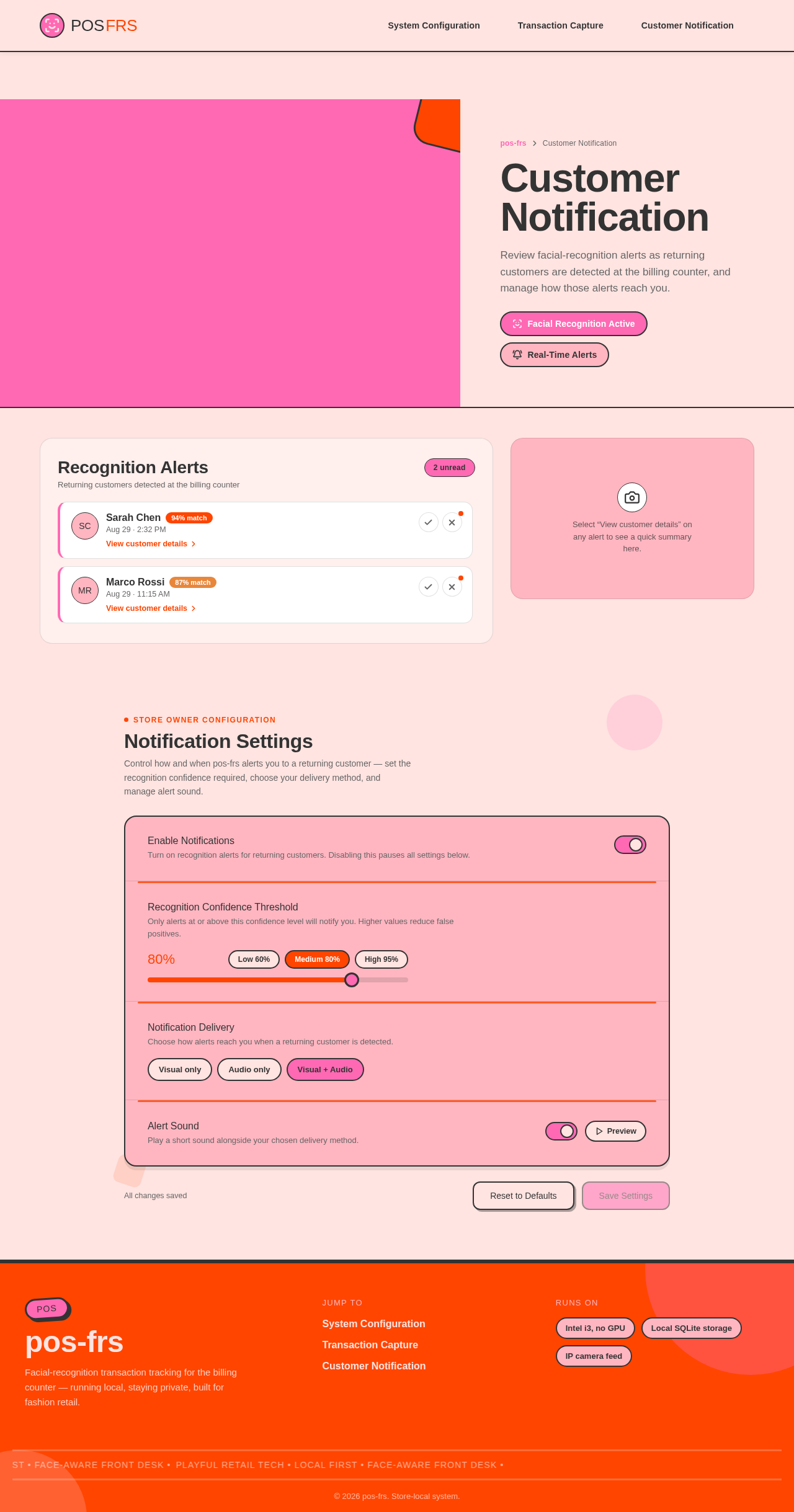
Customer Notification
Review facial-recognition alerts as returning customers are detected at the billing counter, and manage how those alerts reach you.
Facial Recognition ActiveReal-Time Alerts
Recognition Alerts
Returning customers detected at the billing counter
Marco Rossi
87% matchStore Owner Configuration
Notification Settings
Control how and when pos-frs alerts you to a returning customer — set the recognition confidence required, choose your delivery method, and manage alert sound.
Enable NotificationsTurn on recognition alerts for returning customers. Disabling this pauses all settings below.
Recognition Confidence ThresholdOnly alerts at or above this confidence level will notify you. Higher values reduce false positives.
80%
Notification DeliveryChoose how alerts reach you when a returning customer is detected.
Alert SoundPlay a short sound alongside your chosen delivery method.
All changes saved
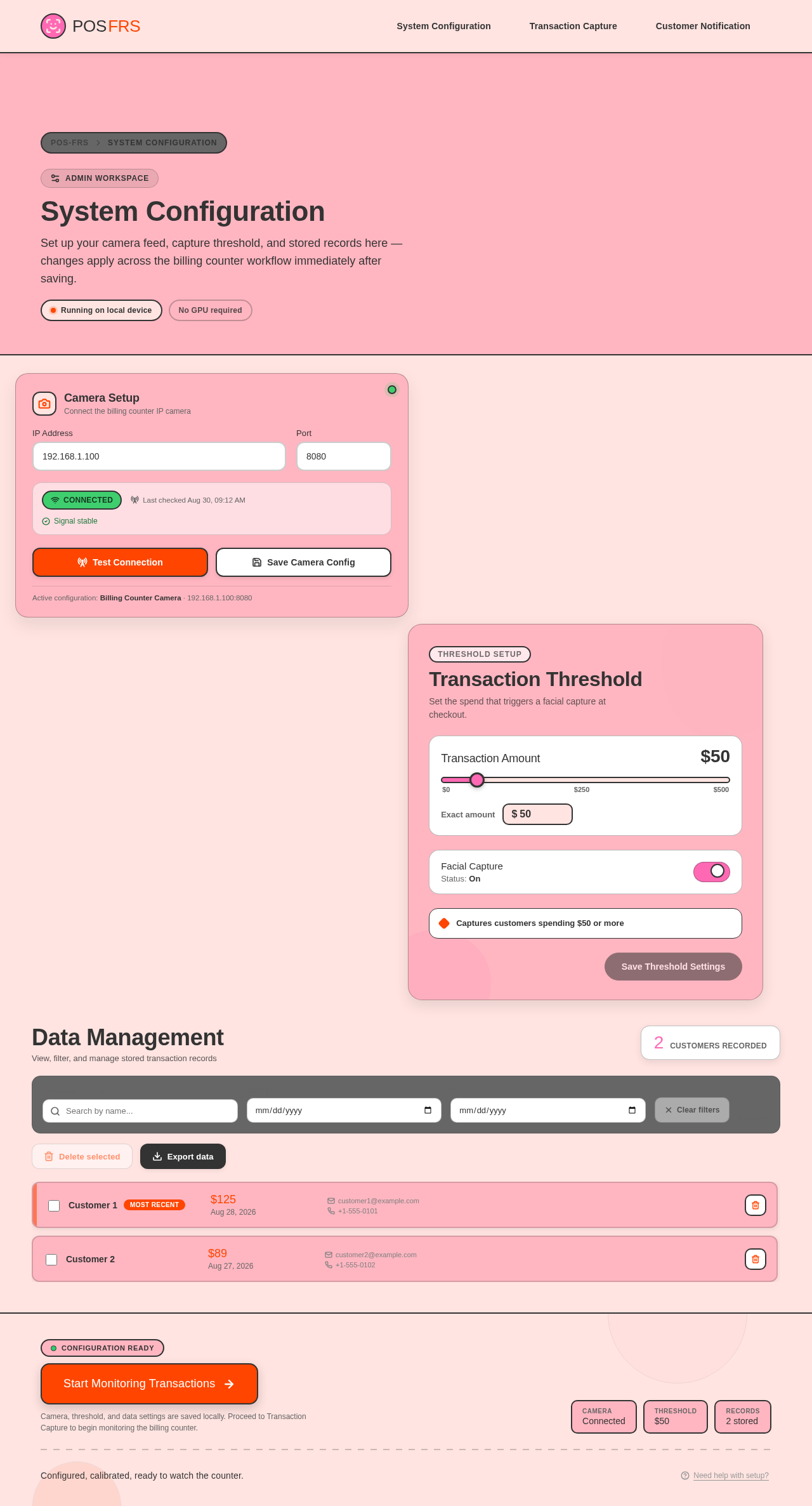
Admin Workspace
System Configuration
Set up your camera feed, capture threshold, and stored records here — changes apply across the billing counter workflow immediately after saving.
Running on local deviceNo GPU required
Camera Setup
Connect the billing counter IP camera
ConnectedSignal stable
Active configuration: Billing Counter Camera · 192.168.1.100:8080
Transaction Threshold
Set the spend that triggers a facial capture at checkout.
Facial CaptureStatus: On
Captures customers spending $50 or more
Data Management
View, filter, and manage stored transaction records
2customers recorded
- Customer 1Most recent$125Aug 28, 2026customer1@example.com+1-555-0101
- Customer 2$89Aug 27, 2026customer2@example.com+1-555-0102
No comments yet. Be the first!