Page 1 of 5
System Requirements Document (SRD)
1. Introduction
This document outlines the system requirements for a scheduling application designed to allow users to create a scheduling page that integrates availability across multiple calendar accounts. The application aims to provide seamless automatic syncing with popular calendar platforms such as Google Calendar, Zoho Calendar, Outlook, and others. The system is designed to be flexible, scalable, and user-friendly.
2. System Overview
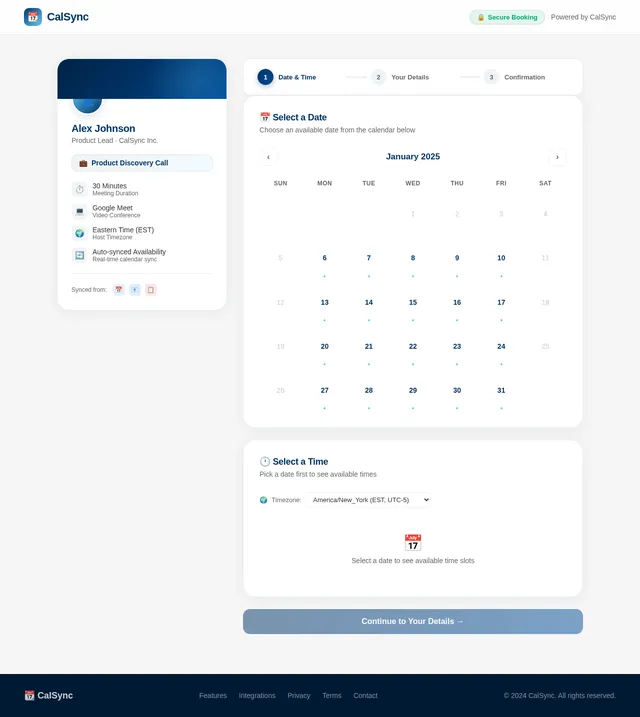
The scheduling application will enable users to connect multiple calendar accounts and automatically sync availability across these accounts. Users will be able to share a single scheduling page with others, allowing them to book meetings based on the user's aggregated availability. The system will support the addition of calendar accounts over time, ensuring scalability for users with growing needs. The application will prioritize ease of use, automation, and reliability.
Page 2 of 5
3. Functional Requirements as Story Points
- As a User, I should be able to create a scheduling page that aggregates availability across multiple calendar accounts.
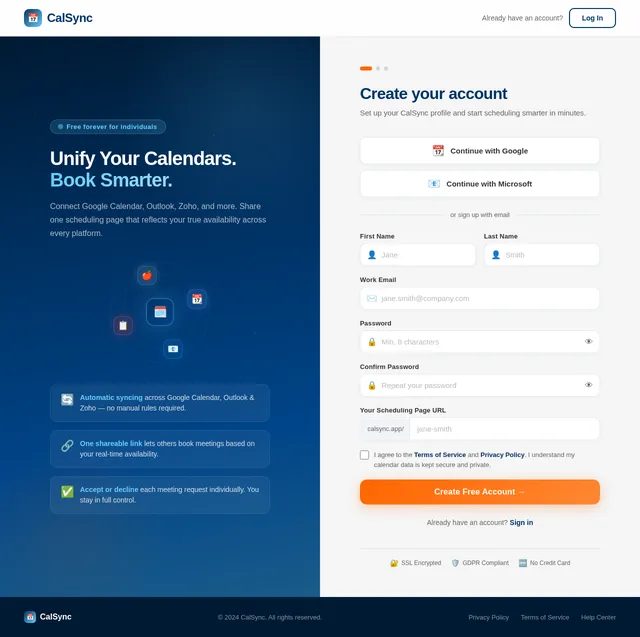
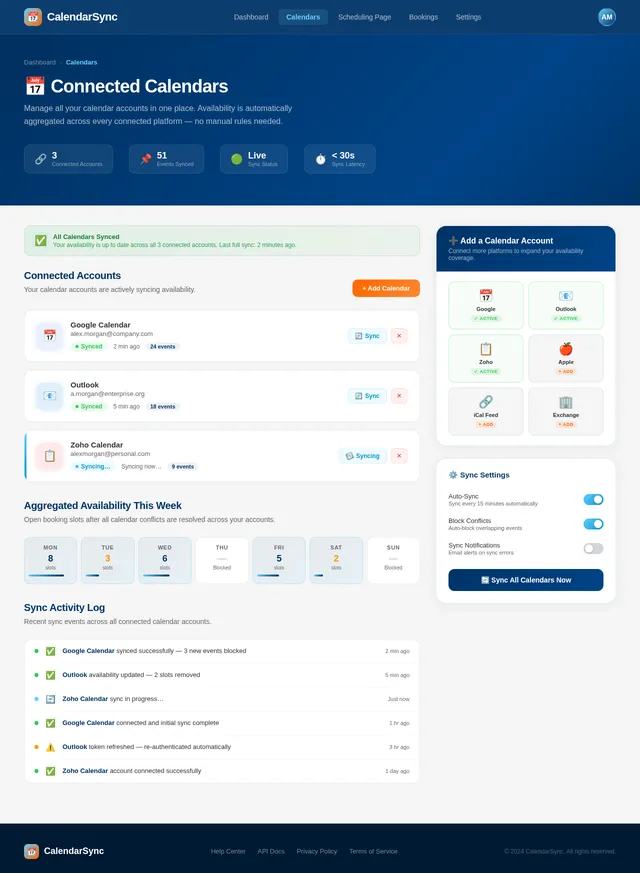
- As a User, I should be able to connect calendar accounts from platforms such as Google Calendar, Zoho Calendar, and Outlook.
- As a User, I should be able to add calendar accounts incrementally over time.
- As a User, I should be able to automatically sync availability across all connected calendar accounts.
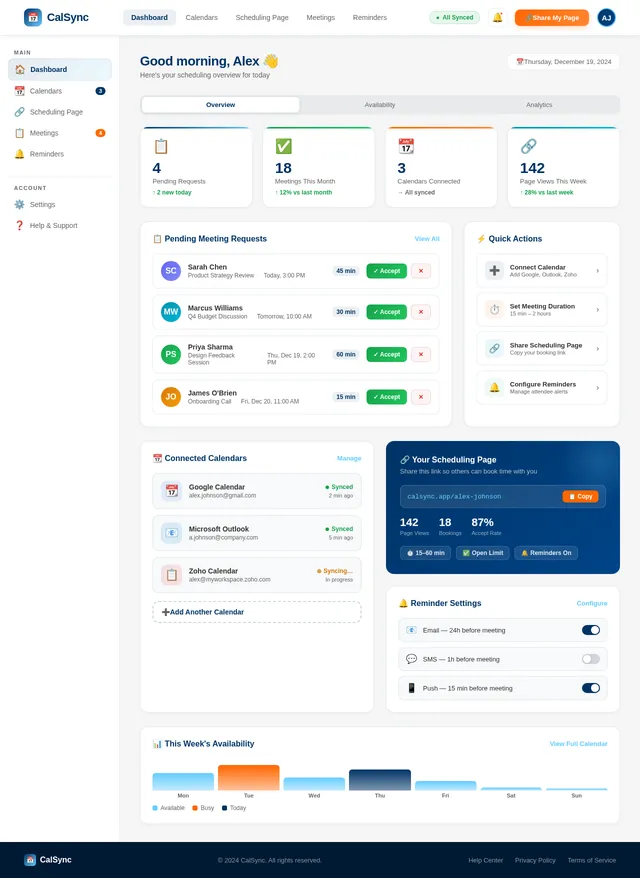
- As a User, I should be able to share my scheduling page with others to allow them to book meetings with me.
- As a User, I should be able to set meeting durations ranging from 15 minutes to a maximum of 2 hours.
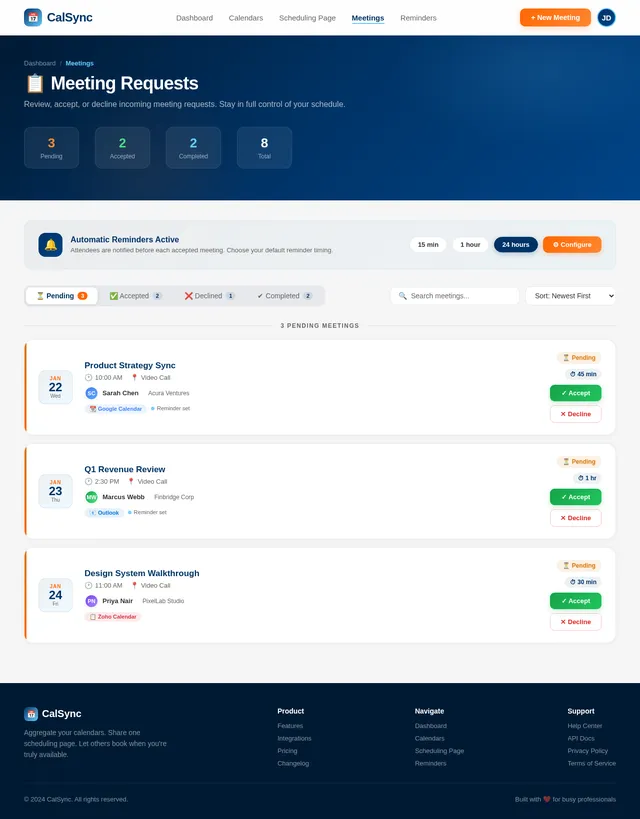
- As a User, I should be able to keep the number of meetings per day open and individually accept or decline meetings.
- As a User, I should be able to send reminders to attendees before meetings.
4. User Personas
- User: A professional or individual who needs to manage their schedule across multiple calendar platforms and share a unified scheduling page with others.
5. Visuals Colors and Theme
The application will adopt a modern and professional aesthetic with the following color scheme:
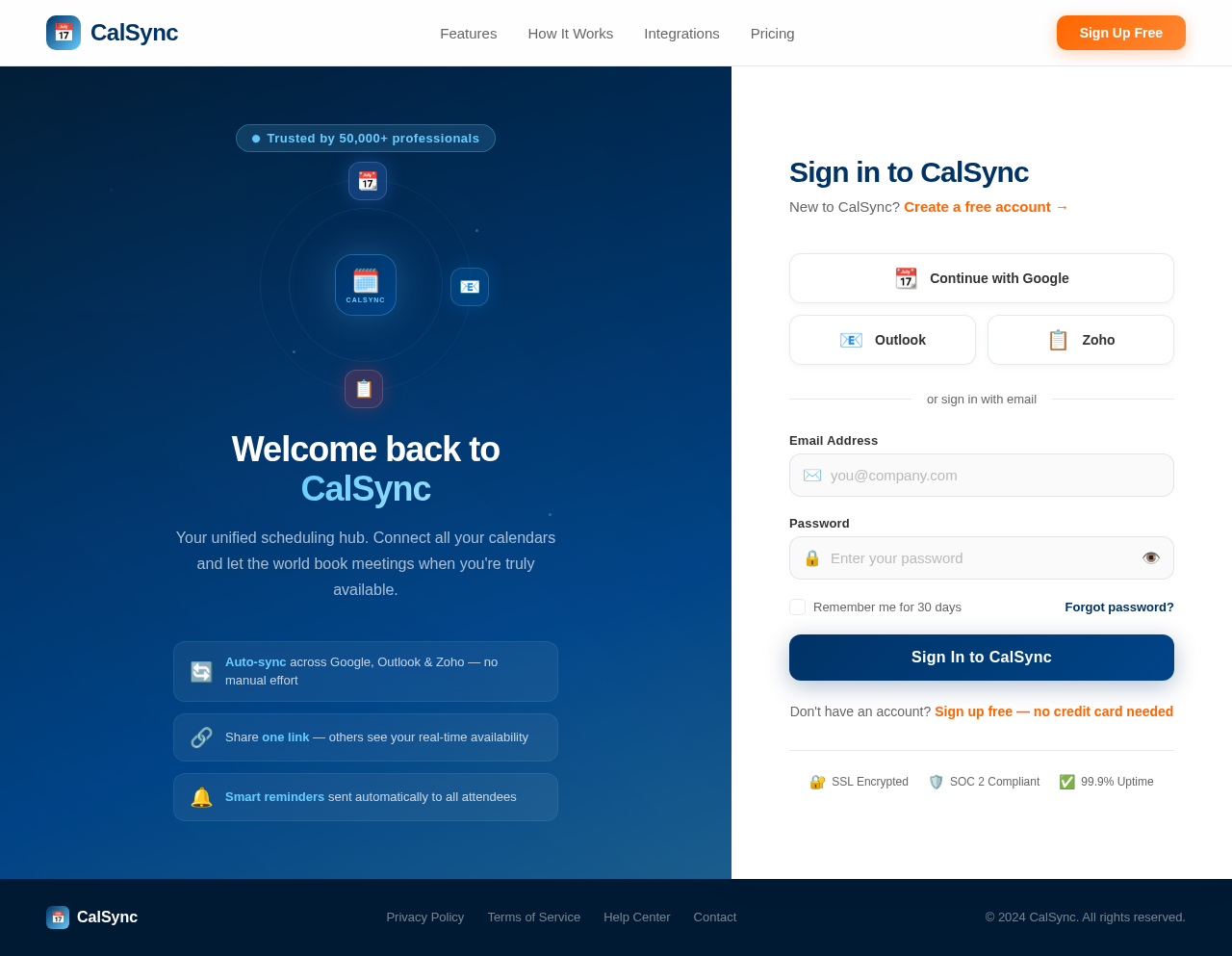
- Primary Color: Deep Blue (#003366) for headers and key elements.
- Secondary Color: Light Blue (#66CCFF) for highlights and interactive elements.
- Accent Color: Vibrant Orange (#FF6600) for call-to-action buttons.
- Background: Soft Gray (#F5F5F5) for a clean and minimalistic look.
- Text: Dark Gray (#333333) for readability.
The theme will focus on simplicity and clarity, ensuring that users can navigate the application effortlessly.
Page 3 of 5
6. Signature Design Concept
Dynamic Calendar Orbit Animation on the Home Page
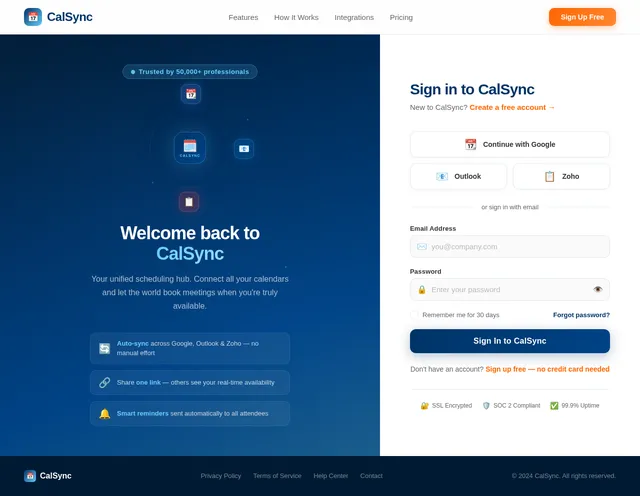
The home page will feature an interactive, visually captivating animation of orbiting calendar icons representing different platforms (e.g., Google Calendar, Zoho, Outlook). These icons will revolve around a central "Scheduling Page" icon, symbolizing the aggregation of multiple calendars into one unified system.
Details:
- Animation: The calendar icons will orbit smoothly, with subtle glowing effects to indicate activity. When hovered over, each icon will expand slightly and display the platform name.
- Interaction: Users can click on any calendar icon to see a brief description of how the app integrates with that platform.
- Transitions: As users scroll down, the orbit animation will shrink into the corner, transitioning seamlessly into the main interface overview.
- Micro-interactions: Buttons and links will have a ripple effect when clicked, and tooltips will appear with smooth fade-in animations.
- Color Shifts: The background will subtly transition between shades of blue and gray, creating a calming and professional atmosphere.
This design will make the home page unforgettable, immediately conveying the app's purpose and functionality in a visually engaging way.
7. Non-Functional Requirements
- The system must support automatic syncing of calendar data with minimal latency.
- The system must be scalable to handle users with multiple calendar accounts.
- The system must ensure data security and privacy, particularly for sensitive calendar information.
- The system must provide a responsive design for optimal use on both desktop and mobile devices.
- The system must maintain high availability, with a target uptime of 99.9%.
- The system must support sending reminders to attendees before meetings.
Page 4 of 5
8. Tech Stack
- Frontend: React for Web
- Backend: Python with FastAPI
- Database (RDBMS): MySQL with Alembic for migrations
- AI Models: GPT 5.2 for user-friendly responses
- AI Tools: Langchain, Litellm for LLM Routing
- Local Orchestration: Docker, docker-compose
- Server-side Orchestration: Kubernetes
9. Assumptions and Constraints
- Users will authenticate their calendar accounts individually.
- The system will not support manual rules for merging availability; availability will be automatically aggregated.
- The system will initially support Google Calendar, Zoho Calendar, and Outlook, with the potential to add more platforms in the future.
- The system will rely on third-party APIs for calendar integration, subject to their availability and limitations.
- Meeting durations will range from 15 minutes to a maximum of 2 hours.
- The number of meetings per day will remain open, allowing users to individually accept or decline meetings.
- Reminders will be sent to attendees before meetings, with the timing of reminders configurable by the user.
Page 5 of 5
10. Glossary
- Scheduling Page: A web page that displays the user's availability and allows others to book meetings.
- Calendar Account: An account on a calendar platform such as Google Calendar, Zoho Calendar, or Outlook.
- Automatic Syncing: The process of automatically updating availability across connected calendar accounts without user intervention.
- Orbit Animation: A dynamic visual effect where icons move in a circular path around a central element.
- Meeting Duration: The length of a meeting, which can range from 15 minutes to a maximum of 2 hours.
- Open Meeting Limit: A feature where the number of meetings per day is not restricted, and users can accept or decline meetings individually.
- Reminder: A notification sent to meeting attendees before the scheduled meeting time to ensure they are aware of the upcoming event.

No comments yet. Be the first!