personal-ai
 Balaji Bala
Work on my existing Dodo Personal AI Assistant Phase 1 project only. Do not start Phase 2 and do not rebuild the project from scratch. Inspect the existing code first and fix the current implementation while preserving the existing UI, navigation, Midnight Orb design, Expo React Native + TypeScript architecture, and Supabase backend. The app must work on both Android and iOS. First fix the current crash: "Cannot find native module 'ExponentAV'". The project is using Expo SDK 57, so remove the old expo-av usage that causes the ExponentAV crash and migrate the required audio/voice code to the correct modern expo-audio implementation compatible with the installed Expo version. Update SpeechToTextService, VoiceService, permissions, imports, package dependencies and related files as required. Do not leave any expo-av import that causes the crash. If a voice capability is not supported in Expo Go, handle it gracefully without crashing the app. Also fix the current "TypeError: undefined is not a function" unhandled promise errors by finding the actual undefined function and fixing its source instead of hiding the error. Audit all service imports, exports, Supabase methods, Zustand stores, navigation, permissions, audio and voice functions. The most important requirement is that all Phase 1 editable features must actually save, update, load and persist. Currently screens open but changing assistant name, language, avatar and contacts shows "Something went wrong" or "Could not save". Fix the complete persistence flow. Supabase must be the source of truth for authenticated user data. Every user must have isolated data using auth.uid() and proper RLS policies. Verify profiles, conversations, messages, memories, tasks, reminders and contacts have correct user-based CRUD policies. Never expose service-role keys in the mobile app. Make sure profile data is created correctly after registration/login and loaded when the app starts. Do not overwrite saved values with defaults after navigation or app restart. Make assistant name fully functional. Default assistant name is Dodo. User must be able to change it to any name such as Friday. After saving, the new name must immediately appear on Home, Assistant, greetings and all relevant screens. The value must persist after app restart and logout/login and must belong only to that user. Make the user profile fully functional. Store user id, display name, email, assistant name, assistant avatar, preferred language and preferred addressing style. Load these values from Supabase when the authenticated session starts. Do not reset them to default values unexpectedly. Make language selection fully functional with English, Thanglish and Auto Detect. English mode must respond in English. Thanglish mode must respond naturally in Tamil written using English letters. Auto Detect must reply in English when the user speaks/types English and Thanglish when the user speaks/types Thanglish. If the user says "Thanglish la sollu", reply in Thanglish. If the user says "English la sollu", reply in English. Persist the selected language per user. Greetings must depend on the current time: morning, afternoon, evening or night. In Thanglish mode the greeting can be like "Hi bro 👋 Good afternoon, Balaji! Naan Dodo. Unakku enna help pannanum?" and in English mode it can be like "Hi Balaji! Good afternoon. How may I help you?" For addressing style, default to "bro". If the user naturally calls the assistant "bro", "mama" or "macha", follow that word in subsequent responses. For example, if the user says "Hi mama", respond naturally using mama. Do not randomly mix bro, mama and macha. Save the preferred style where appropriate. Make assistant avatar selection functional. Keep the existing bundled avatars such as AI Orb, Friendly AI, Futuristic, Minimal and Robot. When the user selects an avatar, immediately update the UI and save the selection to Supabase. The selection must persist after restart and login. Each user's avatar must be independent. Make Contacts fully functional. The user must be able to add, edit, delete and list contacts. Store contact name, phone number, optional email and important-contact status. Example: Amma, phone number, Important ON. On Save, validate the fields, save to Supabase, show success, refresh the list and persist the contact after restart. Editing, deleting and Important ON/OFF must also work. Fix the current contact save error. Do not use fake local-only contact data as the final source of truth. Make Tasks fully functional in Phase 1. User must be able to create, edit, complete and delete tasks. Persist all task data in Supabase and isolate it by authenticated user. Show loading, empty and error states correctly. Make Reminders functional in Phase 1 where supported. User must be able to create, edit, delete and complete reminders. Persist reminders in Supabase. If local notification permission is available, use it safely. If permission is denied, do not crash and still save the reminder data. Make Memory functional. User must be able to save and remove simple personal preferences such as "Call me bro", "My assistant name is Dodo" and "I prefer Thanglish". Persist memories in Supabase and make sure one user can never see another user's memories. Make Assistant Chat reliable. The existing deterministic/mock responder may remain for Phase 1 if no live AI API is connected. User messages and assistant responses must display correctly. Conversation history must persist to Supabase and remain after app restart. Avoid duplicate messages, handle loading/error states and apply the user's language and addressing style. Do not claim that live AI, web search or WhatsApp integration exists in Phase 1 if it has not been implemented. Make all Settings screens functional. Assistant name, language, avatar, profile information and addressing style must save correctly. When Save is pressed, validate the input, update Supabase, update the local Zustand/store state, show success and navigate back only after successful saving. If Supabase fails, keep the user on the current screen and show a useful error instead of silently losing the change. Keep Email/Password login, registration, forgot password and Google login flow. Profile creation must work safely after authentication. Google provider can remain disabled until real Google OAuth credentials are configured, but the application must not crash when Google provider is unavailable. Fix the permission layer for microphone and notifications. Handle allowed, denied, temporary/limited and permanently denied states according to the actual Android/iOS APIs. Do not promise permission options that the operating system does not provide. Permission errors must never crash the application. Keep the current Midnight Orb UI and make it responsive for small Android phones, large Android phones, small iPhones and large iPhones. Fix safe-area issues, keyboard overlap, bottom-tab overlap, text overflow, fixed-width problems and content clipping. Use responsive layouts and safe-area insets correctly. Fix every unhandled promise rejection. Every async operation must have proper try/catch handling and useful developer logging. Do not hide errors with a generic catch. User-facing errors should be clear and actionable. Make local Zustand state and Supabase state consistent using this flow: UI action → service → Supabase → successful response → update local store → update UI. Do not use fake local state and pretend that data was saved. If the network fails, show the error and do not report false success. Keep Phase 2 features as placeholders only. Do not implement advanced automation workflows, WhatsApp reading/sending, device control, advanced background wake-word service, driving mode, live web search, live ChatGPT/Google intelligence or automatic external messaging in this task. However, keep clean service interfaces so Phase 2 can be added later without rewriting the Phase 1 architecture. The Automations screen may show that it belongs to Phase 2, but it must open without crashing. After all fixes, run npx tsc --noEmit and make sure there are zero TypeScript errors. Search the entire project for expo-av and ExponentAV and remove obsolete usage causing the crash. Verify the expo-audio implementation and package compatibility. Test registration, login, logout, login again, assistant name change, language change, avatar change, add/edit/delete contact, Important contact toggle, create/complete/delete task, create/edit/delete reminder, save/remove memory, send chat message, app restart and persistence. Verify Supabase RLS and user isolation. Verify there are no unhandled promise rejections. Verify Android and iOS compatible code paths. Do not modify unrelated parts of the project. Do not start Phase 2. This task is to make the existing Phase 1 genuinely functional and stable, not just visually complete. At the end, provide a concise report containing the files changed, bugs fixed, Supabase changes, audio changes, tests performed and any remaining genuine Phase 1 limitations.


Comments (0)
Sign in to leave a comment
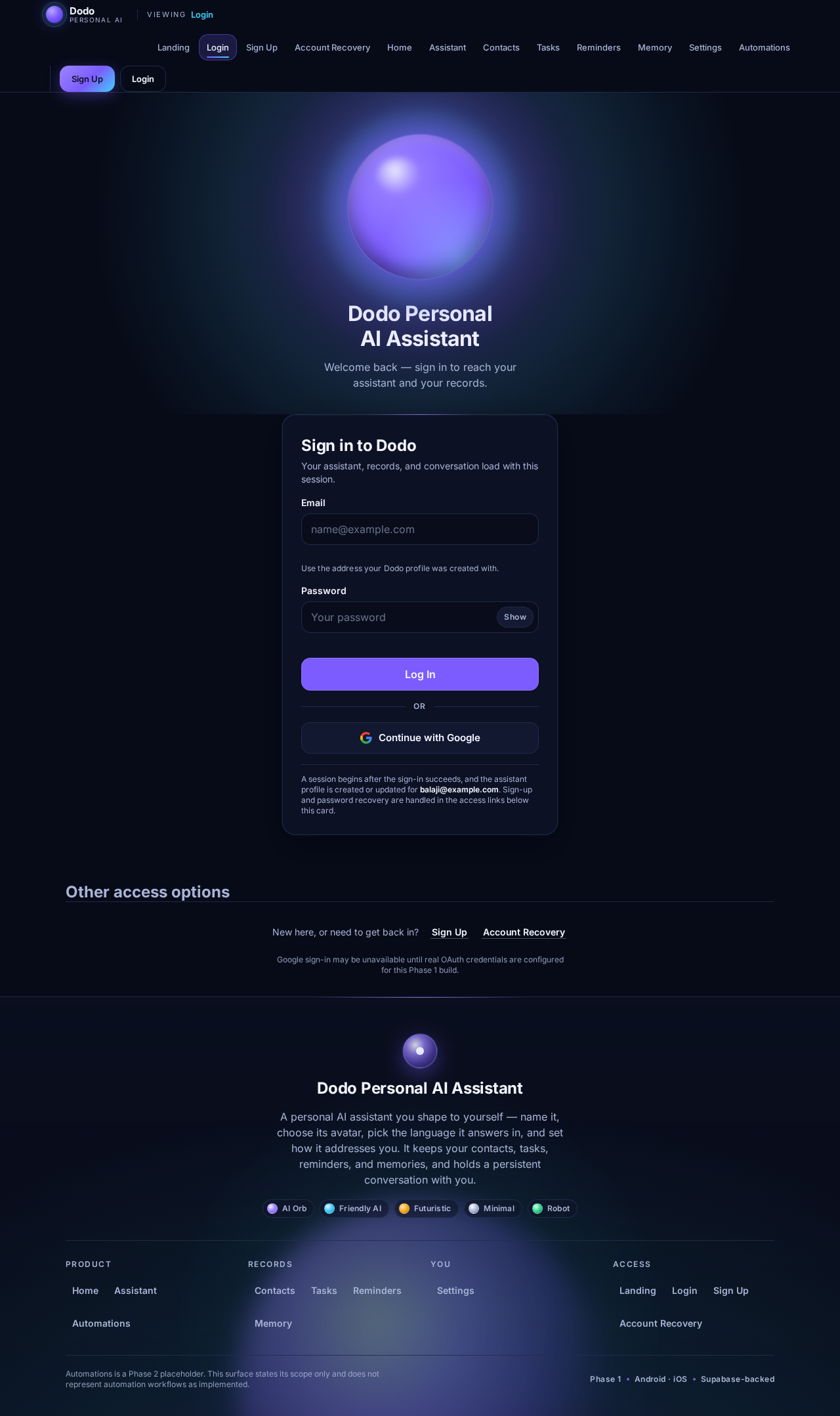
Dodo Personal AI Assistant
Welcome back — sign in to reach your assistant and your records.
Sign in to Dodo
Your assistant, records, and conversation load with this session.
or
A session begins after the sign-in succeeds, and the assistant profile is created or updated for balaji@example.com. Sign-up and password recovery are handled in the access links below this card.
Other access options
New here, or need to get back in?
Google sign-in may be unavailable until real OAuth credentials are configured for this Phase 1 build.
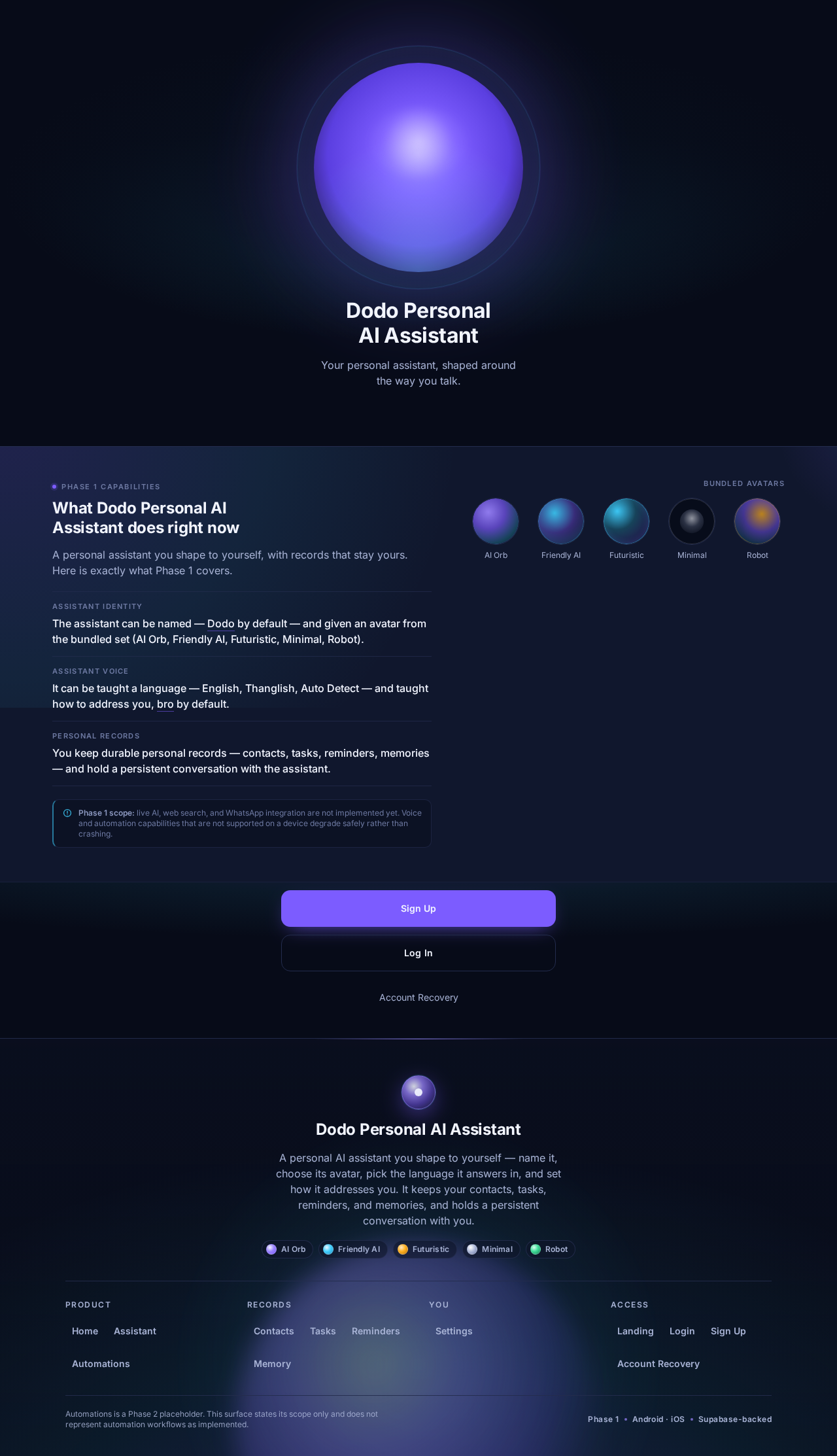
Dodo Personal AI Assistant
Your personal assistant, shaped around the way you talk.
What Dodo Personal AI Assistant does right now
A personal assistant you shape to yourself, with records that stay yours. Here is exactly what Phase 1 covers.
- Assistant identity
The assistant can be named — Dodo by default — and given an avatar from the bundled set (AI Orb, Friendly AI, Futuristic, Minimal, Robot).
- Assistant voice
It can be taught a language — English, Thanglish, Auto Detect — and taught how to address you, bro by default.
- Personal records
You keep durable personal records — contacts, tasks, reminders, memories — and hold a persistent conversation with the assistant.
Phase 1 scope: live AI, web search, and WhatsApp integration are not implemented yet. Voice and automation capabilities that are not supported on a device degrade safely rather than crashing.
No comments yet. Be the first!