Allarme orario
Ogni ora l'allarme ti ricorda di scrivere come ti senti fisicamente. Il badge dell'allarme si accende con un blink breve.
Passaggio 01Ogni ora
 ANTONIO FRANCESCO PALA
voglio fare un'app web html js che mim consenta ogni ora con allarme di scrivere come mi sento fisicamente. una sorta di diario che alla fine della giornata o di un intervallo di tempo mi elabori un report

Sign in to leave a comment
Diario orario del corpo
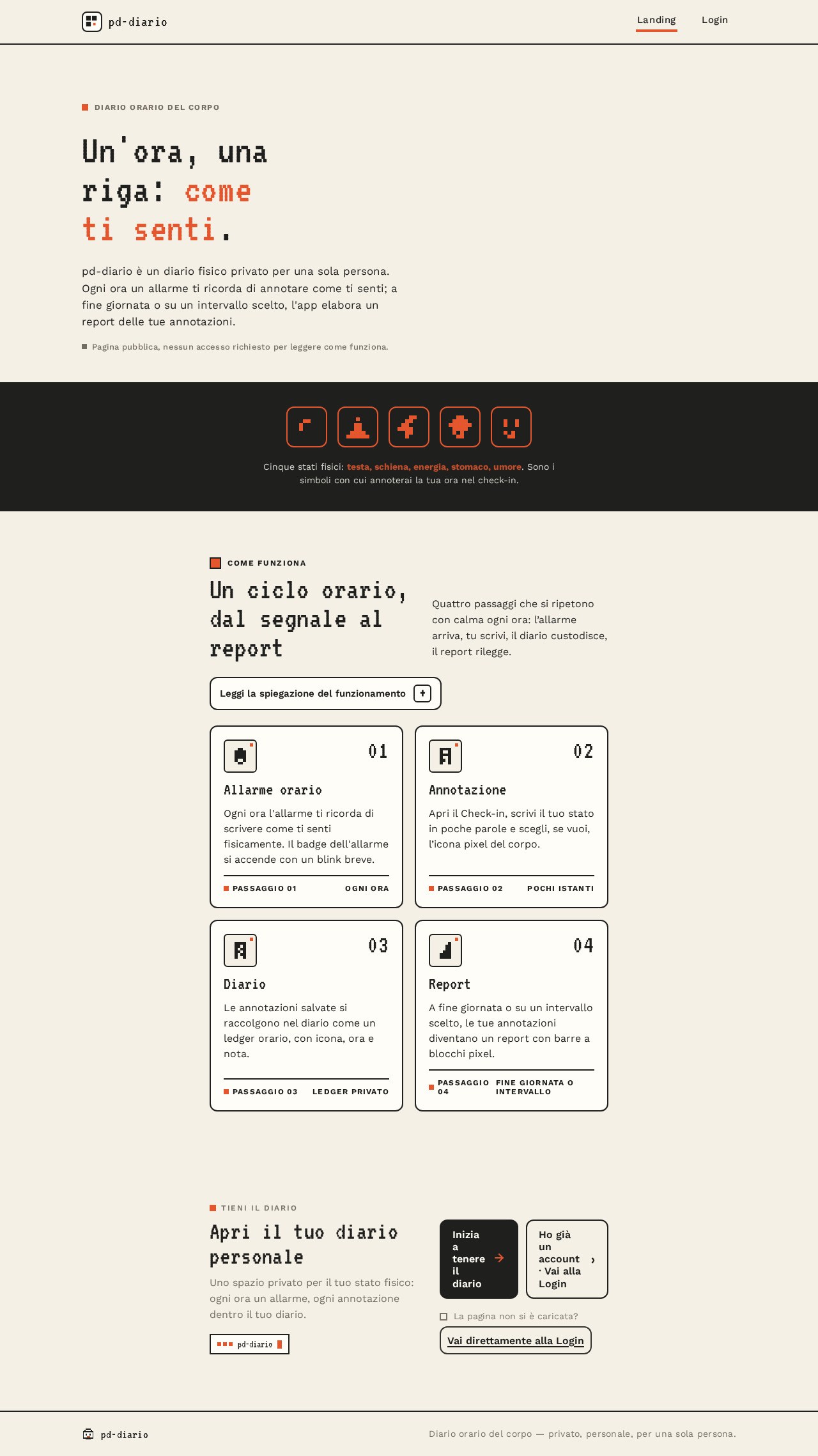
pd-diario è un diario fisico privato per una sola persona. Ogni ora un allarme ti ricorda di annotare come ti senti; a fine giornata o su un intervallo scelto, l'app elabora un report delle tue annotazioni.
Pagina pubblica, nessun accesso richiesto per leggere come funziona.
Cinque stati fisici: testa, schiena, energia, stomaco, umore. Sono i simboli con cui annoterai la tua ora nel check-in.
Quattro passaggi che si ripetono con calma ogni ora: l’allarme arriva, tu scrivi, il diario custodisce, il report rilegge.
L’allarme orario arriva ogni ora, dopo l’accesso e con il permesso di notifica concesso dal Check-in. Se il permesso manca, l’app resta utilizzabile ma l’allarme non arriva finché non lo concedi.
L’annotazione è testo libero sul tuo stato fisico, con l’eventuale icona pixel del corpo. Al momento del salvataggio vedi la conferma; se qualcosa non riesce, la bozza resta e puoi riprovare.
Il diario raccoglie solo le tue annotazioni, in ordine di ora. Se ancora non ne hai registrata nessuna, il diario ti invita al primo check-in.
Il report puoi chiederlo a fine giornata o per un intervallo di tempo. È elaborato dal backend a partire dalle annotazioni di quell’intervallo; se non ce ne sono, lo vedrai segnalato e potrai cambiare intervallo.
Il diario è privato: solo tu, dopo aver verificato la tua identità, puoi riaprirlo.
Ogni ora l'allarme ti ricorda di scrivere come ti senti fisicamente. Il badge dell'allarme si accende con un blink breve.
Apri il Check-in, scrivi il tuo stato in poche parole e scegli, se vuoi, l’icona pixel del corpo.
Le annotazioni salvate si raccolgono nel diario come un ledger orario, con icona, ora e nota.
A fine giornata o su un intervallo scelto, le tue annotazioni diventano un report con barre a blocchi pixel.
Uno spazio privato per il tuo stato fisico: ogni ora un allarme, ogni annotazione dentro il tuo diario.
La pagina non si è caricata?Vai direttamente alla Login
Diario orario del corpo
pd-diario è un diario fisico privato per una sola persona. Ogni ora un allarme ti ricorda di annotare come ti senti; a fine giornata o su un intervallo scelto, l'app elabora un report delle tue annotazioni.
Pagina pubblica, nessun accesso richiesto per leggere come funziona.
Cinque stati fisici: testa, schiena, energia, stomaco, umore. Sono i simboli con cui annoterai la tua ora nel check-in.
Quattro passaggi che si ripetono con calma ogni ora: l’allarme arriva, tu scrivi, il diario custodisce, il report rilegge.
L’allarme orario arriva ogni ora, dopo l’accesso e con il permesso di notifica concesso dal Check-in. Se il permesso manca, l’app resta utilizzabile ma l’allarme non arriva finché non lo concedi.
L’annotazione è testo libero sul tuo stato fisico, con l’eventuale icona pixel del corpo. Al momento del salvataggio vedi la conferma; se qualcosa non riesce, la bozza resta e puoi riprovare.
Il diario raccoglie solo le tue annotazioni, in ordine di ora. Se ancora non ne hai registrata nessuna, il diario ti invita al primo check-in.
Il report puoi chiederlo a fine giornata o per un intervallo di tempo. È elaborato dal backend a partire dalle annotazioni di quell’intervallo; se non ce ne sono, lo vedrai segnalato e potrai cambiare intervallo.
Il diario è privato: solo tu, dopo aver verificato la tua identità, puoi riaprirlo.
Ogni ora l'allarme ti ricorda di scrivere come ti senti fisicamente. Il badge dell'allarme si accende con un blink breve.
Apri il Check-in, scrivi il tuo stato in poche parole e scegli, se vuoi, l’icona pixel del corpo.
Le annotazioni salvate si raccolgono nel diario come un ledger orario, con icona, ora e nota.
A fine giornata o su un intervallo scelto, le tue annotazioni diventano un report con barre a blocchi pixel.
Uno spazio privato per il tuo stato fisico: ogni ora un allarme, ogni annotazione dentro il tuo diario.
La pagina non si è caricata?Vai direttamente alla Login
No comments yet. Be the first!