opal-system
 Dilema
You are an expert full-stack developer specializing in Next.js (React/TypeScript, App Router), Tailwind CSS, Supabase, and OpenAI/Gemini API integration. I need you to build a lightweight, fast-loading B2B Micro-SaaS called "LogZap" that acts as an AI-powered error triage dashboard for developers. ### 1. Database Schema (Supabase) Generate a PostgreSQL migration script creating the following tables: - `projects`: id (uuid), user_id, project_name, api_key (secure unique token string), notification_webhook_url. - `ingested_logs`: id, project_id, timestamp, raw_payload (jsonb), severity (info/warn/error), is_noise (boolean), ai_analysis (text), status (unread, resolved). ### 2. The Ingestion API Endpoint (Backend Route) Create an optimized Next.js API route at `/api/v1/zap`: - It must accept a POST request containing an `api_key` in the headers and a standard error payload (stack trace, message, and context) in the body. - If the log is classified as an error, pass the raw text to an LLM script utilizing a highly restricted, JSON-returning system prompt: "Analyze this raw server/frontend log. Classify if it is common internet noise (e.g., bot scanning, harmless favicon 404s, standard network timeouts) or a genuine application bug. If it's a bug, provide a 1-sentence plain-English root cause and a 1-sentence recommended fix." - Write the parsed JSON result to `ingested_logs`. If `is_noise` is false, trigger an immediate notification dispatch if a webhook is configured. ### 3. Frontend Dashboard Interface (Next.js / Tailwind) Build a razor-sharp, dark-theme dashboard: - **Project Selection Sidebar**: Easily switch between monitored apps. - **The Main Stream View**: - A real-time log list displaying incoming traffic. - A prominent toggle switch: "Hide Noise" (which filters out records where `is_noise === true`). - Clicking on an active, non-noise bug opens a slide-out panel showing the raw log, the AI-generated plain English summary, and a code block containing the recommended code patch. - **Integration Panel**: Generates a quick copy-paste TypeScript snippet showing developers how to catch global errors in their own Next.js/React applications and push them to our `/api/v1/zap` endpoint using `fetch`. Ensure all code blocks are completely modular, written in TypeScript with precise interfaces, and use Tailwind CSS for a scannable, clean layout.

Comments (0)
Sign in to leave a comment
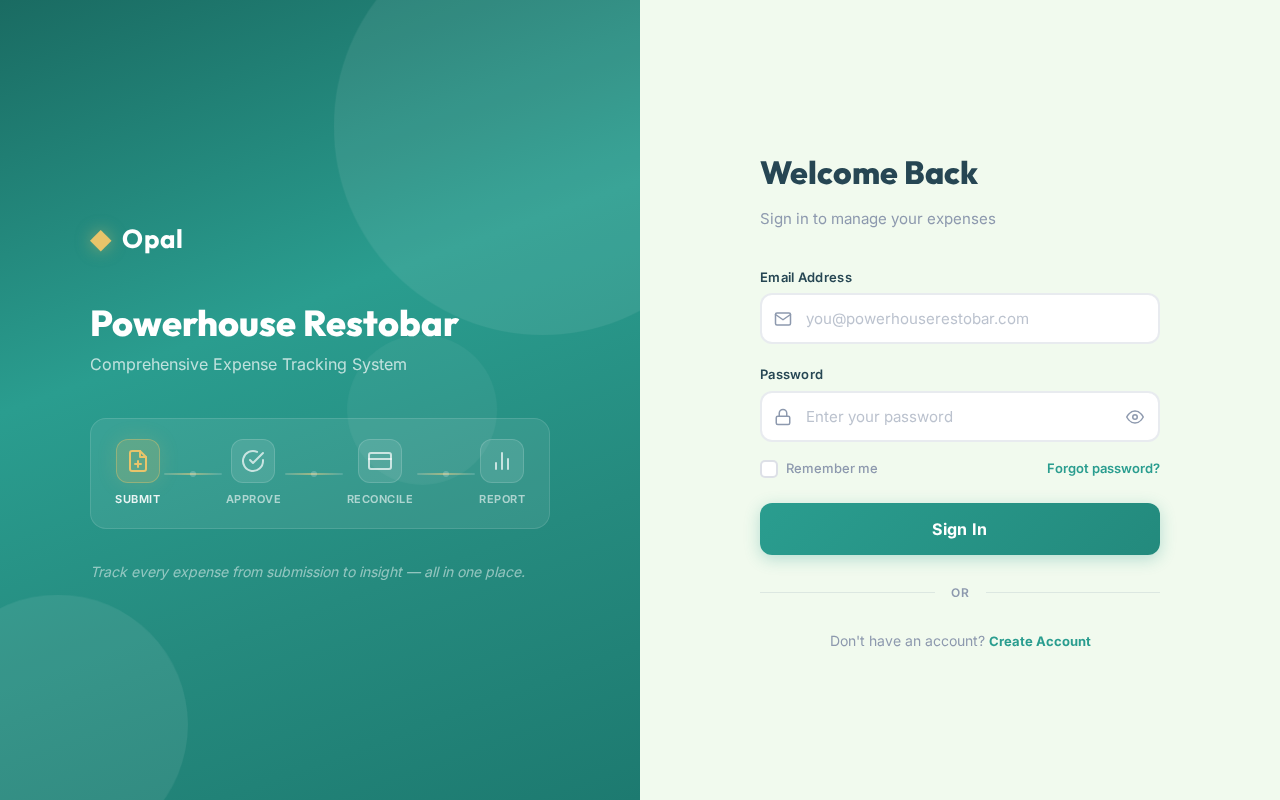
Powerhouse Restobar
Comprehensive Expense Tracking System
Track every expense from submission to insight — all in one place.
Welcome Back
Sign in to manage your expenses
No comments yet. Be the first!