onyx-tenant
 John Guo
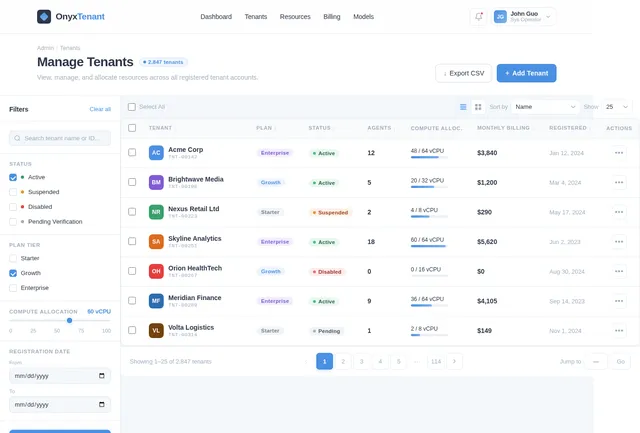
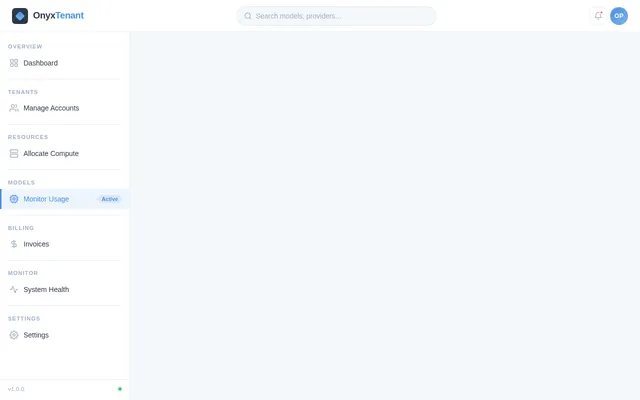
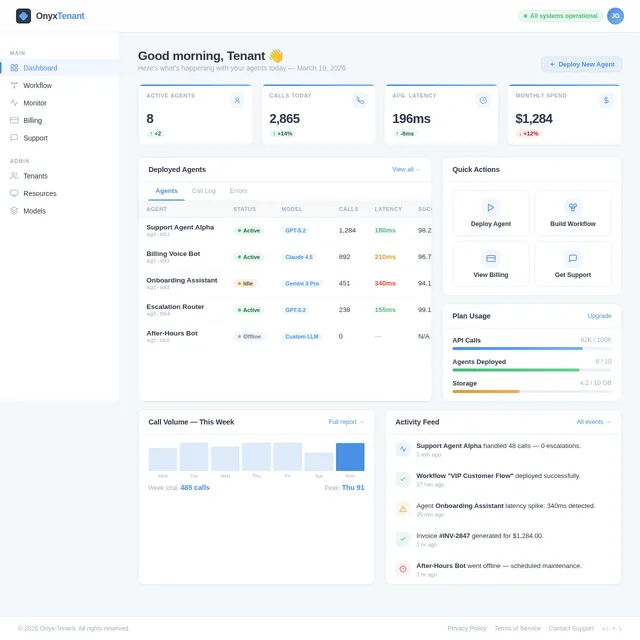
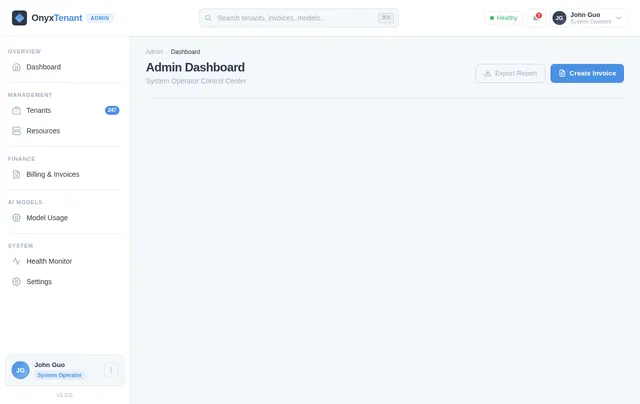
can you build a multi-tenant customer support system by building on top of https://github.com/ten-framework/ten-framework and use voice agent for tenant's customer support. it will need end user UI for text questions, or sip support for phone calls. a tenant UI so tenant can self subscribe, define workflow graph and deploy agents. Tenant can also see the usage, billing and health info of the agents. A system operator UI to disable tenant, allocate compute resources for tenants' agents and monitor ASR, LLM and TTS model usage, create tenant invoices, etc
Comments (0)
Sign in to leave a comment
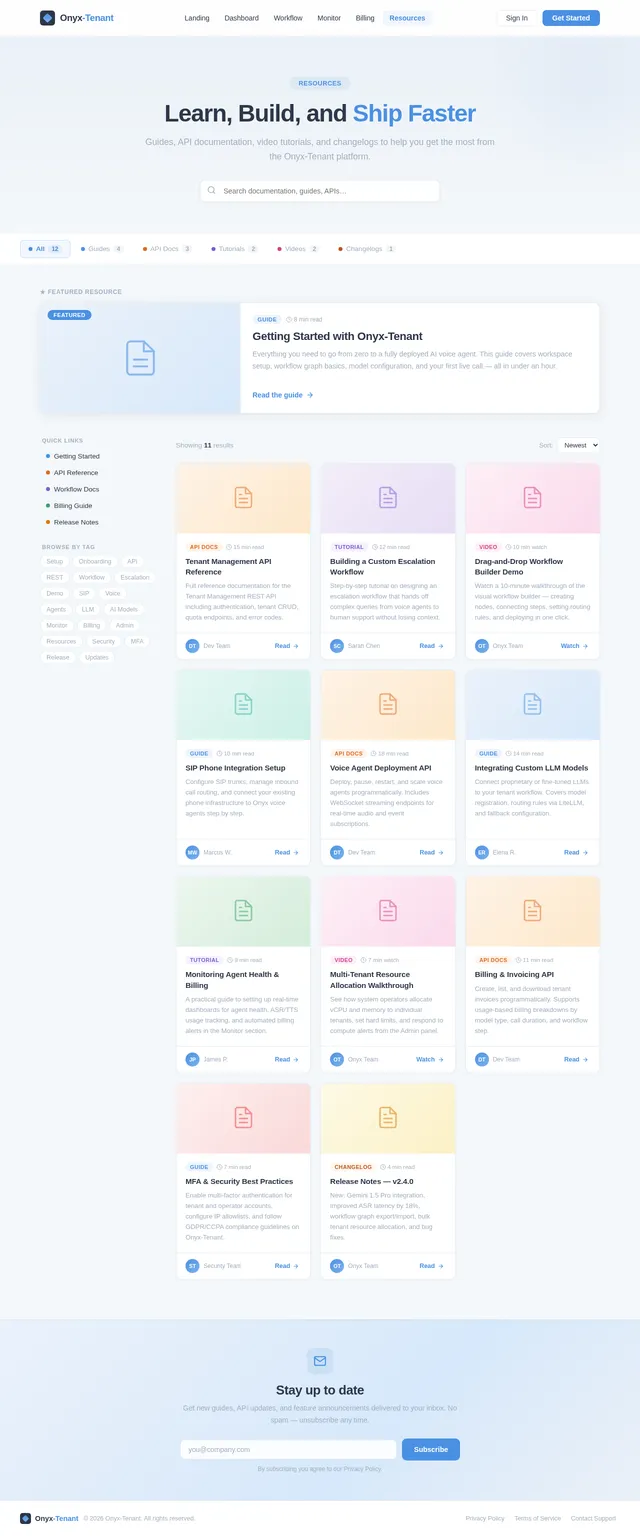
How can we help you today?
Search our knowledge base, chat with our AI support agent, or call us directly via SIP. We're here to help you get the most out of Onyx-Tenant.
Browse by Topic
Getting Started
Set up your workspace, invite your team, and deploy your first agent.
Browse articles →Workflow Builder
Create and customize visual workflow graphs for your support processes.
Browse articles →Voice Agents
Deploy, configure, and monitor AI-powered voice agents for your customers.
Browse articles →Billing & Invoices
Understand your usage costs, download invoices, and manage your plan.
Browse articles →LLM & AI Models
Integrate GPT, Claude, Gemini, or your own proprietary models.
Browse articles →Security & Compliance
MFA setup, data encryption, GDPR/CCPA compliance, and audit logs.
Browse articles →Chat with Support
Onyx Support Agent
Popular Articles
How to build your first support workflow graph
A step-by-step walkthrough of the drag-and-drop builder, from adding nodes to deploying live agents.
Voice AgentsDeploying a voice agent with SIP phone support
Configure SIP trunks, set up call routing rules, and monitor live call metrics from your dashboard.
LLM ModelsIntegrating GPT, Claude, and Gemini into your workflow
Connect third-party LLMs via our model routing layer and configure fallback strategies for reliability.
BillingUnderstanding your ASR, TTS, and LLM usage costs
Breakdown of how usage is metered per model, per agent, and per workflow with real-world examples.
SecuritySetting up multi-factor authentication for your account
Enable TOTP or SMS-based MFA for all tenant and operator accounts in under 5 minutes.
Getting StartedOnboarding your team and setting up tenant workspaces
Invite team members, assign roles, and configure isolated workspaces per business unit.
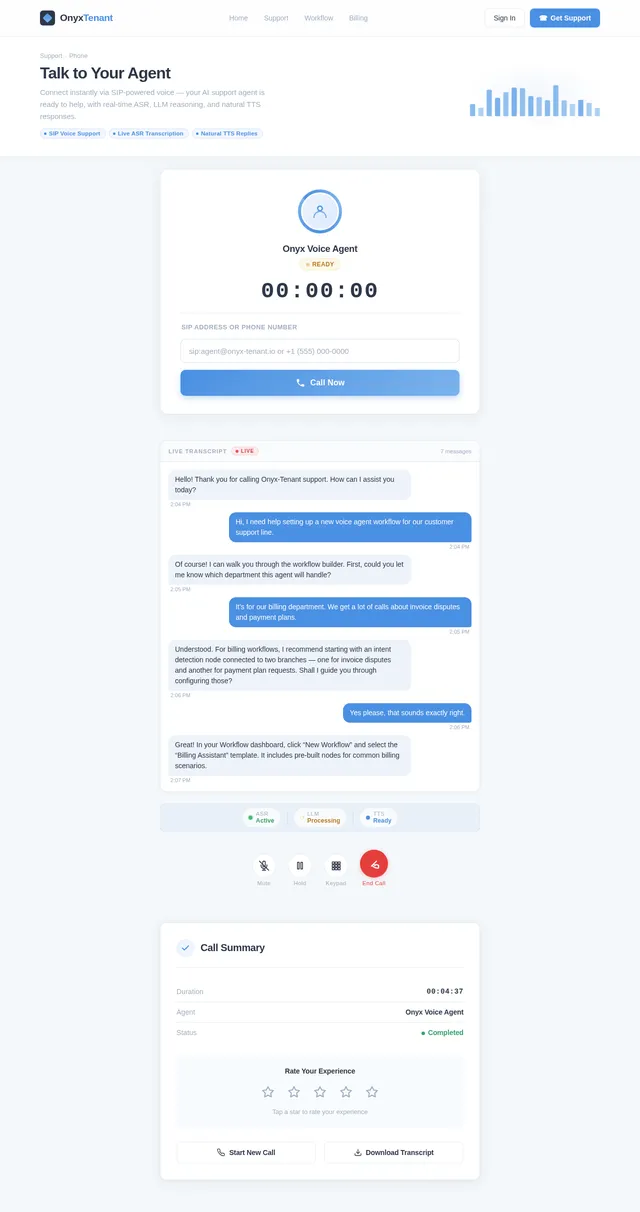
Prefer to talk? Reach us by phone
Our AI-powered SIP voice agent is available 24/7. Complex issues are escalated to human specialists instantly.
No comments yet. Be the first!