

 01
01Signature
The everyday, elevated.
Our foundational collection — considered coverage for weddings, portraits and celebrations, shot with the same editorial eye on every frame.
Request the collection Bhanu prakash
# Nandini Vision — Premium Photography Website & Booking Platform Build a production-quality, premium photography studio website for **Nandini Vision**, based in Andhra Pradesh, India and available worldwide. The website must feel like a **$10,000+ boutique-agency photography website**: cinematic, editorial, minimal, luxurious and emotionally driven. Take inspiration from **Zara's editorial minimalism, typography, whitespace, image presentation and transitions**, but create an original design and never copy Zara's branding/assets/layouts. ## BRAND & DESIGN Studio: **Nandini Vision** Tagline: **Photography for the beautifully lived.** Subtext: **The feeling between frames.** Palette: * Bone `#F9F8F6` * Black `#111111` * Warm Greige `#817B74` * Deep Maroon `#6B2226` * Antique Gold `#C5A059` Typography: * **Playfair Display** for headings/editorial text * **Manrope** for body/UI Visual hierarchy: **Photography → Typography → Layout → Whitespace → Animation → Technology** Use full-bleed imagery, asymmetric editorial layouts, confident whitespace, cinematic composition and restrained luxury accents. ## TECHNOLOGY Use: * Next.js + React + TypeScript * FastAPI backend * MongoDB * Framer Motion or equivalent * Responsive image optimization * Clean reusable component architecture * Centralized data/config for projects, services, testimonials, packages and studio information ## HOMEPAGE / LANDING PAGE The website URL must directly open the premium landing page. Include: 1. Elegant preloader: **“Stories in stillness”** 2. Responsive navigation 3. Cinematic full-screen hero 4. 15–30 second muted cinematic showreel 5. Studio philosophy 6. Selected work 7. Services preview 8. Testimonials 9. Premium collections 10. Instagram section 11. Availability CTA 12. Final consultation CTA 13. Footer Hero: **Nandini Vision** **Photography for the beautifully lived.** **The feeling between frames.** CTAs: **Book Your Date** / **Explore Our Work** Add desktop-only custom **“VIEW” cursor**, image hover lift/scale, scroll reveals, page transitions, staggered service animations, maroon accent rails and subtle antique-gold orbit CTA animation. Disable/optimize these for mobile and respect `prefers-reduced-motion`. ## PORTFOLIO Create `/work` with filters: * All * Weddings * Pre-Wedding * Events * Family * Baby & Maternity * Fashion * Corporate * Videography * Drone * Other Events Demo projects: * **A Red Thread** — Vijayawada, 2024 * **Between River & Sky** — Araku Valley, 2024 * **The Gold Hour** — Rajahmundry, 2023 * **A Little More Life** — Visakhapatnam, 2023 Create individual project pages with hero imagery, story, full galleries, location, year, category, related work and previous/next navigation. Use animated filtering, lazy loading, responsive images and descriptive alt text. ## SERVICES Create dedicated services content for: 1. Wedding Photography 2. Pre-Wedding & Couple Shoots 3. Events & Celebrations 4. Family & Portrait Photography 5. Baby & Maternity Photography 6. Fashion & Portfolio Photography 7. Corporate & Product Photography 8. Videography & Cinematic Films 9. Drone Photography & Videography 10. Photo Editing & Retouching 11. Albums & Photo Prints Use premium editorial rows, visuals, descriptions, animations and consultation CTAs. Also create **About**, **Testimonials**, **Instagram**, **Collections** and **Contact** sections. Collections should be: **Signature | Editorial | Bespoke** Use **Request the collection** rather than cheap-looking pricing cards. ## AVAILABILITY CHECKER Create `/availability`. User enters: * Event type * Event date * Location * Optional duration Return real database-backed status: * Available * Pending * Hold * Confirmed * Cancelled * Completed Example: **October 18, 2026 — Available** If booked: **We're already booked on this date.** Availability must never be hardcoded. Backend must prevent double-booking. ## BOOK A CONSULTATION Create `/consultation`. Fields: * Name * * Phone * * Email * * Event type * * Event date * * Location * * Expected guest count * Photography requirements * Budget range * Message Budget options: * Prefer not to say * Under ₹50,000 * ₹50,000–₹1,00,000 * ₹1,00,000–₹2,00,000 * ₹2,00,000–₹3,00,000 * ₹3,00,000+ * Bespoke / Discuss Flow: **Submit → MongoDB → enquiry ID → personalized confirmation → WhatsApp handoff** Confirmation example: **Thank you, Rahul. We received your wedding enquiry.** Show event/date/location/reference number. WhatsApp demo number: **+91 98765 43210** Generate a pre-filled WhatsApp message. ## OWNER SYSTEM Create secure `/login` and `/admin`. Dashboard should show: * Total enquiries * Upcoming bookings * Pending enquiries * Confirmed bookings * Hold dates * Cancelled bookings Create owner calendar with: * Month * Week * Agenda Show: **client + event + date + location + status** Owner can: * Create * Edit * Confirm * Hold * Cancel * Complete * Delete bookings * Change dates/locations * Add notes Availability must automatically update. Prepare architecture for future Google Calendar, Outlook and iCal synchronization, but **do not fake external synchronization** when credentials are unavailable. ## NOTIFICATIONS Every enquiry must notify the studio through a notification architecture. Current email delivery is **MOCKED**, because no Resend/API credentials are supplied. Therefore save everything to MongoDB and mock/log email notification without falsely claiming an email was sent. ## DATABASE MongoDB collections: **bookings**, **inquiries**, **admin_users** Use FastAPI APIs for: * availability * bookings * enquiries * authentication * admin bookings * calendar Use secure authentication, password hashing, protected APIs and environment variables. ## SEO Implement: * Unique SEO titles * Meta descriptions * Open Graph * Twitter/X metadata * Canonical URLs * JSON-LD structured data * LocalBusiness schema * Photography service schema * Breadcrumb schema where appropriate * `/sitemap.xml` * `/robots.txt` Do not index private `/admin`, `/login` or API routes. Optimize filenames, e.g.: `nandini-vision-vijayawada-wedding.webp` ## PERFORMANCE Because photography websites are image-heavy, prioritize speed. Use: * AVIF/WebP * responsive images * compression * CDN-ready architecture * lazy loading * correct dimensions * critical-image preloading only * optimized video * poster images * code splitting * caching * optimized fonts The website should feel instant. ## MOBILE & ACCESSIBILITY Design mobile-first and test from **320px to 1920px**. Include: * responsive navigation * touch-friendly controls * mobile galleries * mobile booking forms * mobile availability checker * mobile admin calendar * no horizontal overflow * semantic HTML * keyboard navigation * focus states * ARIA labels * descriptive alt text * accessible errors * reduced-motion support Use unique kebab-case `data-testid` attributes for major components. ## TEMPORARY CONTENT Use high-quality Unsplash images temporarily and clearly label them: **Temporary placeholder imagery · Unsplash** Demo contact details: * `hello@nandinistudio.demo` * `@nandinistudio.demo` * Andhra Pradesh, India * `+91 98765 43210` Do not imply placeholder imagery is actual Nandini Vision work. ## PHASE-WISE DEVELOPMENT Because usage/credits are limited, build incrementally: **Phase 1:** Foundation + design system **Phase 2:** Homepage + hero + showreel + navigation **Phase 3:** Portfolio + project pages **Phase 4:** Services + About + Testimonials + Collections + Contact **Phase 5:** FastAPI + MongoDB **Phase 6:** Availability + booking logic + double-booking protection **Phase 7:** Consultation + confirmation + WhatsApp + notifications **Phase 8:** Admin authentication + dashboard **Phase 9:** Calendar + booking management **Phase 10:** External calendar integration architecture **Phase 11:** SEO + structured data **Phase 12:** Image/video/performance optimization **Phase 13:** Mobile + accessibility refinement **Phase 14:** Complete QA + final luxury visual polish At the start of every phase, inspect the existing code and **continue from the current implementation**. Never rebuild completed phases, delete working functionality or duplicate components. After each phase, report: **Completed → Files changed → Working features → Issues → Next phase** ### START NOW Implement **Phase 1 only**. Inspect any existing project first. Leave the application runnable and wait for the next phase.

Sign in to leave a comment
No tasks generated yet.
Tasks will appear here as requirements are defined.

Stories in stillne
Andhra Pradesh, India — Worldwide
Photography for the beautifully lived.
The feeling between frames.
 Temporary placeholder imagery · Unsplash
A quiet study of light, gesture and the space between moments — filmed across our recent work. Temporary placeholder imagery · Unsplash
Nandini Vision approaches every wedding, portrait and celebration as an unrepeatable moment in a longer story. Our work is quiet, observant and unhurried — we hold back until a gesture, a glance or a silence tells us it is time. The result is a body of imagery that feels less like documentation and more like memory: honest, composed, and built to be returned to for generations.
A curated glimpse into the weddings, editorials and portraits Nandini Vision has been trusted to tell.
Temporary placeholder imagery · Unsplash
Full-day coverage that holds the quiet and the celebration in equal measure.
ExploreIntimate portraits of two people, made cinematic and unhurried.
ExploreEditorial documentation of milestones, gatherings and family occasions.
ExploreConsidered portraiture that renders presence, not just likeness.
ExploreStudio and location work built for editorial and professional portfolios.
ExploreCinematic motion pieces that carry a story past the still frame.
ExploreEach collection is a distinct approach to coverage and craft — chosen to match the scale and spirit of your occasion, never a price tier.
01Our foundational collection — considered coverage for weddings, portraits and celebrations, shot with the same editorial eye on every frame.
Request the collection 02
02A magazine-paced narrative treatment — art-directed sequences, considered pacing and a finished story built for print as much as screen.
Request the collection 03
03A fully custom engagement — from concept and location scouting to final delivery — shaped around a single client, once.
Request the collectionNandini Vision captured our wedding like a film.
Every frame felt like an editorial spread.
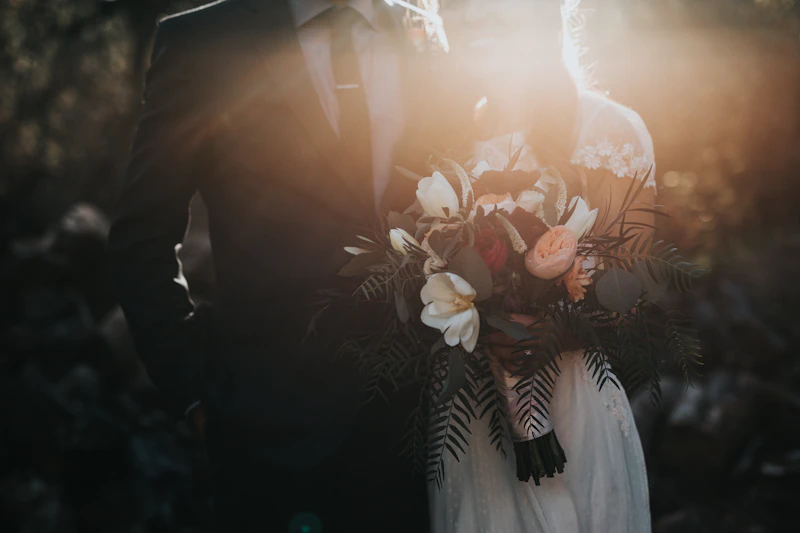


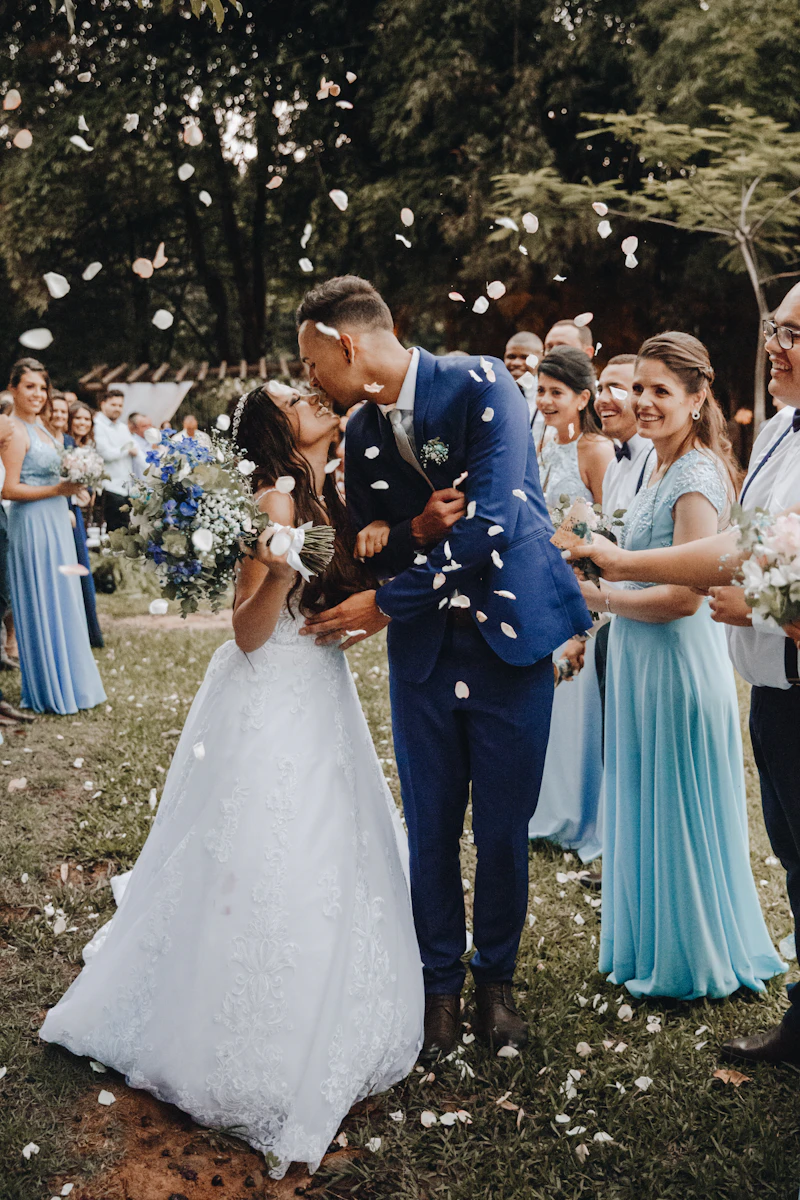
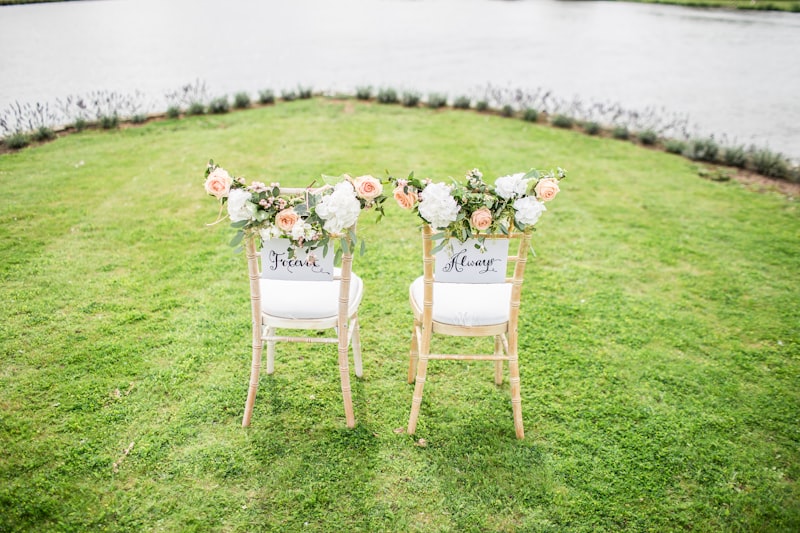
Temporary placeholder imagery · Unsplash
Stories in stillne
Andhra Pradesh, India — Worldwide
Photography for the beautifully lived.
The feeling between frames.
Temporary placeholder imagery · UnsplashA quiet study of light, gesture and the space between moments — filmed across our recent work. Temporary placeholder imagery · Unsplash
Nandini Vision approaches every wedding, portrait and celebration as an unrepeatable moment in a longer story. Our work is quiet, observant and unhurried — we hold back until a gesture, a glance or a silence tells us it is time. The result is a body of imagery that feels less like documentation and more like memory: honest, composed, and built to be returned to for generations.
A curated glimpse into the weddings, editorials and portraits Nandini Vision has been trusted to tell.
Temporary placeholder imagery · Unsplash
Full-day coverage that holds the quiet and the celebration in equal measure.
ExploreIntimate portraits of two people, made cinematic and unhurried.
ExploreEditorial documentation of milestones, gatherings and family occasions.
ExploreConsidered portraiture that renders presence, not just likeness.
ExploreStudio and location work built for editorial and professional portfolios.
ExploreCinematic motion pieces that carry a story past the still frame.
ExploreEach collection is a distinct approach to coverage and craft — chosen to match the scale and spirit of your occasion, never a price tier.
01Our foundational collection — considered coverage for weddings, portraits and celebrations, shot with the same editorial eye on every frame.
Request the collection02A magazine-paced narrative treatment — art-directed sequences, considered pacing and a finished story built for print as much as screen.
Request the collection03A fully custom engagement — from concept and location scouting to final delivery — shaped around a single client, once.
Request the collectionNandini Vision captured our wedding like a film.
Every frame felt like an editorial spread.
Temporary placeholder imagery · Unsplash
No comments yet. Be the first!