mossy-calculator
 Aman
AmanMake an calculator app

Comments (0)
Sign in to leave a comment
System Requirements
System Requirements Document for mossy-calculator
1. Introduction
mossy-calculator is a single-purpose everyday arithmetic utility delivered as an anonymous, browser-based pixel-tool. Its product intent is narrow and literal: give anyone who arrives at the app a small, tactile digital object that performs basic arithmetic — entering numbers and operators, computing and displaying a result, and clearing to start a new calculation — without learning a system, creating an account, or navigating a dashboard.
The audience is any anonymous visitor who needs an immediate calculation. There is no sign-in, no personal data, no finance tracking, no reporting, and no scientific function set. The product's character comes from a deliberately limited forest-and-lichen pixel palette and a calculator that presents itself as the main visual object rather than as an interface wrapped around a form.
The document covers the two current destinations in the closed page contract — Landing and Calculator — plus the single active human role, Calculator User. Everything the product does is device-local and session-scoped.
2. System Overview
mossy-calculator currently delivers:
- **A public entry surface
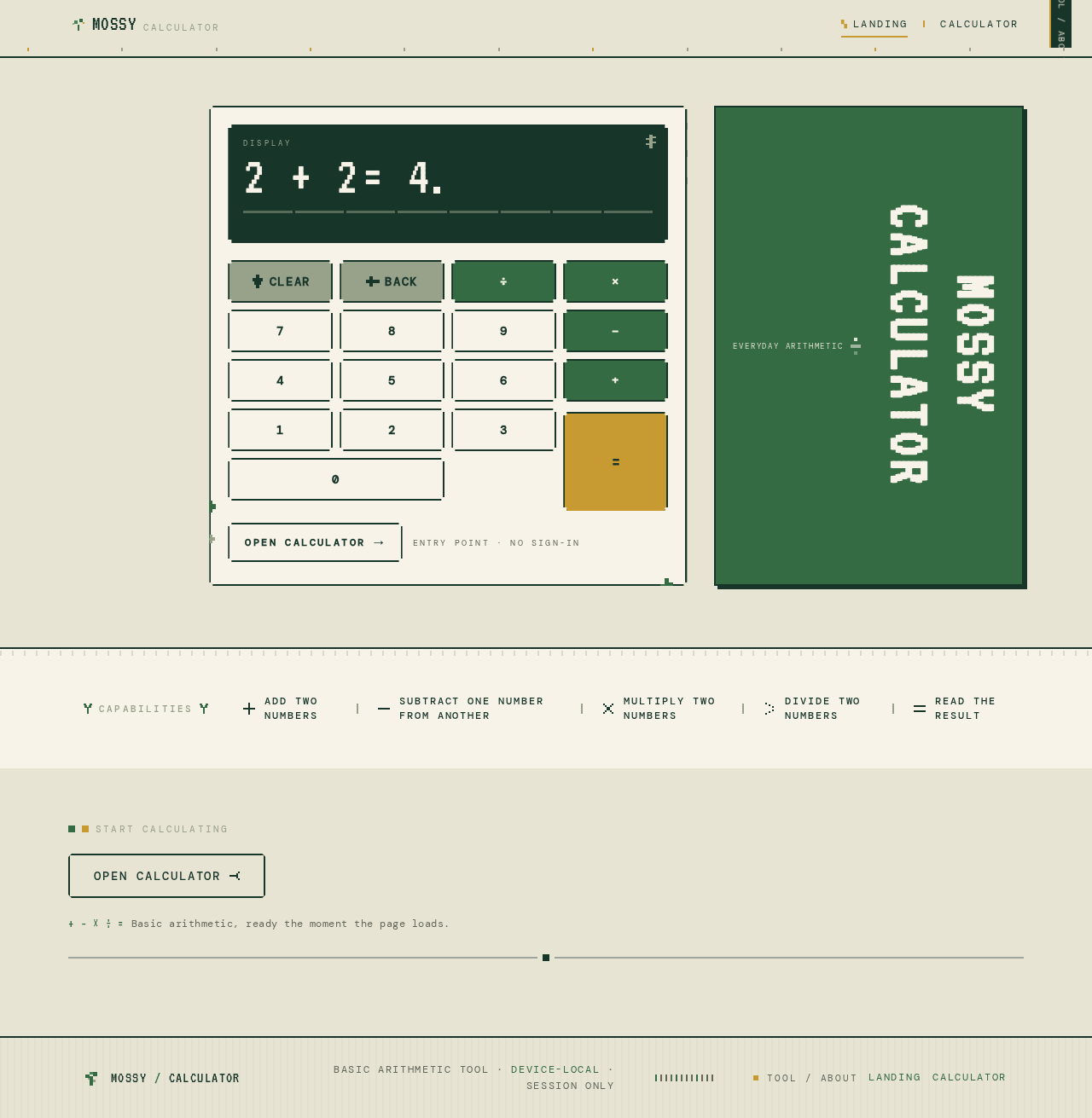
MOSSYCALCULATOR
Capabilities
- Add two numbers
- Subtract one number from another
- Multiply two numbers
- Divide two numbers
- Read the result
MOSSYCALCULATOR
Capabilities
- Add two numbers
- Subtract one number from another
- Multiply two numbers
- Divide two numbers
- Read the result
No comments yet. Be the first!