moon-deblur
uncensored deblur and cloth remover ai
Comments (0)
Sign in to leave a comment
Project Tasks13
Implement Theme & Structure
As a user I want to see a consistent celestial-inspired theme across all pages. Implement global CSS variables, design tokens (Deep Space Blue #0D1B2A, Midnight Slate #1B263B, Moonlight White #E0E1DD, Coral Glow #FF7F50, Soft Gray Mist #778899), typography (Inter font family), shared layout structure (animated starfield background, sticky navbar, section dividers). Remove scaffold pages not needed by the user flow (login, signup, welcome, dashboard/overview, dashboard/ai-assistant, dashboard/settings). This task must be completed before all other frontend page tasks.
Build Home Page
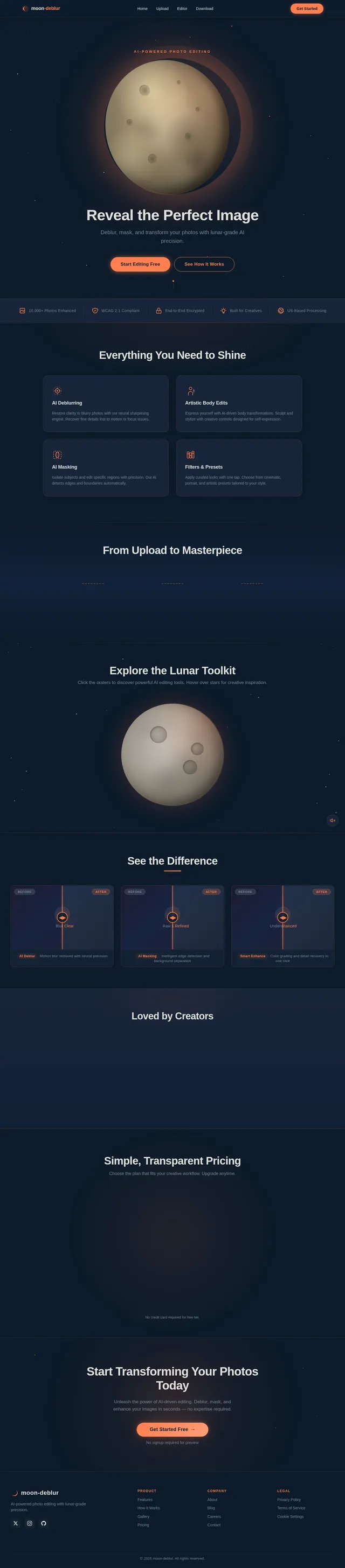
As a user I want to explore features and navigate to the Upload page from a stunning interactive lunar landscape homepage. Implement the Home page based on the existing JSX design (v2). Includes: animated starfield background, 3D moon sphere with coral rim-light, NavBar with links to Upload/Editor/Download, HeroLunar section, TrustBadges, FeatureHighlights, HowItWorks, InteractiveMoonShowcase, BeforeAfterGallery, Testimonials, PricingTeaser, CallToAction, and Footer. Moon should have idle rotation animation and micro-interactions on crater hover. Entry point for both Casual and Creative User flows leading to the Upload page.
Build Upload Page
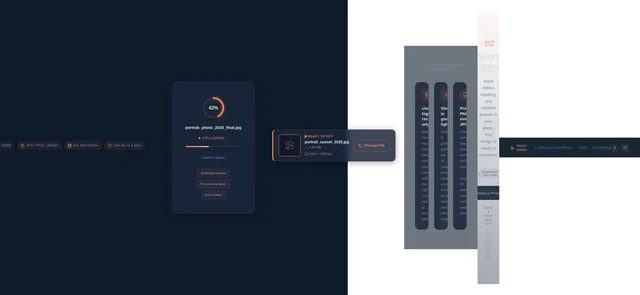
As a user I want to add my own photo to the platform on the Upload page. Implement the Upload page based on the existing JSX design (v2). Includes: drag-and-drop upload zone with coral dashed border and glow, moon icon with rotation micro-interaction, file type/size validation (JPG/PNG/WEBP, max 20MB), upload progress indicator, file preview thumbnail strip, file requirements info bar, upload tips section, and a CTA to proceed to the Editor page. Page navigates from Home and leads to Editor. Follows the celestial theme with semi-transparent surface cards over the starfield background.
Build Editor Page
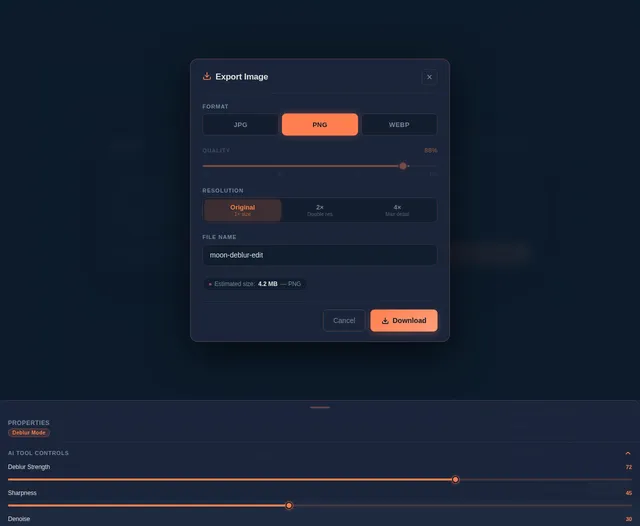
As a user I want to apply AI-powered edits (deblur, masking, presets, filters) and preview transformations on the Editor page before saving. Implement the Editor page based on the existing JSX design (v2). Includes: split-view before/after preview, AI Deblur tool panel, AI Masking tool with brush/selection controls, Artistic Body Edits panel, Filters & Presets carousel with single-click apply, real-time transformation preview, and a Download CTA. Page navigates from Upload and leads to Download. Must support both Casual User flow (presets only) and Creative User flow (deblur + masking).
Implement Photo Upload API
As a user I want to use a backend API to securely upload my photo to the platform. Implement FastAPI endpoint POST /api/upload accepting multipart image file (JPG/PNG/WEBP), validate file type and size (max 20MB), store uploaded image securely encrypted at rest, return a unique image_id and temporary access URL for use in the editor. Supports the Upload page frontend drag-and-drop zone.
Build Download Page
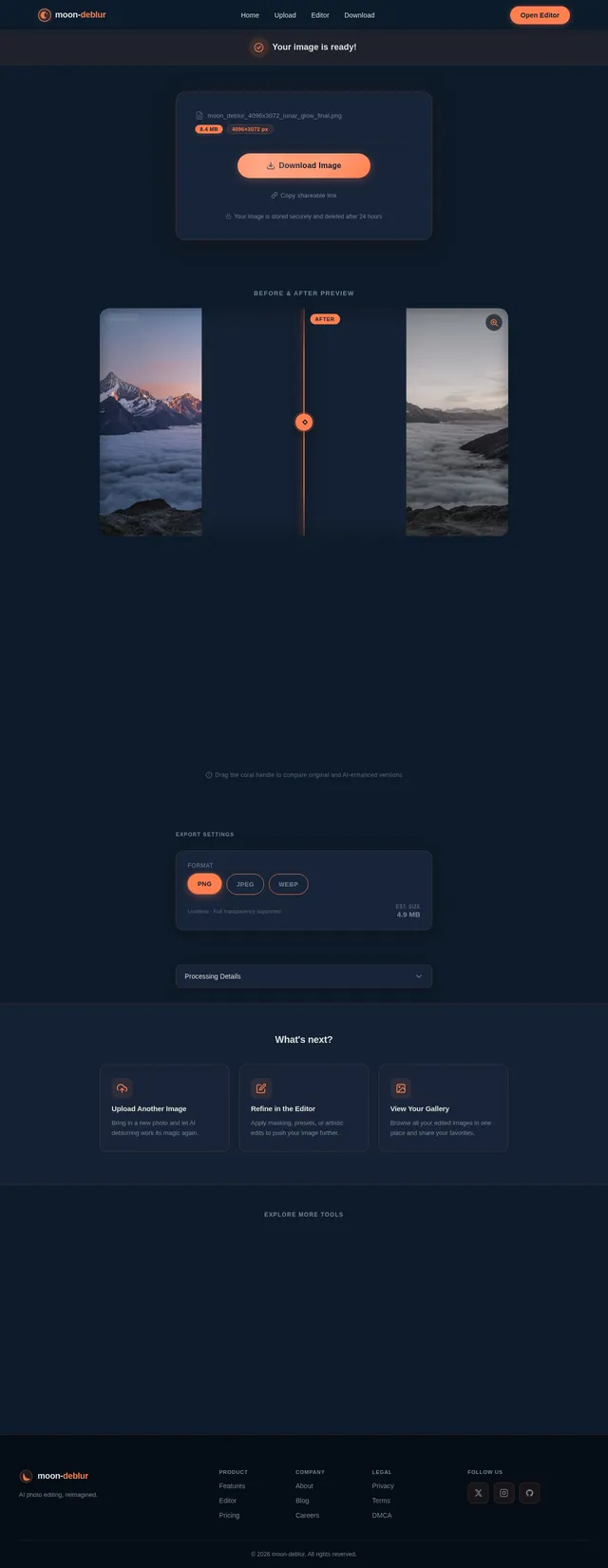
As a user I want to save and download my edited image in high resolution from the Download page. Implement the Download page based on the existing JSX design (v2). Includes: final edited image preview, high-resolution download button (coral CTA), format selection (JPEG/PNG/WebP), optional share or restart editing flow link back to Upload. Page navigates from Editor. Follows the celestial theme with surface card layout and Coral Glow accent buttons.
Implement AI Deblur API
As a user I want to use a backend AI API to apply deblurring to my uploaded photo within 5 seconds. Implement FastAPI endpoint POST /api/edit/deblur accepting image_id, invoke Google Nano Banana model via Litellm for deblurring transformation, return processed image URL. Must meet the 5-second processing performance requirement. Supports the Editor page deblur tool panel.
Implement AI Masking API
As a user I want to use a backend AI API to apply precision masking to specific parts of my image. Implement FastAPI endpoint POST /api/edit/mask accepting image_id and mask coordinates/selection data, invoke Google Nano Banana model for masked region transformation via Litellm/Langchain, return processed image URL with masked edits applied. Supports the Editor page AI Masking tool.
Implement Presets & Filters API
As a user I want to use a backend API to apply preset transformations and filters to my photo with a single click. Implement FastAPI endpoint POST /api/edit/preset accepting image_id and preset_id, apply predefined filter/transformation pipeline, return processed image URL. Include a GET /api/presets endpoint returning available presets list with preview thumbnails. Supports Editor page Filters & Presets carousel.
Integrate Upload Page with API
As a user I want the Upload page to securely send my photo to the backend and receive an image_id for the editing flow. Connect the Upload page drag-and-drop zone and Browse Files button to POST /api/upload, display upload progress indicator, handle file validation errors inline, show file preview strip after successful upload, and activate the Continue to Editor CTA button with the returned image_id passed to the Editor route.
Implement Image Download API
As a user I want to use a backend API to download my edited image in high resolution. Implement FastAPI endpoint GET /api/download/{image_id} accepting optional format parameter (JPEG/PNG/WebP), render final composited image at full resolution, return secure download stream with appropriate Content-Disposition headers. Supports the Download page CTA.
Integrate Editor with AI APIs
As a user I want the Editor page to communicate with the AI deblur, masking, and preset APIs in real-time, showing live preview of transformations. Connect Editor frontend to POST /api/edit/deblur, POST /api/edit/mask, POST /api/edit/preset, and GET /api/presets endpoints. Implement loading states, error handling, transformation history (undo/redo), and optimistic UI updates. Ensure transformations complete within the 5-second SLA.
Integrate Download with API
As a user I want the Download page to fetch my fully processed high-resolution image and trigger a browser download. Connect Download page frontend to GET /api/download/{image_id}, implement format selector state (JPEG/PNG/WebP), trigger file download on button click, show download progress and success confirmation. Handles errors gracefully with retry option.
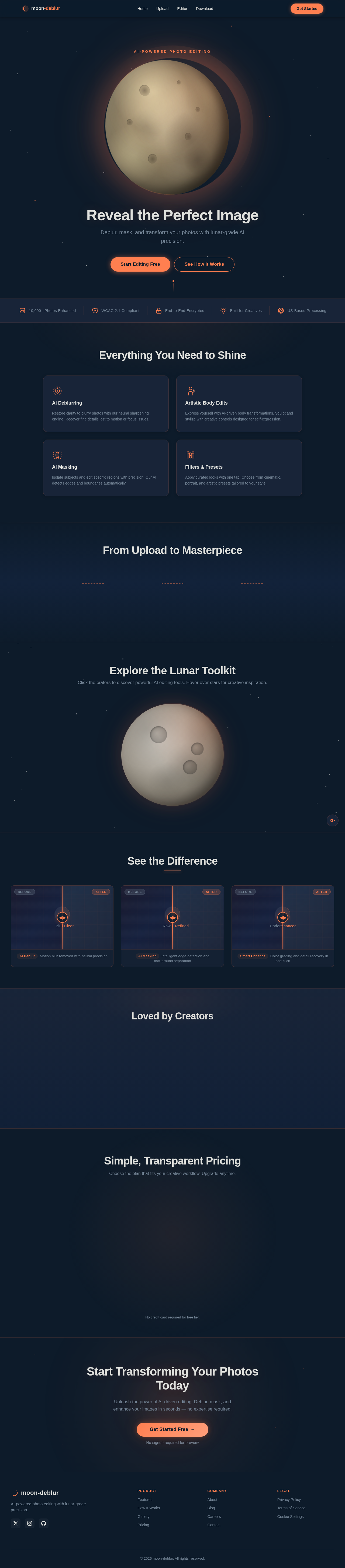
Reveal the Perfect Image
Deblur, mask, and transform your photos with lunar-grade AI precision.
Everything You Need to Shine
AI Deblurring
Restore clarity to blurry photos with our neural sharpening engine. Recover fine details lost to motion or focus issues.
Artistic Body Edits
Express yourself with AI-driven body transformations. Sculpt and stylize with creative controls designed for self-expression.
AI Masking
Isolate subjects and edit specific regions with precision. Our AI detects edges and boundaries automatically.
Filters & Presets
Apply curated looks with one tap. Choose from cinematic, portrait, and artistic presets tailored to your style.
From Upload to Masterpiece
Explore the Lunar Toolkit
Click the craters to discover powerful AI editing tools. Hover over stars for creative inspiration.
See the Difference
Loved by Creators
The AI deblurring is absolutely magical. I recovered photos from a shaky night shoot that I thought were lost forever. The quality difference is stunning.
I use the masking tools daily for my client work. The precision is on par with desktop software, but the speed is unmatched. A total game-changer for my workflow.
I just wanted to fix some blurry vacation photos and ended up exploring all the creative filters. The interface is so intuitive, even I could produce pro-level results.
Simple, Transparent Pricing
Choose the plan that fits your creative workflow. Upgrade anytime.
Free
Perfect for getting started
- AI deblurring for up to 5 photos/day
- Basic preset filters and adjustments
- Standard resolution downloads
- Community gallery access
- Simple one-click enhancements
Pro
Unlock full creative power
- Unlimited AI deblurring and masking
- Artistic body edits and transformations
- Full HD & 4K resolution exports
- Advanced AI masking with precision tools
- Priority processing under 3 seconds
No credit card required for free tier.
Start Transforming Your Photos Today
Unleash the power of AI-driven editing. Deblur, mask, and enhance your images in seconds — no expertise required.
No comments yet. Be the first!