misty-list
Todo
Comments (0)
Sign in to leave a comment
System Requirements
System Requirements Document (SRD)
1. Introduction
This document outlines the requirements for a Todo application designed to help users organize their tasks based on energy levels. The application aims to provide a simple yet effective way for users to manage their daily tasks, categorized by effort levels, and includes reminders to ensure tasks are completed on time.
2. System Overview
The Todo application will allow users to create, manage, and organize tasks into three categories based on energy levels: "Low Effort," "Medium Effort," and "High Effort." The app will include a reminder feature to notify users about their tasks. The system will be intuitive, user-friendly, and accessible across multiple devices, with a primary focus on mobile platforms to ensure users can manage their tasks on the go.
3. Functional Requirements as Story Points
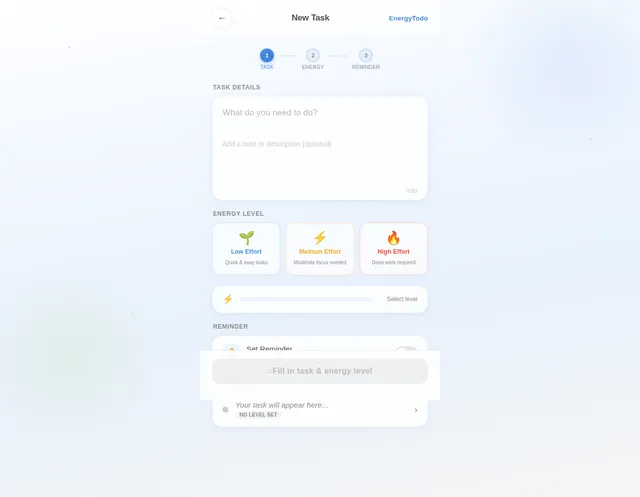
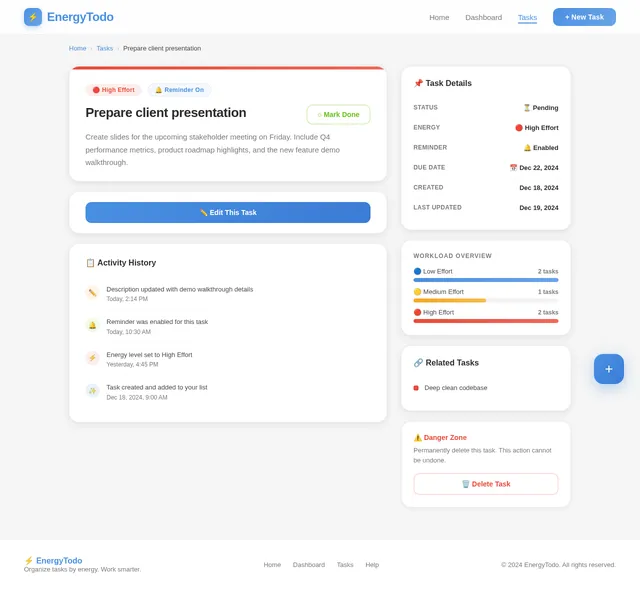
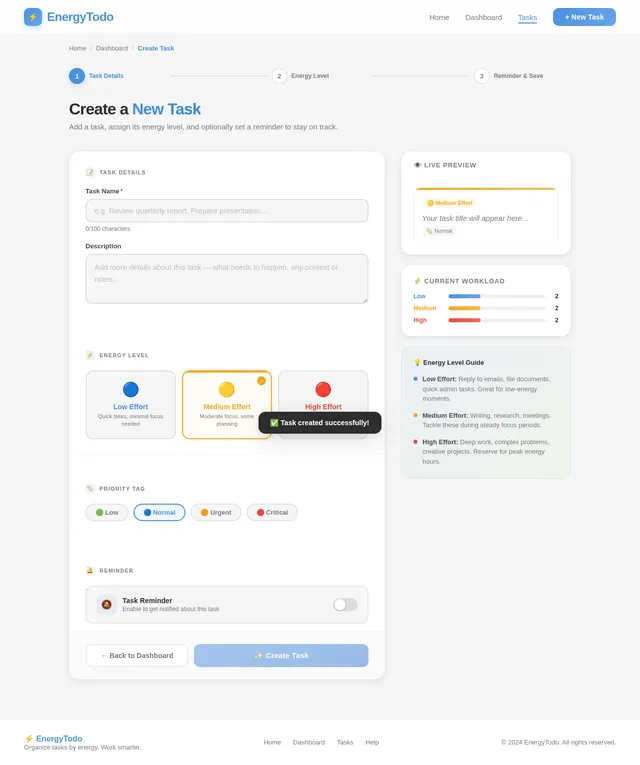
- As a User, I should be able to create tasks and assign them to one of three energy levels: "Low Effort," "Medium Effort," or "High Effort."
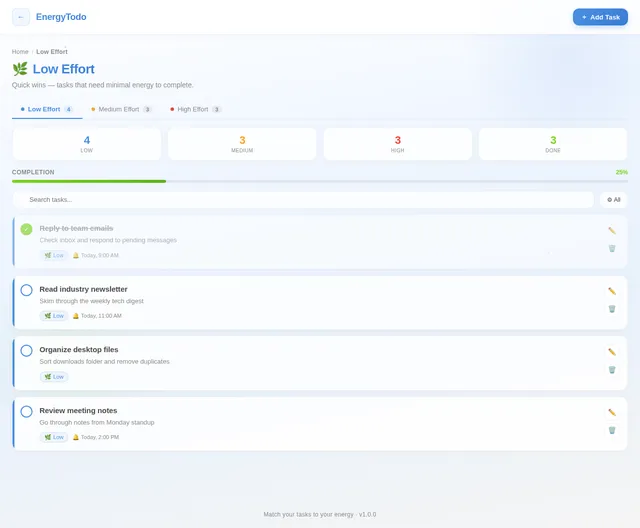
- As a User, I should be able to view tasks categorized by their energy levels.
- As a User, I should be able to edit or delete tasks.
- As a User, I should be able to set reminders for tasks.
- As a User, I should be able to mark tasks as completed.
4. User Personas
- User: A general user who creates and manages tasks. This user can categorize tasks, set reminders, and mark tasks as completed.
5. Visuals Colors and Theme
The application will feature a clean and modern design with the following color scheme:
- Primary Color: Soft Blue (#4A90E2) for headers and highlights.
- Secondary Color: Light Gray (#F5F5F5) for backgrounds.
- Accent Color: Vibrant Green (#7ED321) for completed tasks and success indicators.
- Text Color: Dark Gray (#4A4A4A) for readability.
The theme will emphasize simplicity and clarity, ensuring that users can focus on their tasks without unnecessary distractions.
6. Signature Design Concept
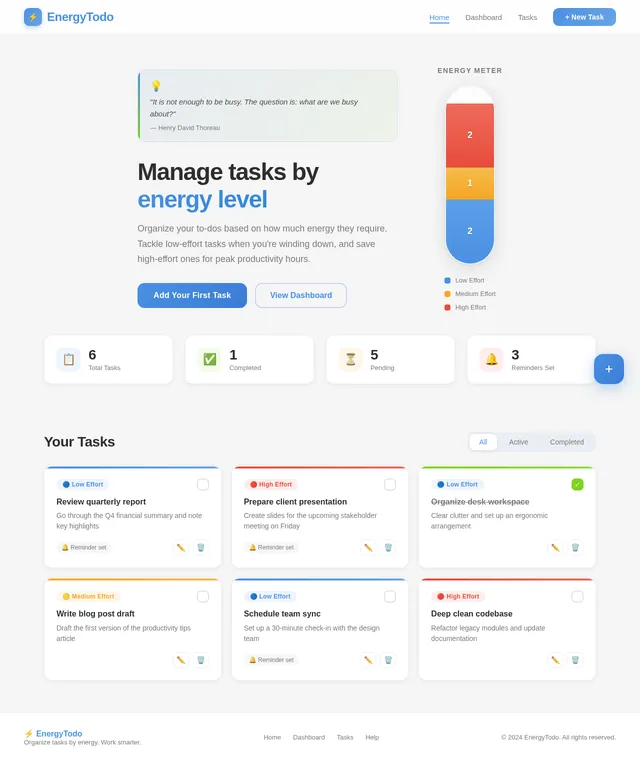
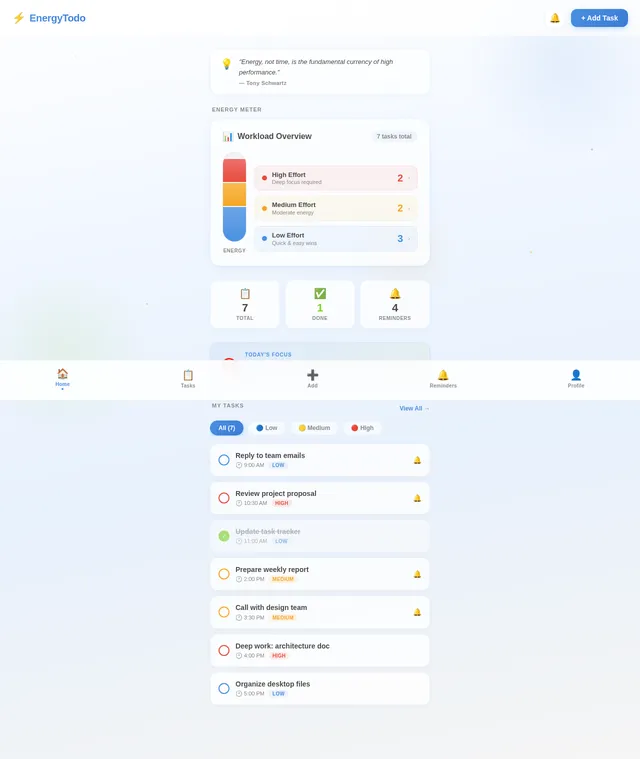
The homepage of the Todo app will feature an interactive energy meter. This energy meter will visually represent the user's tasks across the three energy levels: "Low Effort," "Medium Effort," and "High Effort."
Details:
- The energy meter will appear as a vertical bar divided into three sections, each corresponding to an energy level.
- Each section will dynamically fill with color (Soft Blue for Low Effort, Yellow for Medium Effort, and Vibrant Red for High Effort) as tasks are added.
- Hovering over a section will display a tooltip with the number of tasks in that category.
- Clicking on a section will navigate the user to a detailed view of tasks in that energy level.
- Smooth animations will accompany interactions, such as the bar filling up or transitioning between views.
- A motivational quote will appear at the top of the homepage, changing daily, to inspire users to tackle their tasks.
This design will make the app visually engaging and provide users with an immediate overview of their workload.
7. Non-Functional Requirements
- The system should be responsive and work seamlessly on both desktop and mobile devices.
- The app should load within 2 seconds on a standard internet connection.
- The system should handle up to 10,000 tasks per user without performance degradation.
- Notifications should be delivered promptly without delays.
8. Tech Stack
- Frontend: React for Web, React Native for Mobile
- Backend: Python with FastAPI
- Database: MySQL with Alembic for migrations
- Local Orchestration: Docker and docker-compose
- Server-Side Orchestration: Kubernetes
9. Assumptions and Constraints
- The app will not include custom notification times for reminders.
- Users will not require advanced task management features like subtasks or recurring tasks in the initial version.
- The app will be designed for individual use and will not include collaborative features.
10. Glossary
- Task: An item created by the user that needs to be completed.
- Energy Levels: Categories for tasks based on the effort required to complete them (Low Effort, Medium Effort, High Effort).
- Reminder: A notification sent to the user to remind them of a task.
- Interactive Energy Meter: A visual representation of tasks categorized by energy levels.
This document reflects the updated requirements, including the addition of mobile as a primary platform in the system overview and non-functional requirements sections.
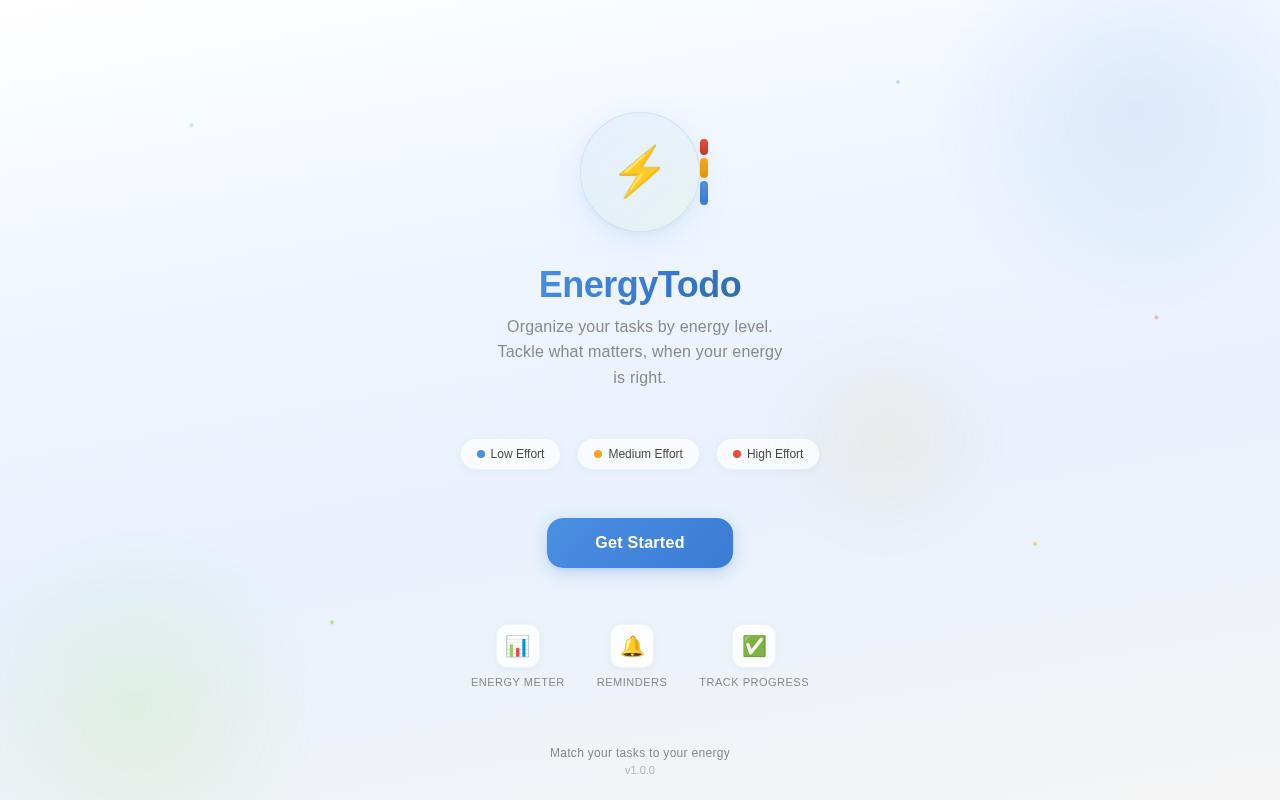
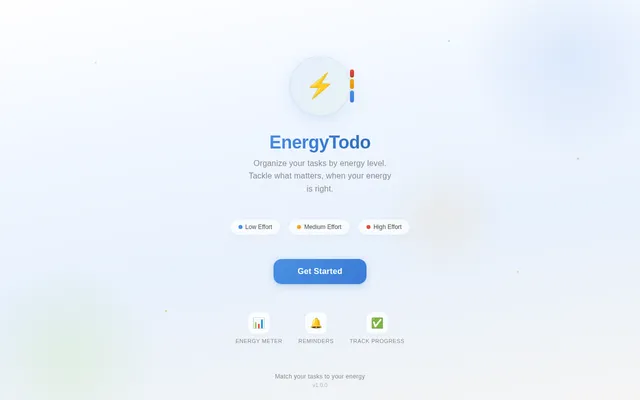
EnergyTodo
Organize your tasks by energy level. Tackle what matters, when your energy is right.
No comments yet. Be the first!