₦50,000
Minimum monthly partnership
Entry-level monthly partnership supporting the mission's ongoing ministry work.
- Monthly partnership welcome
- Partner dashboard access
- Monthly giving summary
 ariyibi ayo
using the md file build the website for my documentation project.


Sign in to leave a comment
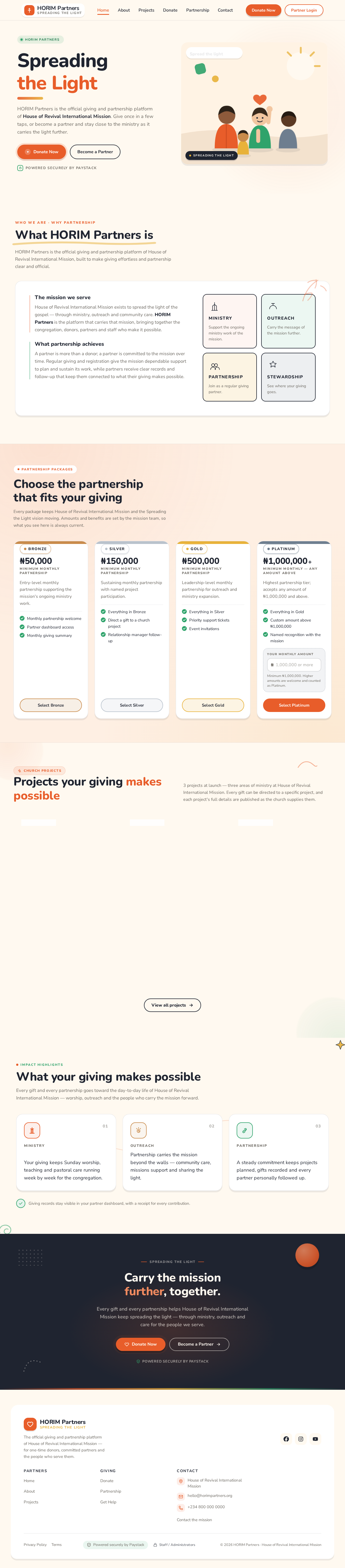
HORIM Partners is the official giving and partnership platform of House of Revival International Mission. Give once in a few taps, or become a partner and stay close to the ministry as it carries the light further.
Powered securely by PaystackHORIM Partners is the official giving and partnership platform of House of Revival International Mission, built to make giving effortless and partnership clear and official.
House of Revival International Mission exists to spread the light of the gospel — through ministry, outreach and community care. HORIM Partners is the platform that carries that mission, bringing together the congregation, donors, partners and staff who make it possible.
A partner is more than a donor; a partner is committed to the mission over time. Regular giving and registration give the mission dependable support to plan and sustain its work, while partners receive clear records and follow-up that keep them connected to what their giving makes possible.
Every package keeps House of Revival International Mission and the Spreading the Light vision moving. Amounts and benefits are set by the mission team, so what you see here is always current.
₦50,000
Minimum monthly partnership
Entry-level monthly partnership supporting the mission's ongoing ministry work.
₦150,000
Minimum monthly partnership
Sustaining monthly partnership with named project participation.
₦500,000
Minimum monthly partnership
Leadership-level monthly partnership for outreach and ministry expansion.
₦1,000,000+
Minimum monthly — any amount above
Highest partnership tier; accepts any amount of ₦1,000,000 and above.
Minimum ₦1,000,000. Higher amounts are welcome and counted as Platinum.
3 projects at launch — three areas of ministry at House of Revival International Mission. Every gift can be directed to a specific project, and each project's full details are published as the church supplies them.
Church project details to be supplied by House of Revival International Mission.
Details to be supplied. Funding targets and progress for this project will be shared by House of Revival International Mission.
Church project details to be supplied by House of Revival International Mission.
Details to be supplied. Funding targets and progress for this project will be shared by House of Revival International Mission.
Church project details to be supplied by House of Revival International Mission.
Details to be supplied. Funding targets and progress for this project will be shared by House of Revival International Mission.
Impact Highlights
Every gift and every partnership goes toward the day-to-day life of House of Revival International Mission — worship, outreach and the people who carry the mission forward.
Ministry
Your giving keeps Sunday worship, teaching and pastoral care running week by week for the congregation.
Outreach
Partnership carries the mission beyond the walls — community care, missions support and sharing the light.
Partnership
A steady commitment keeps projects planned, gifts recorded and every partner personally followed up.
Giving records stay visible in your partner dashboard, with a receipt for every contribution.
Every gift and every partnership helps House of Revival International Mission keep spreading the light — through ministry, outreach and care for the people we serve.
Powered securely by Paystack
No comments yet. Be the first!