


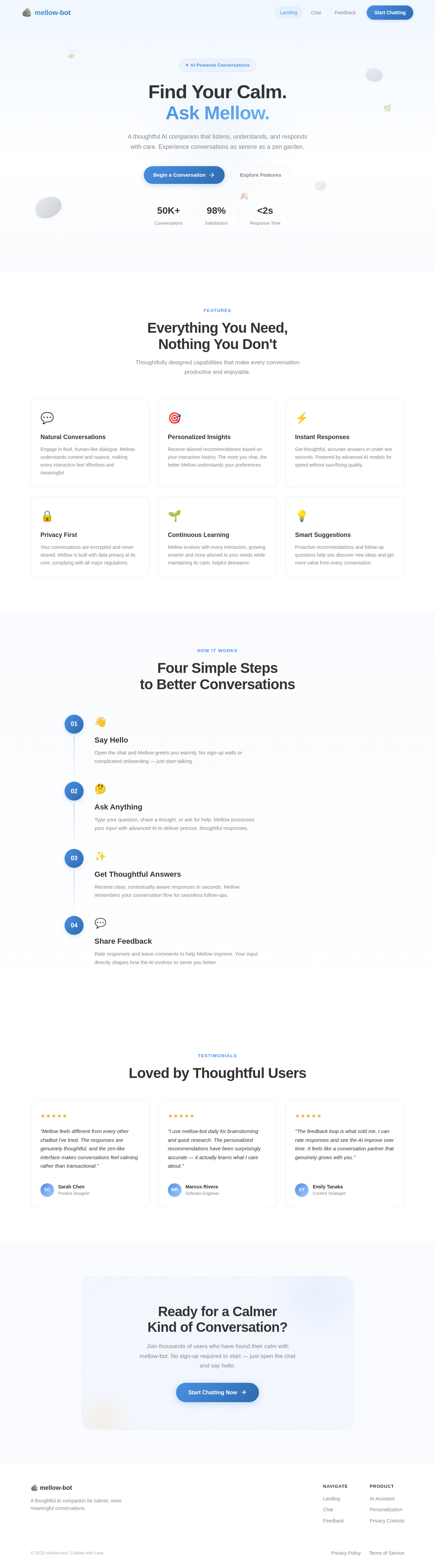
Find Your Calm.
Ask Mellow.
A thoughtful AI companion that listens, understands, and responds with care. Experience conversations as serene as a zen garden.
Everything You Need,
Nothing You Don't
Thoughtfully designed capabilities that make every conversation productive and enjoyable.
Natural Conversations
Engage in fluid, human-like dialogue. Mellow understands context and nuance, making every interaction feel effortless and meaningful.
Personalized Insights
Receive tailored recommendations based on your interaction history. The more you chat, the better Mellow understands your preferences.
Instant Responses
Get thoughtful, accurate answers in under two seconds. Powered by advanced AI models for speed without sacrificing quality.
Privacy First
Your conversations are encrypted and never shared. Mellow is built with data privacy at its core, complying with all major regulations.
Continuous Learning
Mellow evolves with every interaction, growing smarter and more attuned to your needs while maintaining its calm, helpful demeanor.
Smart Suggestions
Proactive recommendations and follow-up questions help you discover new ideas and get more value from every conversation.
Four Simple Steps
to Better Conversations
Say Hello
Open the chat and Mellow greets you warmly. No sign-up walls or complicated onboarding — just start talking.
Ask Anything
Type your question, share a thought, or ask for help. Mellow processes your input with advanced AI to deliver precise, thoughtful responses.
Get Thoughtful Answers
Receive clear, contextually aware responses in seconds. Mellow remembers your conversation flow for seamless follow-ups.
Share Feedback
Rate responses and leave comments to help Mellow improve. Your input directly shapes how the AI evolves to serve you better.
Loved by Thoughtful Users
"Mellow feels different from every other chatbot I've tried. The responses are genuinely thoughtful, and the zen-like interface makes conversations feel calming rather than transactional."
"I use mellow-bot daily for brainstorming and quick research. The personalized recommendations have been surprisingly accurate — it actually learns what I care about."
"The feedback loop is what sold me. I can rate responses and see the AI improve over time. It feels like a conversation partner that genuinely grows with you."
Ready for a Calmer
Kind of Conversation?
Join thousands of users who have found their calm with mellow-bot. No sign-up required to start — just open the chat and say hello.
No comments yet. Be the first!