marine-ui
 Abhay pal
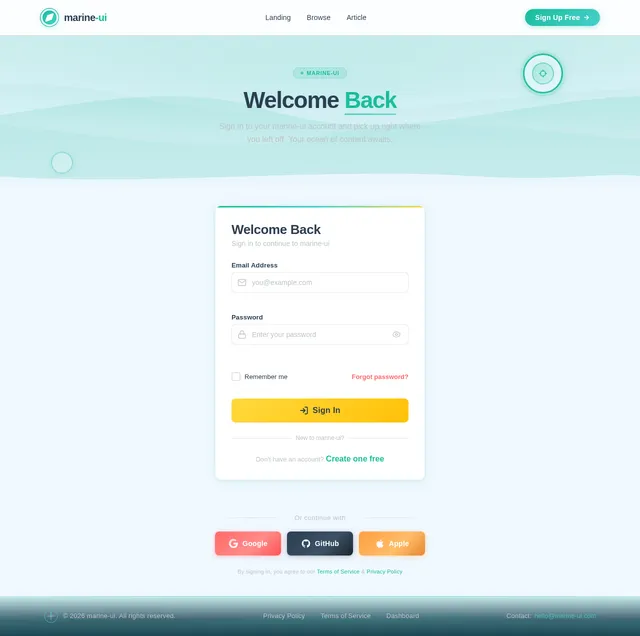
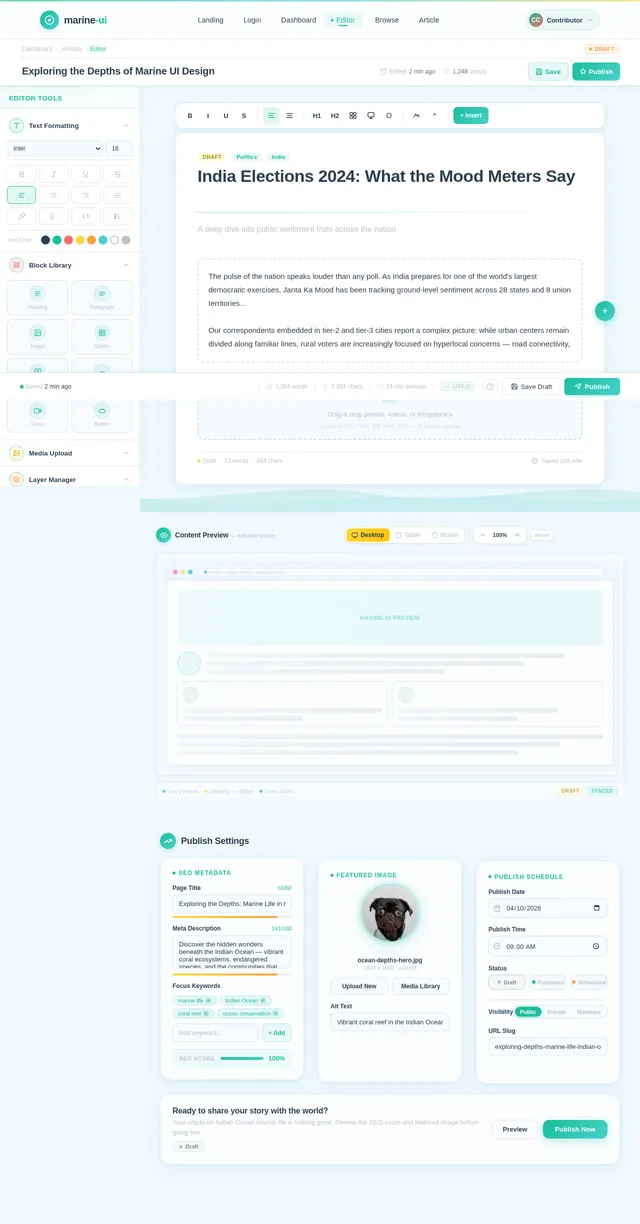
make a unique UI website with this website content - https://jantakamood.com/ use everything from this site photos also

Comments (0)
Sign in to leave a comment
System Requirements
System Requirements Document (SRD)
Project Name: marine-ui
1. Introduction
The purpose of this System Requirements Document (SRD) is to define the requirements for the marine-ui project. This project aims to create a unique, responsive, and modern user interface (UI) website using React, based on the content and photos from the website Janta Ka Mood. The new website will feature a completely reimagined layout and structure to enhance user engagement and navigation.
This document outlines the functional and non-functional requirements, user personas, visual design elements, and technical specifications necessary to achieve the project's goals.
2. System Overview
The marine-ui project will deliver a responsive, React-based website that reuses the content and photos from Janta Ka Mood while introducing a fresh, modern layout and structure. The website will cater to a diverse audience, ensuring seamless navigation and accessibility across devices.
Key features include:
- A fully responsive design optimized for desktops, tablets, and mobile devices.
- A restructured layout for intuitive navigation and improved user experience.
- A visually distinct and engaging design that highlights the content and photos effectively.
The project will adhere to best practices in web development, ensuring performance, scalability, and maintainability.
3. Functional Requirements
- As a User, I should be able to view the website seamlessly on any device (desktop, tablet, mobile).
- As a User, I should be able to navigate the website easily with a restructured layout.
- As a User, I should experience fast loading times and smooth transitions between pages.
- As a User, I should see visually appealing content and photos reused from Janta Ka Mood.
- As a User, I should be able to interact with dynamic elements on the website.
4. User Personas
4.1 General User
- Description: Visitors who browse the website for information and updates.
- Needs: Easy navigation, responsive design, and visually engaging content.
- Goals: Access information quickly and enjoy a seamless browsing experience.
4.2 Content Contributors
- Description: Individuals responsible for updating or managing content on the website.
- Needs: A user-friendly interface for content management.
- Goals: Efficiently upload and manage content without technical expertise.
5. Visuals Colors and Theme
Color Palette
The marine-ui project will feature a unique and vibrant color palette inspired by the marine theme, while maintaining a professional and modern aesthetic:
- Background: #F0F8FF (Alice Blue)
- Surface: #FFFFFF (White)
- Text: #2C3E50 (Dark Slate Blue)
- Accent: #1ABC9C (Turquoise Green)
- Muted: #BDC3C7 (Light Gray)
This palette ensures a clean and visually appealing design that aligns with the project's goals.
6. Signature Design Concept
The marine-ui homepage will feature an interactive oceanic theme that captivates users from the moment they arrive.
Key Features:
- Dynamic Wave Animation: The homepage background will feature subtle, animated ocean waves that move gently, creating a calming and immersive experience.
- Floating Content Cards: Key sections of the homepage will appear as floating cards that gently bob up and down, mimicking the motion of objects on water.
- Interactive Navigation: The navigation menu will resemble a ship's compass, with smooth animations as users hover over menu items.
- Photo Integration: Photos from Janta Ka Mood will be displayed in circular frames that resemble portholes, adding a nautical touch.
- Micro-Interactions: Buttons and links will have ripple effects when clicked, enhancing the oceanic theme.
This design concept ensures the website is not only visually stunning but also memorable and engaging for users.
7. Non-Functional Requirements
- The website must load within 3 seconds on a standard 4G connection.
- The website must be fully responsive and compatible with all major browsers (Chrome, Firefox, Safari, Edge).
- The website must adhere to accessibility standards (WCAG 2.1 AA).
- The website must support a scalable architecture to handle increased traffic.
- The website must be optimized for SEO to improve discoverability.
8. Tech Stack
Frontend
- React for Web
Backend
- Python
- FastAPI
Database
- MySQL (with Alembic for migrations)
AI Tools
- Litellm for LLM Routing
Local Orchestration
- Docker
- docker-compose
Server-Side Orchestration
- Kubernetes
9. Assumptions and Constraints
Assumptions
- The content and photos from Janta Ka Mood will be provided in a reusable format.
- The website will primarily target users in India, with timezone and locale-specific considerations (e.g., IST).
- The project will follow an agile development methodology.
Constraints
- The website must be completed within the agreed timeline and budget.
- The design must adhere to the provided color palette and theme.
- The website must be built using the specified tech stack.
10. Glossary
- Responsive Design: A design approach that ensures a website looks and functions well on all devices and screen sizes.
- React: A JavaScript library for building user interfaces.
- FastAPI: A modern, fast (high-performance) web framework for building APIs with Python.
- Docker: A platform for developing, shipping, and running applications in containers.
- Kubernetes: An open-source system for automating deployment, scaling, and management of containerized applications.
- WCAG: Web Content Accessibility Guidelines, which provide a standard for making web content accessible to people with disabilities.
End of Document

Dive Into Fresh Content
Explore. Discover. Engage.
Reimagined Storytelling for the Modern Web
Discover fresh perspectives and engaging narratives curated from Janta Ka Mood, beautifully presented in our new oceanic interface.
Three Layers of Discovery
Navigate through ocean depth layers to uncover different content experiences. Each level reveals a unique perspective on the stories that matter.
Layer 1
Surface Waves
Trending stories and latest updates
Layer 2
Mid-Ocean Current
Curated features and in-depth reads
Layer 3
Deep Ocean Floor
Archived gems and hidden treasures
Ride the Surface: Trending Now
Discover the freshest content making waves right now. From breaking stories to viral moments, the surface layer keeps you connected with what the world is talking about today.
Floating Content Cards
Dive into curated stories and discover fresh perspectives from across communities.

Exploring the Rise of Community Journalism
How grassroots storytelling is reshaping the way communities stay informed and connected across India.
Read More→
Street Food Trails of Mumbai
A visual journey through the vibrant flavors and bustling stalls that define Mumbai's iconic food scene.
Read More→
Digital Literacy in Rural India
Bridging the digital divide through community-driven workshops and accessible technology initiatives.
Read More→
Coastal Conservation Efforts
Local volunteers lead the charge in protecting marine ecosystems and restoring mangrove habitats along the coastline.
Read More→
The Art of Handloom Weaving
Meet the artisans preserving centuries-old weaving traditions while adapting to modern fashion trends.
Read More→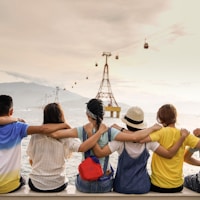
Youth-Led Social Impact Initiatives
Young changemakers across the country are building platforms to amplify voices and drive positive change.
Read More→Through the Porthole
A curated visual journey featuring photos from Janta Ka Mood — stories captured through the lens of everyday life.
How It Works
Getting started with marine-ui is simple. Follow these four steps to unlock a world of fresh, engaging content.
Explore
Browse through curated collections and discover trending topics from the Janta Ka Mood universe.
Discover
Dive deeper into stories, photo galleries, and articles that resonate with your interests.
Engage
Interact with content through comments, reactions, and save your favourite reads for later.
Share
Spread the word by sharing compelling stories with your community across social platforms.
Voices from Our Community
Hear from creators and developers who have transformed their digital presence with marine-ui.
Marine-UI completely transformed how I present my content. The oceanic theme is stunning, and my audience engagement has tripled since the redesign. Truly captivating!
Priya Sharma
Content Creator, Janta Ka Mood
The responsive design works flawlessly across every device. Navigation feels intuitive like a compass guiding you through content. Best UI framework I have worked with this year.
Arjun Mehta
Digital Strategist
The floating card animations and wave effects create an immersive browsing experience. Users spend 40% more time on pages built with marine-ui. The data speaks for itself.
Kavya Reddy
UX Researcher
Setting up marine-ui was incredibly smooth. The component architecture is clean, performance is excellent, and the micro-interactions add that premium feel every project needs.
Rohan Desai
Full Stack Developer
Ready to Explore?
Dive into a world of fresh perspectives and engaging stories. Join thousands of readers discovering curated content through our reimagined, immersive oceanic experience.
No comments yet. Be the first!