Whole Birds
Raised on the farm and processed to order, never frozen in a warehouse for weeks before it reaches you.
Freshness, farm to table
 Adam Ayinnore Anonye
build a web app for my poultry farm and make it when ever a customer order something from the web app it should be sent automatically the admin whatsapp


Sign in to leave a comment
The "man-poultry" project aims to develop a web application for a poultry farm. The primary intent is to enable customers to place orders online, which are then automatically sent to the farm admin's WhatsApp for processing. This system is designed to streamline the order process and ensure efficient communication between customers and the farm.
The web application will serve as a digital marketplace for the poultry farm, allowing customers to browse offerings and place orders. Upon order submission, the system will automatically notify the farm admin via WhatsApp. The application will feature a user-friendly interface inspired by bold Americana design, ensuring a memorable and approachable experience for users.
The application is a web-based platform specifically for the poultry farm, with a focus on direct-to-consumer sales. It includes custom UI elements and integrates with WhatsApp for order notifications. The system is designed for current delivery, with no future expansions or adjacent capabilities implied. The application will not include account management or differentiated permissions, as all interactions are public and anonymous.
Not applicable as no content source directive was provided.
As a Customer, I should be able to browse poultry offerings on the web app.
As a Customer, I should be able to place an order through the web app.
As a Farm Admin, I should receive customer orders automatically via WhatsApp.
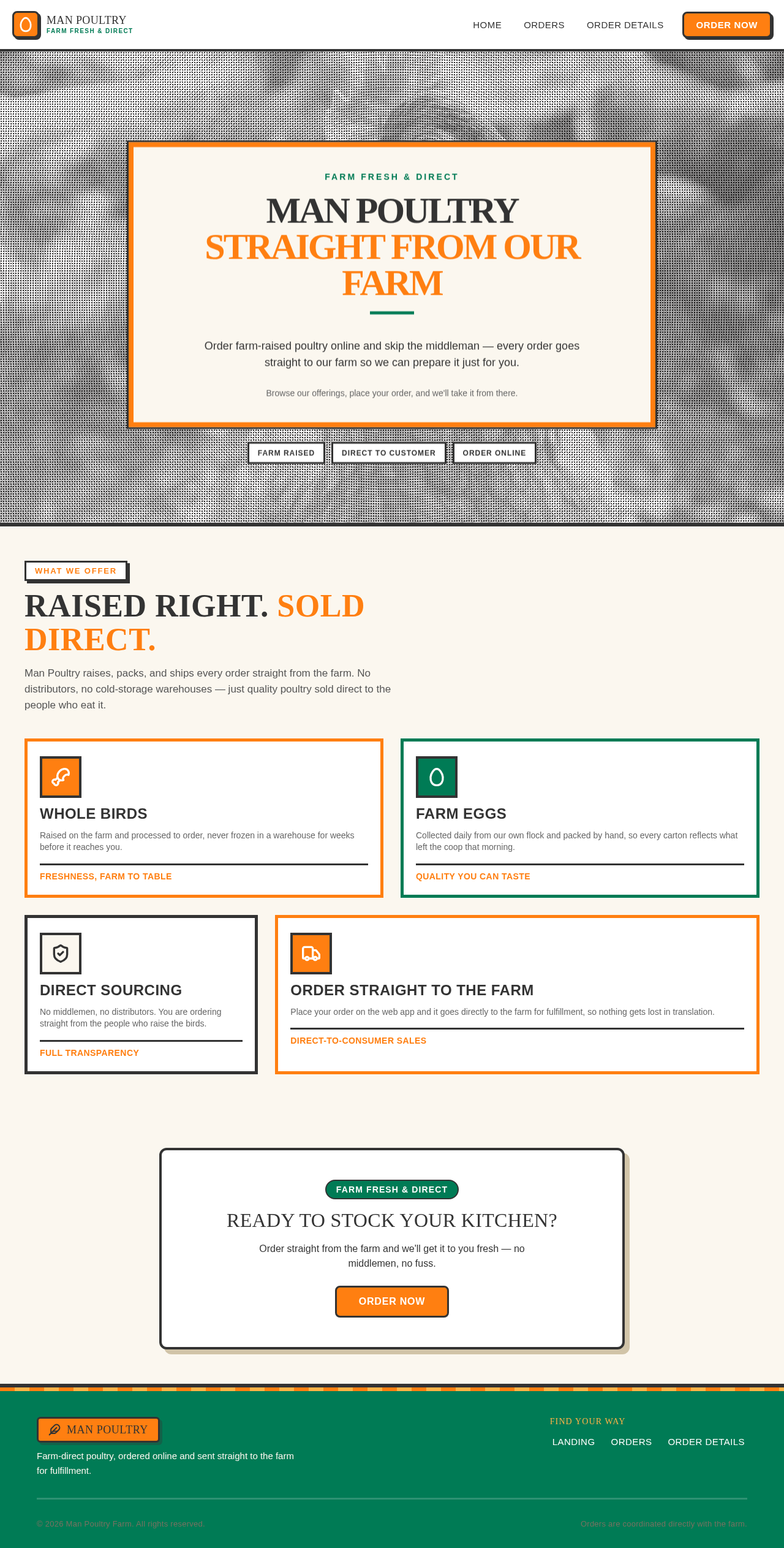
The public entry page will feature a full-bleed hero image of the farm in halftone style, overlaid with a large badge-style headline in Alfa Slab One. A prominent call-to-action button in primary orange will guide users to explore the farm's offerings.
Farm Fresh & Direct
Order farm-raised poultry online and skip the middleman — every order goes straight to our farm so we can prepare it just for you.
Browse our offerings, place your order, and we'll take it from there.
Man Poultry raises, packs, and ships every order straight from the farm. No distributors, no cold-storage warehouses — just quality poultry sold direct to the people who eat it.
Raised on the farm and processed to order, never frozen in a warehouse for weeks before it reaches you.
Freshness, farm to table
Collected daily from our own flock and packed by hand, so every carton reflects what left the coop that morning.
Quality you can taste
No middlemen, no distributors. You are ordering straight from the people who raise the birds.
Full transparency
Place your order on the web app and it goes directly to the farm for fulfillment, so nothing gets lost in translation.
Direct-to-consumer sales
Order straight from the farm and we'll get it to you fresh — no middlemen, no fuss.
Order NowFarm Fresh & Direct
Order farm-raised poultry online and skip the middleman — every order goes straight to our farm so we can prepare it just for you.
Browse our offerings, place your order, and we'll take it from there.
Man Poultry raises, packs, and ships every order straight from the farm. No distributors, no cold-storage warehouses — just quality poultry sold direct to the people who eat it.
Raised on the farm and processed to order, never frozen in a warehouse for weeks before it reaches you.
Freshness, farm to table
Collected daily from our own flock and packed by hand, so every carton reflects what left the coop that morning.
Quality you can taste
No middlemen, no distributors. You are ordering straight from the people who raise the birds.
Full transparency
Place your order on the web app and it goes directly to the farm for fulfillment, so nothing gets lost in translation.
Direct-to-consumer sales
Order straight from the farm and we'll get it to you fresh — no middlemen, no fuss.
Order Now
No comments yet. Be the first!