magma-production
 Ethan Cross
Build a production-ready AI SaaS called “CloseQuote” for small residential painting contractors. Core promise: “Turn more painting estimates into approved jobs and paid deposits.” Target users: Painting contractors and small painting companies with 1–15 employees. Build a modern, clean, professional SaaS web app with responsive desktop/mobile UI. CORE WORKFLOW: 1. Contractor signs up/logs in. 2. Creates their business profile. 3. Adds customers. 4. Creates a quote with customer, project description, amount, quote PDF/link, expiry date, and deposit amount/percentage. 5. Quote gets a public customer-facing URL. 6. Contractor selects a follow-up schedule. 7. The system automatically follows up with customers by email. 8. AI generates personalized follow-up messages based on quote details, customer name, project, timing, and previous conversation. 9. Customer can view the quote, approve, decline, or ask a question. 10. AI analyzes customer replies and classifies intent such as interested, price objection, needs information, wants to delay, or not interested. 11. AI can draft a suggested response for the contractor, but the contractor must approve before sending. 12. When a quote is approved, the customer can pay the required deposit through Stripe. 13. Contractor dashboard shows quote status, follow-ups, approvals, deposits, conversion rate, and recovered revenue. MAIN PAGES: - Landing page - Sign up / Login - Onboarding - Dashboard - Quotes - Create/Edit Quote - Quote Details - Customers - Customer Details - Messages - Follow-up Automations - Analytics - Business Settings - Team Settings - Billing - Public Customer Quote Page QUOTE STATUSES: Draft, Sent, Viewed, Follow-up, Approved, Deposit Pending, Deposit Paid, Declined, Expired, Lost. AI FEATURES: - AI follow-up email generation - AI reply/intent classification - AI suggested customer responses - AI quote PDF information extraction - AI next-best-action recommendations - Conversation summaries IMPORTANT AI RULE: AI should assist and recommend, not directly change critical business states or send sensitive messages without contractor approval. Normal application logic controls authentication, authorization, quote status, payments, scheduling, and database operations. TECH STACK: - Next.js + React + TypeScript - Tailwind CSS - shadcn/ui - Supabase PostgreSQL - Supabase Auth - Supabase Storage for quote PDFs - OpenAI API for AI features - Stripe for deposits and SaaS subscriptions - Resend for email - Trigger.dev or equivalent background jobs for scheduled follow-ups - Zod for validation DATABASE: Use a multi-tenant architecture with organizations. Include tables for: organizations, profiles, organization_members, customers, quotes, quote_files, follow_up_sequences, follow_up_steps, messages, ai_interactions, payments, subscriptions. SECURITY: Use authentication and authorization with organization-level data isolation. Users must only access data belonging to their organization. Never expose API keys or payment secrets to the frontend. Use secure server-side API calls and database row-level security where appropriate. MVP PRIORITY: Focus on: Customer → Quote → AI Follow-up → Customer Response → Approval → Deposit → Revenue tracking. Do NOT build initially: Scheduling, payroll, invoicing, crew management, full CRM, mobile app, WhatsApp, SMS, Jobber/ServiceTitan integrations, complex workflow builders, or an AI chatbot. DESIGN: Premium but simple B2B SaaS aesthetic. Make the dashboard immediately understandable. Emphasize “quotes needing attention,” “AI recommendations,” “approved revenue,” and “deposits collected.” Use cards, tables, status badges, clear CTAs, empty states, loading states, error states, and responsive layouts. Seed the application with realistic demo painting-business data so the dashboard looks useful immediately. Build the application with clean, modular, maintainable code and production-ready error handling. Prioritize a working end-to-end MVP over adding unnecessary features.


Comments (0)
Sign in to leave a comment
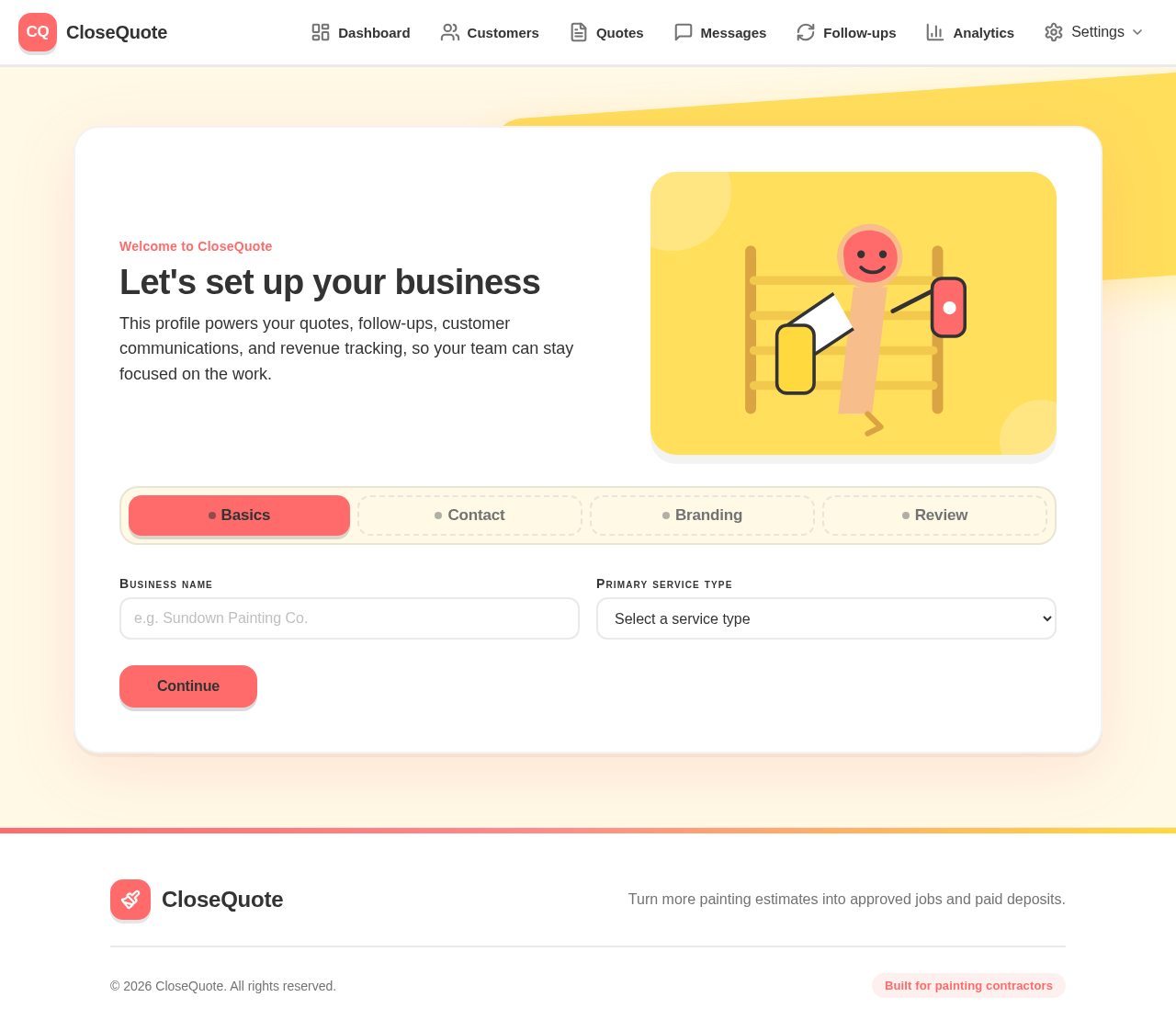
Welcome to CloseQuote
Let's set up your business
This profile powers your quotes, follow-ups, customer communications, and revenue tracking, so your team can stay focused on the work.
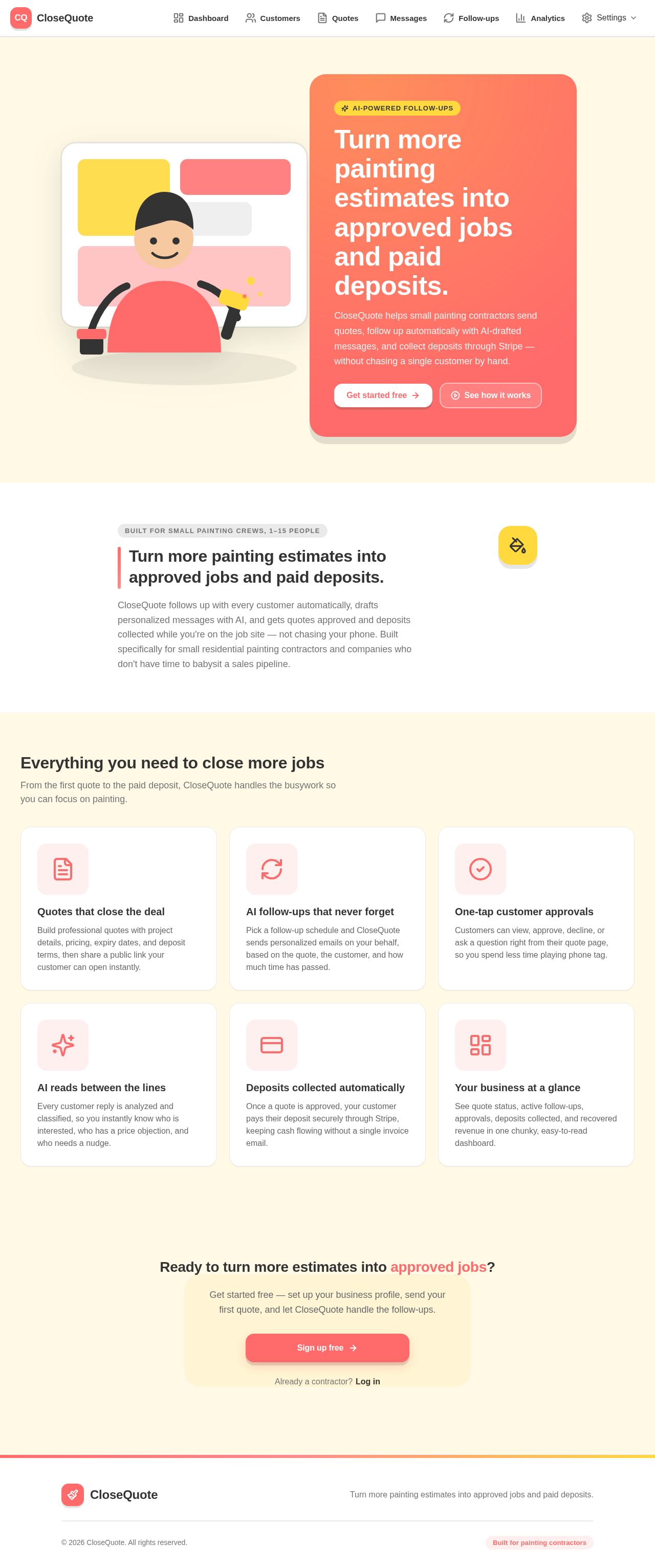
Turn more painting estimates into approved jobs and paid deposits.
CloseQuote helps small painting contractors send quotes, follow up automatically with AI-drafted messages, and collect deposits through Stripe — without chasing a single customer by hand.
Built for small painting crews, 1–15 people
Turn more painting estimates into approved jobs and paid deposits.
CloseQuote follows up with every customer automatically, drafts personalized messages with AI, and gets quotes approved and deposits collected while you're on the job site — not chasing your phone. Built specifically for small residential painting contractors and companies who don't have time to babysit a sales pipeline.
Everything you need to close more jobs
From the first quote to the paid deposit, CloseQuote handles the busywork so you can focus on painting.
Quotes that close the deal
Build professional quotes with project details, pricing, expiry dates, and deposit terms, then share a public link your customer can open instantly.
AI follow-ups that never forget
Pick a follow-up schedule and CloseQuote sends personalized emails on your behalf, based on the quote, the customer, and how much time has passed.
One-tap customer approvals
Customers can view, approve, decline, or ask a question right from their quote page, so you spend less time playing phone tag.
AI reads between the lines
Every customer reply is analyzed and classified, so you instantly know who is interested, who has a price objection, and who needs a nudge.
Deposits collected automatically
Once a quote is approved, your customer pays their deposit securely through Stripe, keeping cash flowing without a single invoice email.
Your business at a glance
See quote status, active follow-ups, approvals, deposits collected, and recovered revenue in one chunky, easy-to-read dashboard.
Ready to turn more estimates into approved jobs?
Get started free — set up your business profile, send your first quote, and let CloseQuote handle the follow-ups.
No comments yet. Be the first!