magic-salonfrontdesk
by David
DavidSalonfrontdesk


Comments (0)
Sign in to leave a comment
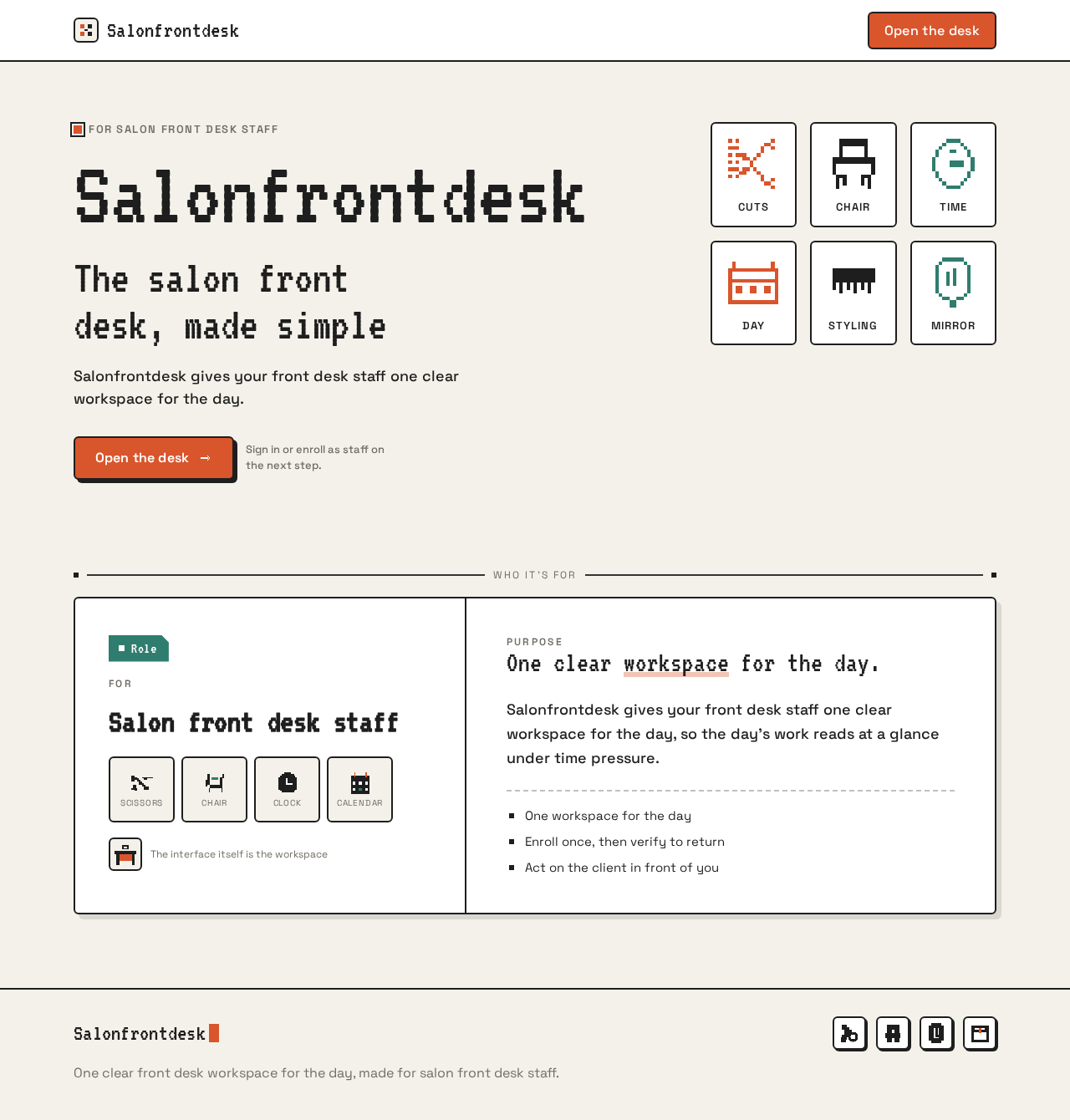
For salon front desk staff
Salonfrontdesk
The salon front desk, made simple
Salonfrontdesk gives your front desk staff one clear workspace for the day.
Open the deskSign in or enroll as staff on the next step.
Cuts
Chair
Time
Day
Styling
Mirror
RoleFor
Salon front desk staff
The interface itself is the workspace
Purpose
One clear workspace for the day.
Salonfrontdesk gives your front desk staff one clear workspace for the day, so the day’s work reads at a glance under time pressure.
- One workspace for the day
- Enroll once, then verify to return
- Act on the client in front of you
For salon front desk staff
Salonfrontdesk
The salon front desk, made simple
Salonfrontdesk gives your front desk staff one clear workspace for the day.
Open the deskSign in or enroll as staff on the next step.
Cuts
Chair
Time
Day
Styling
Mirror
RoleFor
Salon front desk staff
The interface itself is the workspace
Purpose
One clear workspace for the day.
Salonfrontdesk gives your front desk staff one clear workspace for the day, so the day’s work reads at a glance under time pressure.
- One workspace for the day
- Enroll once, then verify to return
- Act on the client in front of you
No comments yet. Be the first!