01Counter
Point of sale
Take orders and complete sales at the counter with a ticket that keeps the running total in sight.
- Menu grid for order entry
- Adjust quantity or remove a line
- Apply a loyalty member to the sale
 Swapnil Swapnil
app.cafeflow.fun


Sign in to leave a comment
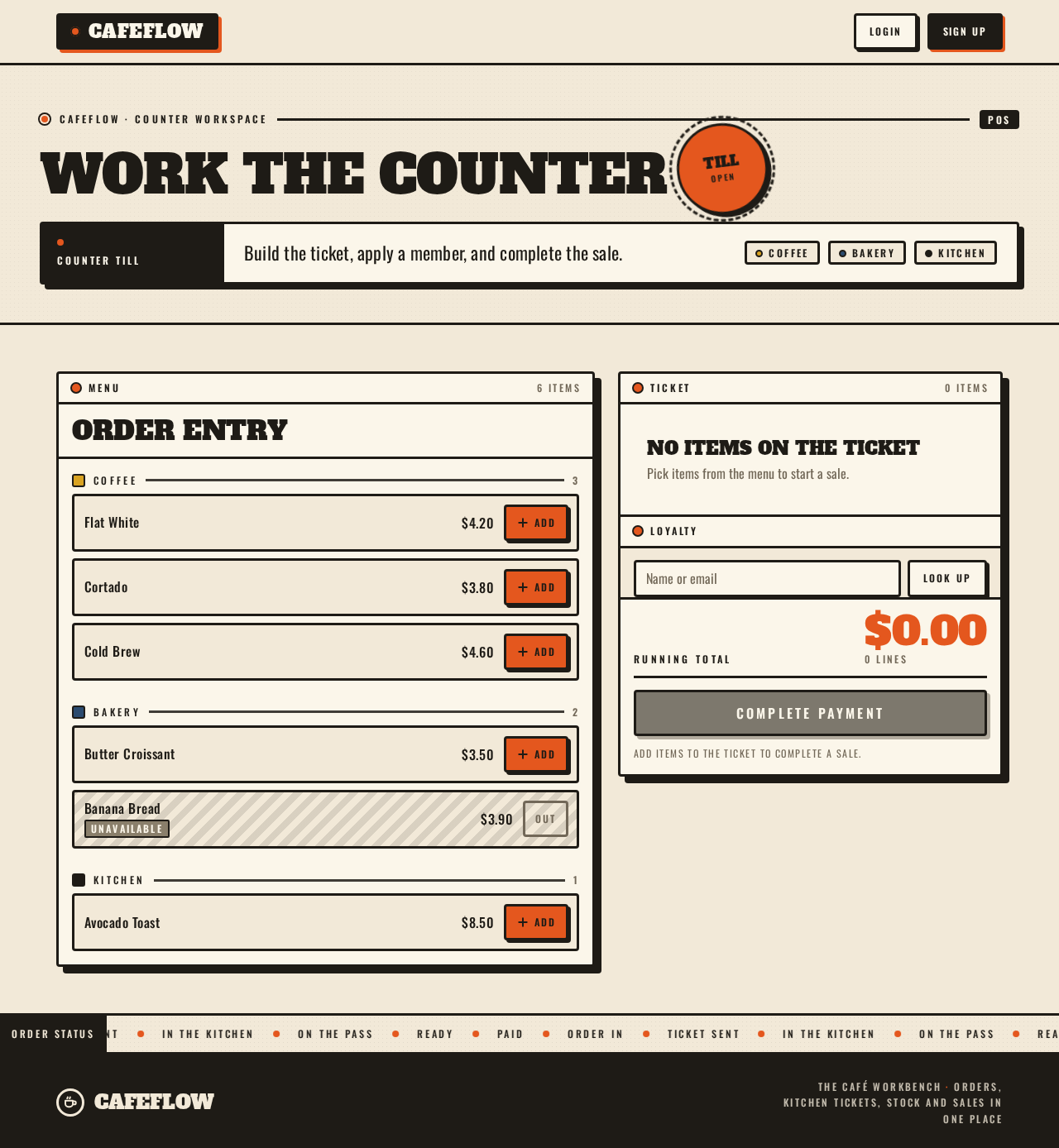
Build the ticket, apply a member, and complete the sale.
Ticket
No items on the ticket
Pick items from the menu to start a sale.
Loyalty
Add items to the ticket to complete a sale.
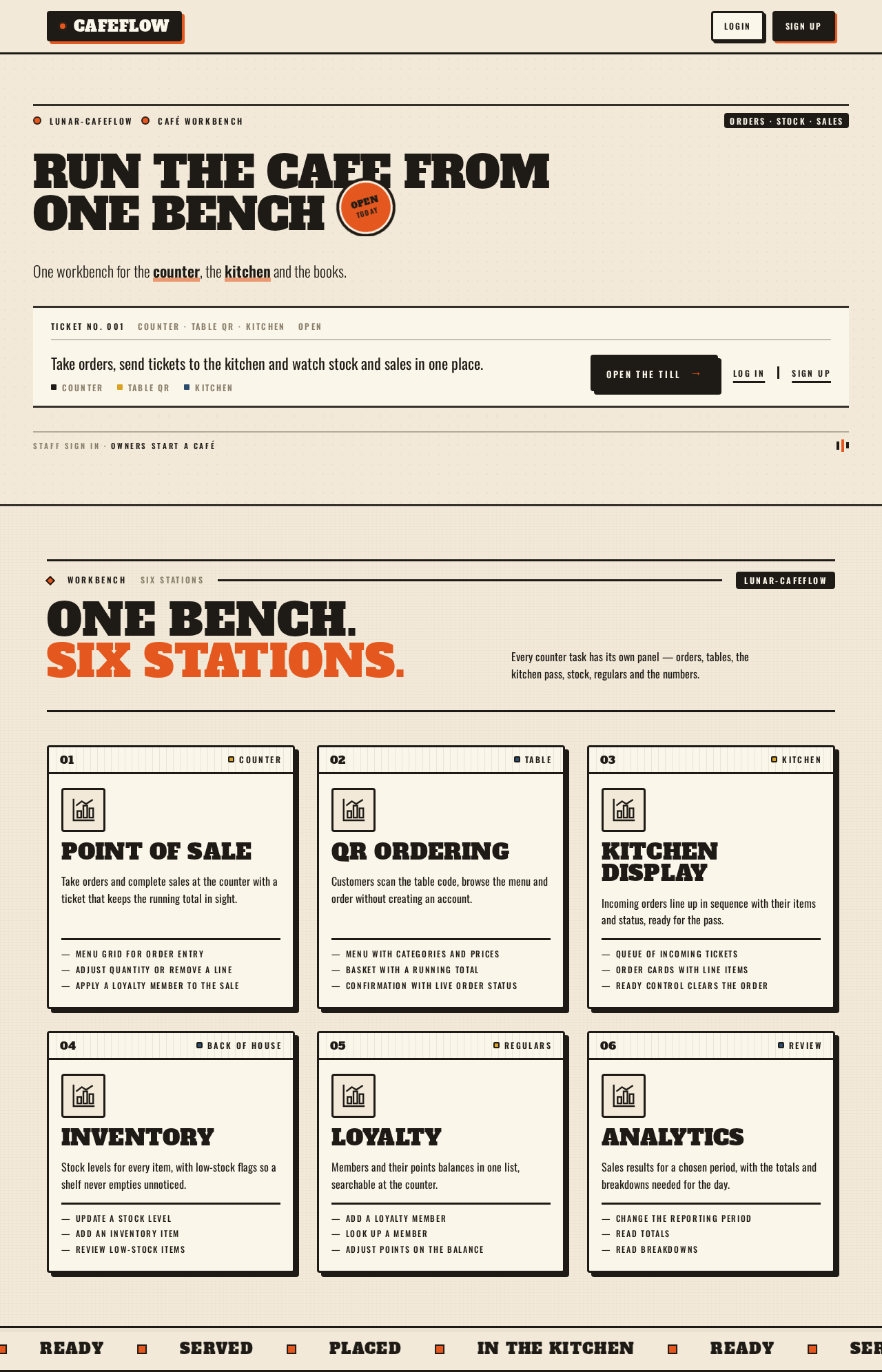
One workbench for the counter, the kitchen and the books.
Take orders, send tickets to the kitchen and watch stock and sales in one place.
Every counter task has its own panel — orders, tables, the kitchen pass, stock, regulars and the numbers.
Take orders and complete sales at the counter with a ticket that keeps the running total in sight.
Customers scan the table code, browse the menu and order without creating an account.
Incoming orders line up in sequence with their items and status, ready for the pass.
Stock levels for every item, with low-stock flags so a shelf never empties unnoticed.
Members and their points balances in one list, searchable at the counter.
Sales results for a chosen period, with the totals and breakdowns needed for the day.
No comments yet. Be the first!