🏛️
India Unveils New Digital Infrastructure Plan for Rural Connectivity
The government announced a sweeping initiative to bring high-speed internet access to over 200,000 villages by 2028, focusing on education and healthcare.
 Vishal Salate
import 'package:flutter/material.dart'; import 'package:webview_flutter/webview_flutter.dart'; void main() { runApp(MyApp()); } class MyApp extends StatelessWidget { @override Widget build(BuildContext context) { return MaterialApp( debugShowCheckedModeBanner: false, home: NewsApp(), ); } } class NewsApp extends StatefulWidget { @override _NewsAppState createState() => _NewsAppState(); } class _NewsAppState extends State<NewsApp> { late final WebViewController controller; @override void initState() { super.initState(); controller = WebViewController() ..setJavaScriptMode(JavaScriptMode.unrestricted) ..loadRequest(Uri.parse( "https://your-news-app.netlify.app" // 🔥 PUT YOUR LIVE SITE HERE )); } @override Widget build(BuildContext context) { return Scaffold( appBar: AppBar( title: Text("Live News App"), centerTitle: true, ), body: WebViewWidget(controller: controller), ); } }
Sign in to leave a comment
The lime-flutter project is a Flutter-based mobile application designed to provide users with seamless access to live news updates via a web interface. This document outlines the system requirements for the project, ensuring clarity and alignment with the development goals.
The application leverages Flutter's webview_flutter package to embed a web-based news platform directly into the app, offering a smooth and interactive user experience. This SRD is tailored for Vishal Salate, based in India, and assumes locale-specific defaults such as IST timezone, INR currency, and user preferences for modern, responsive design.
The lime-flutter application is a lightweight, user-friendly mobile app that integrates a live news website using WebView. The app is designed to:
The system architecture includes:
The lime-flutter project adopts a modern and vibrant color scheme to reflect the dynamism of live news updates.
| Element | Hex Code | Description |
|---|---|---|
| Background | #F5F9FF | A soft, light blue for a clean look. |
| Surface | #FFFFFF | Pure white for content areas. |
| Text | #1A1A1A | Dark gray for readability. |
| Accent | #00A676 | Vibrant green for interactive elements. |
| Muted Tones | #B0BEC5 | Subtle gray for secondary elements. |
The lime-flutter homepage will feature a bold, unforgettable design: an Interactive News Globe.
Visuals:
Interactions:
Micro-Interactions:
Color Shifts:
This design ensures the app leaves a lasting impression and engages users with an immersive experience.
This document provides a comprehensive overview of the lime-flutter project requirements. Vishal, let me know if there are additional features or refinements you'd like to include!
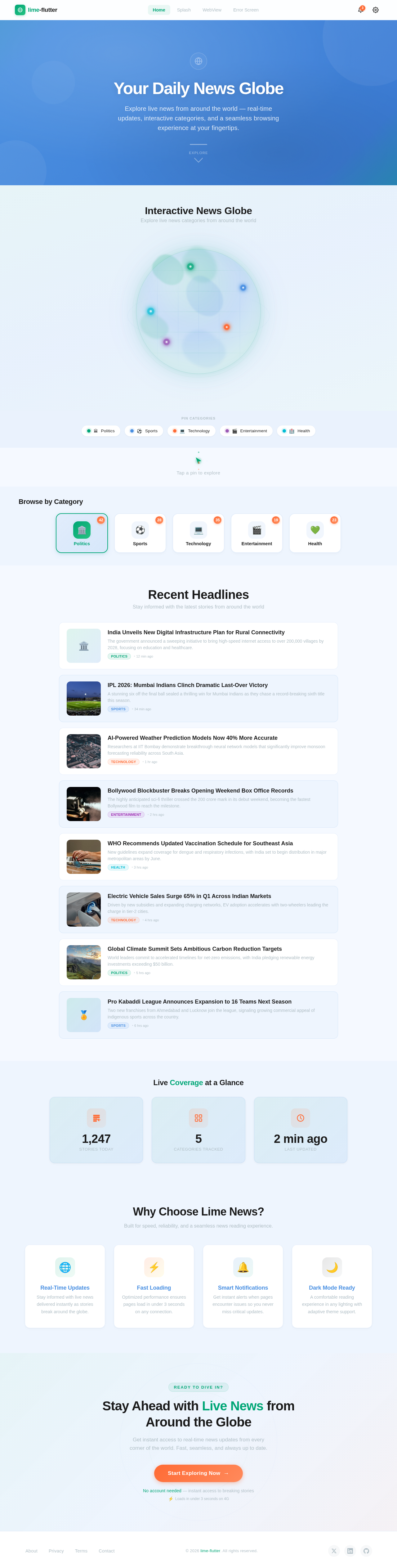
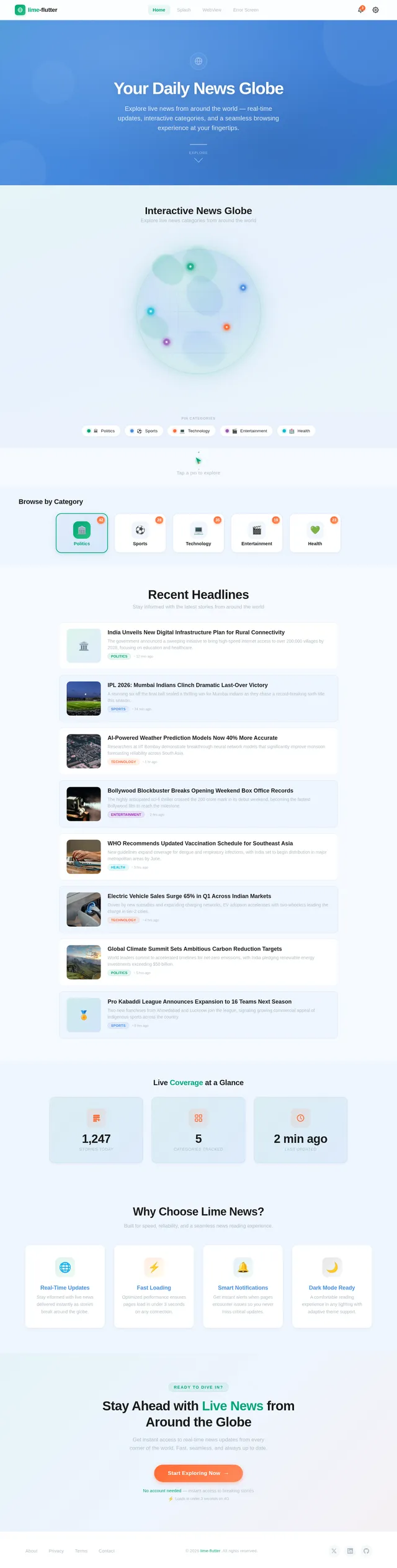
Explore live news from around the world — real-time updates, interactive categories, and a seamless browsing experience at your fingertips.
Explore live news categories from around the world
Pin Categories
Tap a pin to explore
Stay informed with the latest stories from around the world
The government announced a sweeping initiative to bring high-speed internet access to over 200,000 villages by 2028, focusing on education and healthcare.

A stunning six off the final ball sealed a thrilling win for Mumbai Indians as they chase a record-breaking sixth title this season.

Researchers at IIT Bombay demonstrate breakthrough neural network models that significantly improve monsoon forecasting reliability across South Asia.

The highly anticipated sci-fi thriller crossed the 200 crore mark in its debut weekend, becoming the fastest Bollywood film to reach the milestone.

New guidelines expand coverage for dengue and respiratory infections, with India set to begin distribution in major metropolitan areas by June.

Driven by new subsidies and expanding charging networks, EV adoption accelerates with two-wheelers leading the charge in tier-2 cities.

World leaders commit to accelerated timelines for net-zero emissions, with India pledging renewable energy investments exceeding $50 billion.
Two new franchises from Ahmedabad and Lucknow join the league, signaling growing commercial appeal of indigenous sports across the country.
Built for speed, reliability, and a seamless news reading experience.
Stay informed with live news delivered instantly as stories break around the globe.
Optimized performance ensures pages load in under 3 seconds on any connection.
Get instant alerts when pages encounter issues so you never miss critical updates.
A comfortable reading experience in any lighting with adaptive theme support.
Get instant access to real-time news updates from every corner of the world. Fast, seamless, and always up to date.
No account needed — instant access to breaking stories
No comments yet. Be the first!