Page 1 of 6
System Requirements Document (SRD) for Kinetic-Ecommerce
1. Introduction
This document outlines the system requirements for Kinetic-Ecommerce, a professional shoe e-commerce platform named FastFeet. The project aims to deliver a clean, minimal, and professional online shopping experience inspired by modern brands like Nike and Apple. Developed using Python (Flask) for the backend and HTML, CSS, and JavaScript for the frontend, the platform will feature a responsive design, smooth animations, and robust functionality. The database will be managed using SQLite.
The target audience includes users in India (IN), and the platform will cater to their preferences and needs, including locale-specific defaults such as INR currency and IST timezone.
Page 2 of 6
2. System Overview
FastFeet is a full-stack e-commerce platform designed to provide a seamless shopping experience for users. The system will include the following key features:
- A professional and minimalistic user interface.
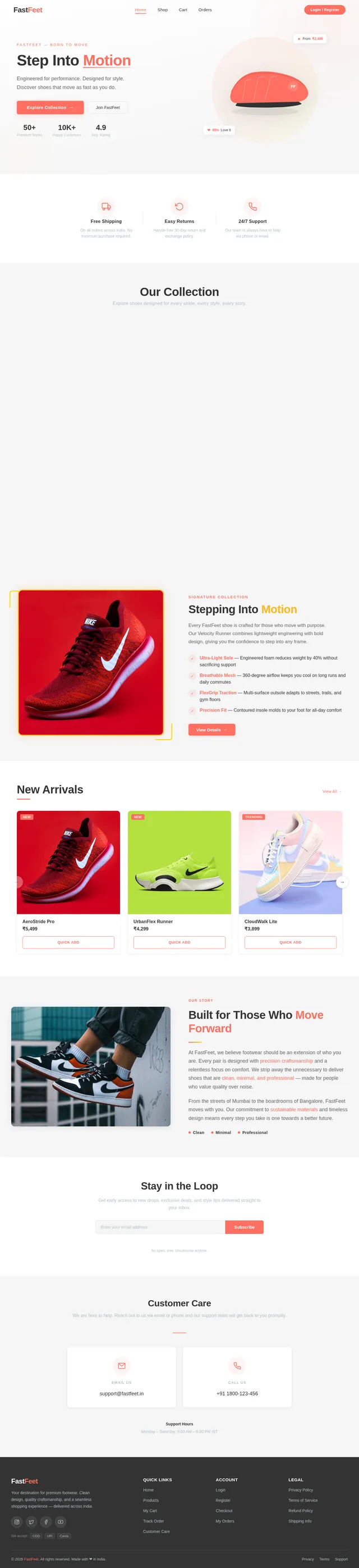
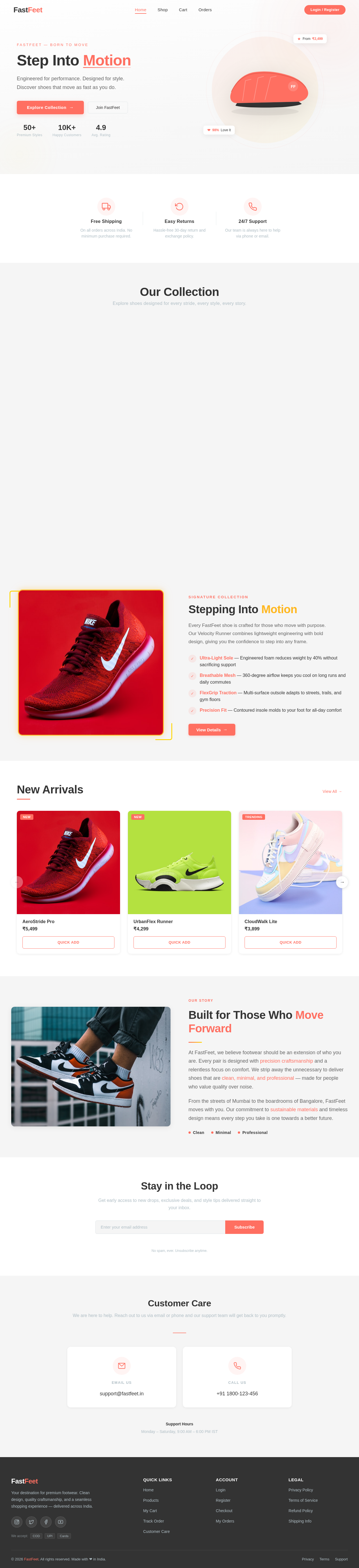
- A catalog of shoes displayed in a grid layout on the home page.
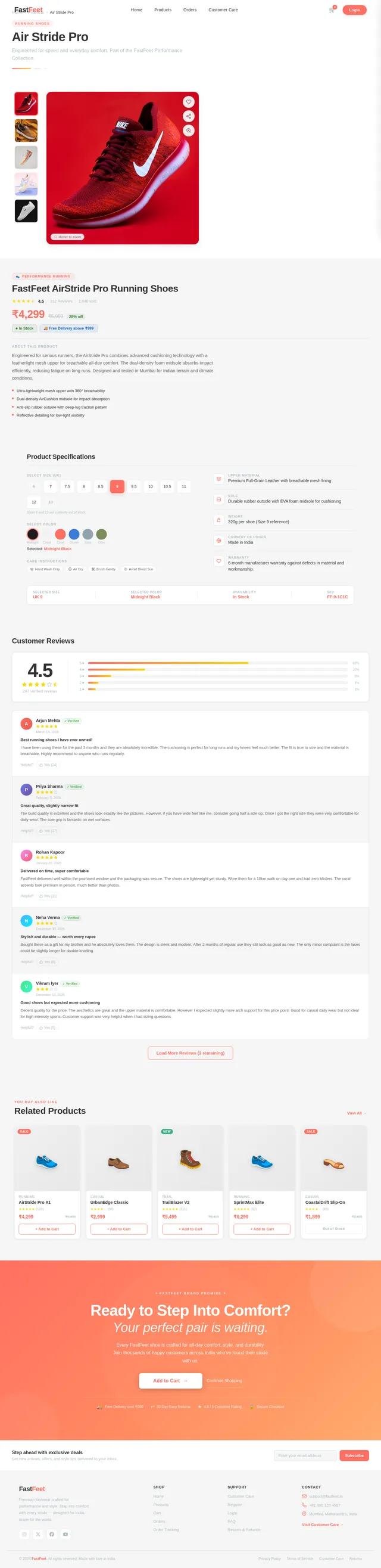
- Detailed product pages with options to add items to the cart or purchase directly.
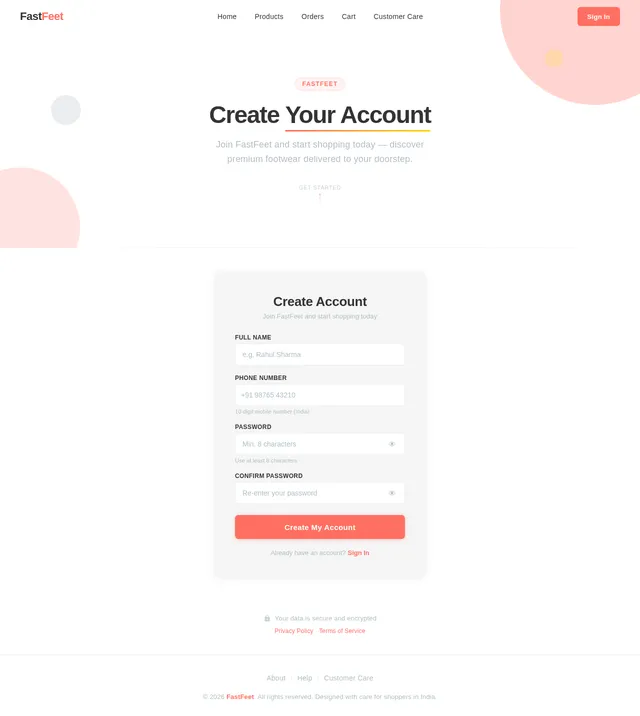
- User authentication system with registration, login, and logout functionality.
- A cart system that persists per user and allows for easy checkout.
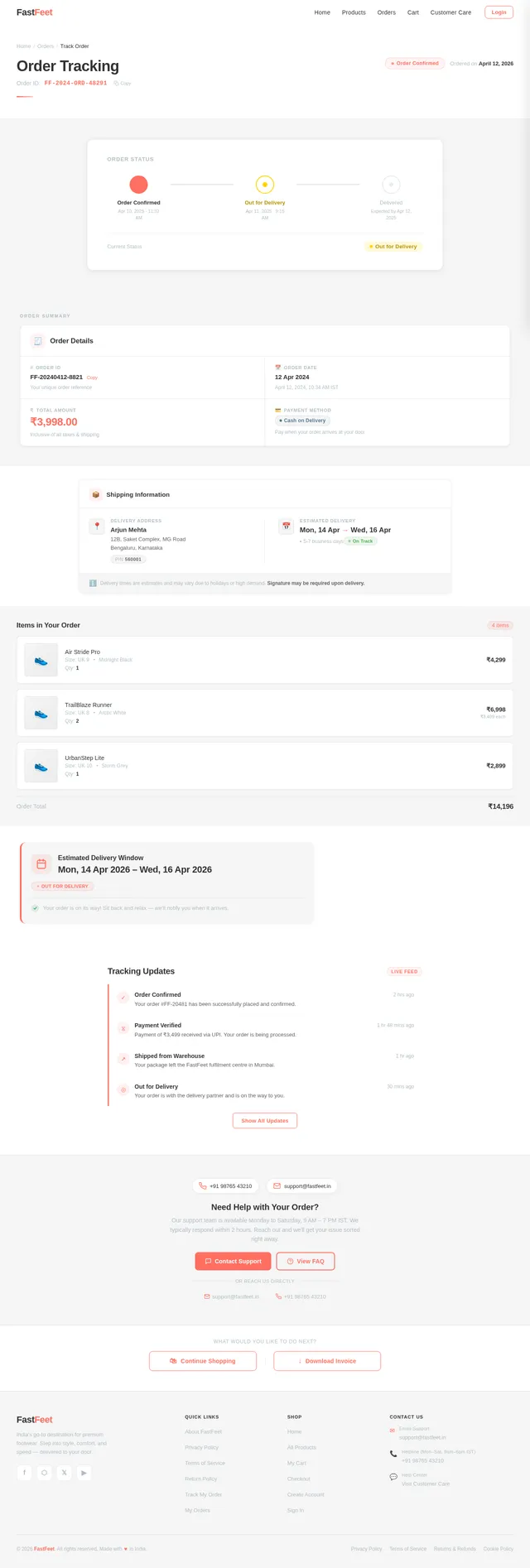
- Order tracking with status updates.
- Responsive design for optimal viewing on all devices.
The system will use Flask for backend development, SQLite for data storage, and modern web technologies for the frontend.
Page 3 of 6
3. Functional Requirements
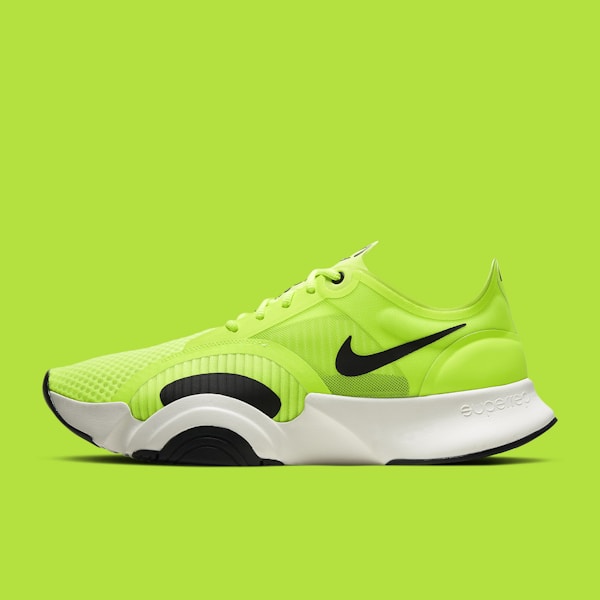
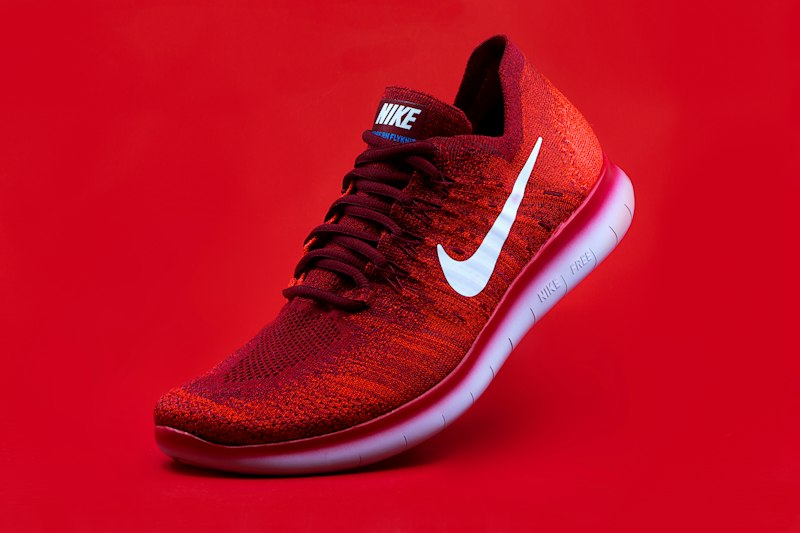
- As a User, I should be able to view a grid of shoes on the home page with their images, names, and prices.
- As a User, I should see subtle hover effects (zoom + shadow) on shoe images.
- As a User, I should be able to click on a shoe to view its detailed product page with a large image, description, price, and buttons for Add to Cart and Buy Now.
- As a User, I should be able to register with my name, phone number, and password.
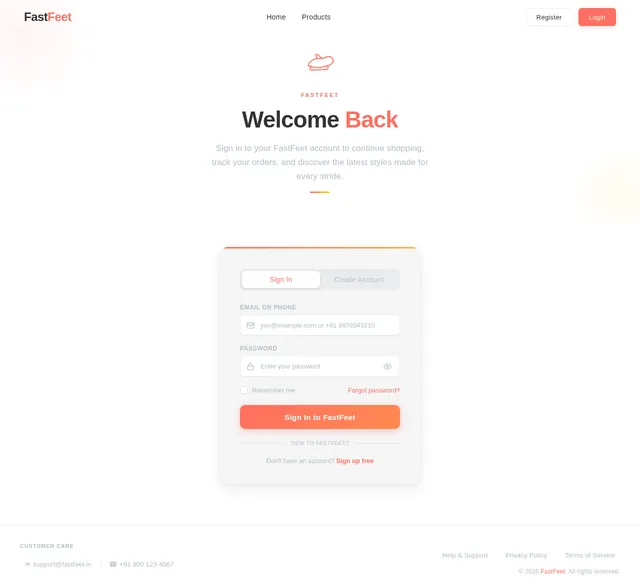
- As a User, I should be able to log in and see my username displayed in the navbar instead of the login button.
- As a User, I should be redirected to the login page if I attempt to add items to the cart or buy without logging in.
- As a User, I should be able to view my cart with added items, including their images, names, prices, and a checkbox for selection.
- As a User, I should see the total price of selected items in the cart and a Buy Selected button.
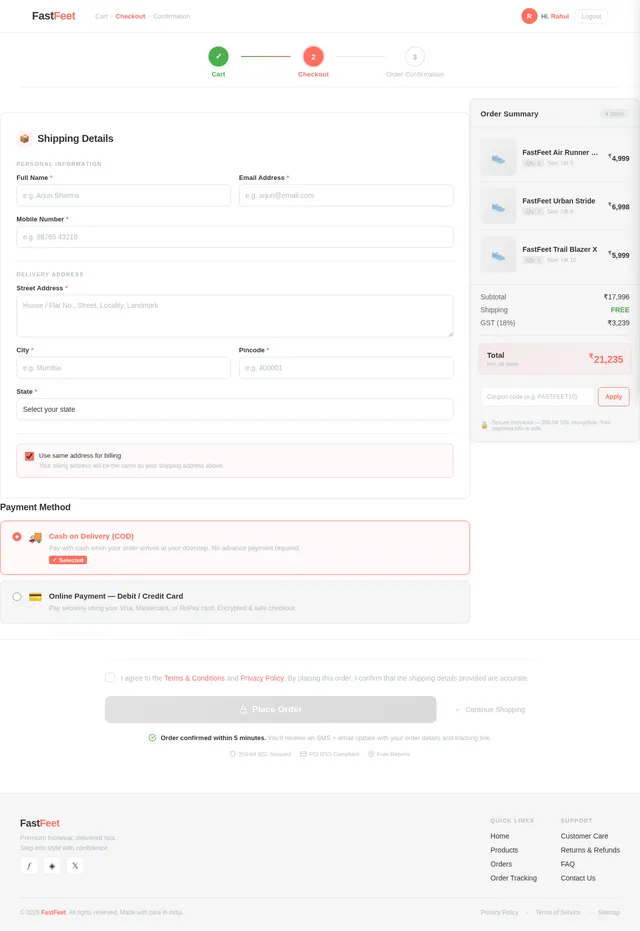
- As a User, I should be able to proceed to the checkout page and choose between Cash on Delivery (COD) and Online Payment options.
- As a User, I should see a confirmation message and be redirected to the order tracking page after placing an order.
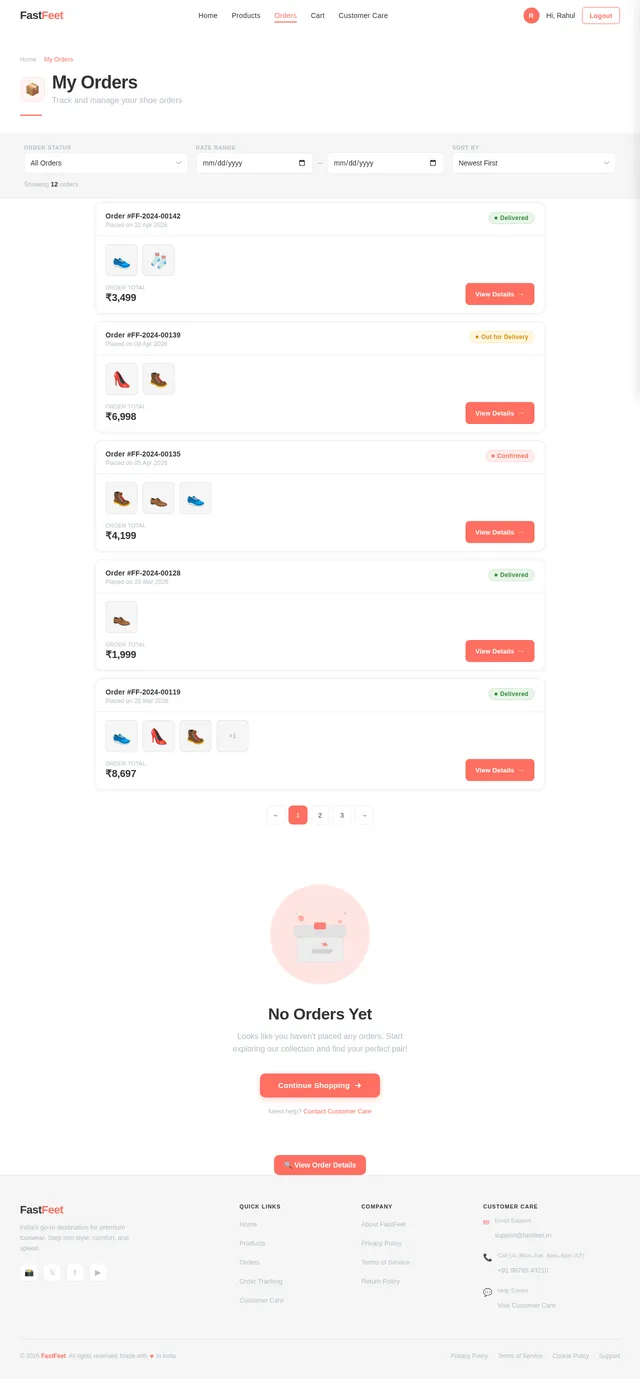
- As a User, I should be able to track my order status (Order Confirmed, Out for Delivery, Delivered) with completed steps highlighted in green.
- As a User, I should be able to log out and be redirected to the home page.
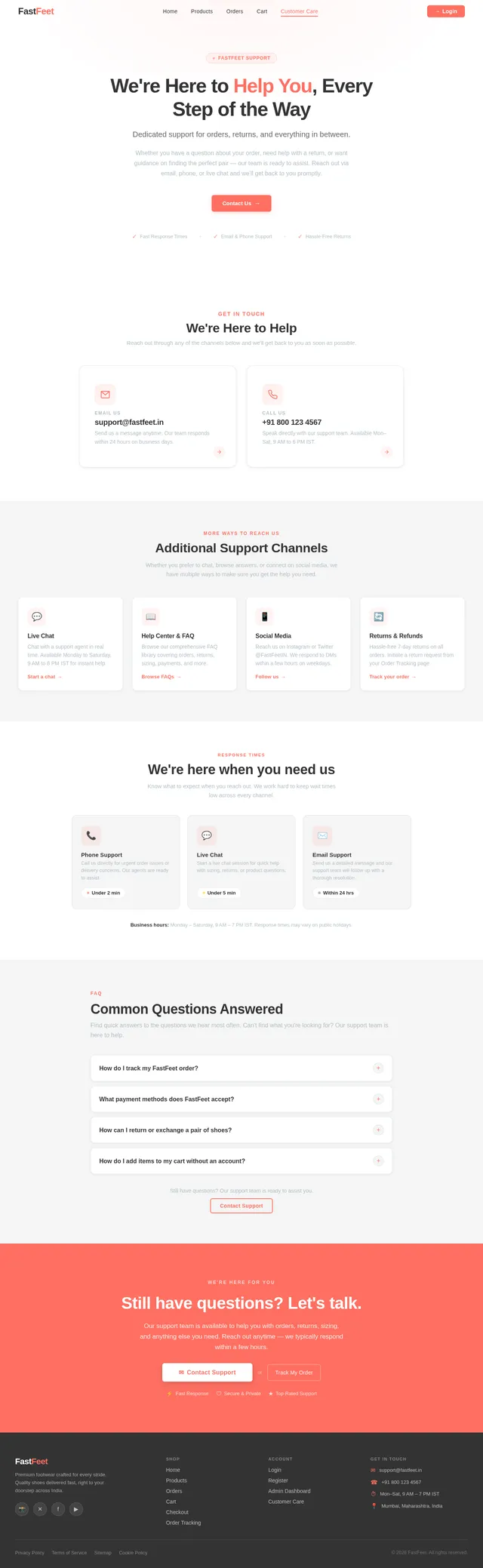
- As a User, I should be able to access Customer Care via the hamburger menu to view email and phone contact options.
- As a User, I should be able to click on the email to open Gmail and the phone number to open the dialer.
Page 4 of 6
4. User Personas
-
Guest User
- Can browse the home page and view product details.
- Cannot add items to the cart or make purchases without logging in.
-
Registered User
- Can log in, add items to the cart, and make purchases.
- Can track orders and access customer care.
-
Admin
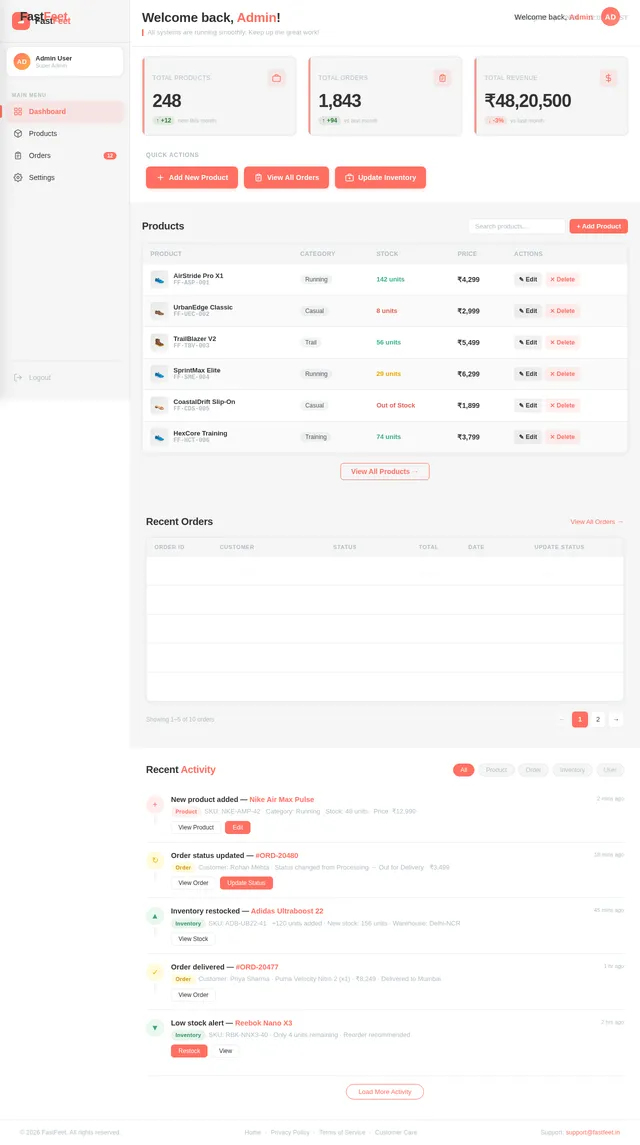
- Can manage the product catalog, including adding, updating, or removing products.
- Can view and update order statuses.
5. Visuals Colors and Theme
The visual design for FastFeet will be clean, minimal, and professional, with the following unique color palette:
- Background: #FFFFFF (White)
- Surface: #F5F5F5 (Light Grey)
- Text: #333333 (Dark Grey)
- Accent: #FF6F61 (Soft Coral)
- Muted Tones: #B0BEC5 (Muted Blue-Grey)
The typography will use a modern sans-serif font like Roboto or Open Sans for a clean and professional look. Smooth animations and soft shadows will enhance the user experience.
Page 5 of 6
6. Signature Design Concept
The home page of FastFeet will feature a dynamic shoe showcase grid with subtle hover effects. Each shoe card will zoom slightly and cast a soft shadow when hovered over, creating a tactile and interactive feel.
The standout feature will be a scroll-triggered animation: as users scroll down the page, the shoe grid will animate into view with a cascading fade-in effect. This will give the impression that the shoes are "stepping" into the frame, reinforcing the brand's identity.
Additionally, the navbar will feature a sticky design with a smooth color transition as users scroll. The site name "FastFeet" will subtly enlarge when hovered over, adding a touch of elegance.
7. Non-Functional Requirements
- The system must be responsive and work seamlessly across devices (desktop, tablet, mobile).
- The platform should load within 3 seconds on a standard broadband connection.
- Data integrity must be maintained, ensuring no unauthorized access to user data.
- The system should support at least 100 concurrent users without performance degradation.
- All animations and transitions must be smooth and not exceed 300ms.
8. Tech Stack
Frontend
Page 6 of 6
Backend
Database
Tools
- Flask Sessions for user authentication
- Responsive design frameworks (e.g., Bootstrap or custom CSS)
9. Assumptions and Constraints
- The platform will use INR as the default currency.
- The timezone will be set to IST (Indian Standard Time).
- The system will not include third-party payment gateway integration; online payment will be simulated.
- The admin panel will not be part of the initial scope but can be added later.
10. Glossary
- Navbar: A navigation bar at the top of the website.
- Cart: A virtual basket where users can store items they wish to purchase.
- Checkout: The process of finalizing a purchase.
- COD: Cash on Delivery, a payment method where users pay upon receiving the product.
- SQLite: A lightweight, file-based database system.
- Flask: A Python web framework used for backend development.





No comments yet. Be the first!