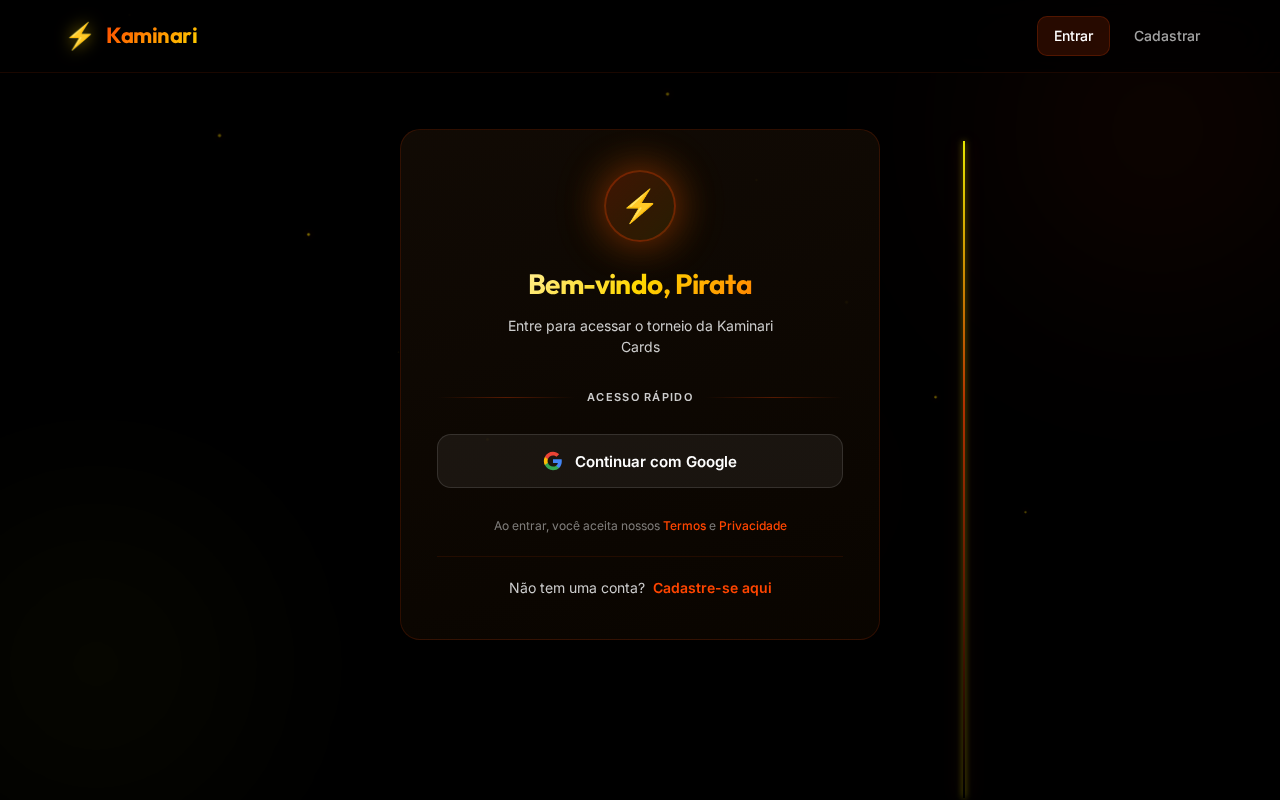
Bem-vindo, Pirata
Entre para acessar o torneio da Kaminari Cards
Acesso Rápido
Não tem uma conta?Cadastre-se aqui
 Felipe Santana
Atue como um desenvolvedor Front-end Especialista (React/Tailwind) e UI/UX Designer. Crie um aplicativo web mobile-first para a comunidade e hub de torneios da loja Kaminari Cards. A identidade visual é estrita e inegociável: utilize fundos pretos absolutos e escuros, com botões, bordas e detalhes de raios brilhando em laranja neon ou amarelo neon. É expressamente proibido utilizar qualquer tom de azul na interface e não inclua textos ou tipografias em japonês. O sistema deve ter uma arquitetura modular pronta para ser conectada ao Supabase e conter o seguinte fluxo de telas: Autenticação e Perfil: Telas de Login e Cadastro limpas e diretas. Inclua um componente visual de upload de imagem para que o usuário possa enviar sua própria foto de perfil durante o cadastro. Hub Principal (Dashboard): A tela inicial do jogador logado. Como esta versão é 100% focada em One Piece TCG, a estética deve refletir isso sutilmente. Exiba um banner ou cartão de destaque para a liga ativa (ex: "Liga Mestre Pirata") com um botão evidente de "Participar". Mural de Ranking: Uma interface de classificação tematizada levemente como cartazes de "Procurados" (Wanted). Deve listar a foto de perfil enviada pelo jogador, o nome e a pontuação/recompensa acumulada no mês. Área de Pareamento e Duelos: Uma tela onde o jogador logado visualiza a lista de adversários inscritos e disponíveis para os confrontos do mês. Sistema de Reporte: Um formulário prático para registrar o resultado do jogo. Deve conter um seletor dropdown para escolher o oponente derrotado e um botão de upload de arquivo para anexar a foto da mesa como comprovação da partida.


Sign in to leave a comment
The purpose of this document is to outline the system requirements for the Kaminariapp, a mobile-first web application designed for the community and tournament hub of Kaminari Cards. This document will detail the functional and non-functional requirements, user personas, core user flows, and design elements necessary to create a seamless and engaging user experience.
Kaminariapp is a web application tailored for the Kaminari Cards community, focusing on One Piece TCG tournaments. The application will provide users with a streamlined experience for authentication, profile management, tournament participation, ranking display, and match reporting. The system will be built with a modular architecture ready to integrate with Supabase, ensuring scalability and flexibility.
User Authentication and Profile Setup:
Navigating the Hub:
Viewing Rankings:
Match Reporting:
The Kaminariapp will feature an interactive "Lightning Strike" theme on the homepage. Upon landing, users will experience a dynamic animation where neon lightning bolts strike across the screen, illuminating sections of the page. As users scroll, the lightning bolts will guide their attention to key areas, such as the active league banner and ranking mural. This effect will be achieved using framer-motion for smooth animations and gsap for scroll-triggered lightning effects. The interactive lightning will not only captivate users but also enhance navigation by highlighting interactive elements.
The landing page will employ a "parallax" interaction model, creating a layered depth effect as users scroll. Lightning animations will translate at different speeds, providing a visually rich first impression. Internal pages, such as the dashboard and profile settings, will maintain a "static" interaction model to prioritize readability and user efficiency.
framer-motion, gsapThis document outlines the comprehensive requirements for the Kaminariapp, ensuring a cohesive and engaging experience for the Kaminari Cards community.
Entre para acessar o torneio da Kaminari Cards
No comments yet. Be the first!