insurance-document-tracking
 SRD
SRD# MASTER PROMPT: InsureTrack India — AI Insurance & Document Tracking Android App Act as a senior Android developer, Python backend engineer, PostgreSQL database architect, AI integration specialist, and software security engineer. Build a complete, production-oriented native Android application named **InsureTrack India**. This application helps Indian individuals and businesses manage insurance policies, securely store documents, track expiry dates, receive renewal reminders, analyze insurance documents using AI, and monitor vendor insurance compliance. **Important:** Build a working application with real frontend-to-backend integration. Do not create only a UI prototype, static dashboard, or pseudocode. Implement the project incrementally, provide complete source files, and clearly distinguish implemented features from unfinished features. ## 1. Technology Stack ### Android - Android Studio and Kotlin - Jetpack Compose and Material 3 - MVVM architecture with clean separation of concerns - Navigation Compose - Retrofit and OkHttp for REST API communication - Kotlin Coroutines and StateFlow - Room for local caching - DataStore for preferences - Firebase Cloud Messaging (FCM) for push notifications - Android Camera and Activity Result APIs for document capture and selection - Android Keystore-backed secure token storage ### Backend - Python 3.12+ - FastAPI and Pydantic - SQLAlchemy 2.x and Alembic - PostgreSQL - JWT access and refresh tokens - Argon2id or bcrypt password hashing - Redis and Celery for background processing and scheduled jobs - Private S3-compatible object storage, with a local development option - PaddleOCR or Tesseract for OCR - LiteLLM for configurable LLM providers - Pytest for backend tests Use Docker and Docker Compose for local development. Keep secrets in environment variables and provide a complete `.env.example`. ## 2. Android Application Screens Implement the following screens with functional navigation, validation, loading states, error handling, and backend integration: 1. Splash screen and onboarding. 2. Registration, login, logout, and password reset. 3. Home dashboard with policy statistics and renewal alerts. 4. Insurance policy list with search, sorting, and filters. 5. Add, edit, view, archive, and delete policy workflows. 6. Document upload using camera, gallery, and PDF picker. 7. Secure document vault with previews, downloads, and version history. 8. OCR extraction review and manual correction. 9. AI document analysis with confidence indicators and evidence. 10. Expiry calendar, reminders, and notification history. 11. AI assistant for questions about authorized documents. 12. Business vendor and subcontractor management. 13. Project compliance dashboard and downloadable reports. 14. User profile, security settings, notification preferences, privacy, and help. Use a bottom navigation bar containing Home, Policies, Documents, AI Assistant, and Profile. Use Material 3 components and adaptive layouts. Support light and dark themes, accessible touch targets, empty states, loading indicators, error messages, confirmation dialogs, and subtle animations. ### UI Theme - Primary teal: `#2A9D8F` - Secondary blue: `#457B9D` - Light teal: `#A8DADC` - Background: `#F1FAEE` - White surfaces: `#FFFFFF` - Text: `#1D3557` - Expiry alerts: `#E63946` - Warnings: `#F4A


Comments (0)
Sign in to leave a comment
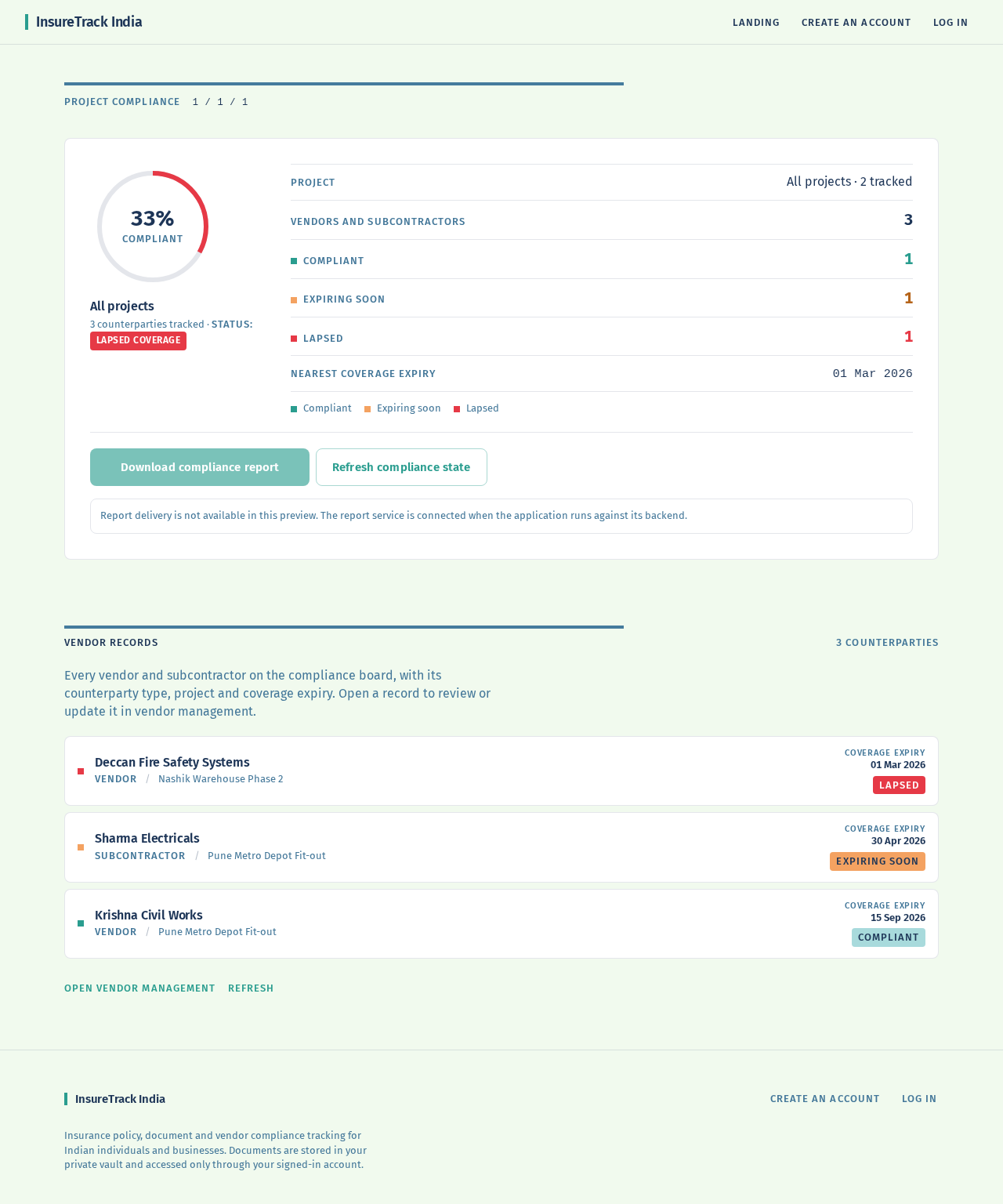
Project Compliance1 / 1 / 1
All projects
Project
All projects · 2 tracked
Vendors and subcontractors
3
Compliant
1
Expiring soon
1
Lapsed
1
Nearest coverage expiry
01 Mar 2026
- Compliant
- Expiring soon
- Lapsed
Report delivery is not available in this preview. The report service is connected when the application runs against its backend.
Every vendor and subcontractor on the compliance board, with its counterparty type, project and coverage expiry. Open a record to review or update it in vendor management.
INSURETRACK INDIA
InsureTrack India
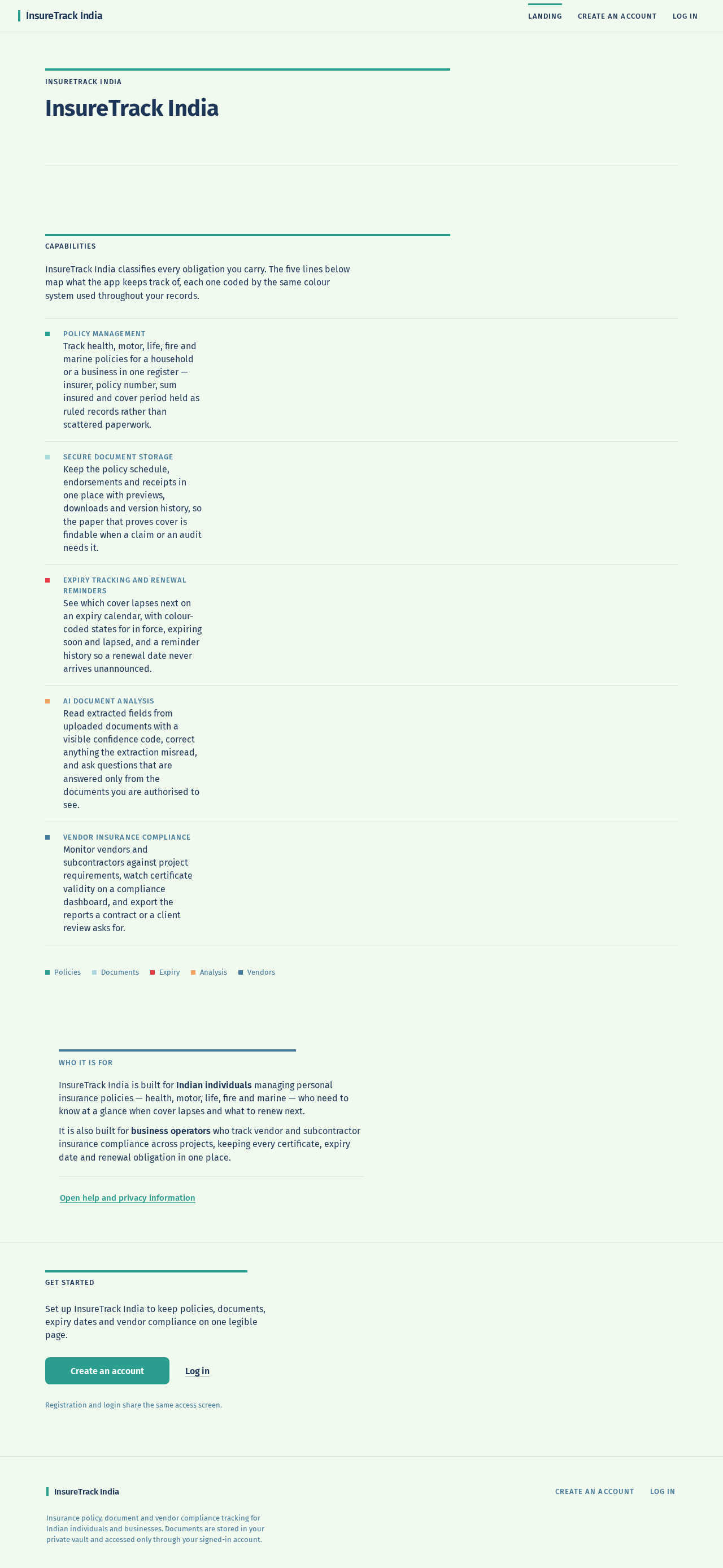
InsureTrack India classifies every obligation you carry. The five lines below map what the app keeps track of, each one coded by the same colour system used throughout your records.
- Policy management
Track health, motor, life, fire and marine policies for a household or a business in one register — insurer, policy number, sum insured and cover period held as ruled records rather than scattered paperwork.
- Secure document storage
Keep the policy schedule, endorsements and receipts in one place with previews, downloads and version history, so the paper that proves cover is findable when a claim or an audit needs it.
- Expiry tracking and renewal reminders
See which cover lapses next on an expiry calendar, with colour-coded states for in force, expiring soon and lapsed, and a reminder history so a renewal date never arrives unannounced.
- AI document analysis
Read extracted fields from uploaded documents with a visible confidence code, correct anything the extraction misread, and ask questions that are answered only from the documents you are authorised to see.
- Vendor insurance compliance
Monitor vendors and subcontractors against project requirements, watch certificate validity on a compliance dashboard, and export the reports a contract or a client review asks for.
InsureTrack India is built for Indian individuals managing personal insurance policies — health, motor, life, fire and marine — who need to know at a glance when cover lapses and what to renew next.
It is also built for business operators who track vendor and subcontractor insurance compliance across projects, keeping every certificate, expiry date and renewal obligation in one place.
Get started
Set up InsureTrack India to keep policies, documents, expiry dates and vendor compliance on one legible page.
Registration and login share the same access screen.
No comments yet. Be the first!