Page 1 of 6
System Requirements Document (SRD)
Project Name: infini-food
1. Introduction
Welcome to the System Requirements Document (SRD) for infini-food, a basic e-commerce platform designed to support the purchasing of food products. This document outlines the system requirements necessary to develop a user-friendly, efficient, and visually appealing website for Monin Modi's food business venture.
The primary goal of infini-food is to provide customers in the United States with an intuitive platform to browse, select, and purchase food products online. The system will focus on simplicity, ensuring ease of use for customers while maintaining essential e-commerce functionalities.
Page 2 of 6
2. System Overview
infini-food is an e-commerce website tailored for selling food products. The platform will include key features such as product browsing, detailed product descriptions, a shopping cart, and a streamlined checkout process. The system will be designed to cater to individual customers, providing a seamless shopping experience.
Key characteristics of the system:
- User-friendly interface for browsing and purchasing food products.
- Secure payment gateway integration for transactions.
- Responsive design to ensure compatibility across devices (desktop, tablet, and mobile).
- Support for basic e-commerce functionalities like product categories, filters, and cart management.
The website will operate in the US timezone (Eastern Time) and support transactions in USD ($).
3. Functional Requirements
As User:
- I should be able to browse food products by categories.
- I should be able to view detailed product descriptions, including price, ingredients, and nutritional information.
- I should be able to add products to a shopping cart.
- I should be able to remove products from the shopping cart.
- I should be able to proceed to checkout and complete purchases securely.
- I should be able to create an account to save my purchase history and preferences.
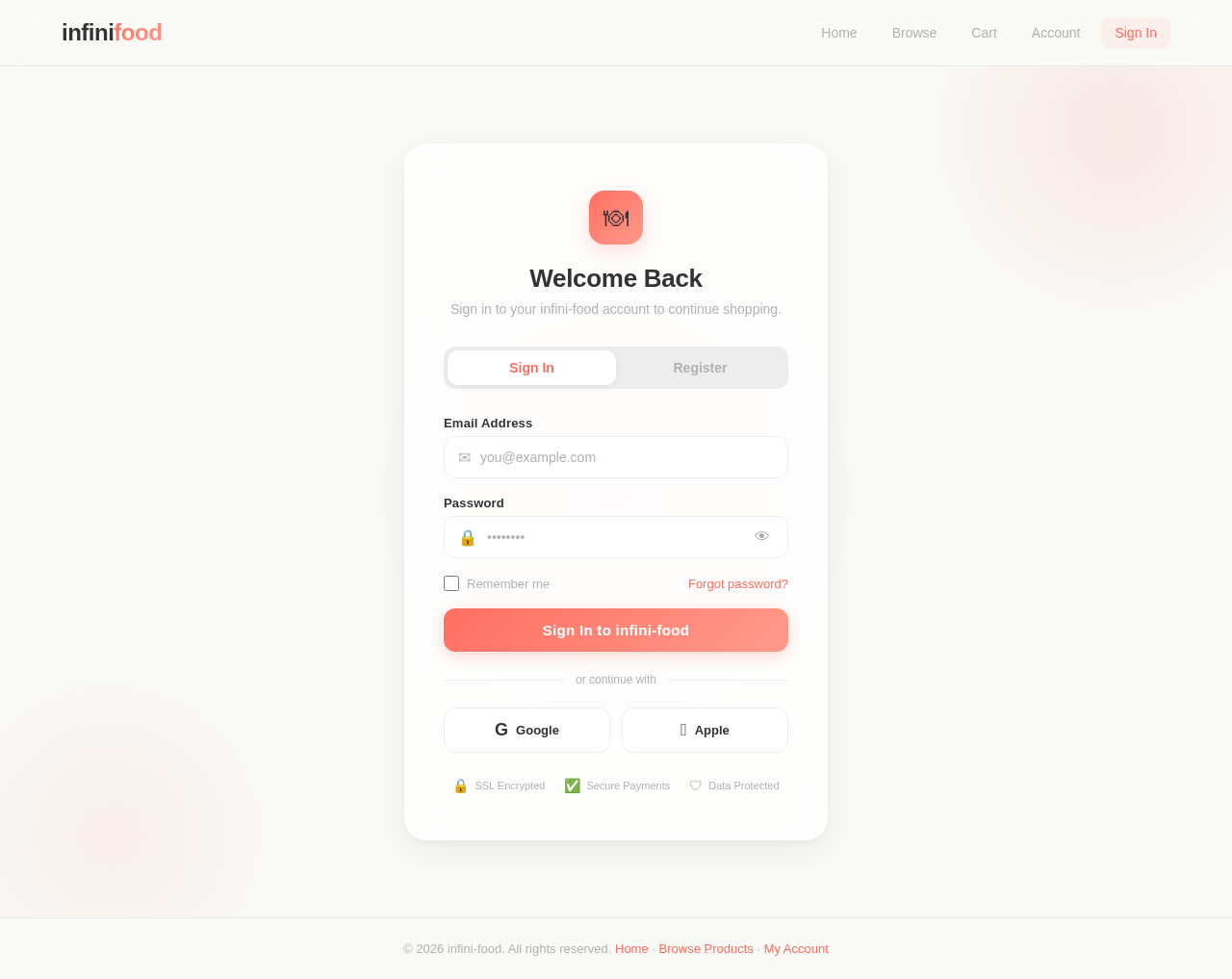
- I should be able to log in and manage my account details.
- I should be able to search for products using keywords.
- I should be able to filter products by price, category, or dietary preferences (e.g., vegan, gluten-free).
Page 3 of 6
As Admin:
- I should be able to add, edit, and remove food products from the inventory.
- I should be able to manage product categories and filters.
- I should be able to view and manage customer orders.
- I should be able to generate sales reports.
- I should be able to manage user accounts and permissions.
4. User Personas
User Persona 1: Customer
- Description: Individuals looking to purchase food products online.
- Goals: Browse products, add to cart, and complete purchases easily.
- Pain Points: Complicated navigation, slow checkout processes, lack of product information.
User Persona 2: Admin
- Description: Business owner or staff managing the website backend.
- Goals: Maintain inventory, manage orders, and track sales performance.
- Pain Points: Inefficient tools for managing products and orders.
5. Visuals Colors and Theme
Page 4 of 6
Color Palette:
The visual identity of infini-food will reflect freshness, vibrancy, and trustworthiness.
- Background: #F9F9F6 (Soft Cream White)
- Surface: #EDEDED (Light Gray)
- Text: #333333 (Deep Charcoal)
- Accent: #FF6F61 (Warm Coral)
- Muted Tones: #B2B2B2 (Neutral Gray)
6. Signature Design Concept
Interactive Food Carousel Homepage
The homepage of infini-food will feature an interactive food carousel that showcases the most popular or newly added food products.
- Visuals: The carousel will display high-resolution images of food products with subtle animations, such as zoom-in effects when hovered over.
- Interaction: Users can swipe or click through the carousel to explore featured items. Each product card will include a "Quick View" button for instant access to product details.
- Transitions: Smooth sliding animations between carousel items, with a slight bounce effect to add a playful touch.
- Micro-interactions: When users hover over a product, a tooltip will appear showing a brief description and price.
This design will create an engaging first impression, encouraging users to explore the website further.
7. Non-Functional Requirements
- Performance: The website should load within 2 seconds on standard broadband connections.
- Security: All transactions must be encrypted using SSL/TLS protocols.
- Scalability: The system should support up to 10,000 concurrent users.
- Availability: The website should maintain 99.9% uptime.
- Responsiveness: The design must adapt seamlessly to desktop, tablet, and mobile devices.
Page 5 of 6
8. Tech Stack
Frontend:
Backend:
Database RDBMS:
- MySQL (with Alembic for migrations)
AI Tools:
- GPT 5.4 for user-friendly responses
Local Orchestration:
Server-side Orchestration:
9. Assumptions and Constraints
Page 6 of 6
Assumptions:
- Customers will primarily access the website from the US.
- Payments will be processed in USD.
- The website will initially support English as the default language.
Constraints:
- Limited budget for advanced features like AI-driven recommendations or multi-language support.
- The website must comply with US e-commerce regulations and data privacy laws.
10. Glossary
- E-commerce: The buying and selling of goods or services over the internet.
- SSL/TLS: Secure protocols for encrypting data during transmission.
- SKU: Stock Keeping Unit, a unique identifier for each product.
- Responsive Design: A design approach ensuring the website adapts to various screen sizes.
- Carousel: A rotating set of images or items displayed on a webpage.
 Monin Modi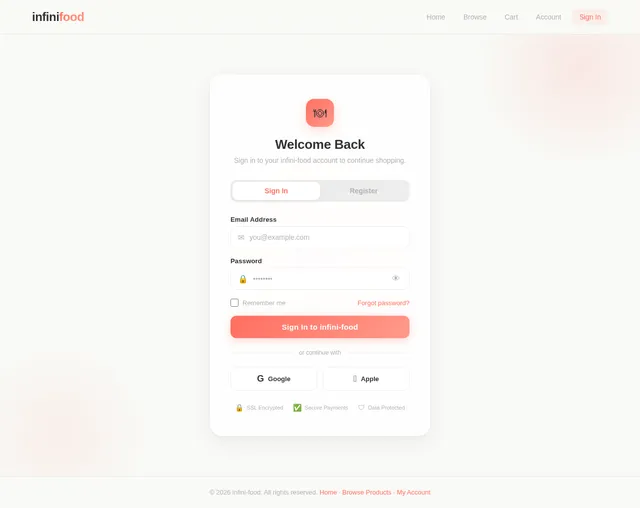
No comments yet. Be the first!