infini-cafe
 Purva
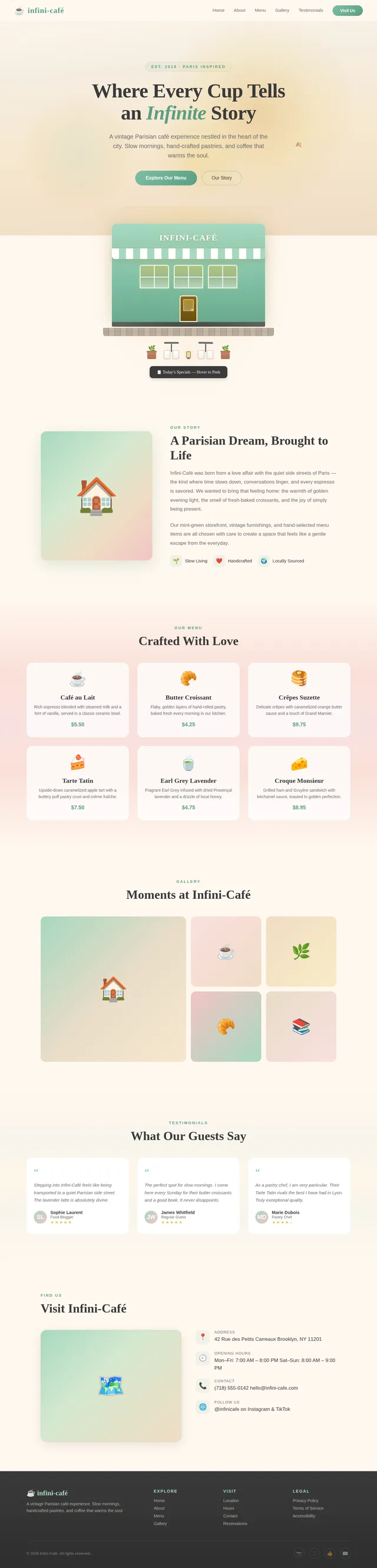
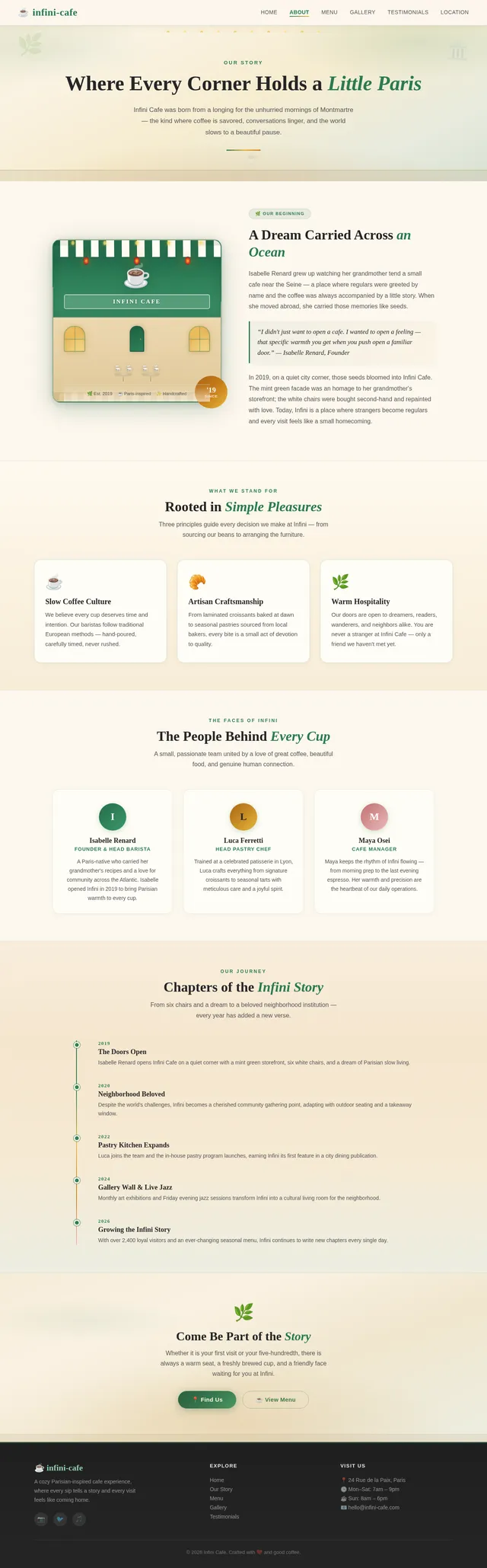
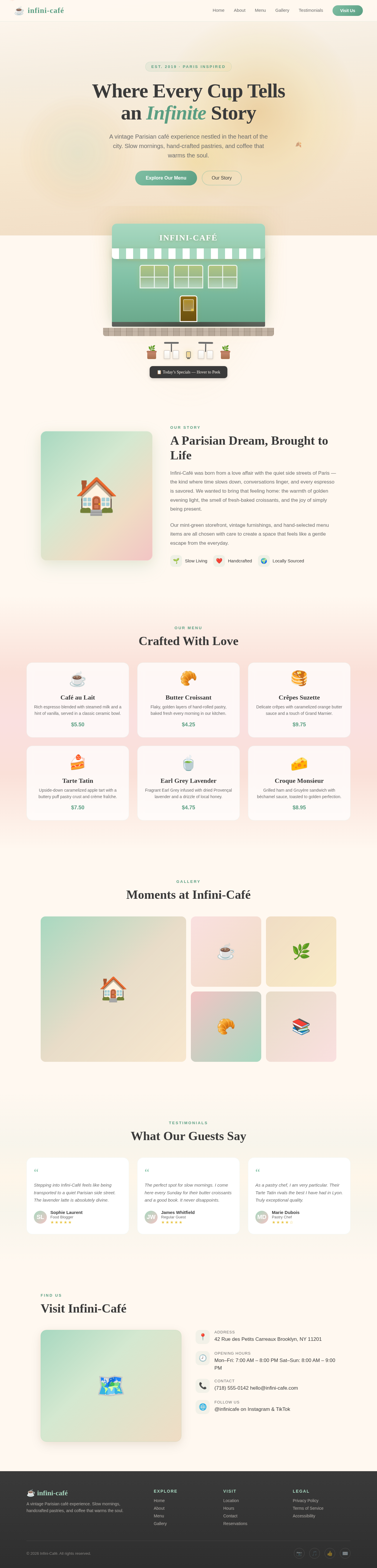
PurvaCreate a cozy cafe website landing page inspired by a vintage European street cafe. Use the uploaded image of a small Paris-style cafe with mint green storefront, outdoor white chairs, and warm evening lighting as the main design inspiration. Style: Warm, calm, and charming cafe aesthetic. Soft pastel colors inspired by the image. Sections: Hero section About the Cafe Menu Highlights (coffee, pastries, breakfast) Gallery section Testimonials Location and opening hours Footer Motion: Smooth gentle transitions and subtle hover effects. Overall vibe: Parisian street cafe, cozy, welcoming, artistic, slow-living atmosphere.
Comments (0)
Sign in to leave a comment
Project Tasks16
Implement Testimonials Management API
As a Backend Developer, I want to implement CRUD API endpoints for testimonials using FastAPI so that the admin can add, edit, and remove customer reviews displayed on the public site. Endpoints: GET /testimonials, POST /testimonials, PUT /testimonials/{id}, DELETE /testimonials/{id}.
Implement Menu Management API
As a Backend Developer, I want to implement CRUD API endpoints for menu items using FastAPI so that the admin can create, update, and delete coffee, pastry, and breakfast items via the dashboard. Endpoints: GET /menu, POST /menu, PUT /menu/{id}, DELETE /menu/{id}. Data stored in MySQL via Alembic-managed schema.
Implement Settings & Location API
As a Backend Developer, I want to implement API endpoints for cafe settings (opening hours, contact info, location) using FastAPI so that the admin can update these details and they are dynamically rendered on the Location page. Endpoints: GET /settings, PUT /settings.
Implement Theme & Base Structure
As a Frontend Developer, I want to implement the global theme, color palette, and base layout structure so that all pages reflect the infini-cafe Parisian aesthetic. This includes setting up Mint Green (#a8d5b5), Soft Pastel Pink, Warm Cream, Charcoal Gray, and Golden Yellow as CSS variables/tokens, configuring Playfair Display (serif) and Lato (sans-serif) fonts, establishing global animation/transition defaults, and removing any scaffold pages not present in the design (e.g. welcome page, ai-assistant page, signup page). This task must be completed before all other page implementation tasks.
Implement Gallery Management API
As a Backend Developer, I want to implement API endpoints for gallery image upload and management using FastAPI so that the admin can upload, organize, and delete gallery images via the dashboard. Endpoints: GET /gallery, POST /gallery (multipart upload), DELETE /gallery/{id}. Images stored on disk or object storage.
Build Landing Page
As a Frontend Developer, I want to implement the Landing page based on the existing JSX design (Landing v3) so that visitors are greeted with an immersive Parisian street cafe scene. This page includes the Hero section with the mint green storefront illustration, dynamic lighting based on user local time, parallax scrolling, interactive elements (hovering menu board reveals highlights, clicking door scrolls to About), subtle animations (rustling leaves, shifting shadows), and an ambient sound toggle. It is the entry point in the Cafe Visitor user flow: Landing: View Hero → Landing: Explore Scene.
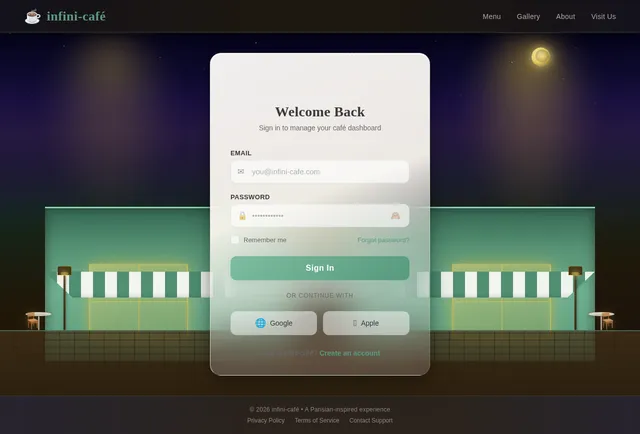
Build Login Page
As a Frontend Developer, I want to implement the Admin Login page based on the existing JSX design (Login v5) so that admin users can securely sign in to the dashboard. This is the entry point for the Admin user flow: Login: Sign In → Dashboard: View Overview. It includes email/password fields, validation feedback, and branding consistent with the cafe aesthetic.
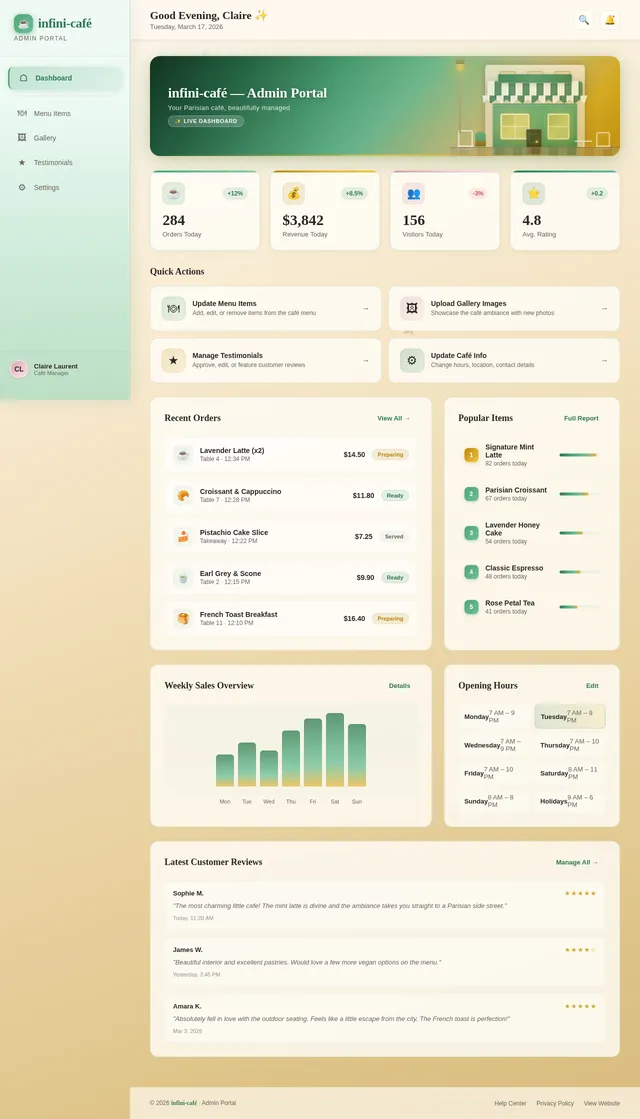
Build Dashboard Overview Page
As a Frontend Developer, I want to implement the Admin Dashboard Overview page based on the existing JSX design (Dashboard v5) so that admin users have a central hub to manage site content. After login, the admin lands here and can navigate to Menu, Gallery, Testimonials, and Settings management sections. It should display summary stats or quick-access cards for each managed content area.
Build About Page
As a Frontend Developer, I want to implement the About page based on the existing JSX design (About v5) so that visitors can read the cafe's story, values, and Parisian inspiration. This page is reached from the Landing Explore Scene and presents a narrative section with warm imagery and typography consistent with the cafe aesthetic.
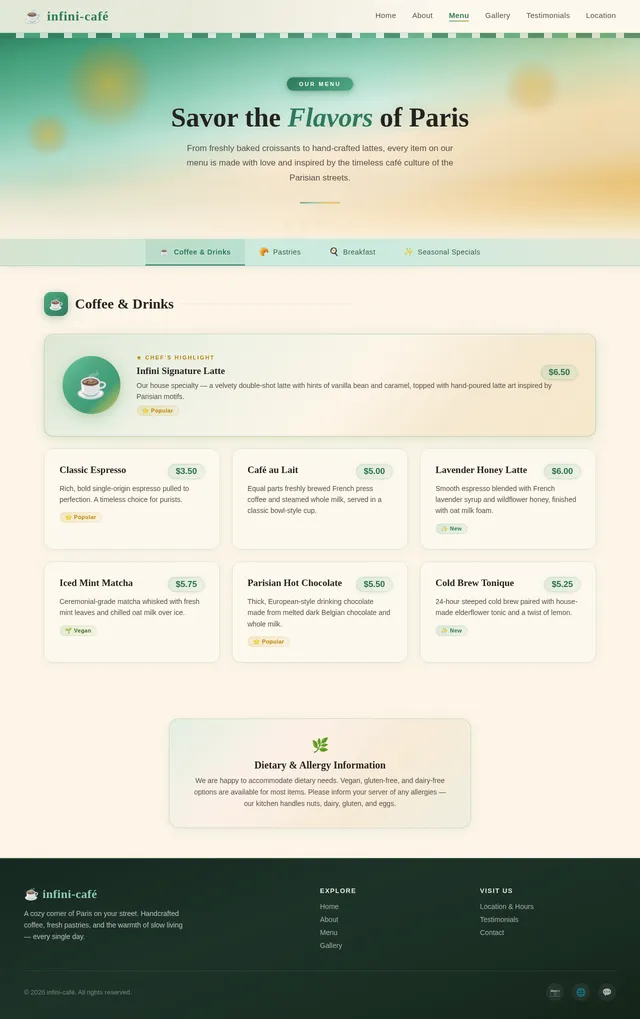
Build Menu Page
As a Frontend Developer, I want to implement the Menu page based on the existing JSX design (Menu v5) so that visitors can browse curated coffee, pastries, and breakfast highlights. This page is reached from the Landing Explore Scene and links onward to the Gallery. It displays menu items with images, descriptions, and prices in the cafe's pastel color palette.
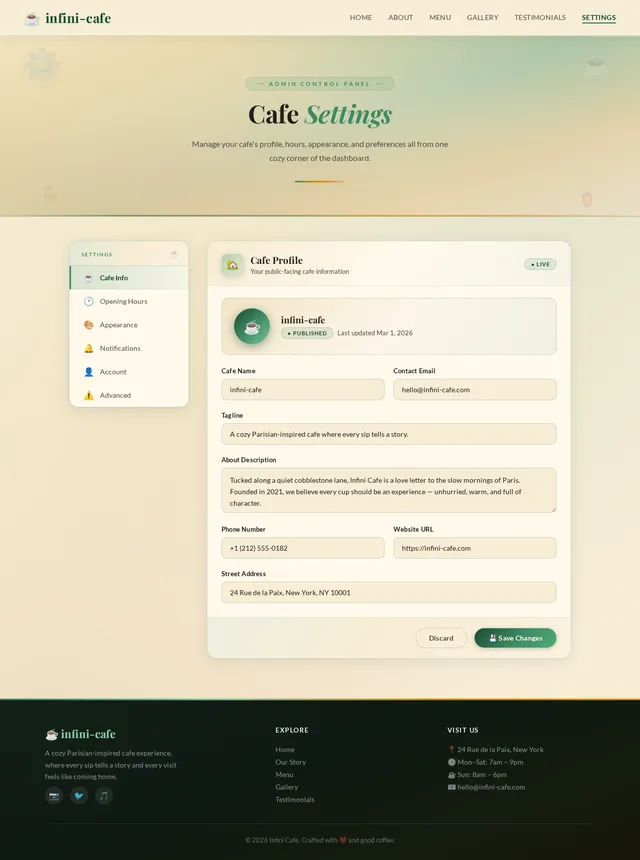
Build Settings Page
As a Frontend Developer, I want to implement the Admin Settings page based on the existing JSX design (Settings v5) so that admin users can update cafe information such as opening hours, contact details, and location info. This page is reached from the Dashboard Overview and allows non-technical users to manage site-wide settings.
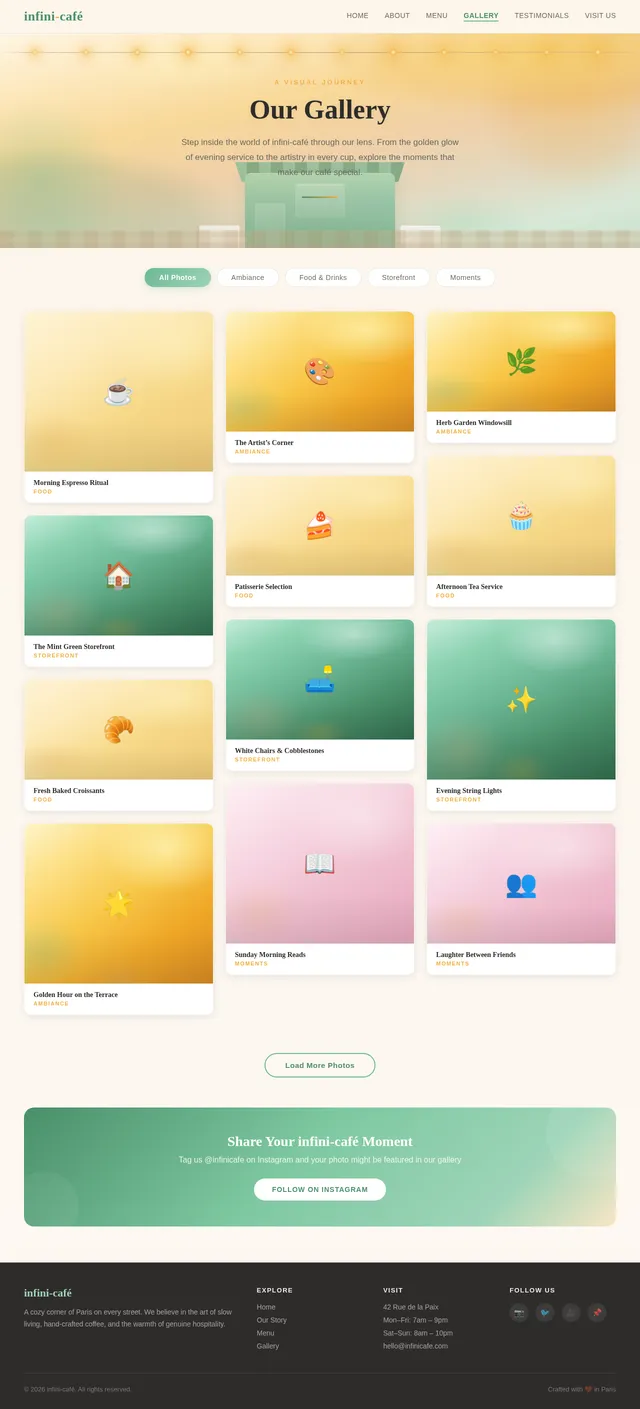
Build Gallery Page
As a Frontend Developer, I want to implement the Gallery page based on the existing JSX design (Gallery v5) so that visitors can view high-quality images of the cafe's ambiance and offerings. This page is reached from the Menu page and links onward to the Testimonials page. It should include a responsive image grid with smooth hover effects and lightbox-style viewing.
Integrate Admin Dashboard with APIs
As a Frontend Developer, I want to connect the Admin Dashboard (Menu, Gallery, Testimonials, Settings pages) to their respective backend APIs so that admin actions (create, update, delete) are persisted in the database and reflected on the public-facing site in real time.
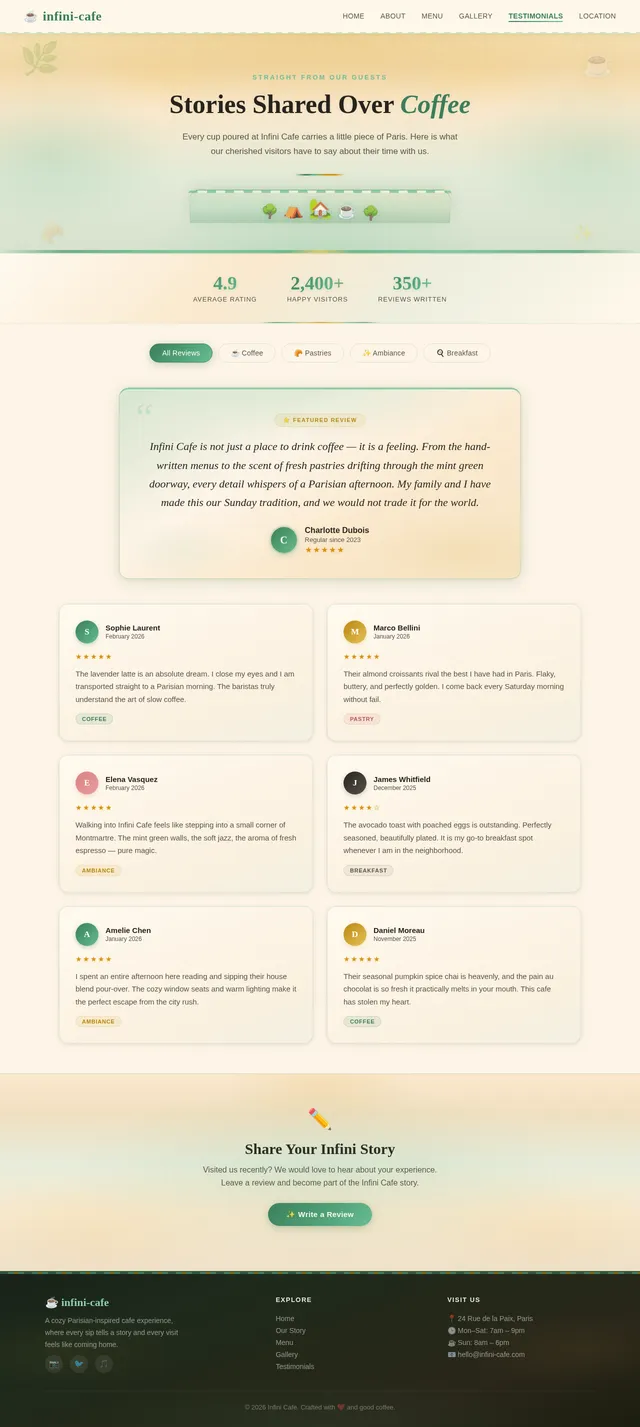
Build Testimonials Page
As a Frontend Developer, I want to implement the Testimonials page based on the existing JSX design (Testimonials v5) so that visitors can read customer reviews and experiences. This page is reached from the Gallery and links onward to the Location page. It displays customer quotes, names, and ratings in a warm, card-style layout.
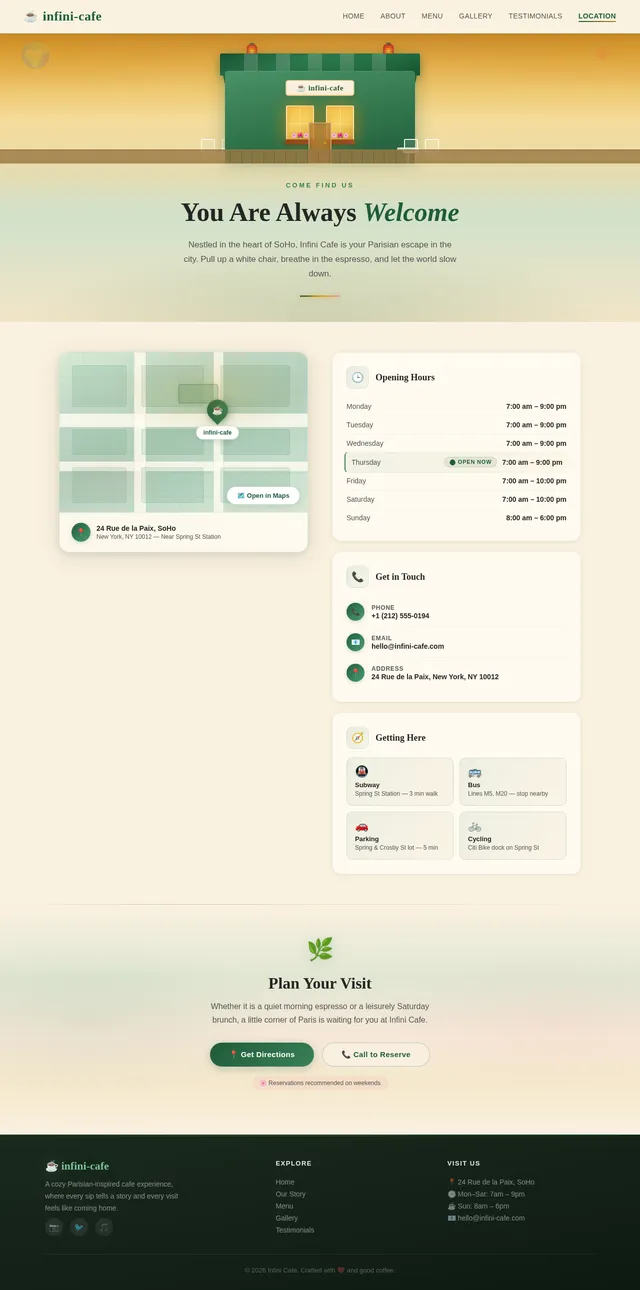
Build Location Page
As a Frontend Developer, I want to implement the Location page based on the existing JSX design (Location v5) so that visitors can find the cafe's address, opening hours, and contact details. This is the final page in the Cafe Visitor user flow (Testimonials → Location). It includes an embedded map, opening hours table, phone/email contact info, and a warm, welcoming layout.
Integrate Public Pages with APIs
As a Frontend Developer, I want to connect the public-facing pages (Menu, Gallery, Testimonials, Location) to the backend APIs so that content is dynamically loaded from the database instead of being hardcoded, enabling real-time content updates by the admin.
No user flows yet.
The User Flow Agent will generate per-persona navigation diagrams after SRD updates.
No comments yet. Be the first!