indigo-bareilly

byJai

Can you create a Navigation map for RBMI Group of Institution for bareilly branch, i am making a Robot which can help visitors to navigate in the college, so for this i need a navigation system. make it fast as possible with a beautiful UI

Campus MapDestinationsRoute
Campus Map

Comments (0)

No comments yet. Be the first!

Architecture

indigo-bareilly Service Networkv1
Database - MariaDB
Backend - FastAPI
Frontend - React Kiosk UI
Robot Kiosk Surface
MariaDB
FastAPI Server
Campus Plan Service
Destination Catalog Service
Route Computation Service
React App
Inline SVG Campus Plan
Campus Visitor
Live
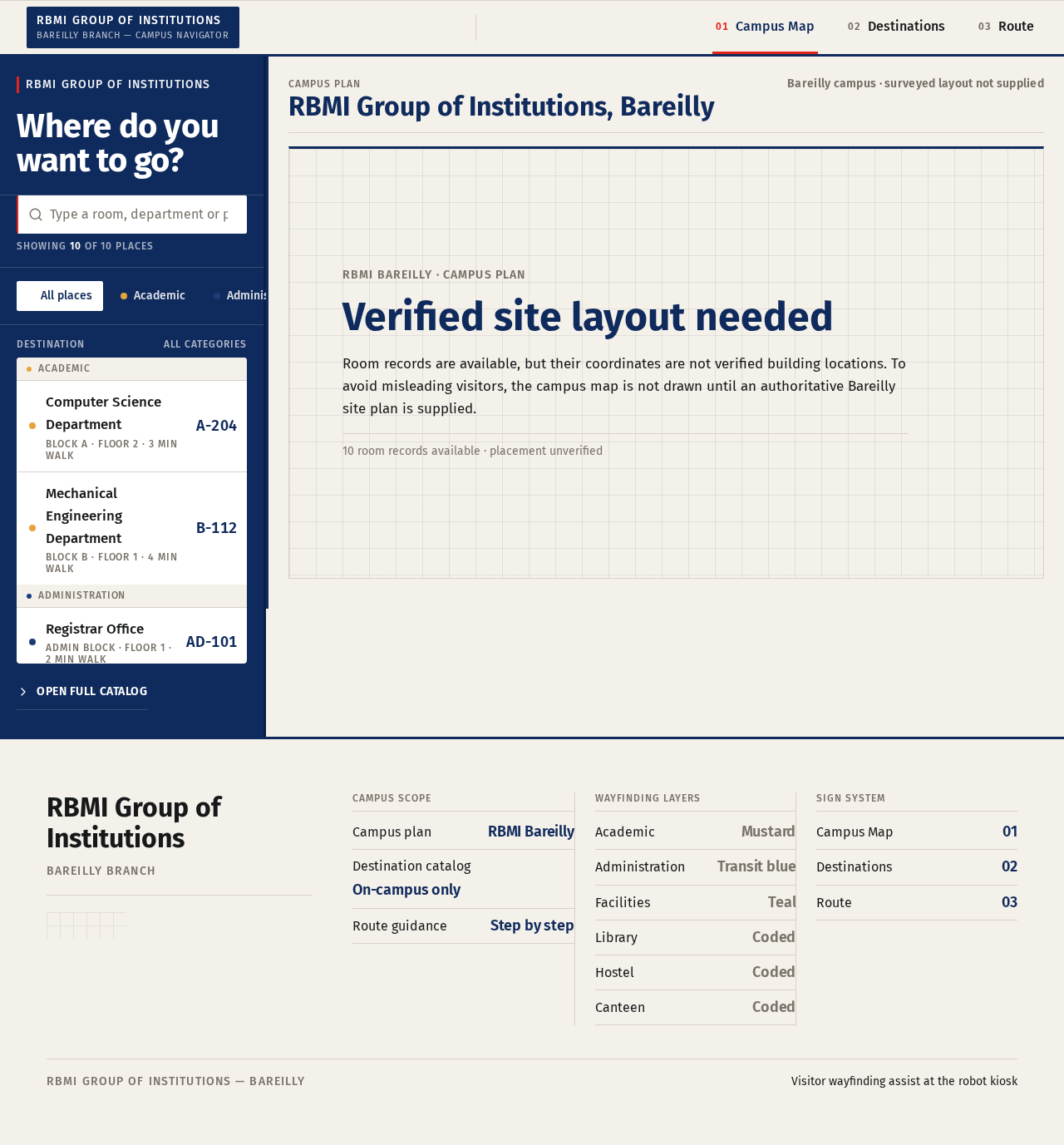
Campus Map design preview
Campus Map: Arrive at robot kiosk
Campus Map: Retry loaded plan
Campus Map: Pan and zoom plan
Campus Map: Open numbered key
Campus Map: 1. Filter by category chip
Campus Map: 2. Search by place name
Campus Map: 3. Correct search query
Campus Map: 4. Clear search and browse
Campus Map: 5. Select destination row
Campus Map: Select room rectangle
Destinations: 6. Open full catalog
Destinations: 7. Filter catalog by category
Destinations: 8. Search the catalog
Destinations: 9. Select destination to route
Destinations: 10. Clear current selection
Destinations: 11. Confirm selection
Destinations: 12. Retry loading catalog
Route: 13. Read destination header
Route: 14. Follow numbered steps
Route: 15. Tap step to snap segment
Route: 16. Return to destination list
Route: 17. Return to campus map
Route: 18. Start over with new destination
Campus Map: 19. Choose another destination
Route: 20. Arrive at intended location
Destinations: 21. Confirm another destination
Live
Campus Map design preview
Campus Map: Arrive at robot kiosk
Campus Map: Retry loaded plan
Campus Map: Pan and zoom plan
Campus Map: Open numbered key
Campus Map: 1. Filter by category chip
Campus Map: 2. Search by place name
Campus Map: 3. Correct search query
Campus Map: 4. Clear search and browse
Campus Map: 5. Select destination row
Campus Map: Select room rectangle
Destinations: 6. Open full catalog
Destinations: 7. Filter catalog by category
Destinations: 8. Search the catalog
Destinations: 9. Select destination to route
Destinations: 10. Clear current selection
Destinations: 11. Confirm selection
Destinations: 12. Retry loading catalog
Route: 13. Read destination header
Route: 14. Follow numbered steps
Route: 15. Tap step to snap segment
Route: 16. Return to destination list
Route: 17. Return to campus map
Route: 18. Start over with new destination
Campus Map: 19. Choose another destination
Route: 20. Arrive at intended location
Destinations: 21. Confirm another destination